Give your church one clear place to visit.
Keep service times, directions, and the details visitors need together in one Church Page your team controls.
One bio link can lead visitors to the details that matter.
See a labelled sample profile open a Church Page with service times, directions, and next steps.
Church community
Service times, directions, and a warm welcome for your first visit.

Service details visitors can use.
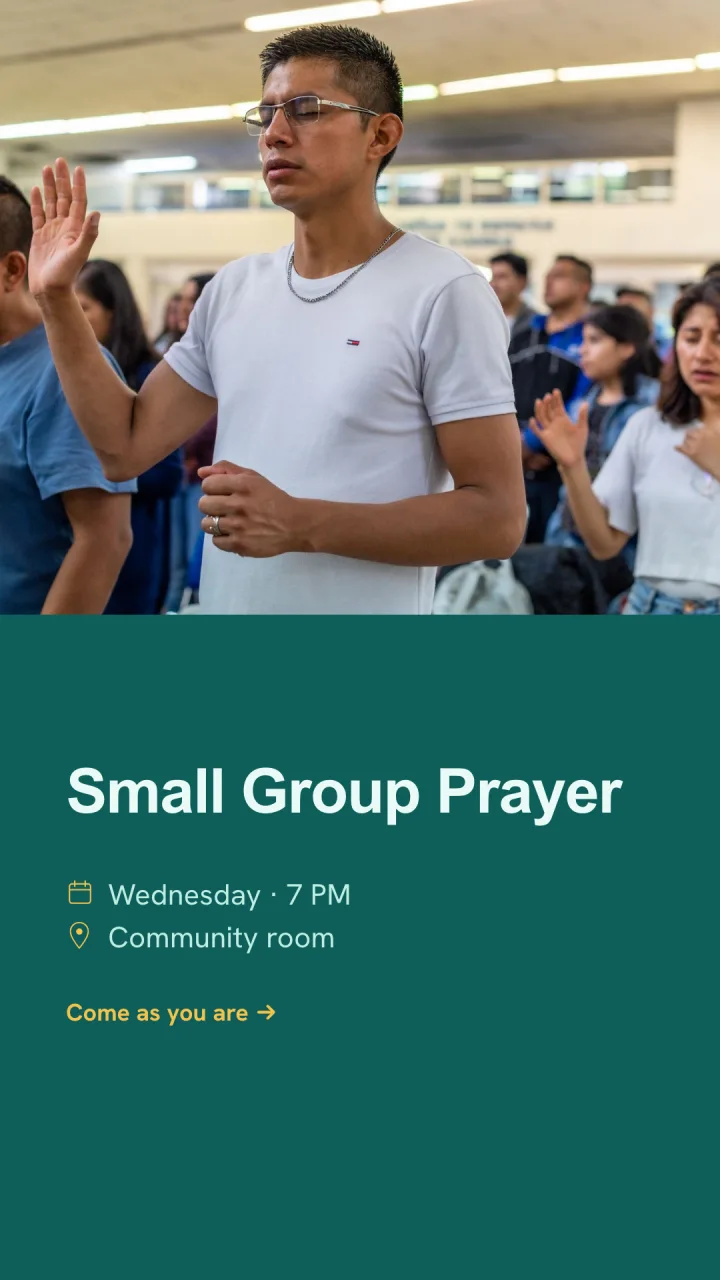
Add up to ten recurring services. When services share a location, they stay grouped together with Google Maps and Apple Maps directions; different venues remain separate.
Keep up to two Featured Events in their own section, so a dated gathering can be visible without replacing the regular service schedule.
Keep working privately until it is ready to share.
Add an announcement, visitor information, and social links when they help people take the next step.
Your private draft saves automatically while you work. Review the page, then choose when to publish it publicly.
Put the right details in one place.
Start a private Church Page, add the information your visitors need, and publish when your team is ready.