
Church Social Media Content & Graphics
 Sermon to Social
Turn your YouTube sermon into social media posts
Paste a YouTube sermon link. Get posts you can edit, then share them yourself.
 Sermon Clips
Turn your sermon into Facebook, Instagram, TikTok and YouTube Shorts
Upload your sermon video. Get short clips with captions to download and post yourself.
 Sermon Slides
Paste your sermon, get slides you can edit
Paste your sermon text. Check the outline, then edit your slides in one place.
 Design
Over 1700 church design templates and graphics to start with
Edit church graphics in your web browser. Use your church's colors, fonts and logo.
 Verse of the Day
Upload your verse list, get them designed for each day in minutes
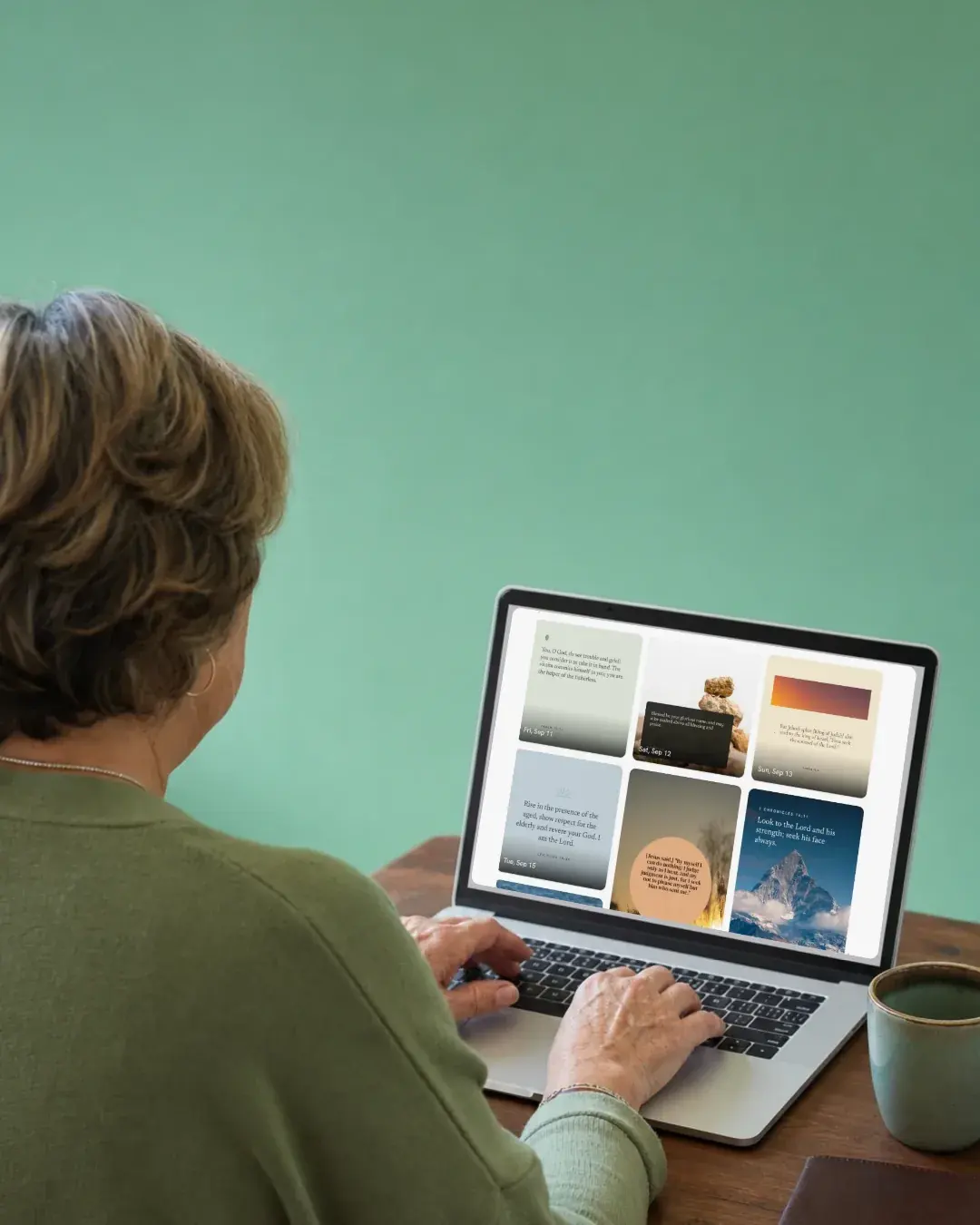
Upload a list of Bible verses. Get a design for each one that you can edit and share.
 Church in bio
One link for your church to put in Facebook, Instagram and Google Maps
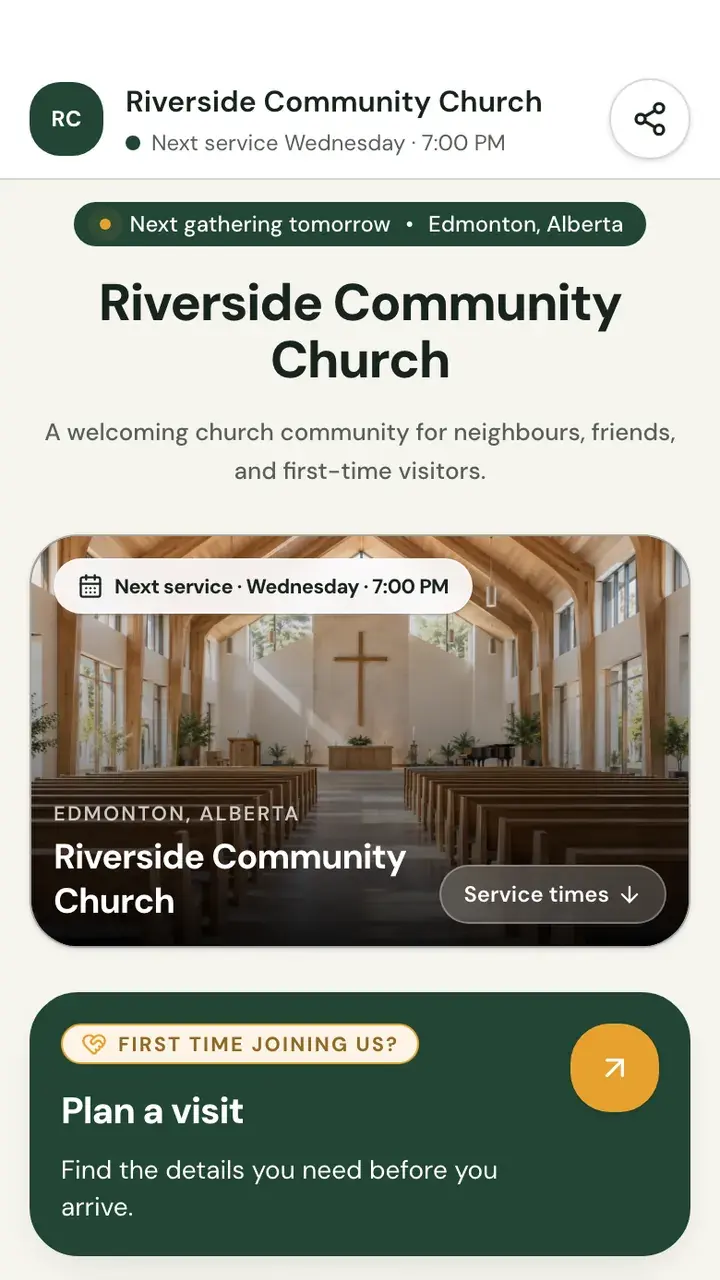
Service times, directions and a way for visitors to reach you, on one page.
Everything you need to run your church media.
Our apps cover the media your church makes each week.
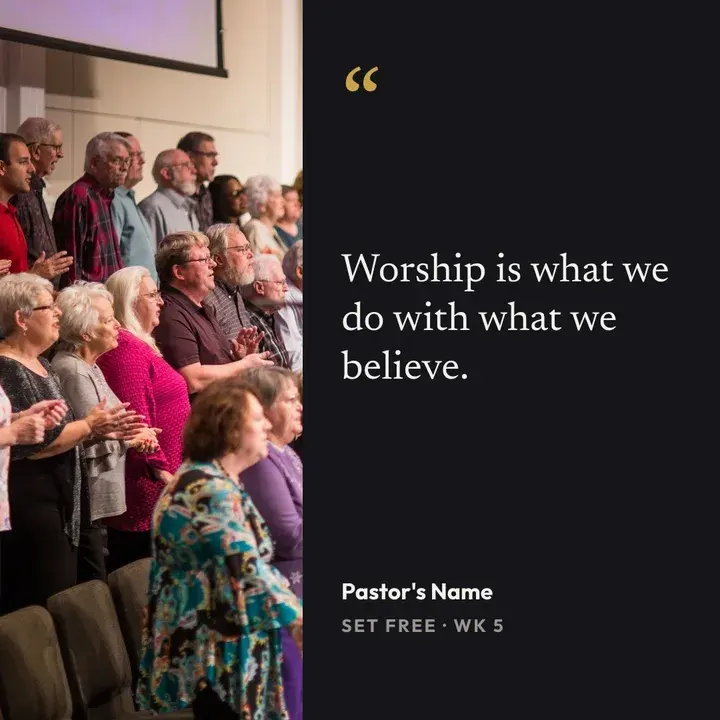
- Sermon to SocialPosts from one sermon linkPaste a YouTube sermon link. Edit the posts, then share them yourself.
- Sermon ClipsShort clips with captionsUpload your sermon video. Download the clips and post them yourself.
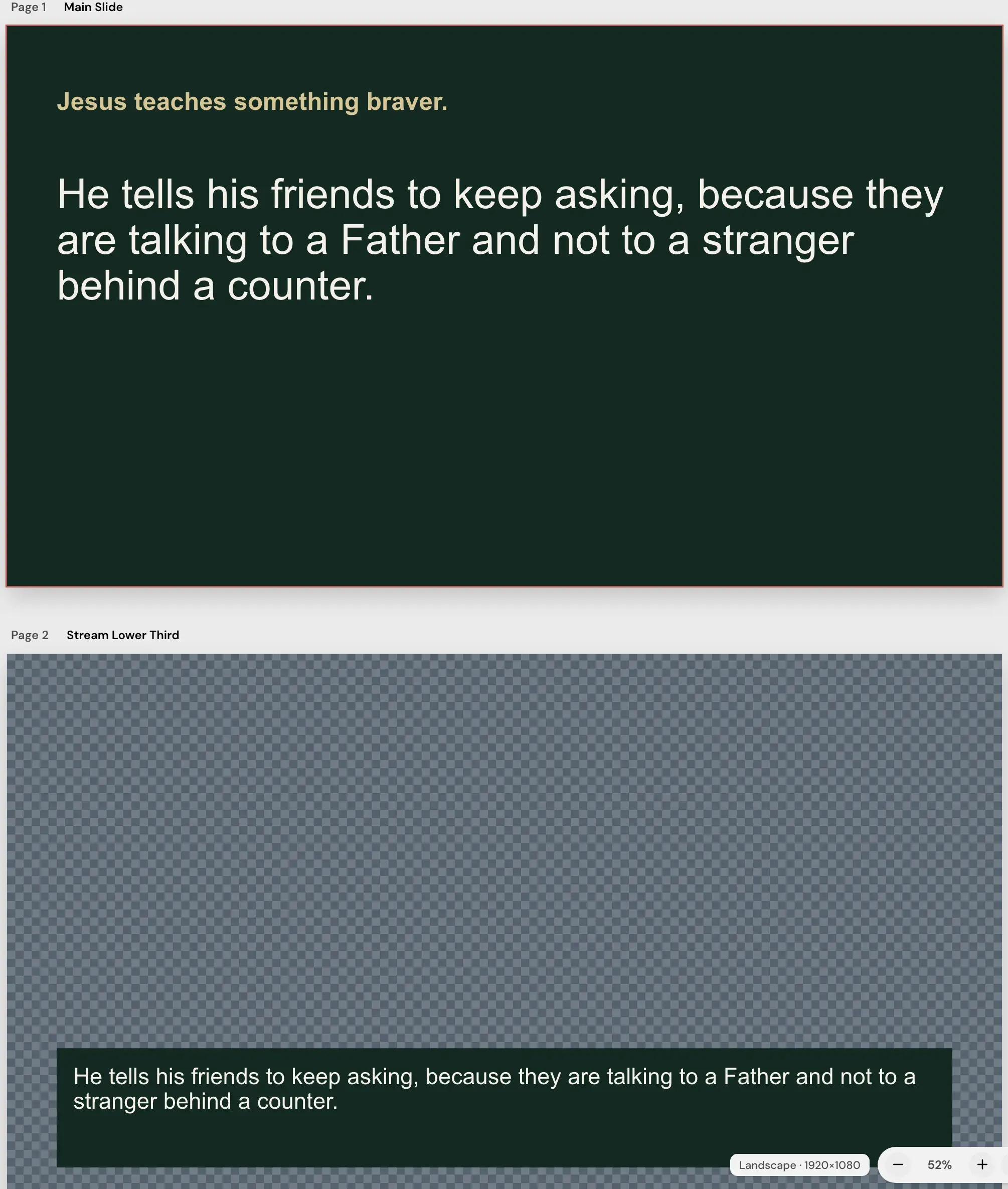
- Sermon SlidesSlides from your sermon textPaste your sermon. Check the outline, then edit your slides.
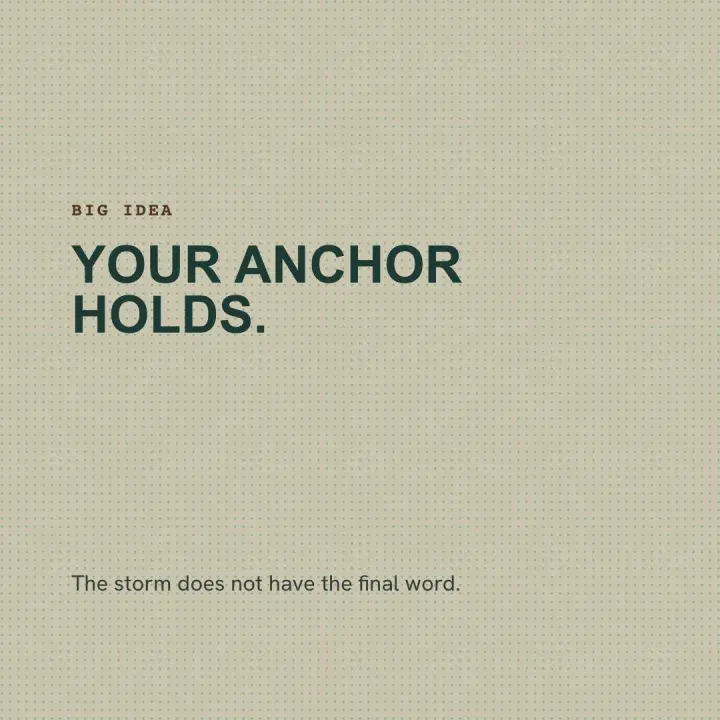
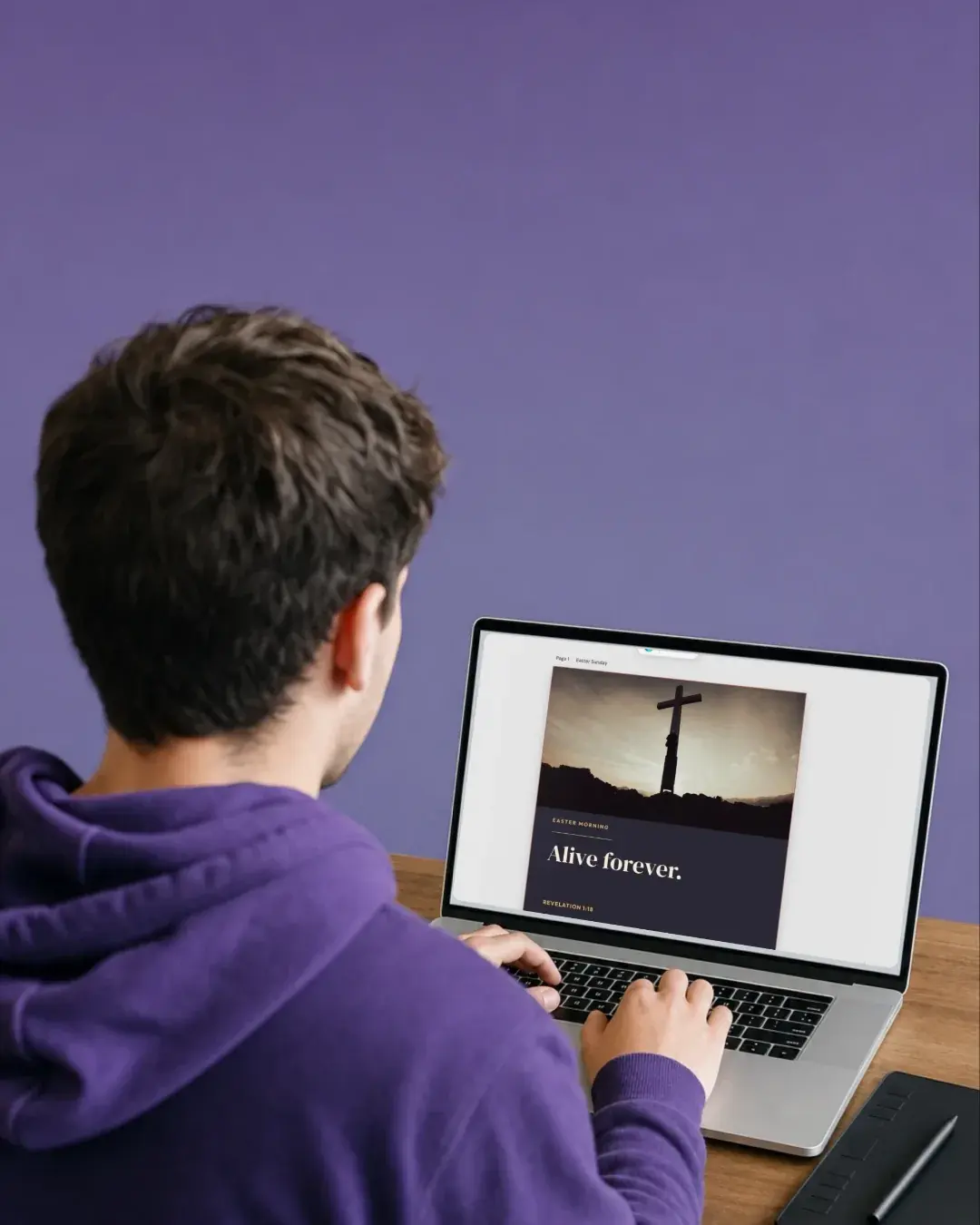
- DesignChurch graphics in your colorsEdit designs in your web browser with your fonts and logo.
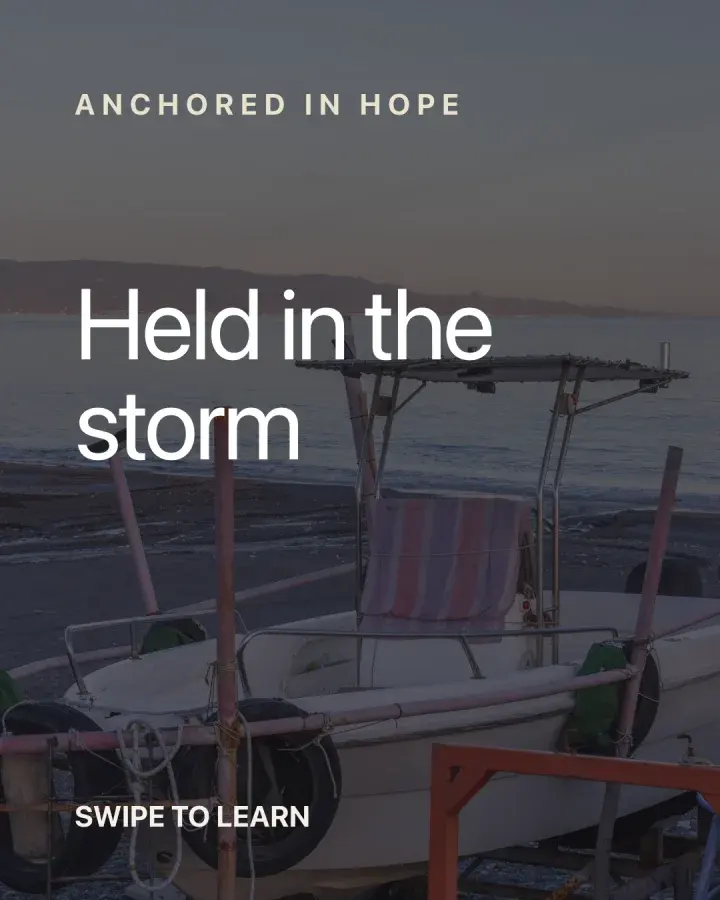
- Verse of the DayA verse design for each dayUpload your verse list. Edit each design and share it.
- Church in bioOne link for your churchService times, directions and a way to reach you, on one page.

One subscription, every app, from US$29.95 a month. See pricing
Features and Releases
Explore what's new.
See the newest features in Church Media Kit apps.
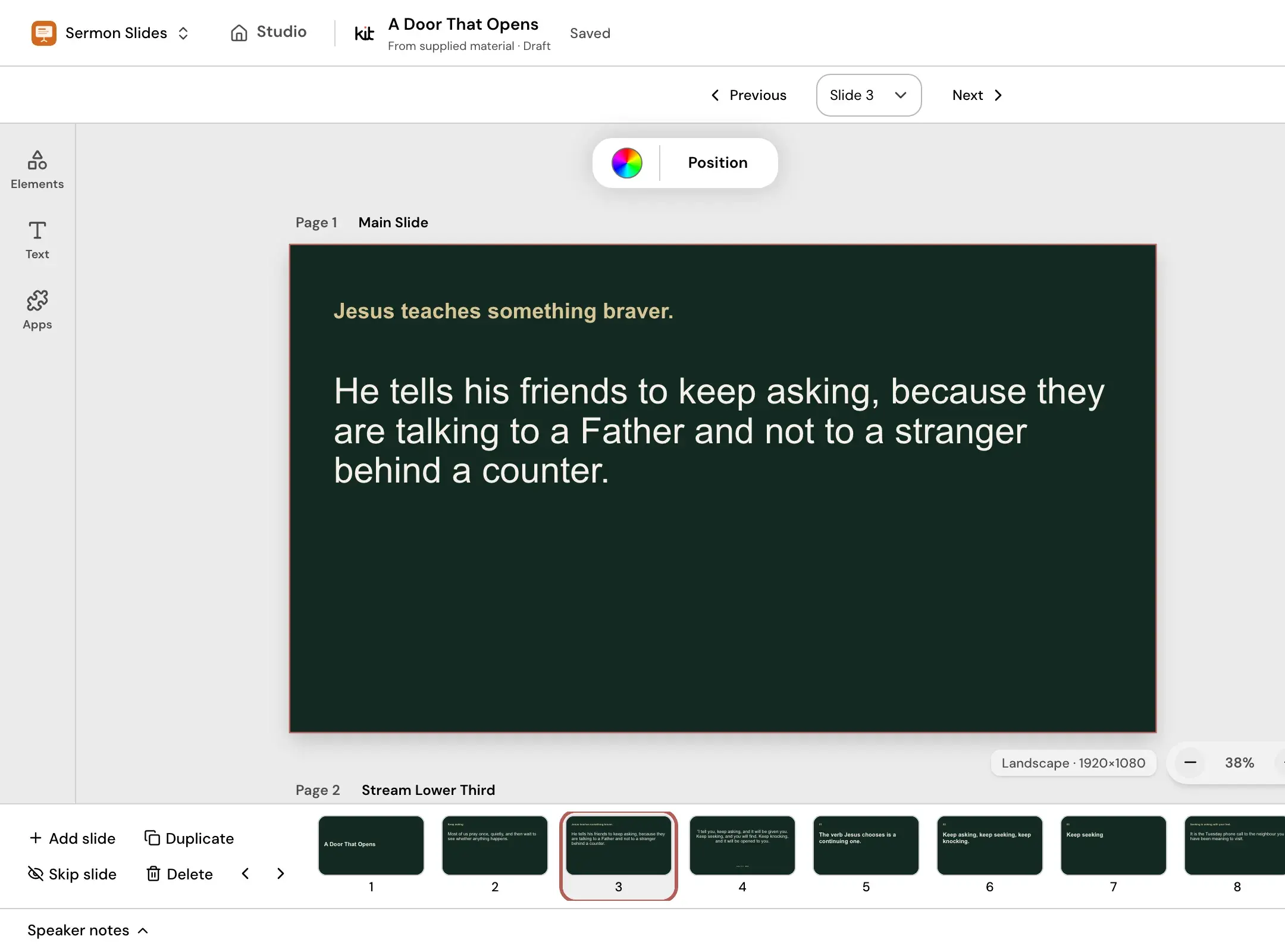 Check your slides, then download themDownload your slides as a PowerPoint or PDF, or present from Studio.Learn more
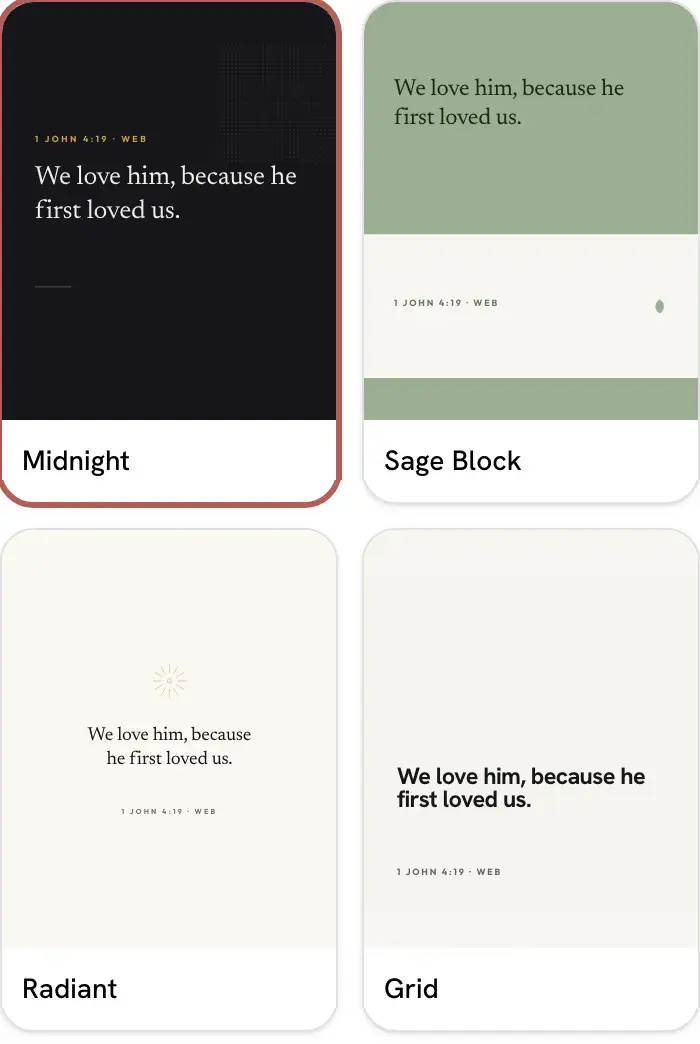 Use your own verse listUpload your verses. Each one becomes a design you can edit.Explore Verse of the Day
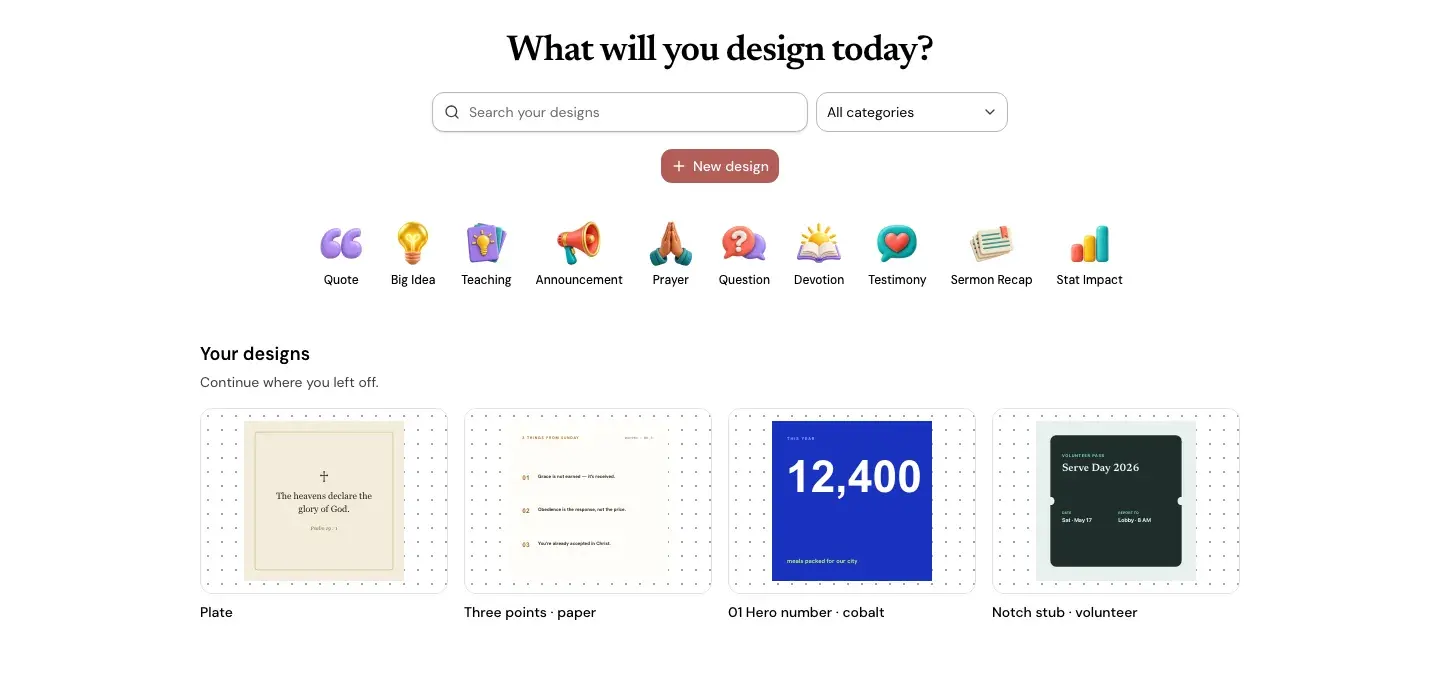 Church templates you can editStart from a template for verses, quotes, announcements and invites.Explore Design
 Free worship backgroundsGet a free sample of worship backgrounds by email. No account needed.Explore Backgrounds

Turn your sermon into posts.
Paste your YouTube link. Edit each post before you share it.
See Sermon to Social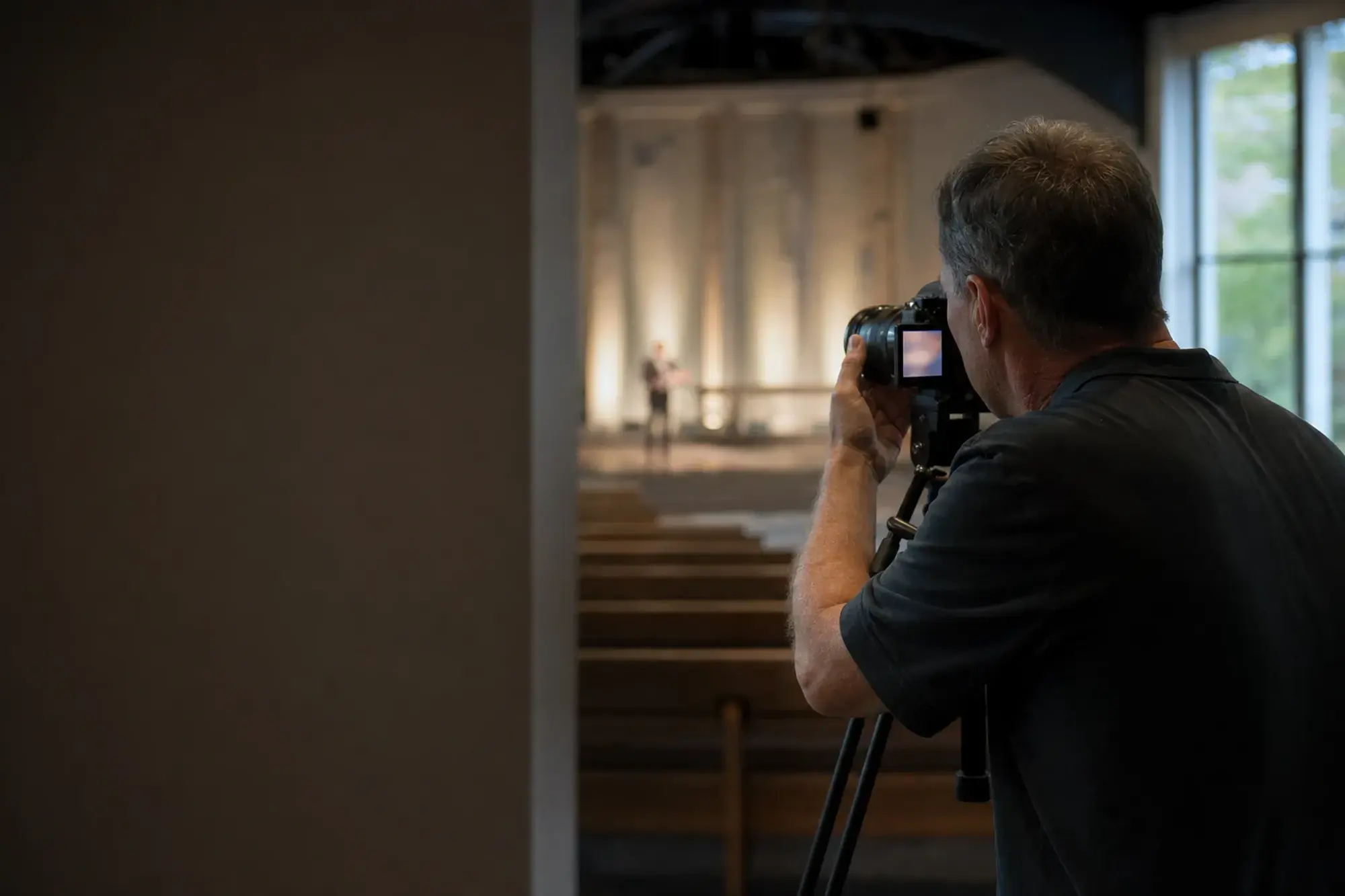
Turn your sermon into short clips.
Upload your sermon video. Download clips with captions.
See Sermon Clips
Make slides from your sermon.
Paste your sermon text. Check the outline. Change any slide.
See Sermon Slides

Make a verse image for any day.
Upload your list of verses. Edit each image before you use it.
See Verse of the Day
Help a first-time visitor find you.
Service times and directions on one page. Link it in your social profile.
See Church in bio
Common questions
Guides and free tools for church media teams
Church Software shouldn't be expensive!
One subscription. Access All Apps.
- Starter US$29.95 a month, 5 Seats
- Growth US$59 a month, 10 Seats
- Volume US$119 a month, 20 Seats
Plans include Sermon to Social, Sermon Clips, Sermon Slides, Backgrounds and Church in bio. Design and Verse of the Day are free with any account.