Product evaluation and buying decisions
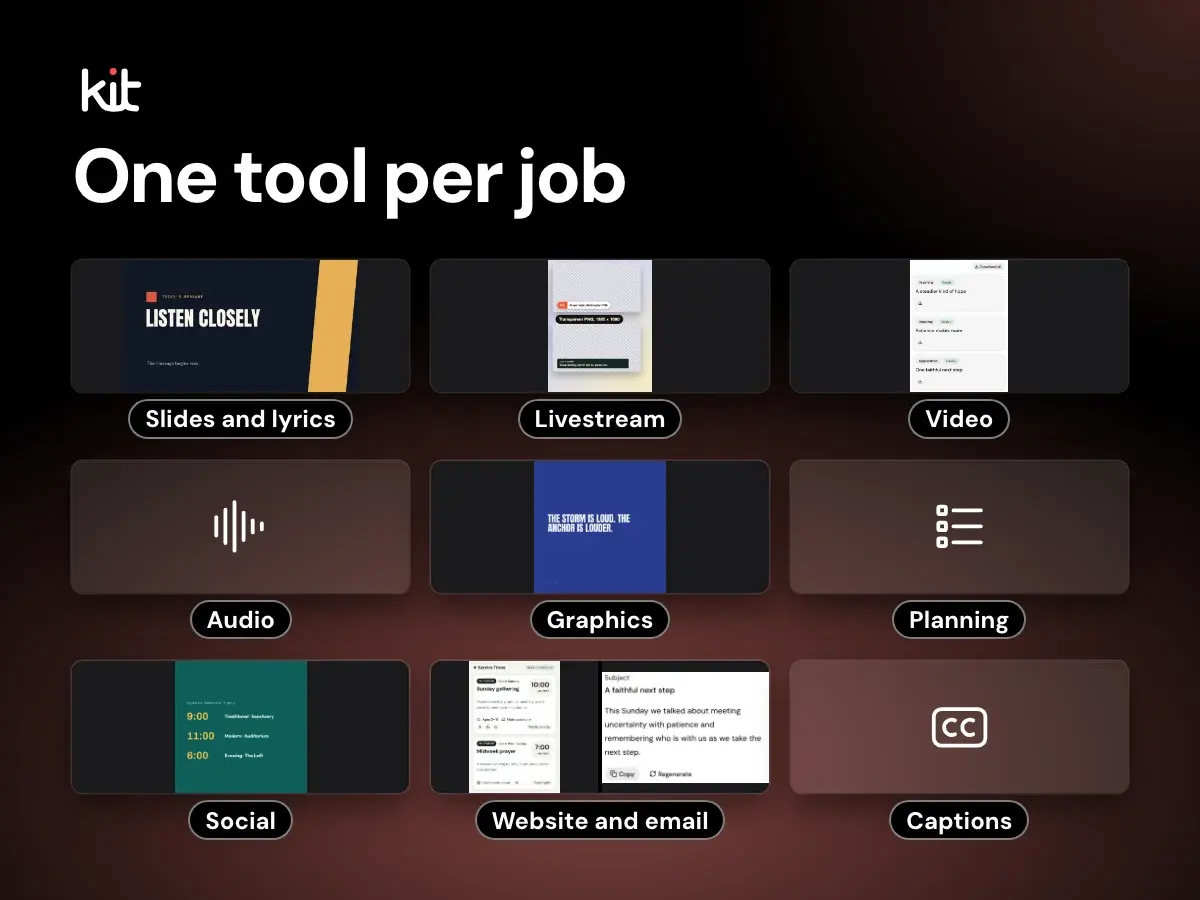
A job-by-job guide to church media software, from slides and lyrics to livestream, video, audio, graphics, planning, social and captions, with free options and prices checked on 29 October 2026.
Volunteers, pastors, and operational handoffs
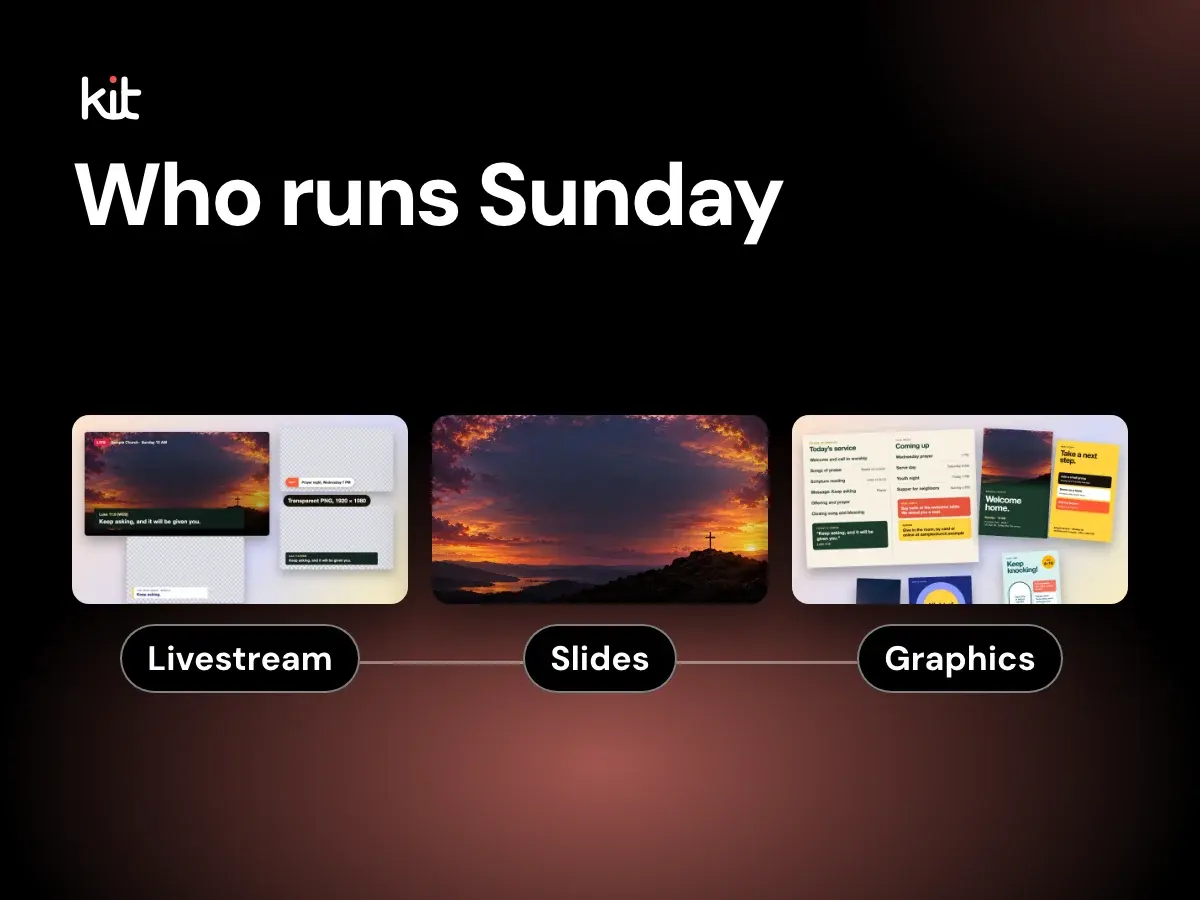
The six jobs on a church media team, what each one does on Sunday, a media director job description you can copy, and when to pay for the lead.
Volunteers, pastors, and operational handoffs
A church media checklist for the whole week, with a pre-service countdown you can edit, tick off on a tablet and print.
Volunteers, pastors, and operational handoffs
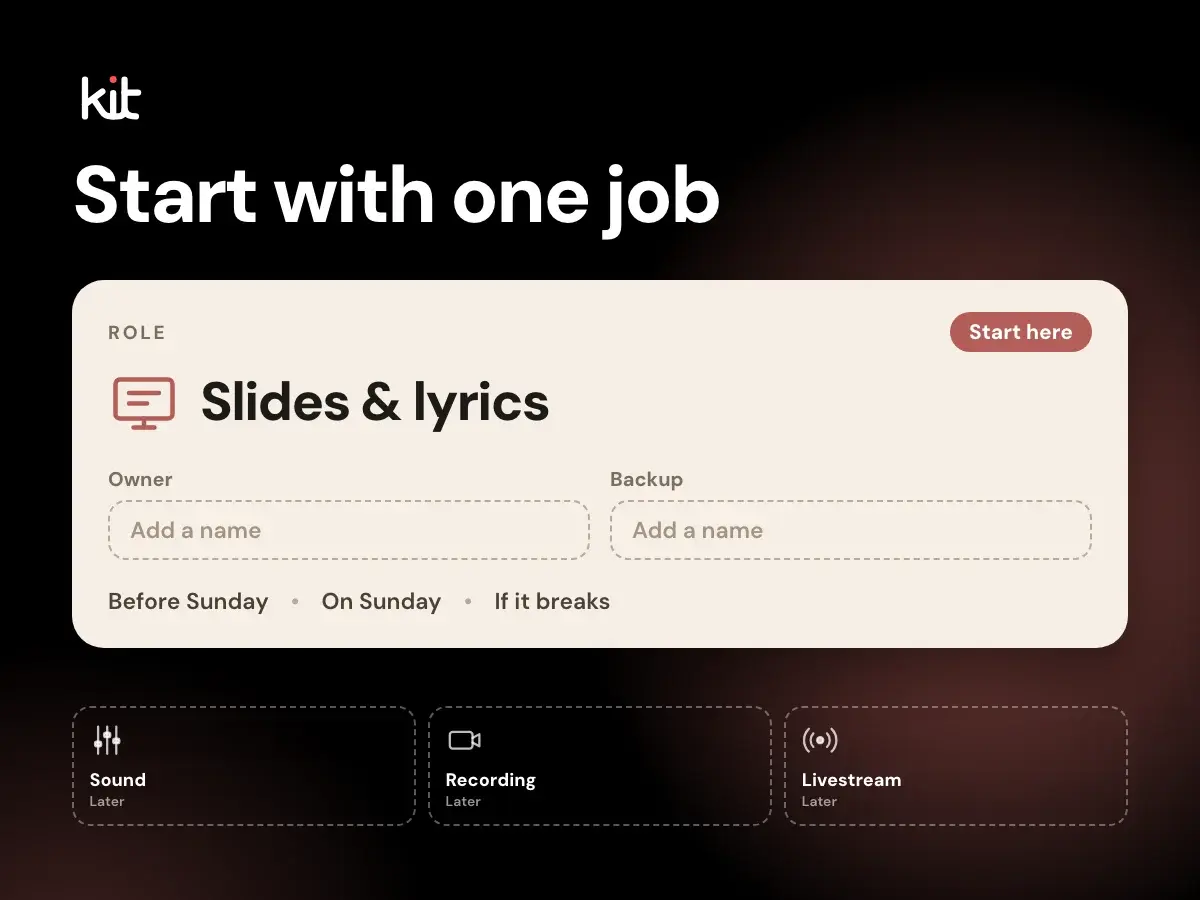
A step-by-step way to start a church media team with volunteers: pick one job, ask for help by name, write the roles down, buy gear last, train two people per role and hand off from the pastor.
Volunteers, pastors, and operational handoffs
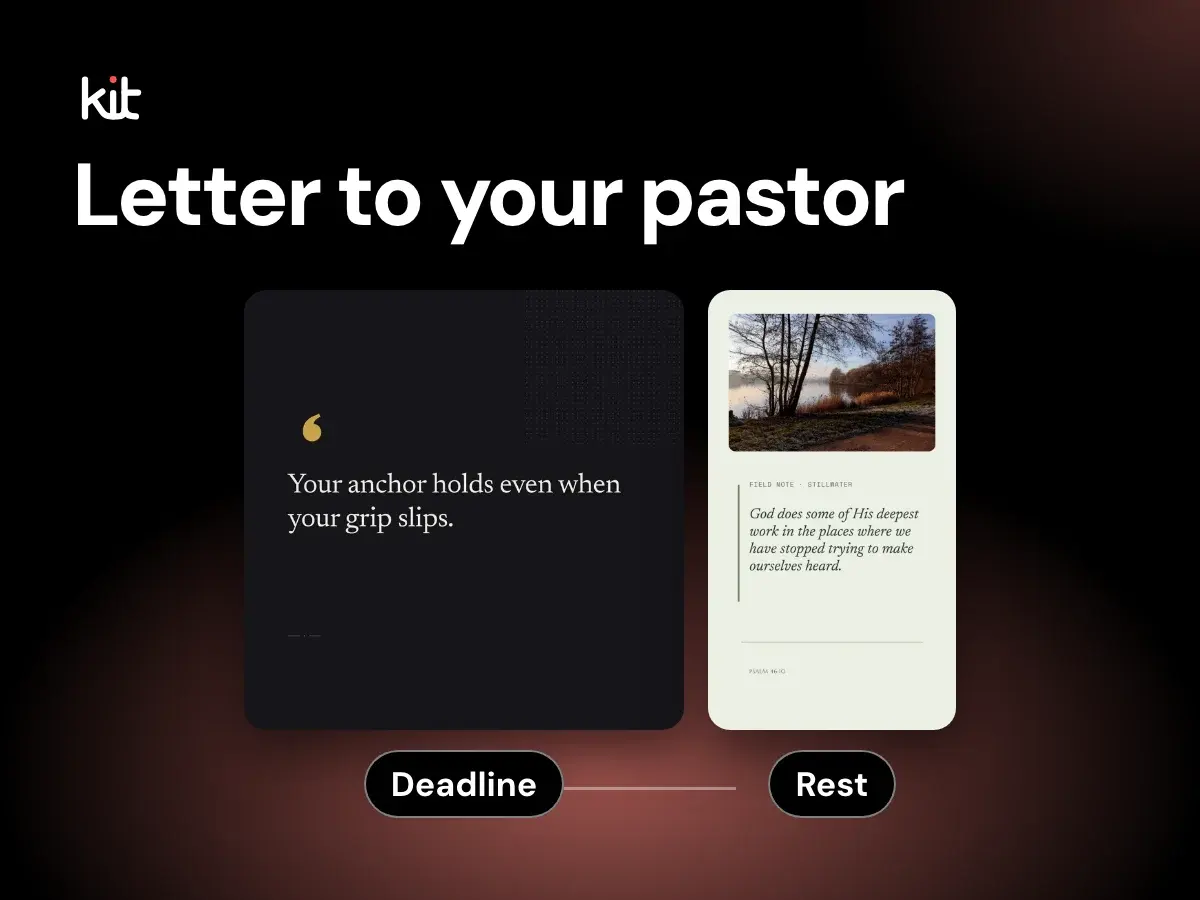
A one-page letter a church media volunteer can hand the pastor, a weekly handoff note, a team meeting agenda and what to do if the answer is not yet.
Product evaluation and buying decisions
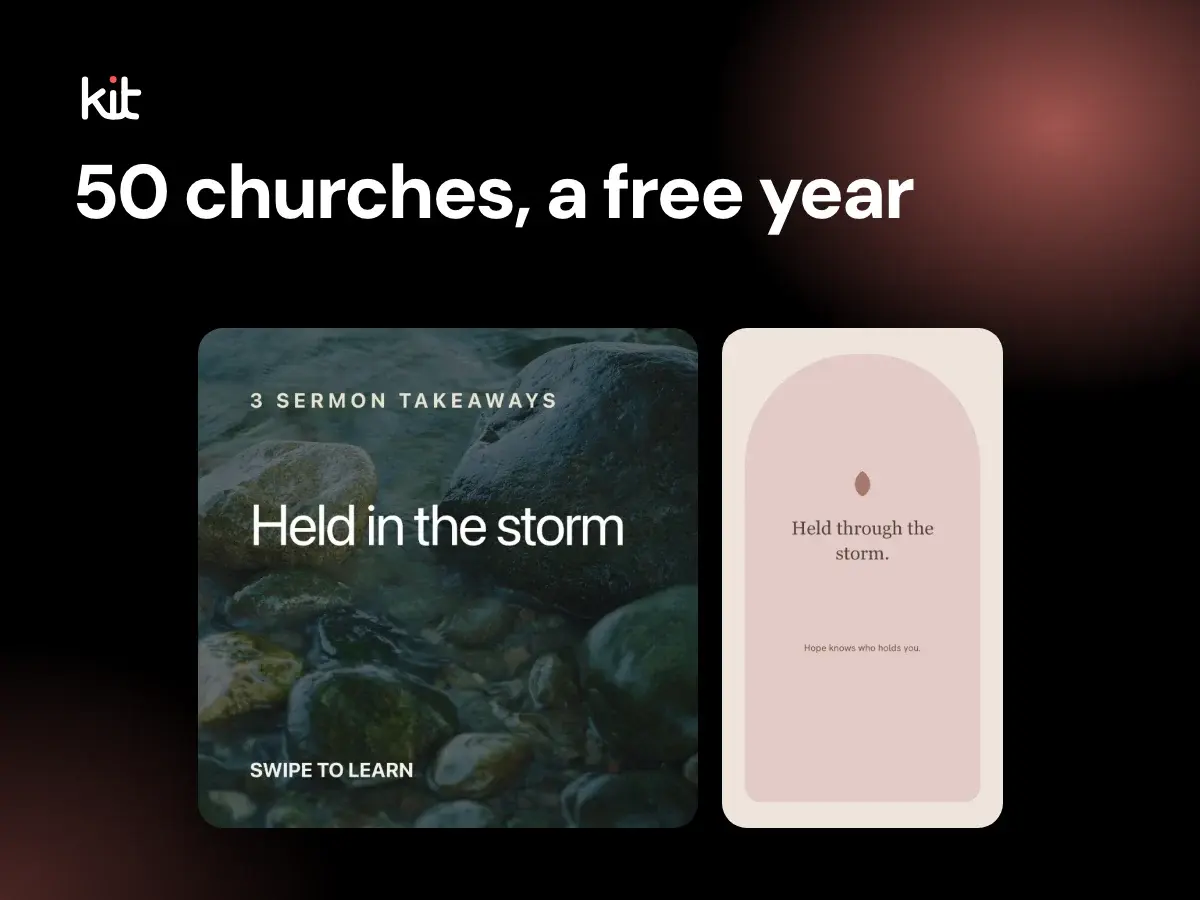
A Canadian developer and church media volunteer since 2019 is giving the first 50 accepted churches Church Media Kit free for 12 months.
Captions, stories, and calls to action
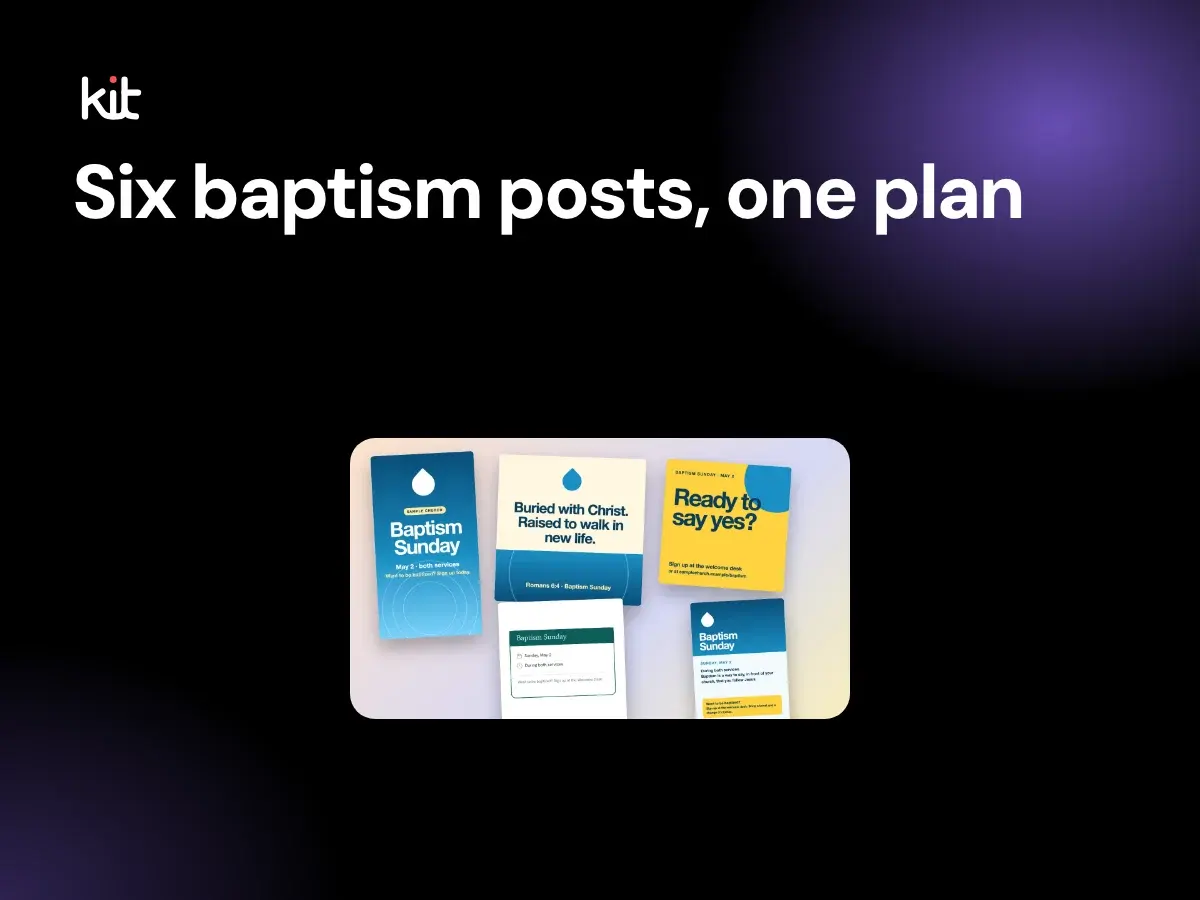
Copy-ready wording for a church baptism announcement, sign-up post, class reminder, day-of post and celebration post, with testimony prompts and a plain consent routine for adults and children.
Design, branding, and accessibility
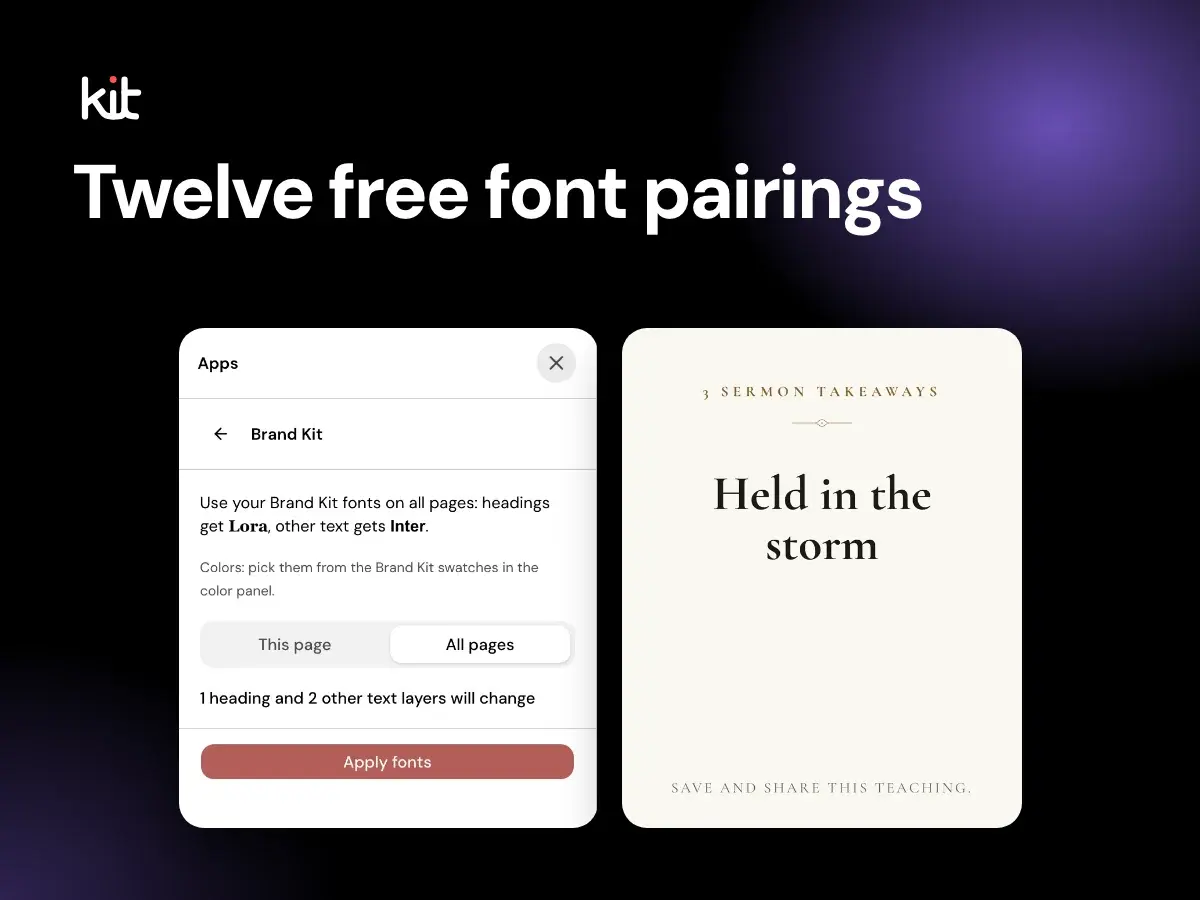
Twelve free Google Fonts pairings for church social posts, sermon slides, bulletins, scripture and series art, with readability rules and what to avoid.
Captions, stories, and calls to action
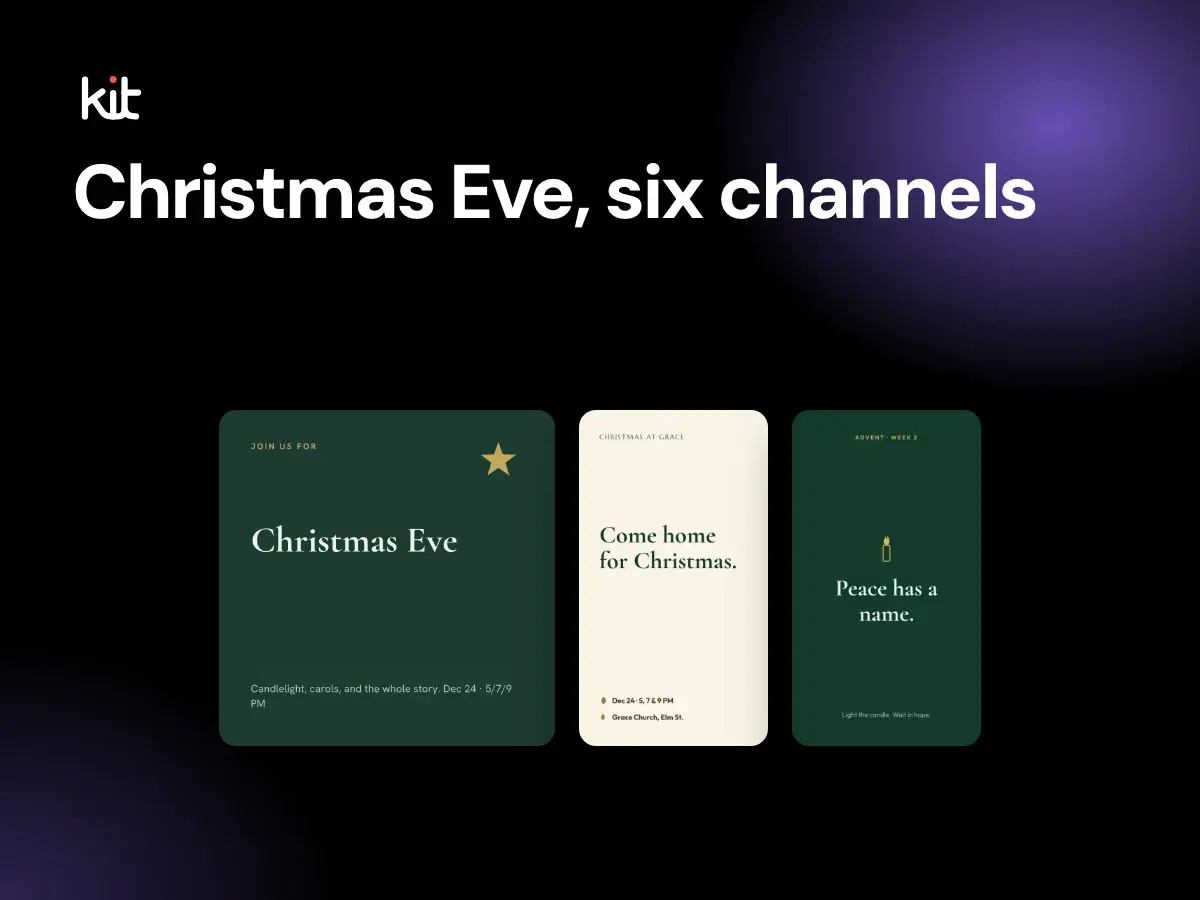
Copy-ready Christmas Eve invitation wording for a feed post, Story, flyer, bulletin, email and text message, a dated countdown to Thursday 24 December 2026, and accessibility checks.
Planning and sustainable church communication
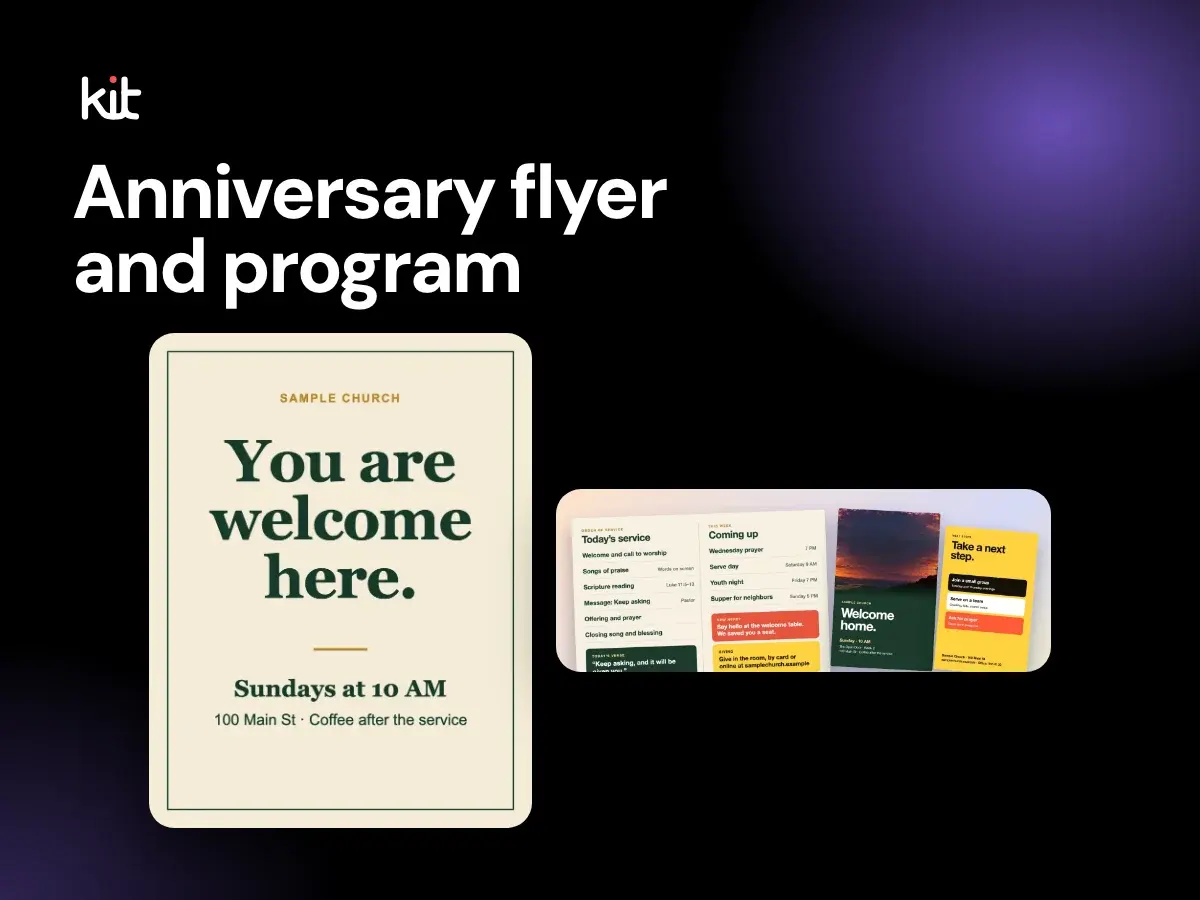
How to plan a church anniversary: a service order, flyer wording, a history timeline you can build from old bulletins, and a dated set of social posts, with a worked 50th anniversary example.
Design, branding, and accessibility
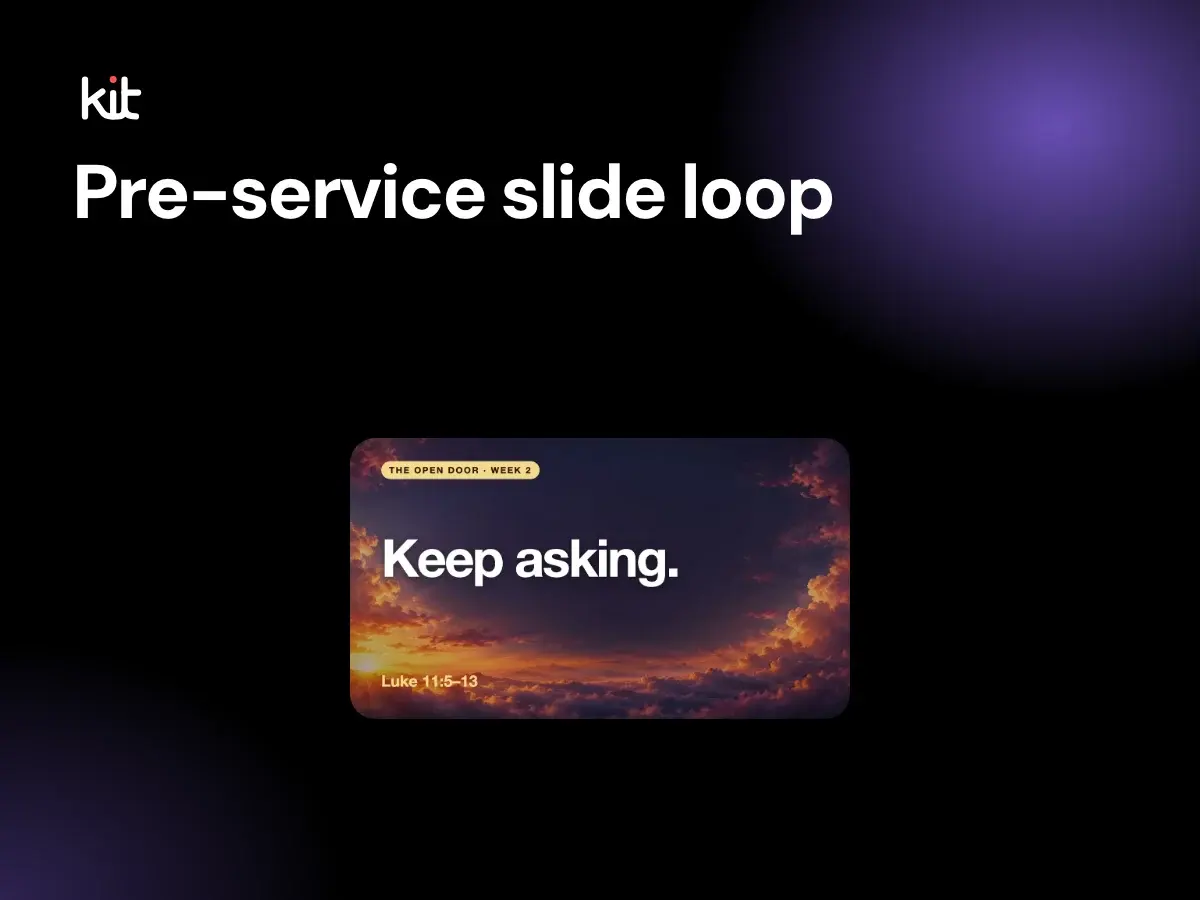
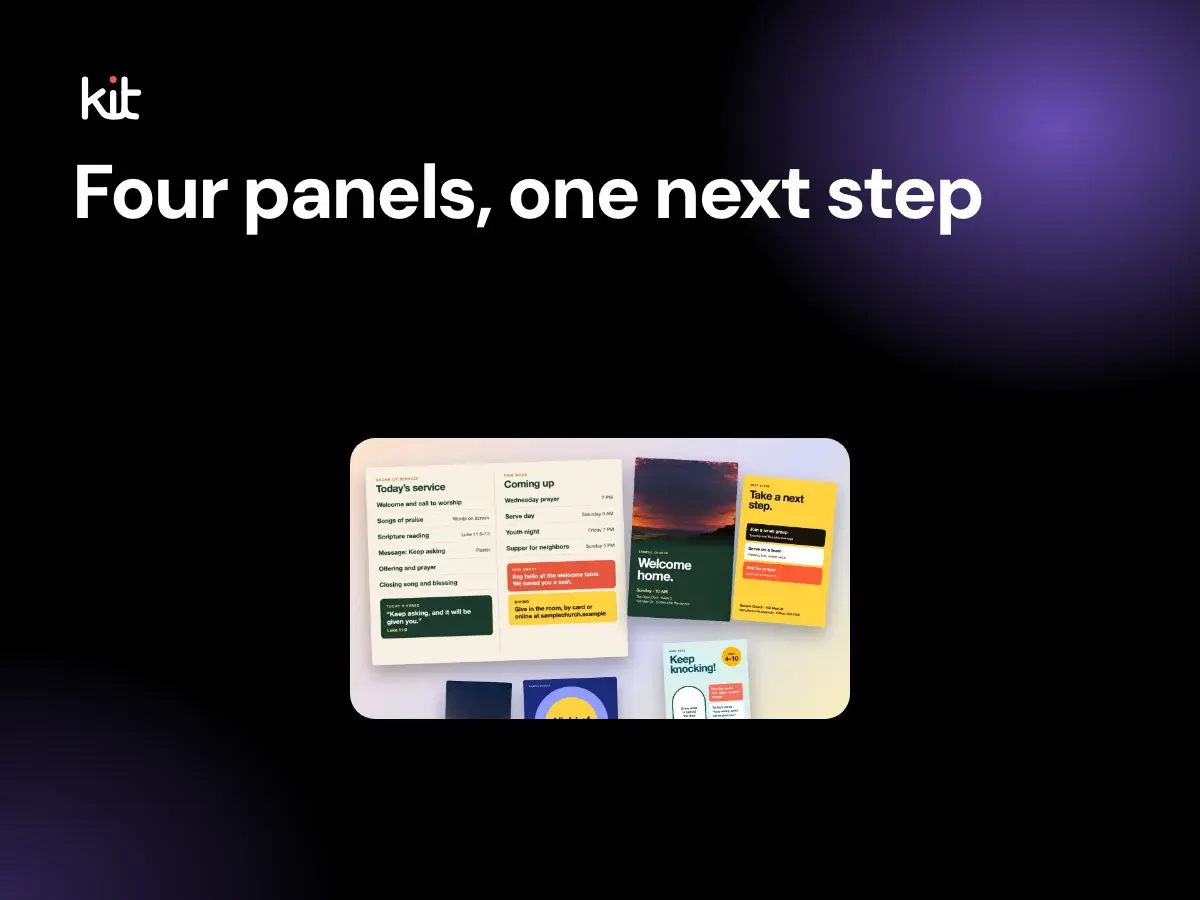
What goes in a pre-service slide loop, how many slides to use, how many seconds each should stay, when to start the countdown, and how to write the welcome and next-step slides.
Captions, stories, and calls to action
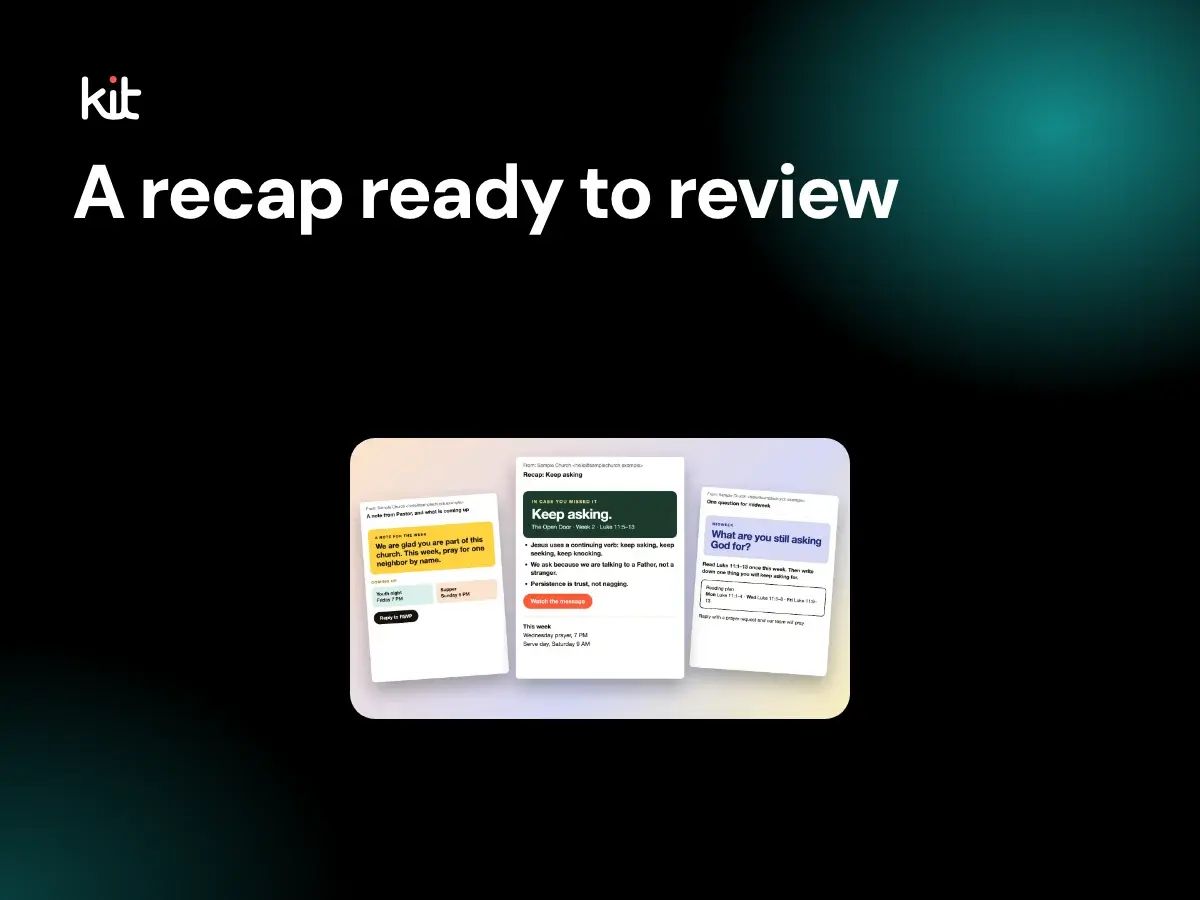
A copy-ready sermon recap email template for churches, with ten subject line ideas, a sensible length, who should send it and when. Fill in the brackets and send it from your own email tool.
Design, branding, and accessibility
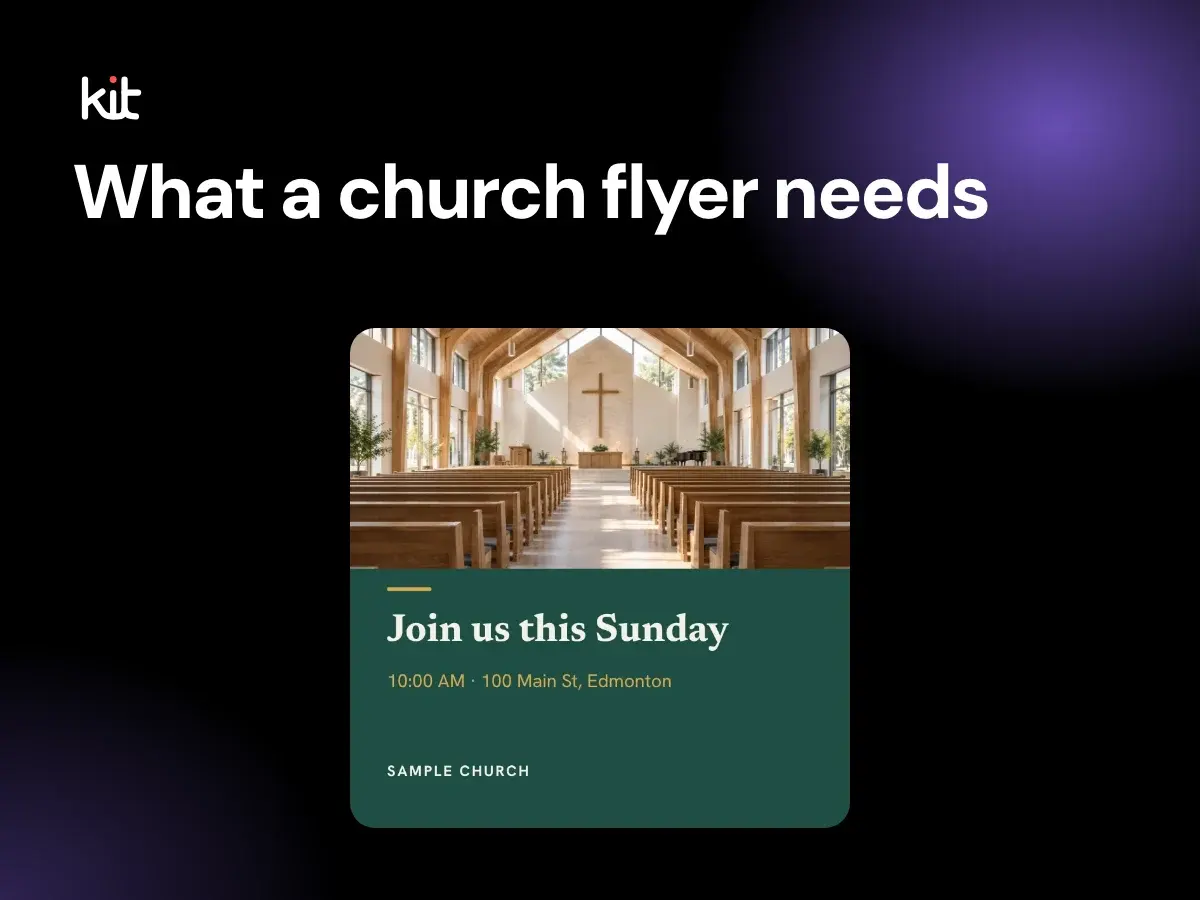
The six things every church flyer needs, welcoming copy for seven event types, a type-only layout that needs no photos, and print and social sizes with bleed, QR code and contrast basics.
Design, branding, and accessibility
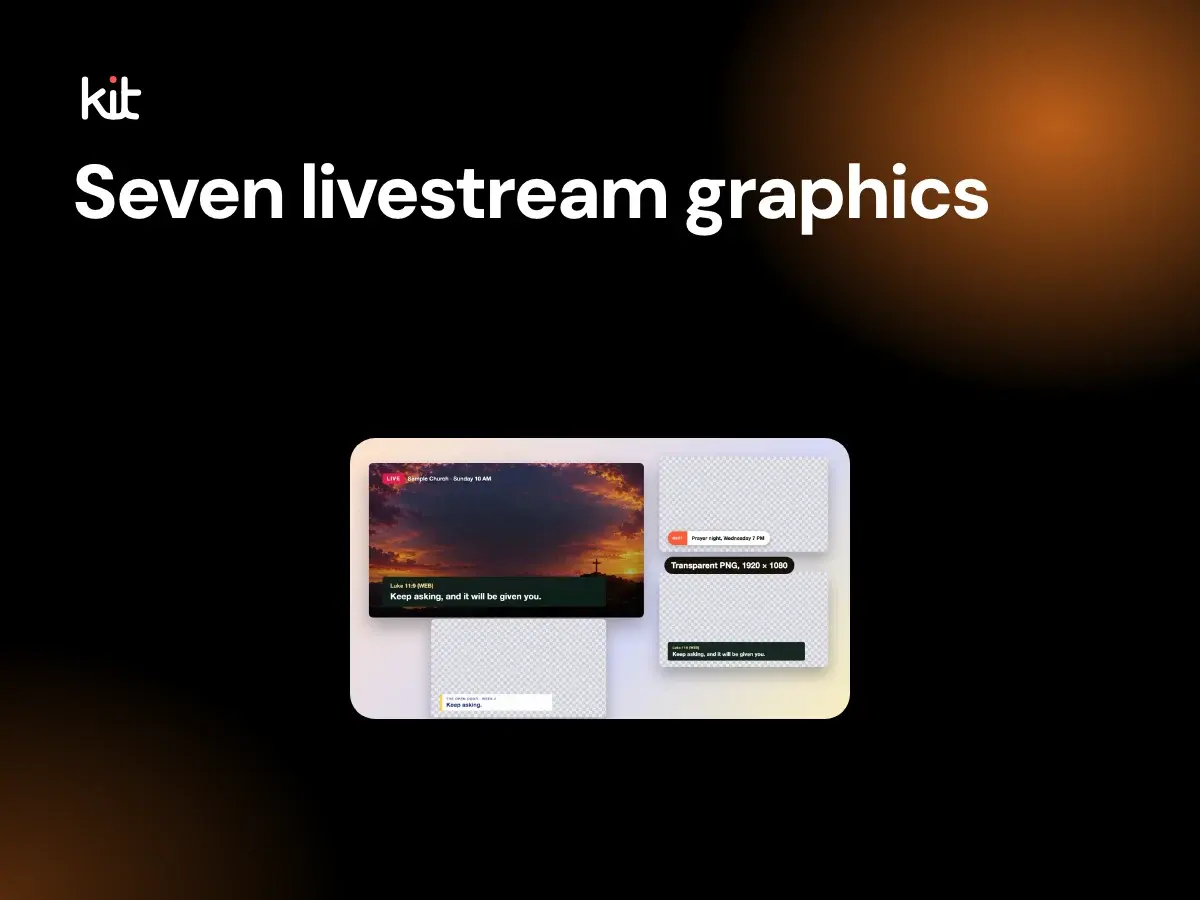
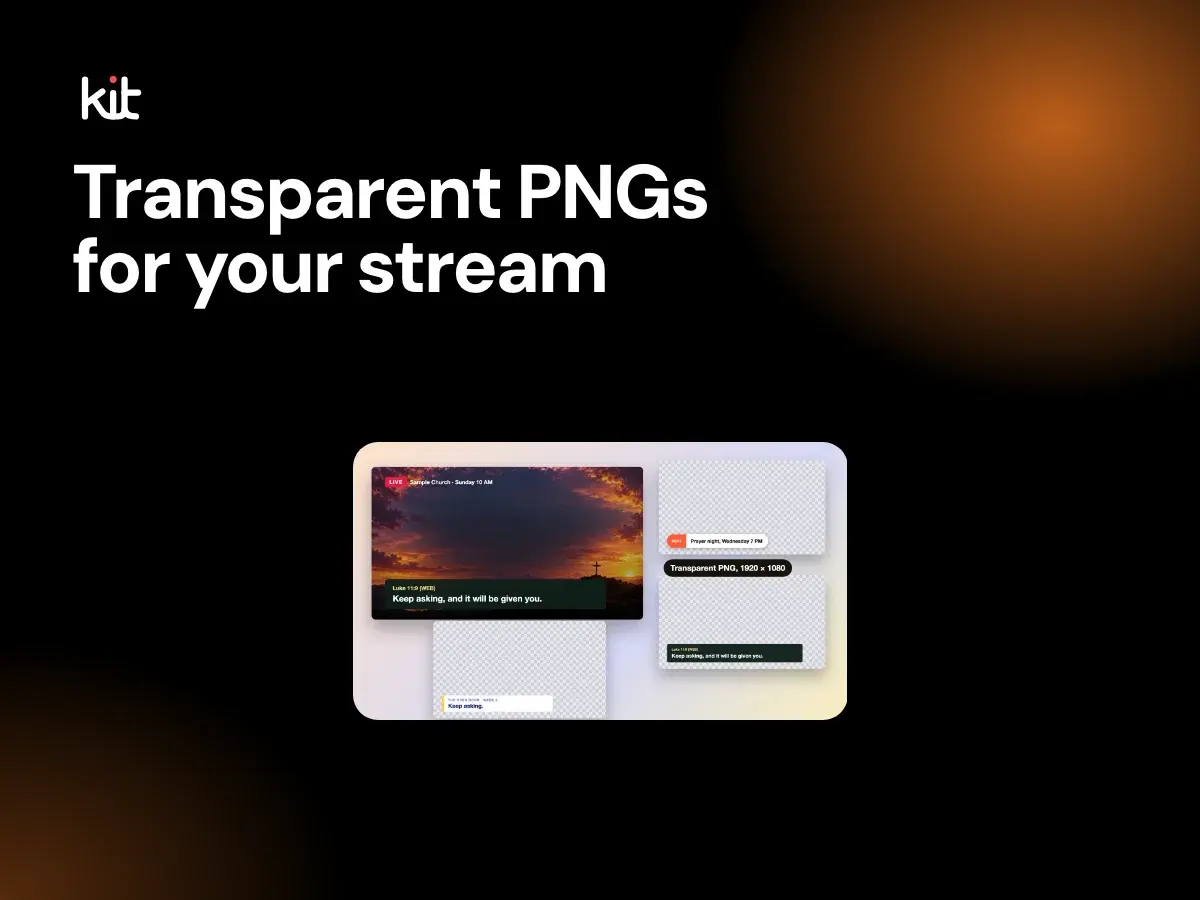
The seven graphics a church livestream needs, from countdown to end slate, with sizes, a safe area, what each should say, a run order for Sunday and a pre-service test.
Planning and sustainable church communication
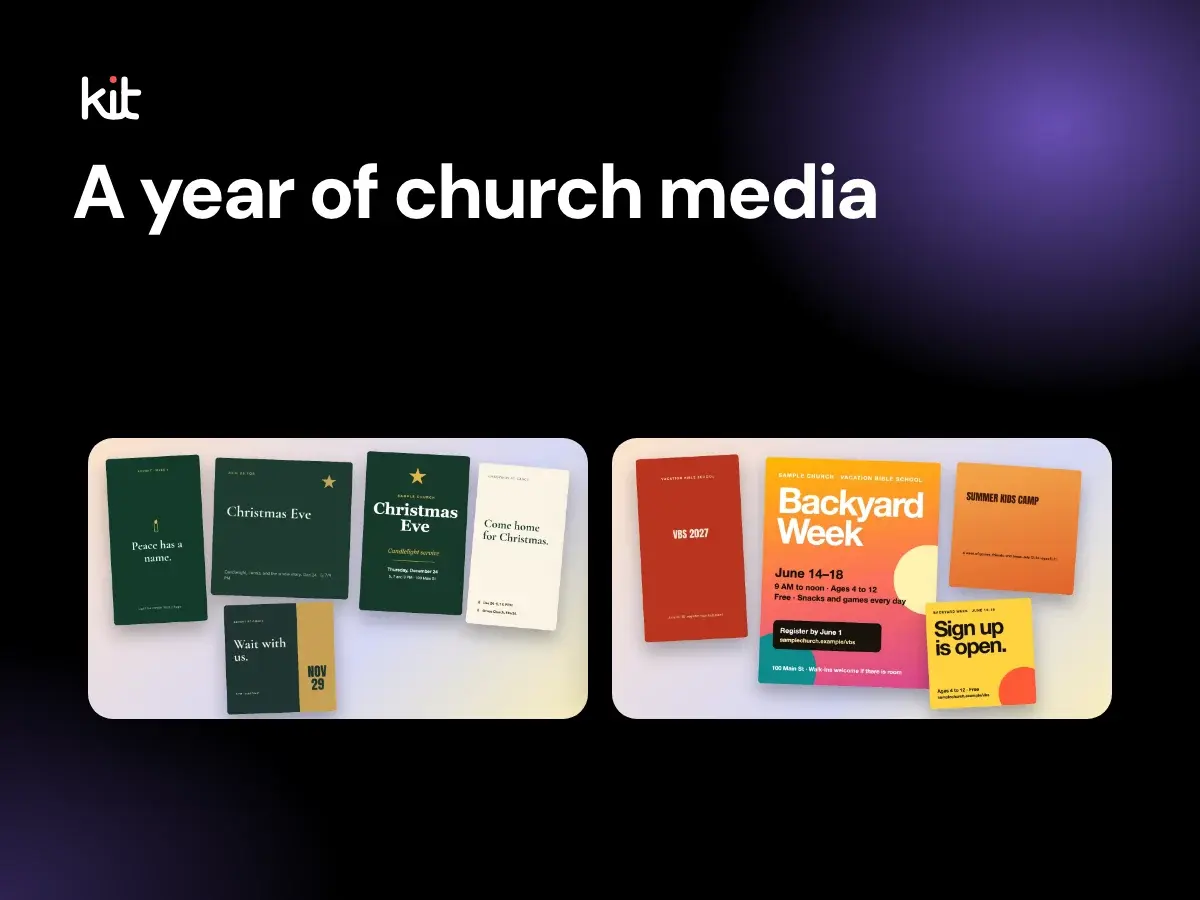
A year of church social media and print planning for 2027: the verified dates for Lent, Easter, Pentecost, Advent and Christmas Eve, plus what to make and when to start for each.
Product evaluation and buying decisions
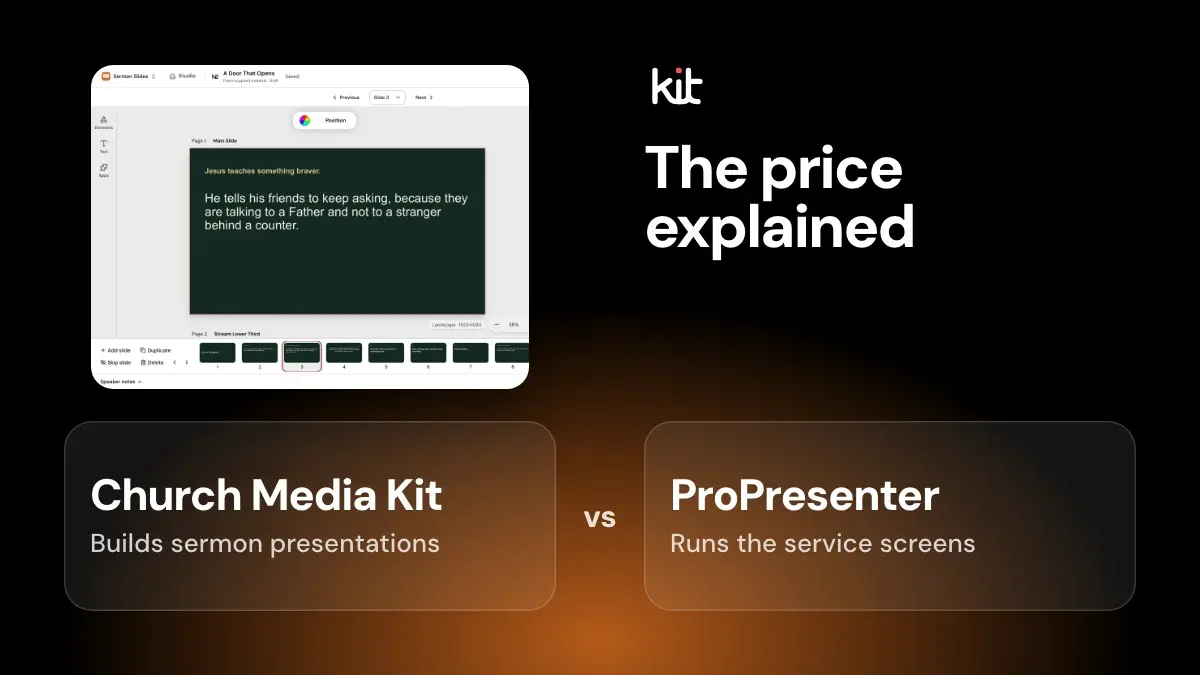
A vendor-sourced comparison of church presentation software and ProPresenter alternatives: Proclaim, EasyWorship, FreeShow, OpenLP and PowerPoint, with prices checked in October 2026.
Volunteers, pastors, and operational handoffs
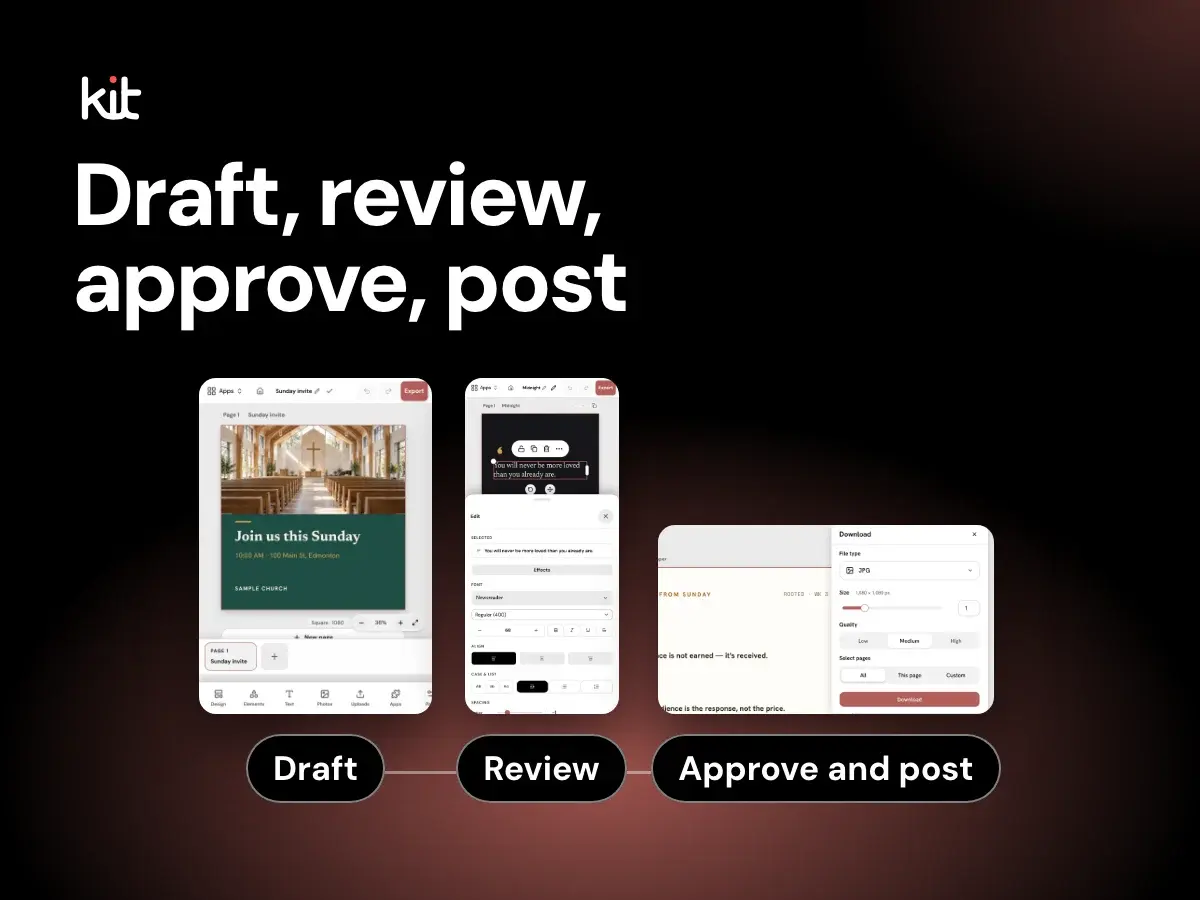
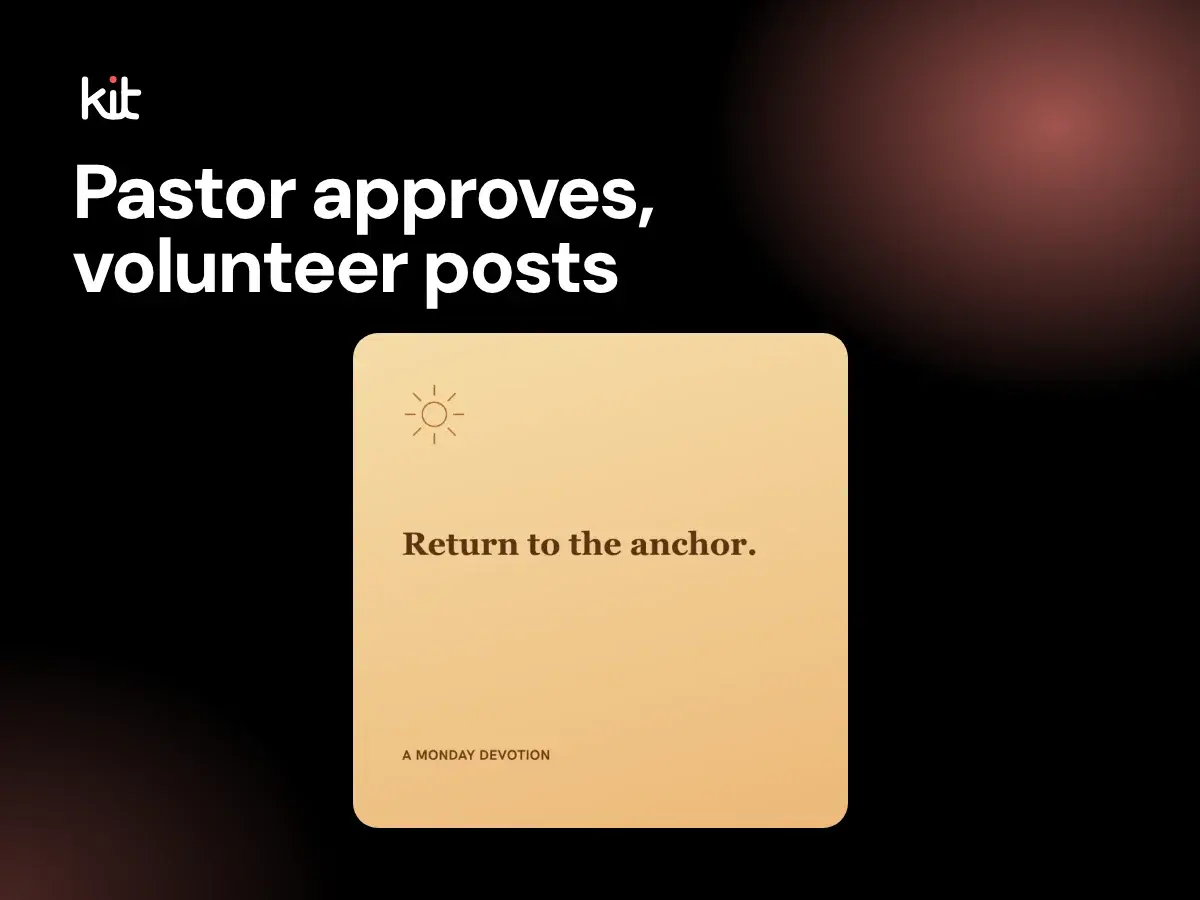
A practical approval workflow for church social media at three sizes, with four roles, a weekly rhythm, a review checklist, account-access rules, and a volunteer exit plan.
Planning and sustainable church communication
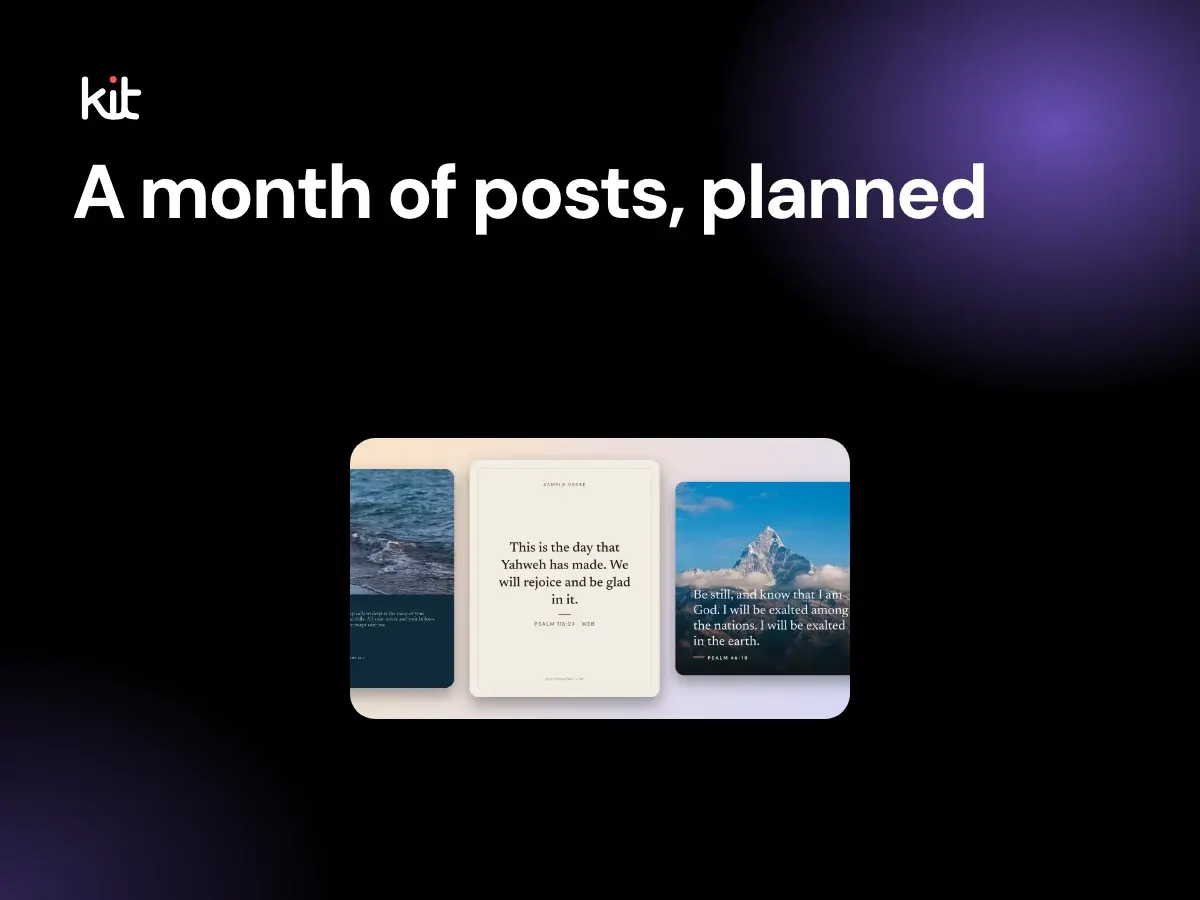
A copy-ready monthly church social media content calendar, the weekly post mix behind it, and a batching routine a volunteer can keep up, with a worked November example.
Design, branding, and accessibility
Add a church lower third in OBS or vMix: keep it inside the safe margin, set the timing, name the files and test before Sunday. Examples to copy are on the church lower thirds page.
Product evaluation and buying decisions
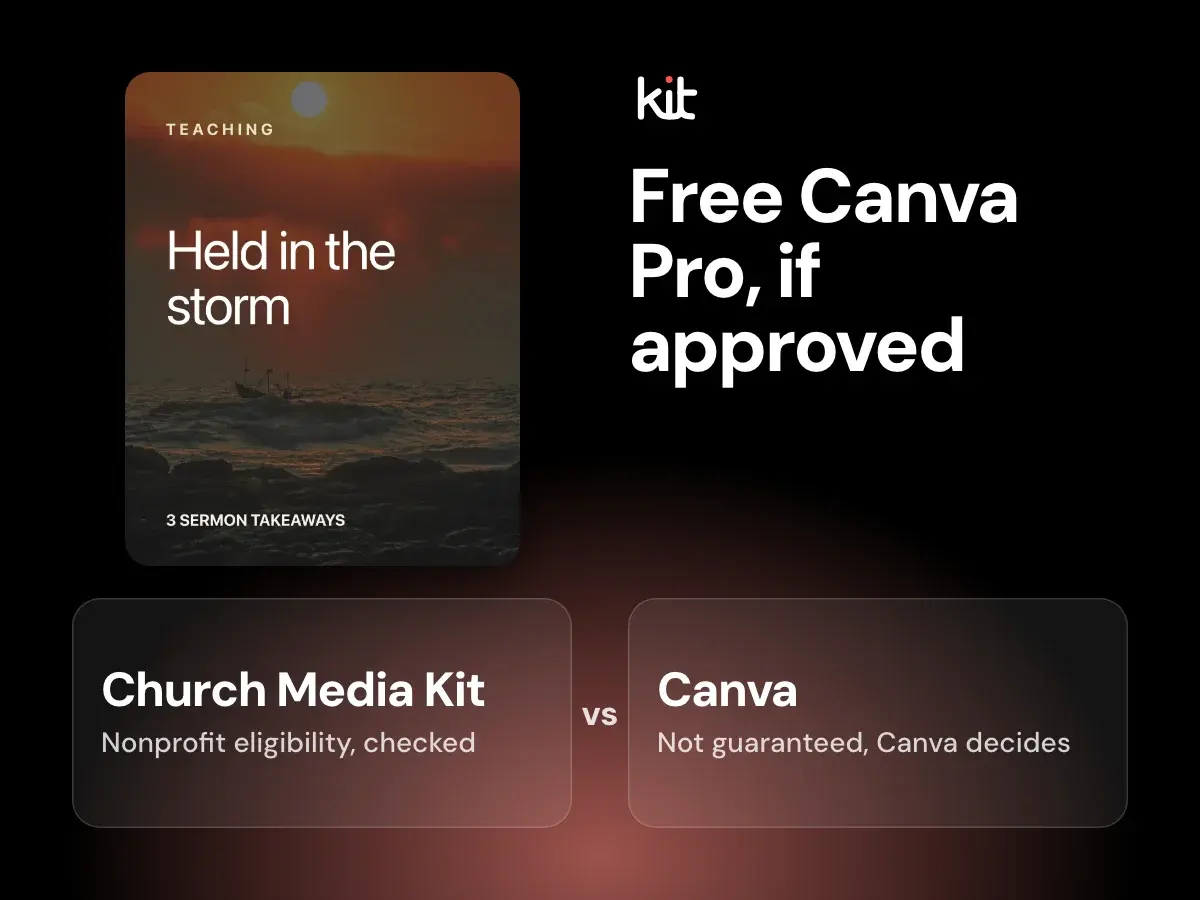
Canva Pro can be free for churches through Canva Nonprofits, but only if Canva approves the application. Here is what Canva says today, what is still unclear, and what to do if you are declined.
Volunteers, pastors, and operational handoffs
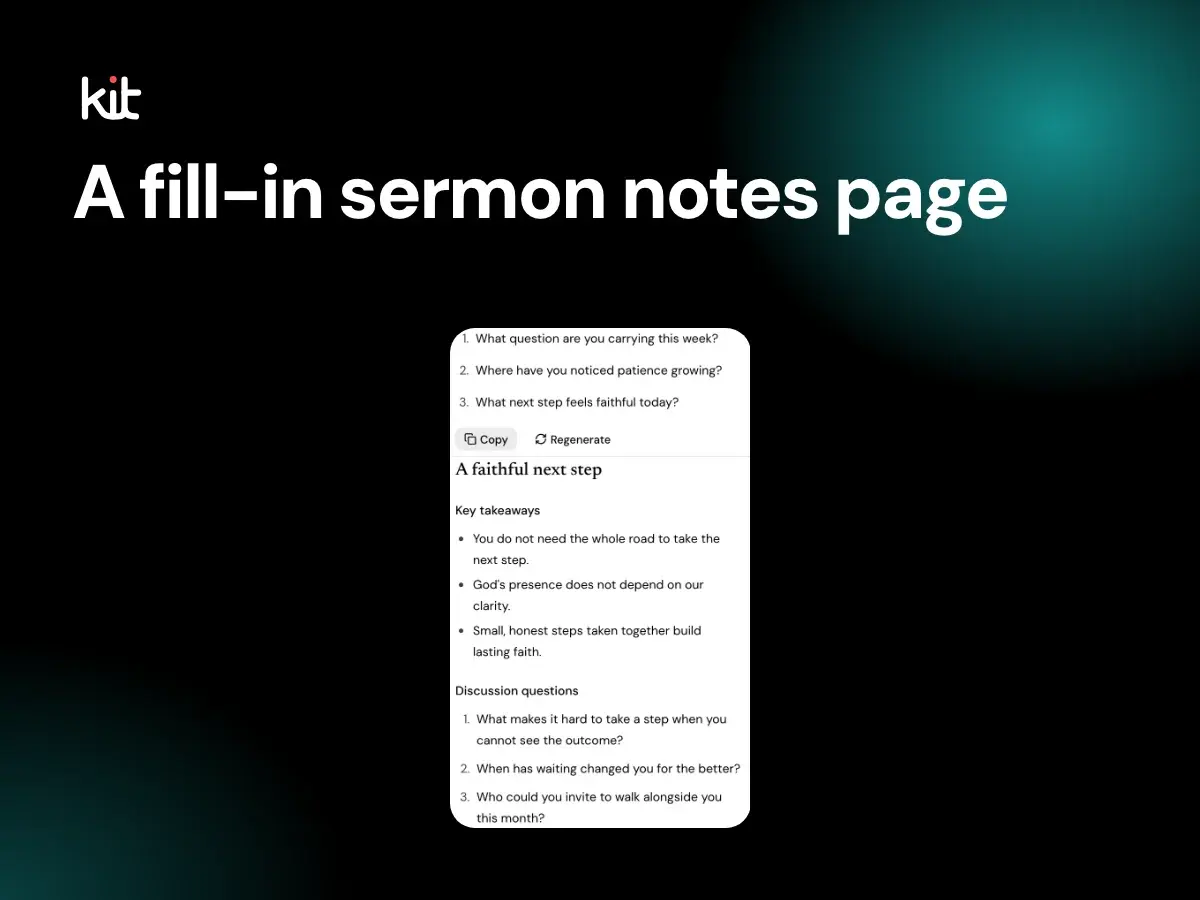
What sermon notes are, plus a free fill-in template to paste into any editor, a filled example, tips for writing blanks, small group questions, and accessibility.
Design, branding, and accessibility
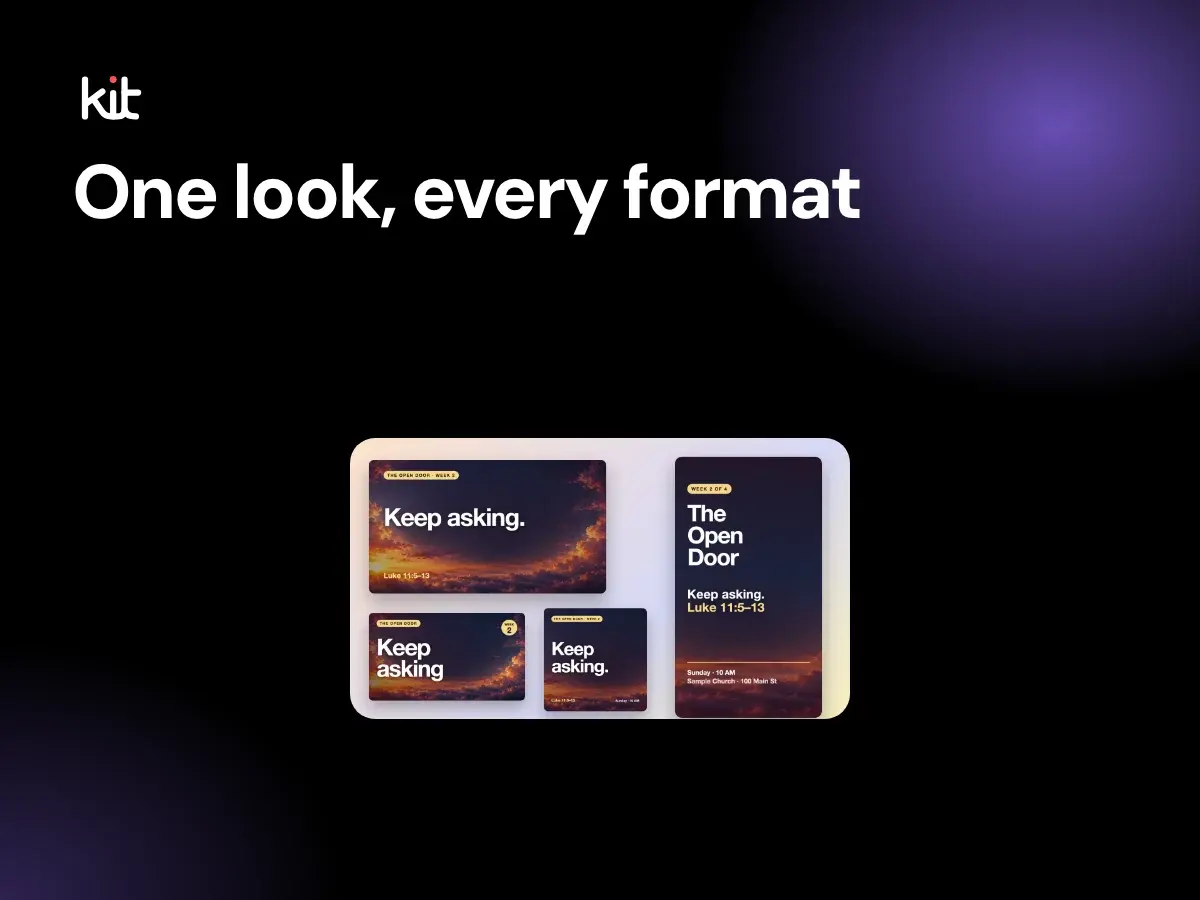
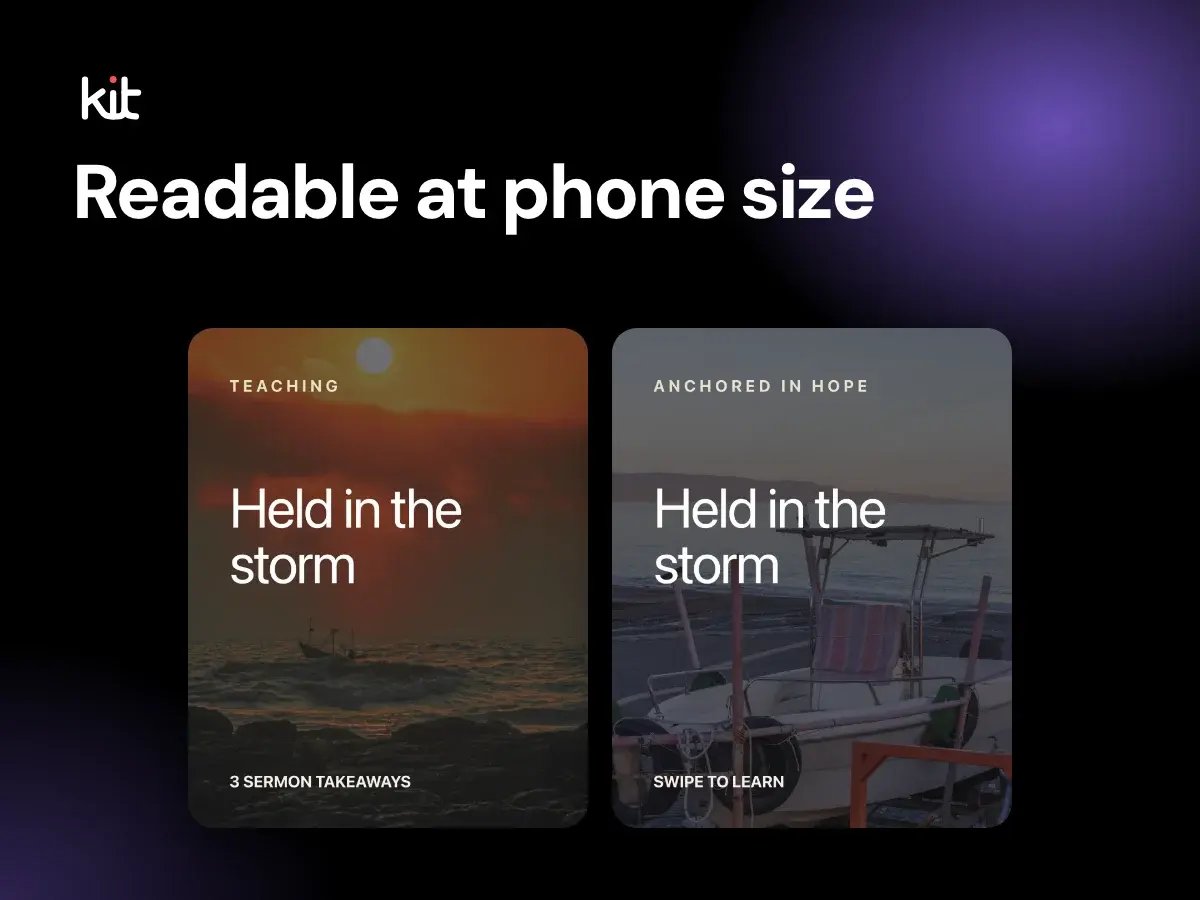
The eight graphics a sermon series needs, with sizes, what each one carries and a rollout order, from the title slide to the Story, thumbnail, bulletin cover, lower third and website banner.
Design, branding, and accessibility
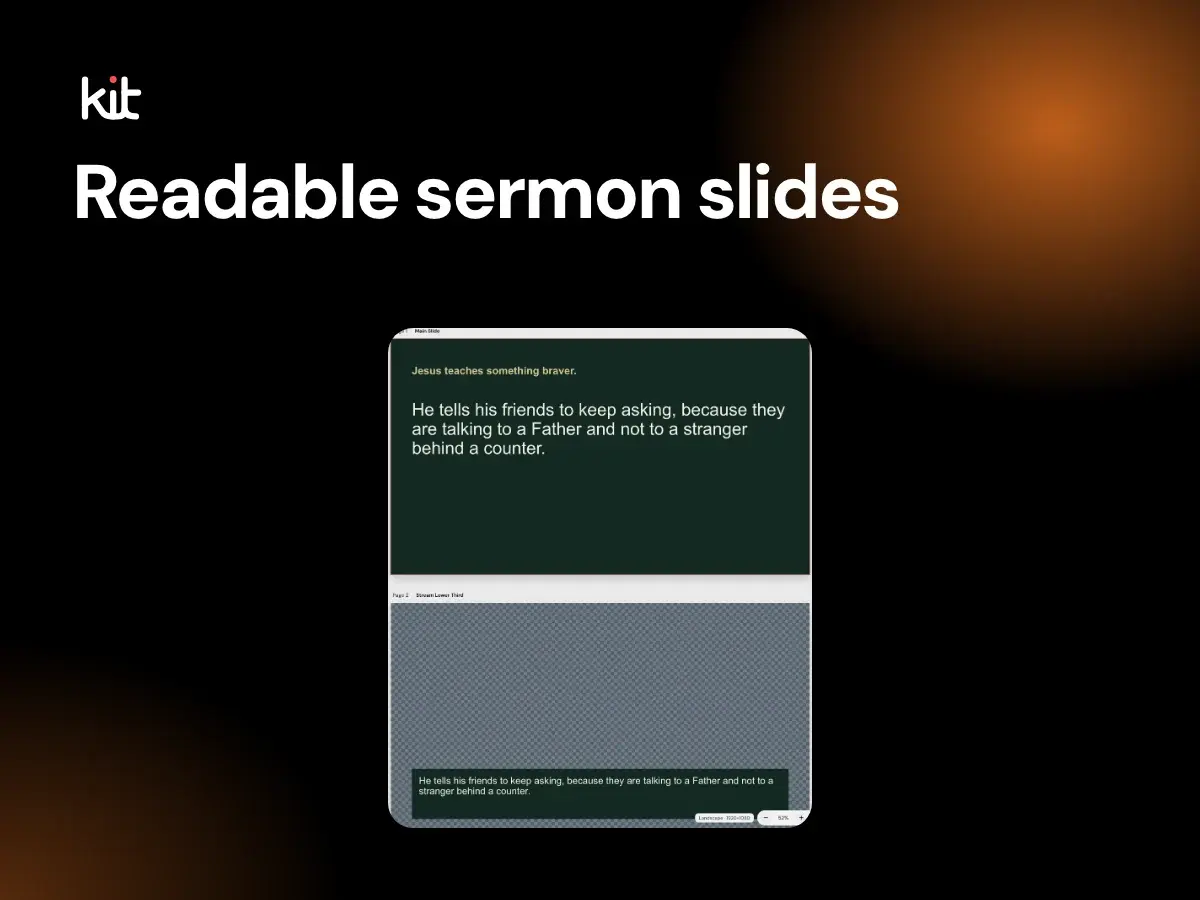
Plain numbers for sermon slides: words per slide, minimum font size for a projector, slides per sermon length, contrast, Scripture slides, safe margins and livestream lower thirds.
Captions, stories, and calls to action
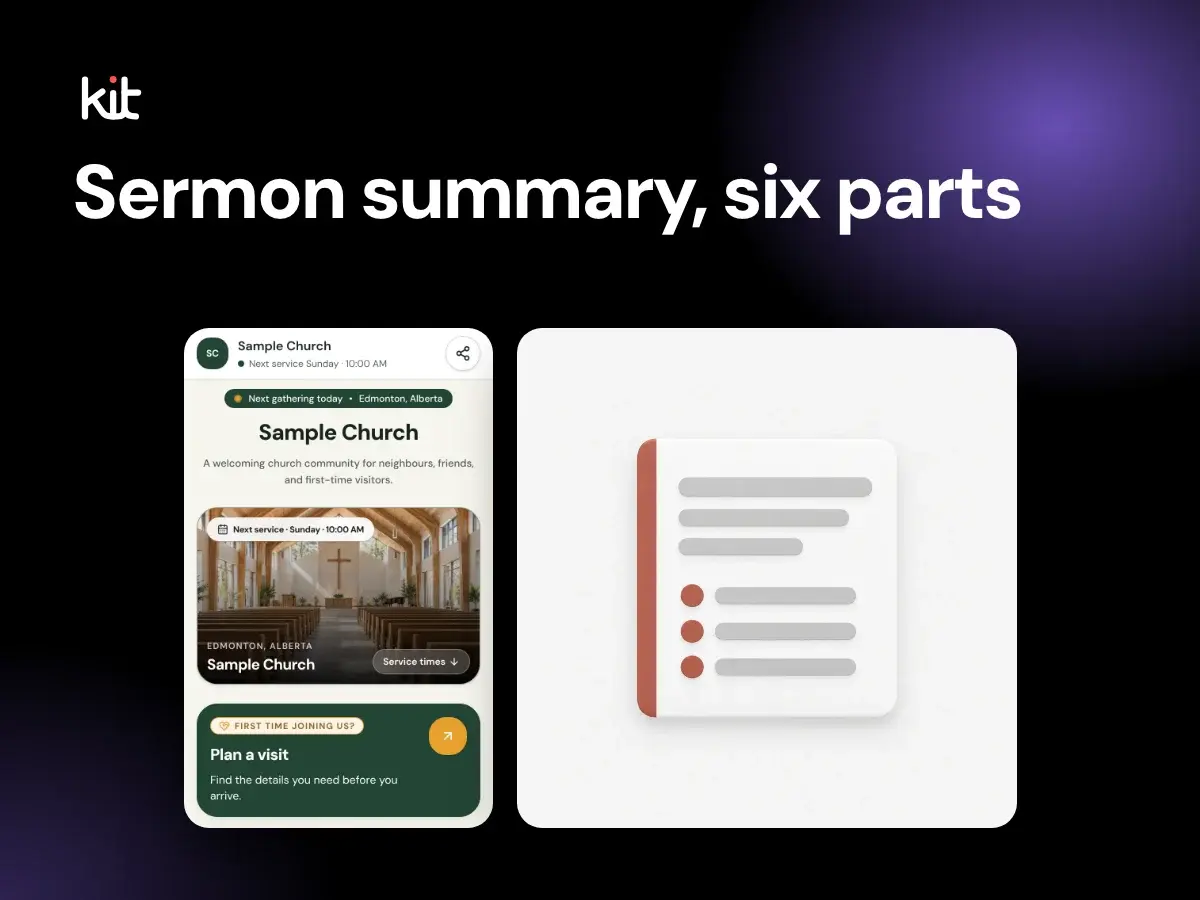
How to write a 150 to 300 word sermon summary for your church website: the parts to include, a worked example from a fictional sermon, a pre-publish check and where to reuse it.
Design, branding, and accessibility
The official YouTube thumbnail size for sermons and Shorts, checked on 15 October 2026, plus seven plain design rules for a readable, honest sermon thumbnail.
Captions, stories, and calls to action
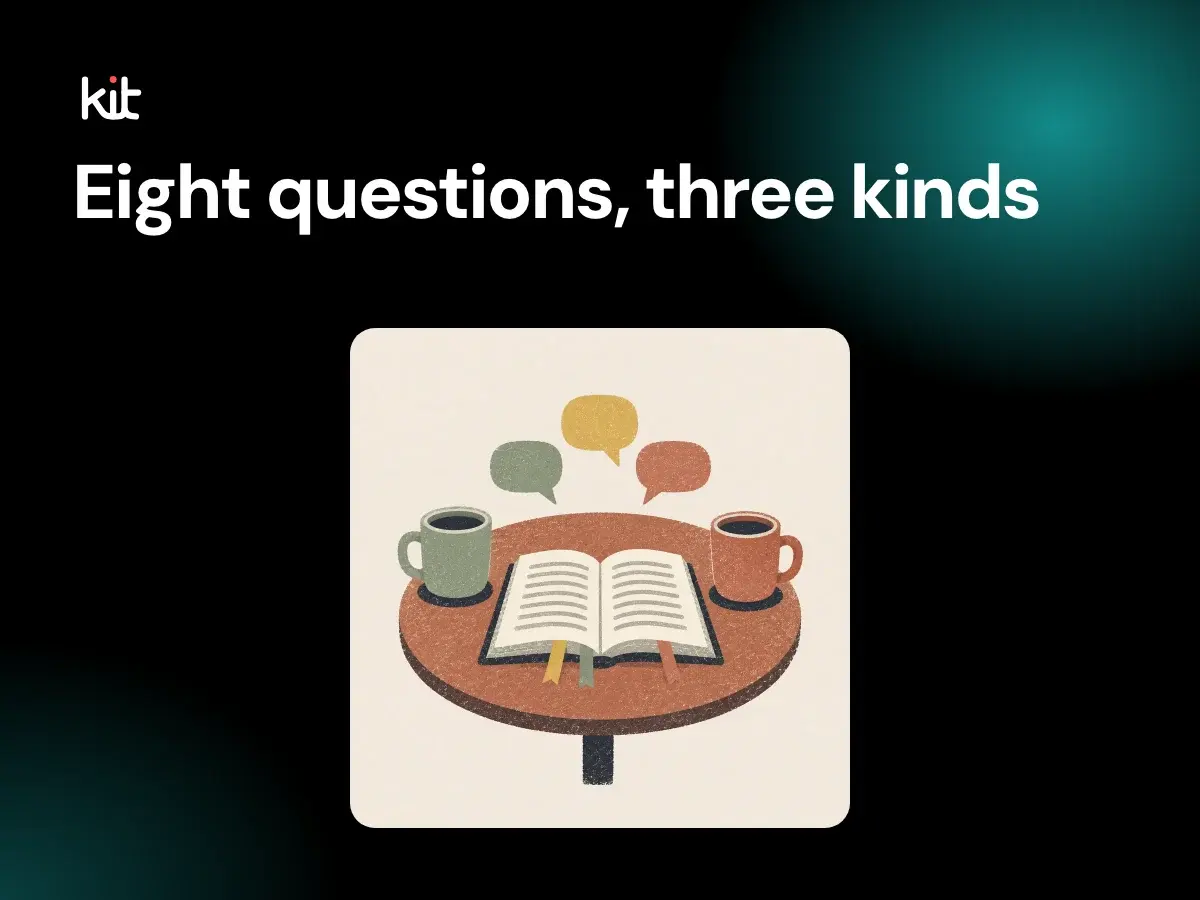
How to write six to eight small group questions from a sermon, in three kinds (observe, interpret, apply), with eight worked examples from a fictional sermon on Luke 10 and a check for weak questions.
Planning and sustainable church communication
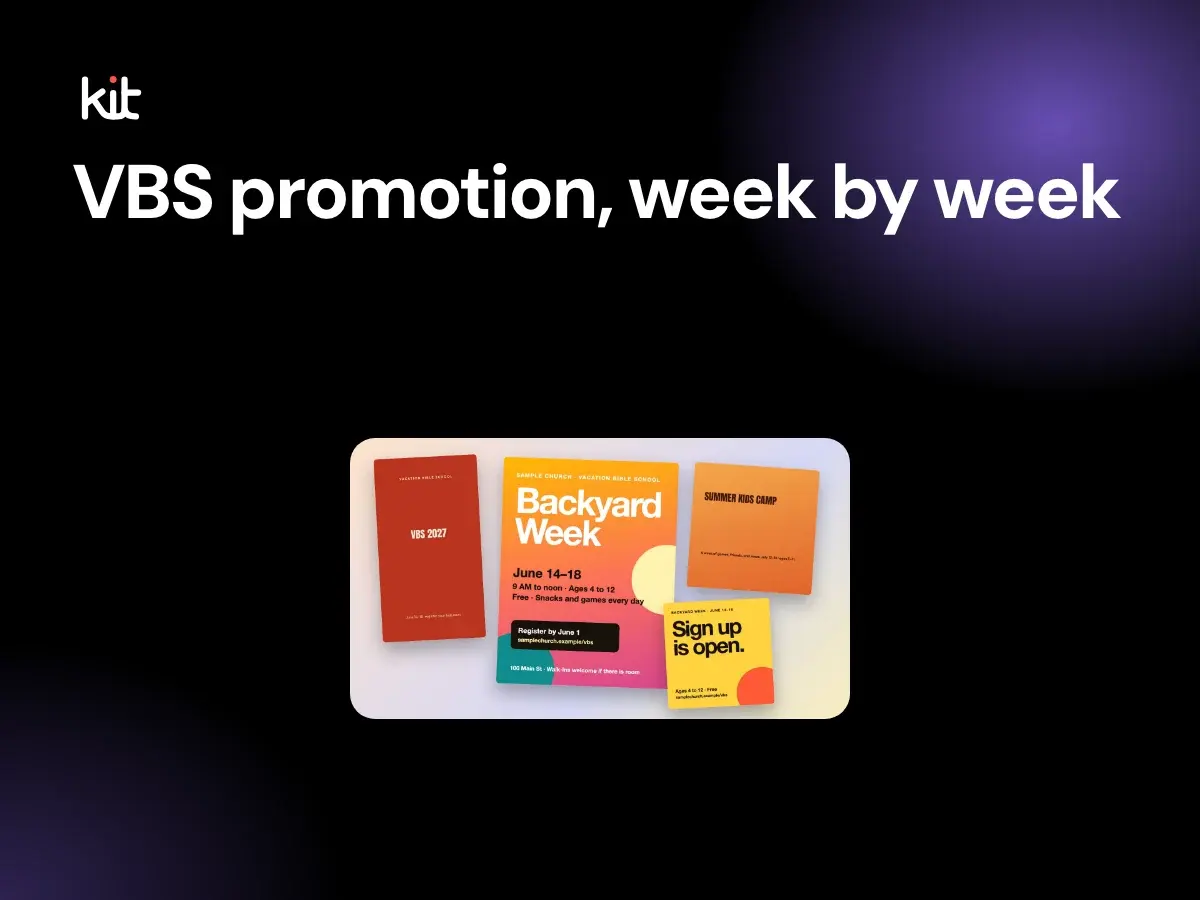
A week-by-week VBS promotion plan with copy-ready post wording, a post for each day of VBS week, and a photo consent routine for children, counted back from an example week in June 2027.
Design, branding, and accessibility
What goes in a church bulletin, in what order, and about how many words each part needs. Includes what to leave out, a print or digital decision, kids insert ideas and a proofing checklist.
Captions, stories, and calls to action
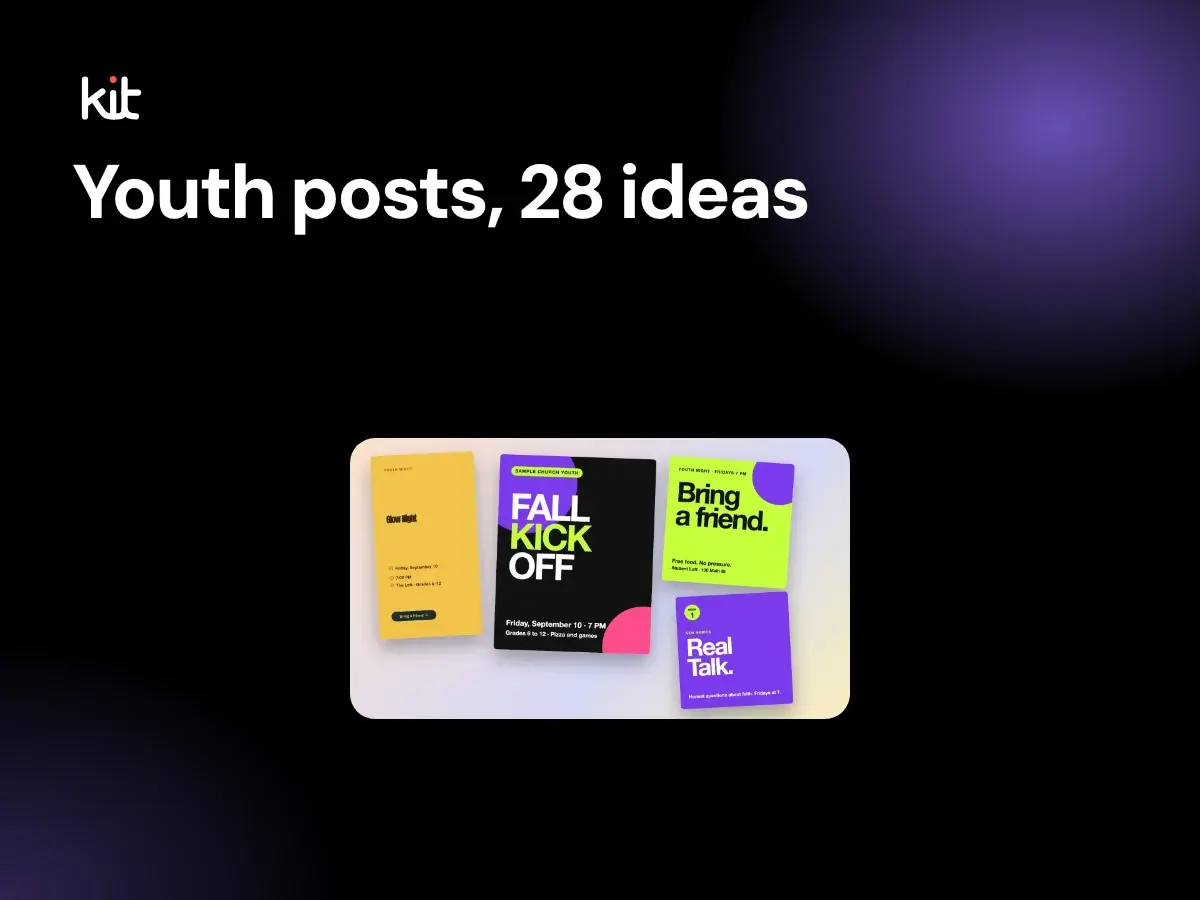
28 youth group Instagram post ideas in seven types, a four-post weekly rhythm, and plain safeguarding rules for photos of minors, direct messages and who runs the account.
Product evaluation and buying decisions
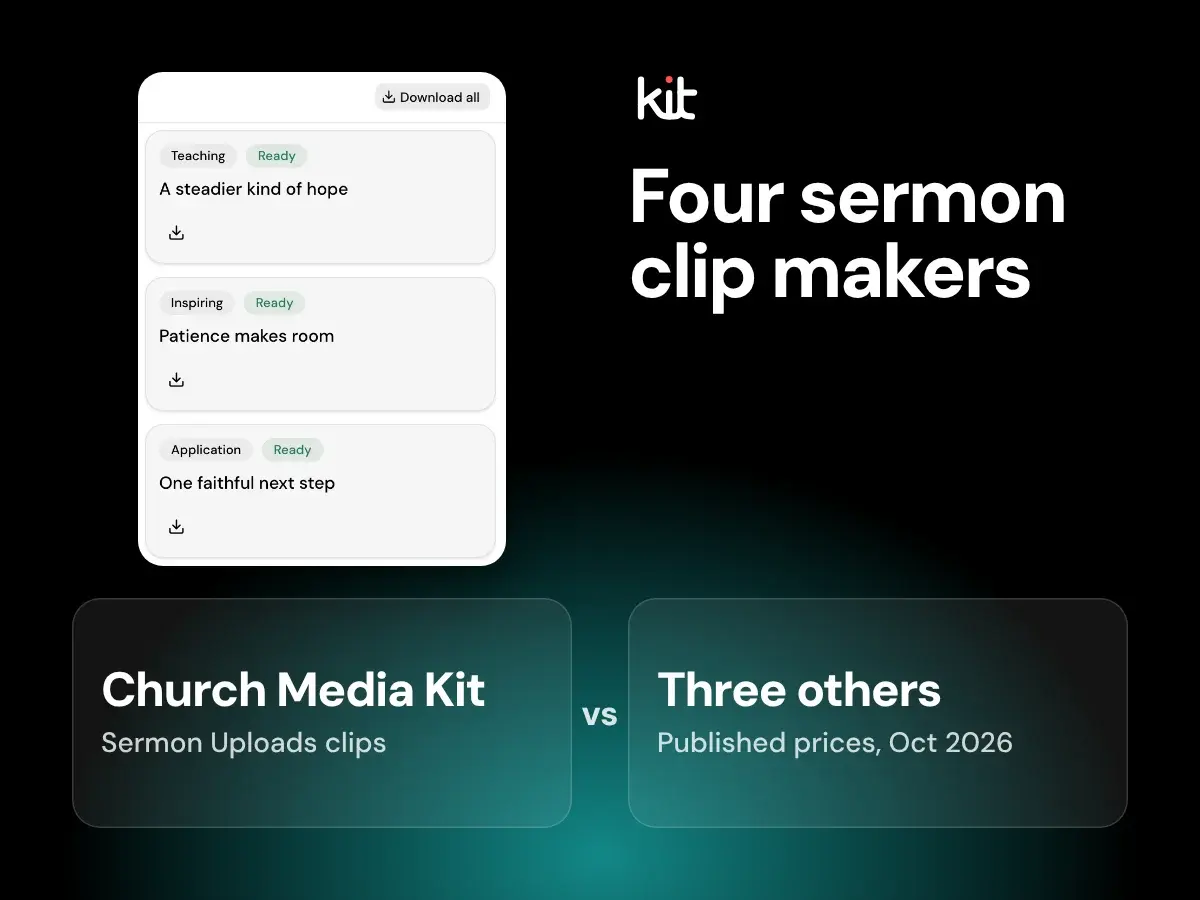
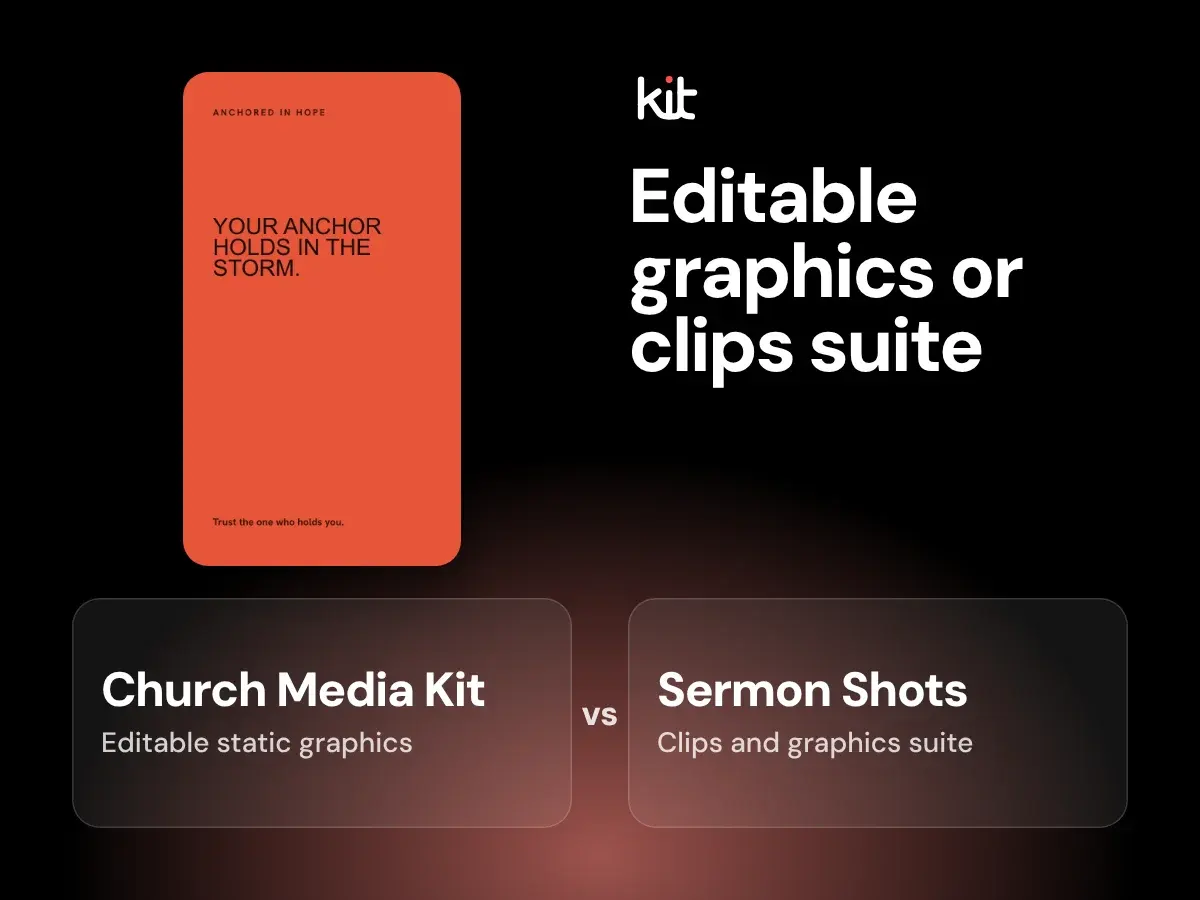
Compare AI sermon clip makers for churches: Sermon Shots, Pulpit AI, Pastors.ai and Church Media Kit, with prices as published on 2026-10-07.
Planning and sustainable church communication
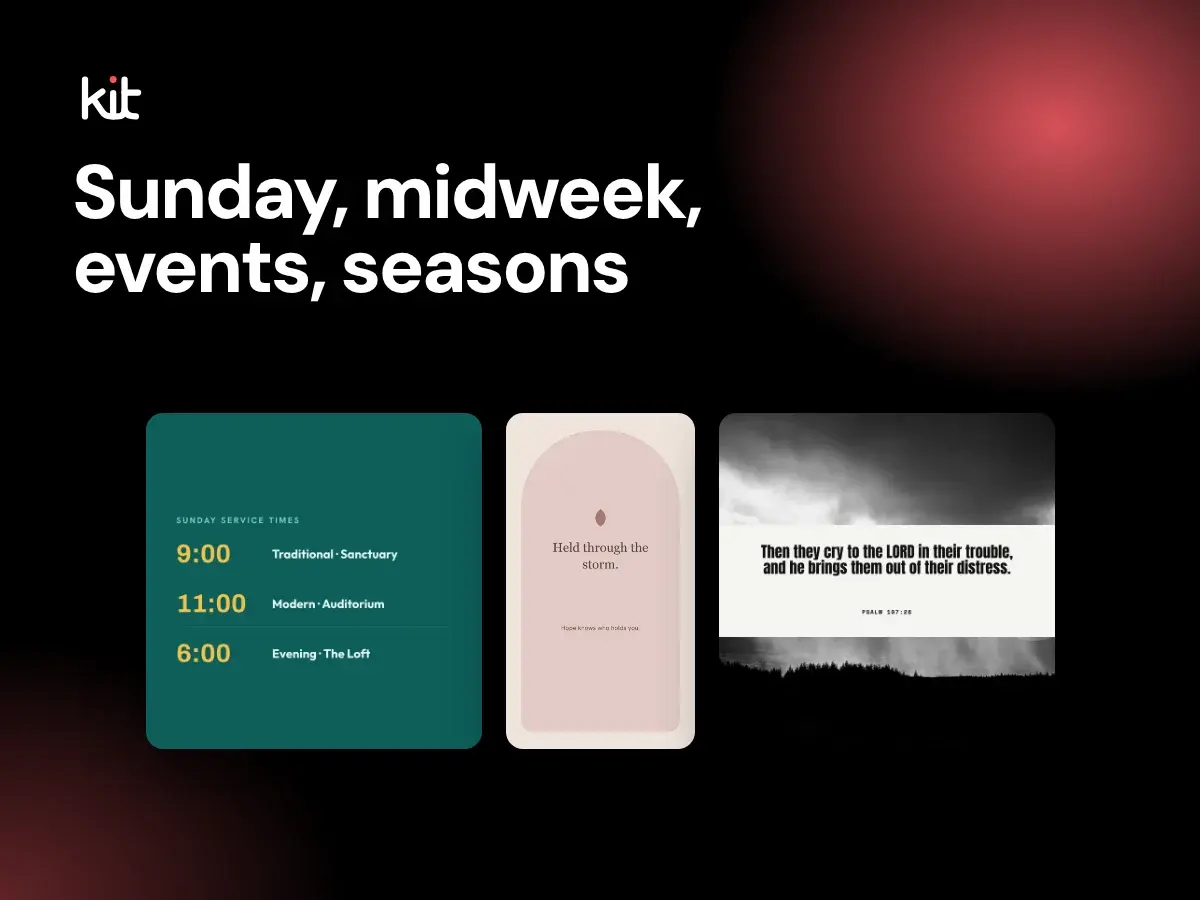
50 church Facebook post ideas grouped by Sunday-after, midweek, events, community and seasons, plus how to batch six or seven from one sermon.
Captions, stories, and calls to action
Church Instagram ideas for feed, stories, reels, highlights and captions, with ways to build them from one sermon without losing its meaning.
Product evaluation and buying decisions
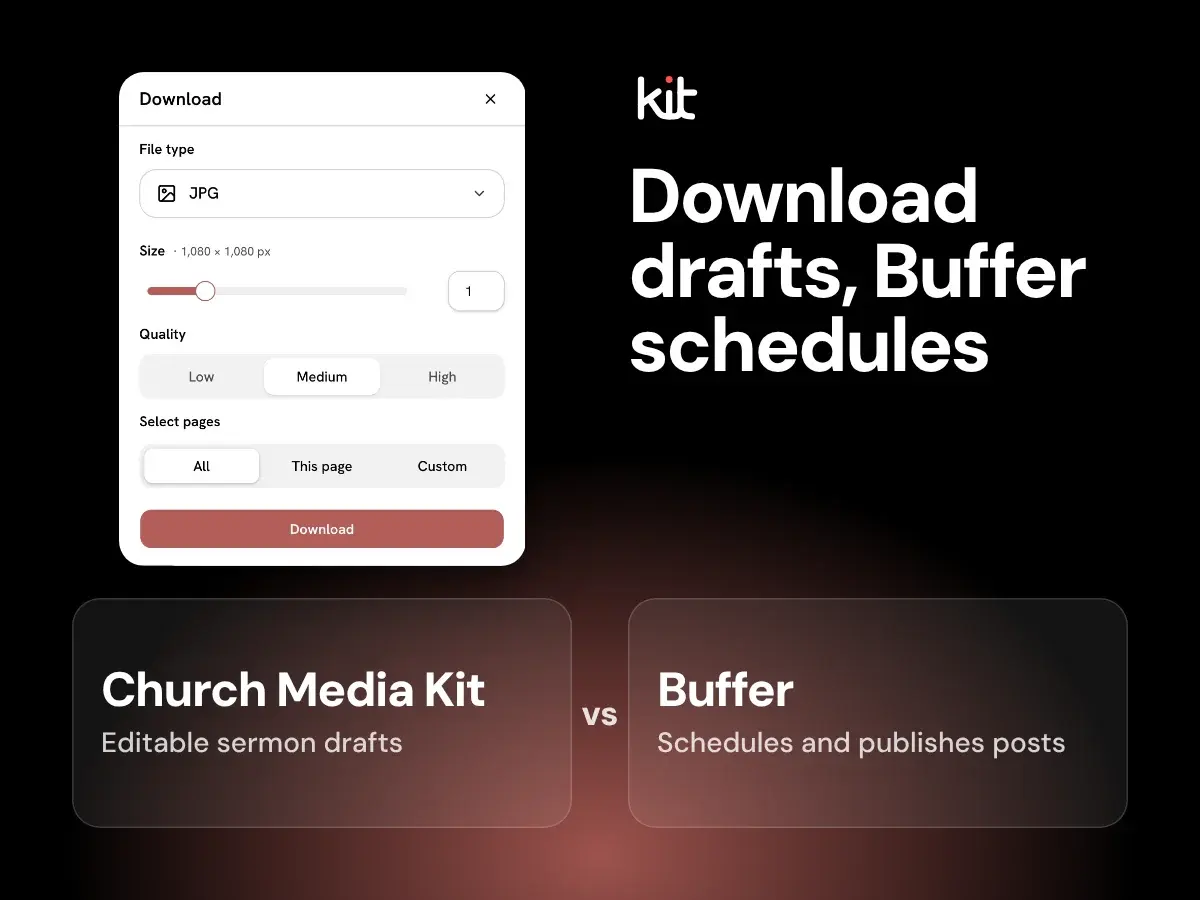
Compare Buffer’s church social media scheduling and AI writing with Church Media Kit’s editable sermon-derived static drafts.
Product evaluation and buying decisions
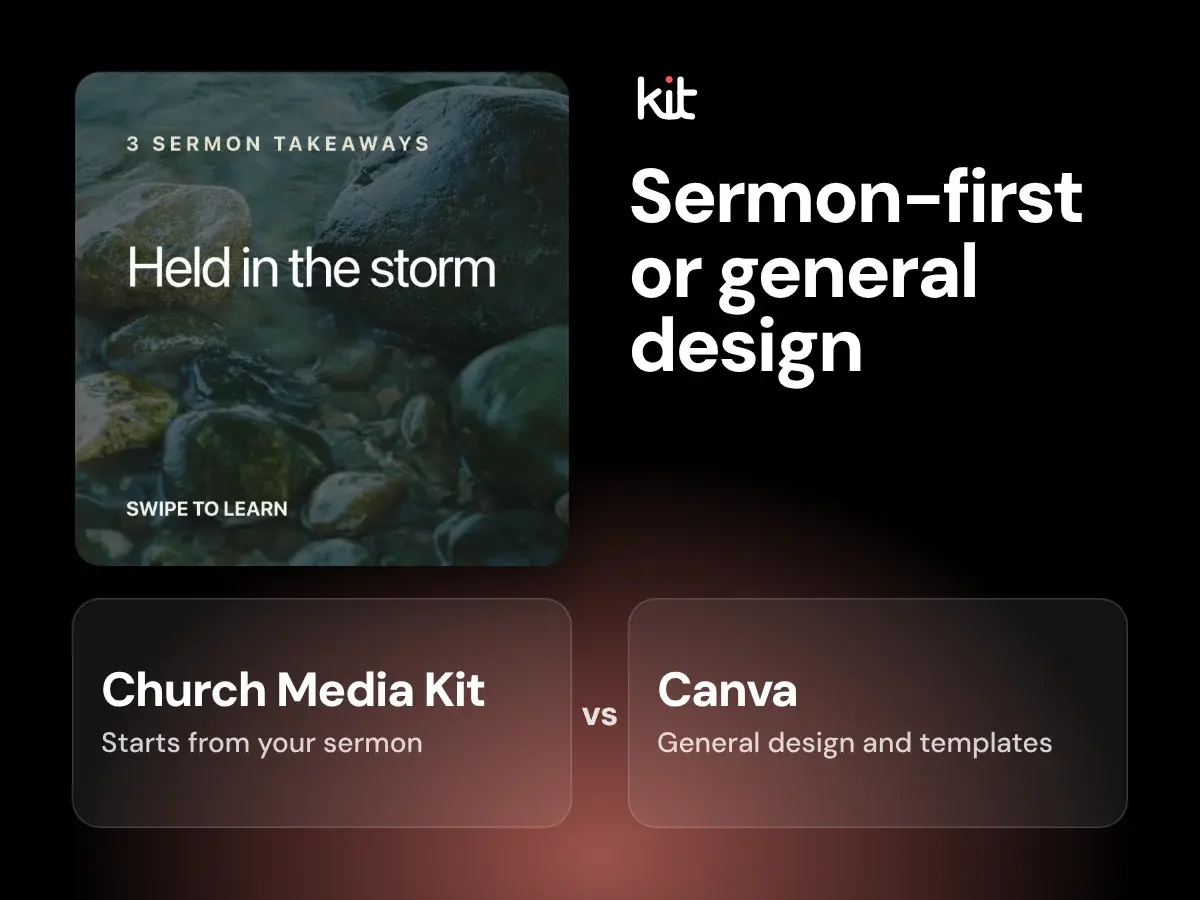
Compare Canva’s general design canvas with Church Media Kit, which turns a YouTube sermon into editable post graphics and captions you review and download.
Product evaluation and buying decisions
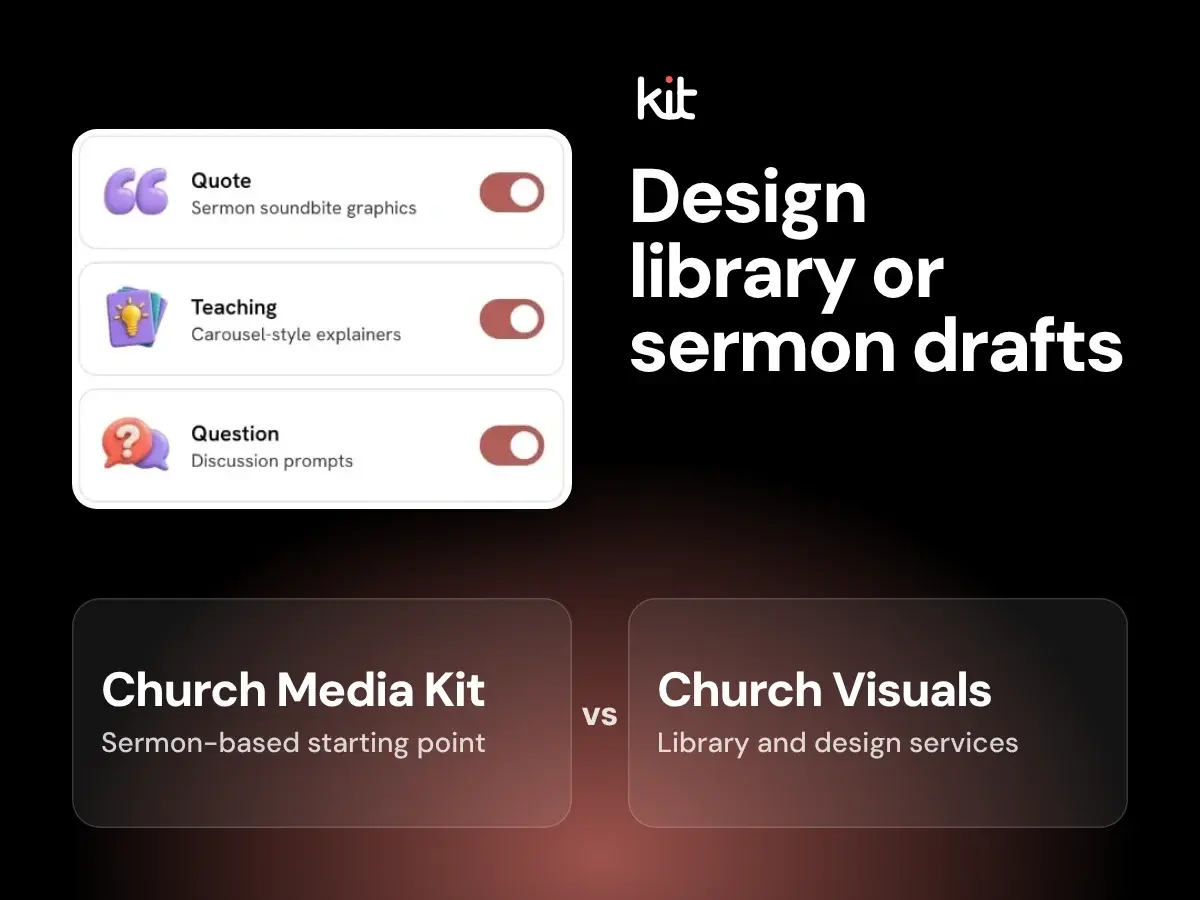
Compare Church Visuals’ graphic library and design services with editable sermon-derived drafts in Church Media Kit.
Product evaluation and buying decisions
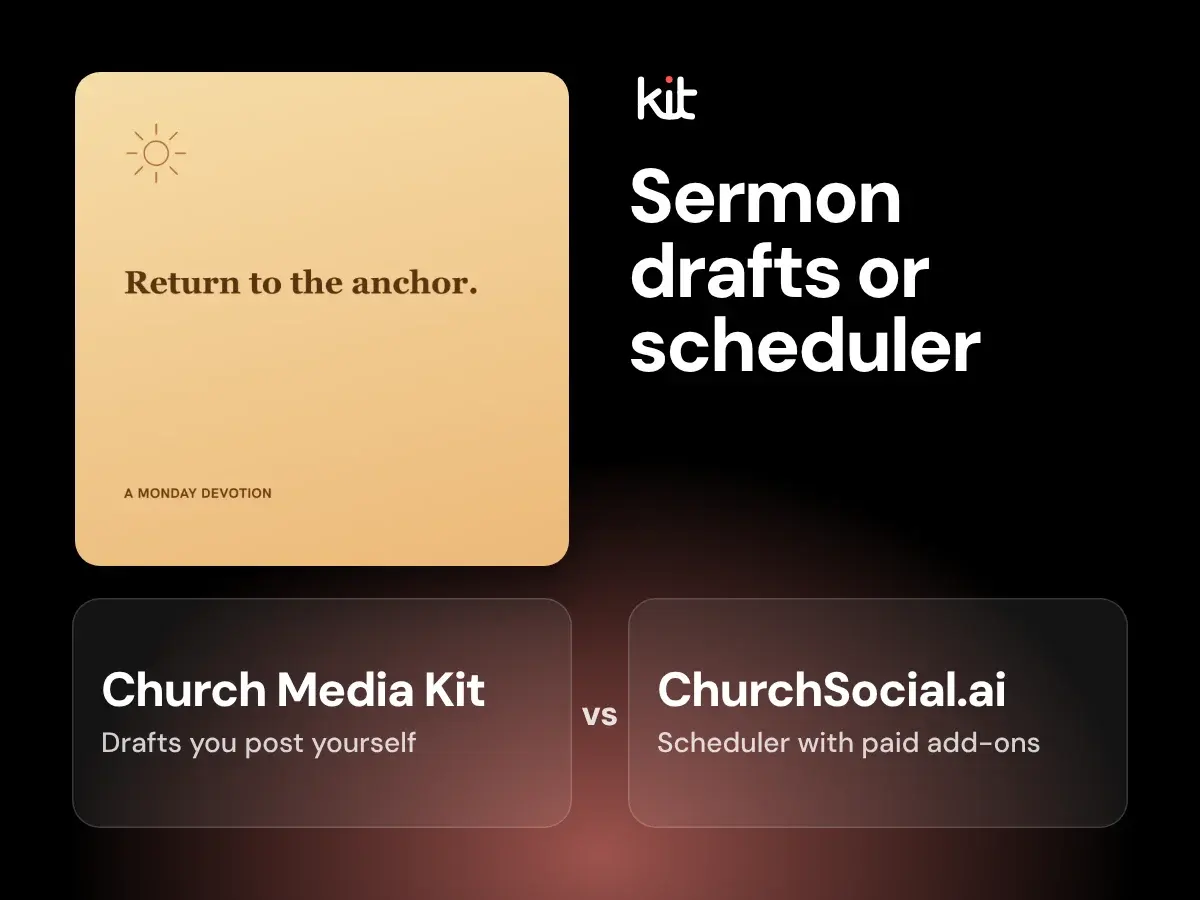
Church Media Kit drafts editable sermon posts you check and post yourself; ChurchSocial.ai schedules posts, with paid sermon and design add-ons. Fit, prices, and a free test.
Product evaluation and buying decisions
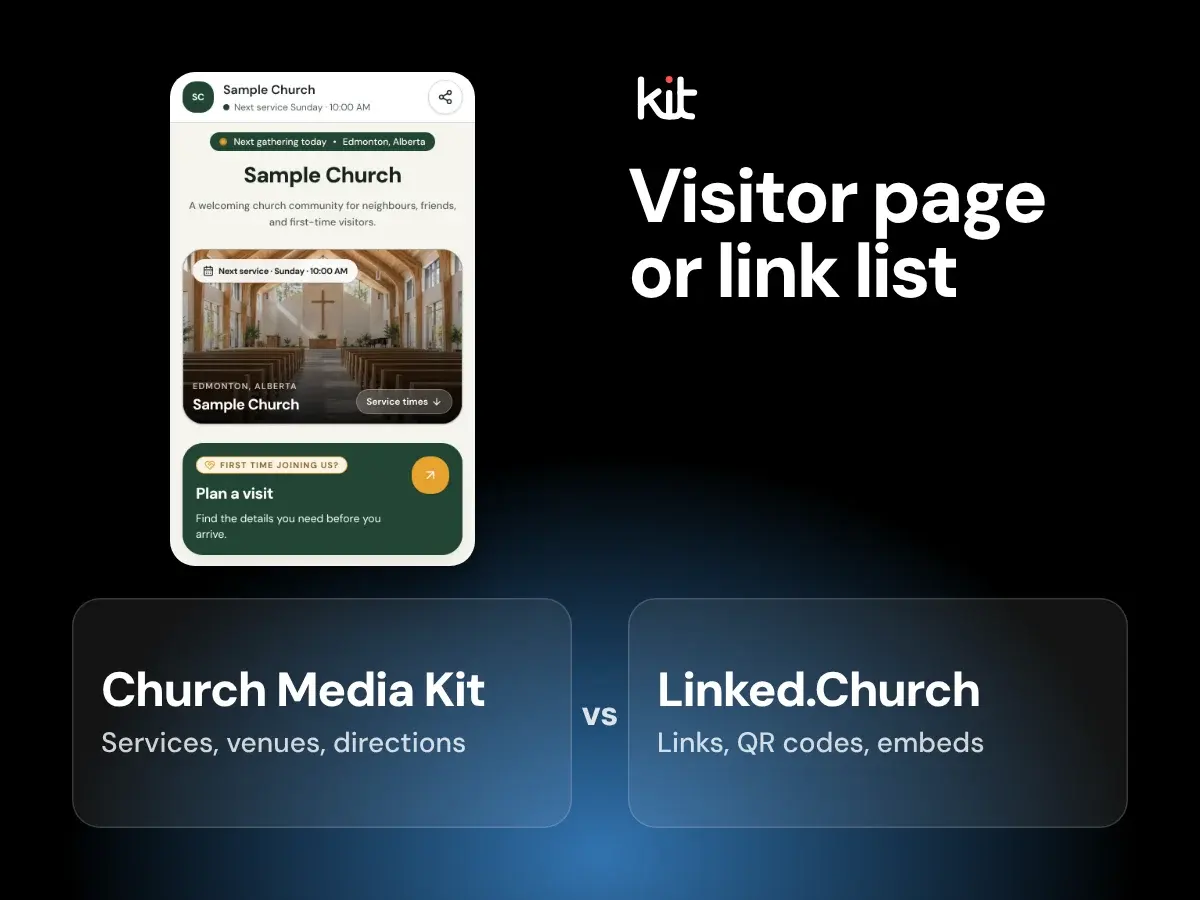
Compare Linked.Church link management with Church in bio’s service, venue, and visitor information for a church link-in-bio page.
Product evaluation and buying decisions
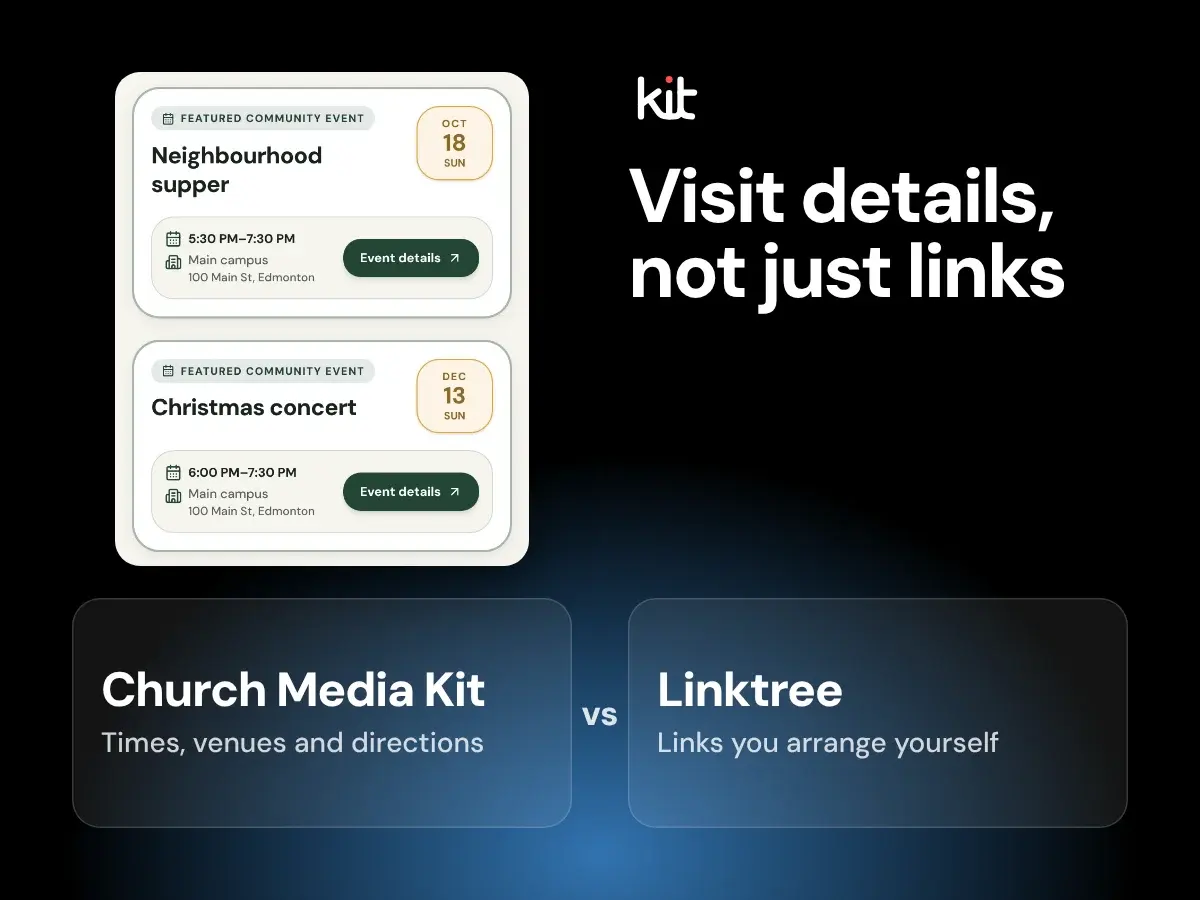
Compare Linktree for churches with Church in bio’s structured services, venues, visitor details, and optional events.
Product evaluation and buying decisions
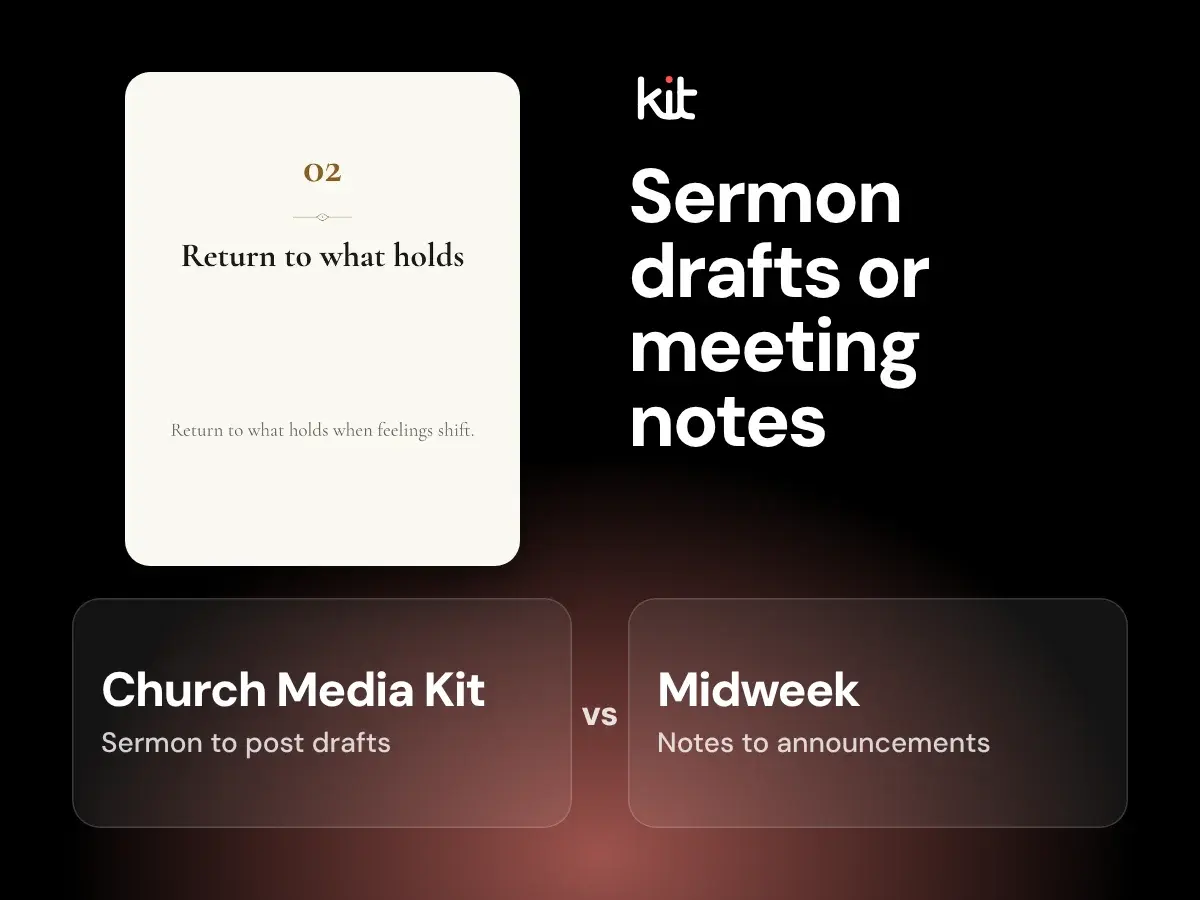
Compare Midweek weekly announcements from meeting notes with editable sermon-derived static drafts and Church in bio.
Product evaluation and buying decisions
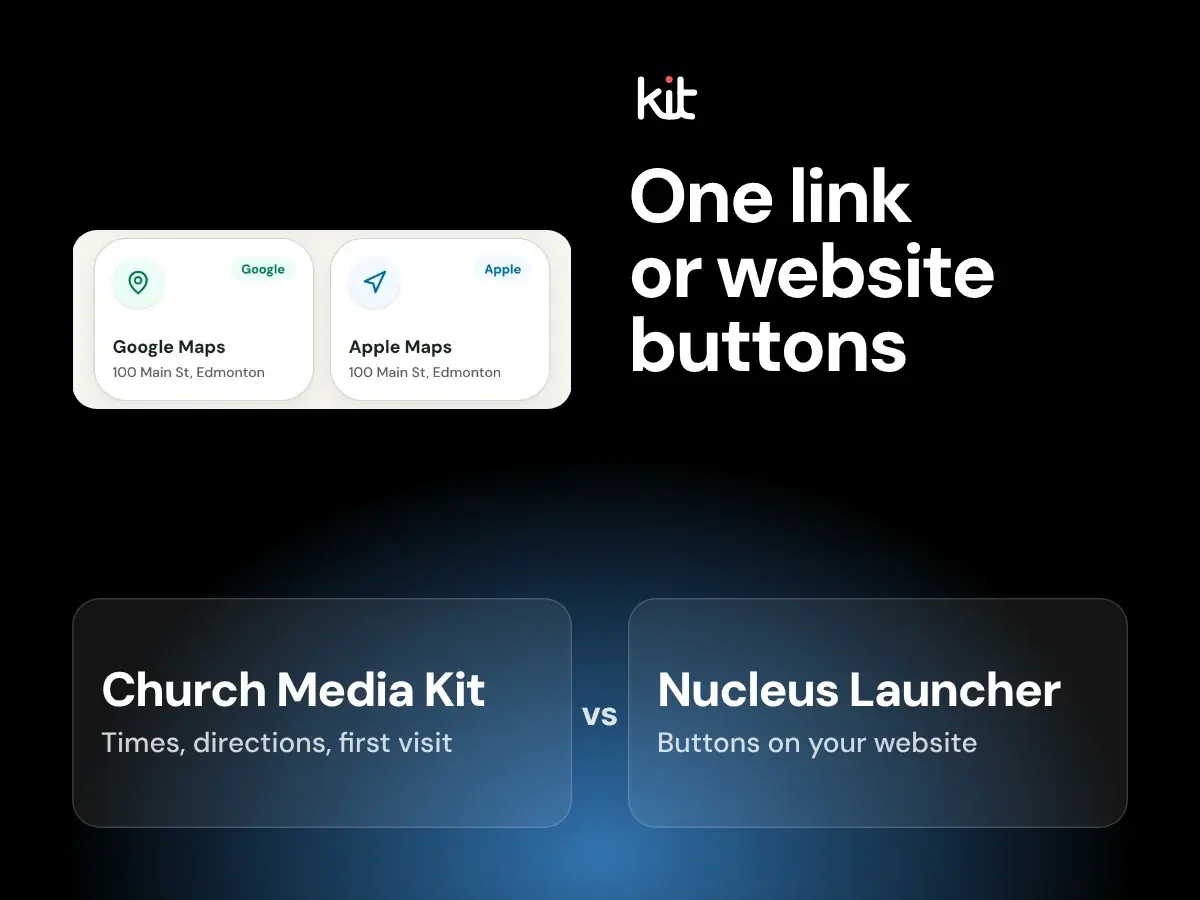
Church in bio gives visitors one link with service times, directions and first-visit information. Nucleus Launcher adds buttons that lead to forms and next steps on or beside a church website.
Product evaluation and buying decisions
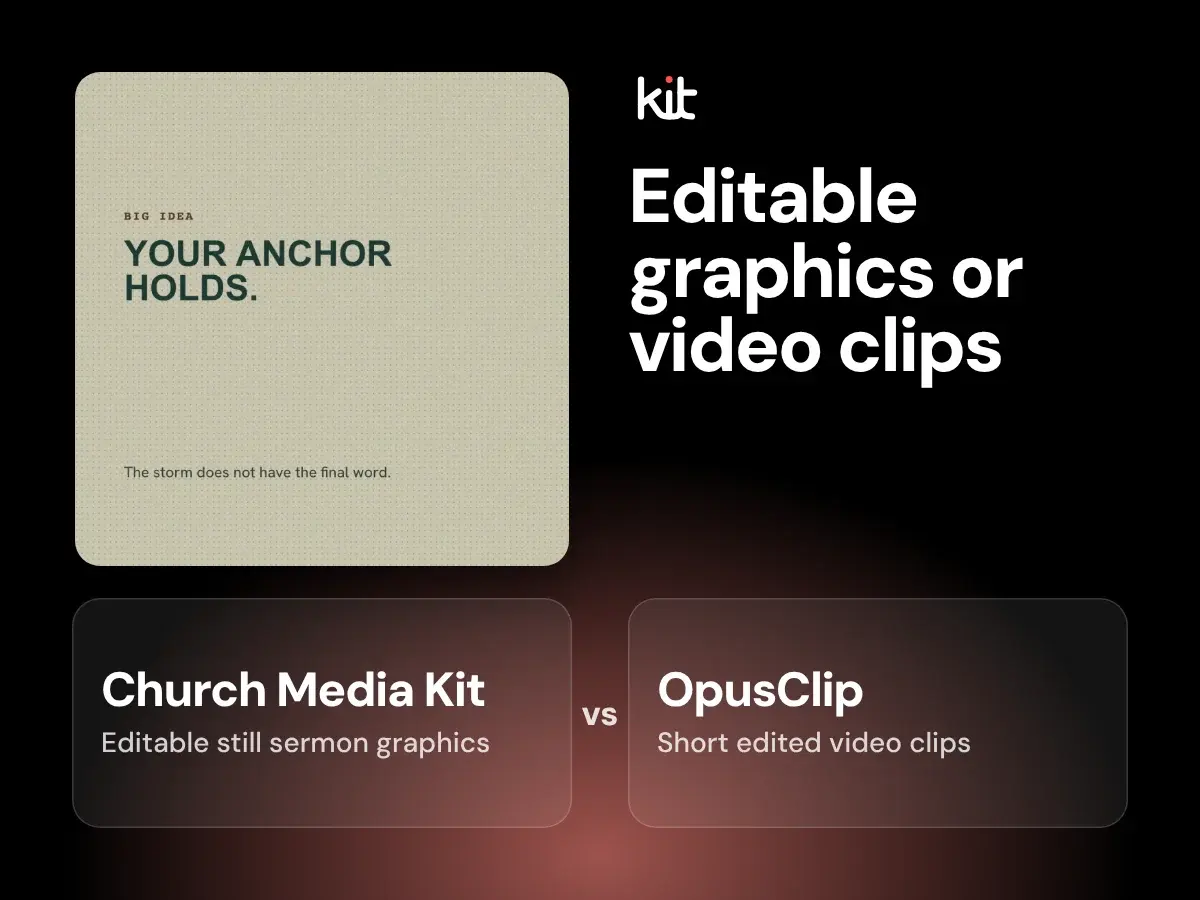
Looking for an OpusClip alternative for your church? Compare OpusClip’s video clips with Church Media Kit’s sermon clips and editable sermon graphics.
Product evaluation and buying decisions
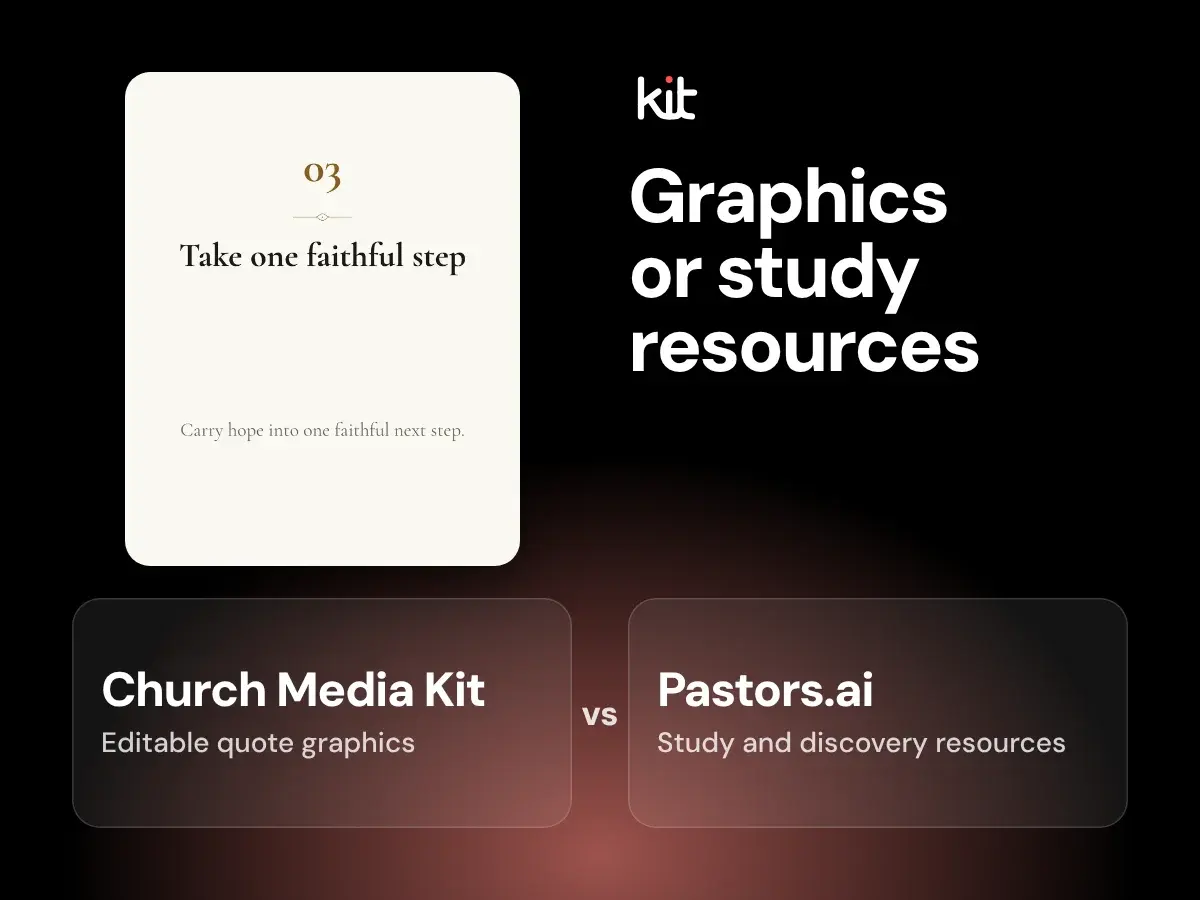
Compare Pastors.ai sermon repurposing and study resources with Church Media Kit’s editable static communication designs.
Product evaluation and buying decisions
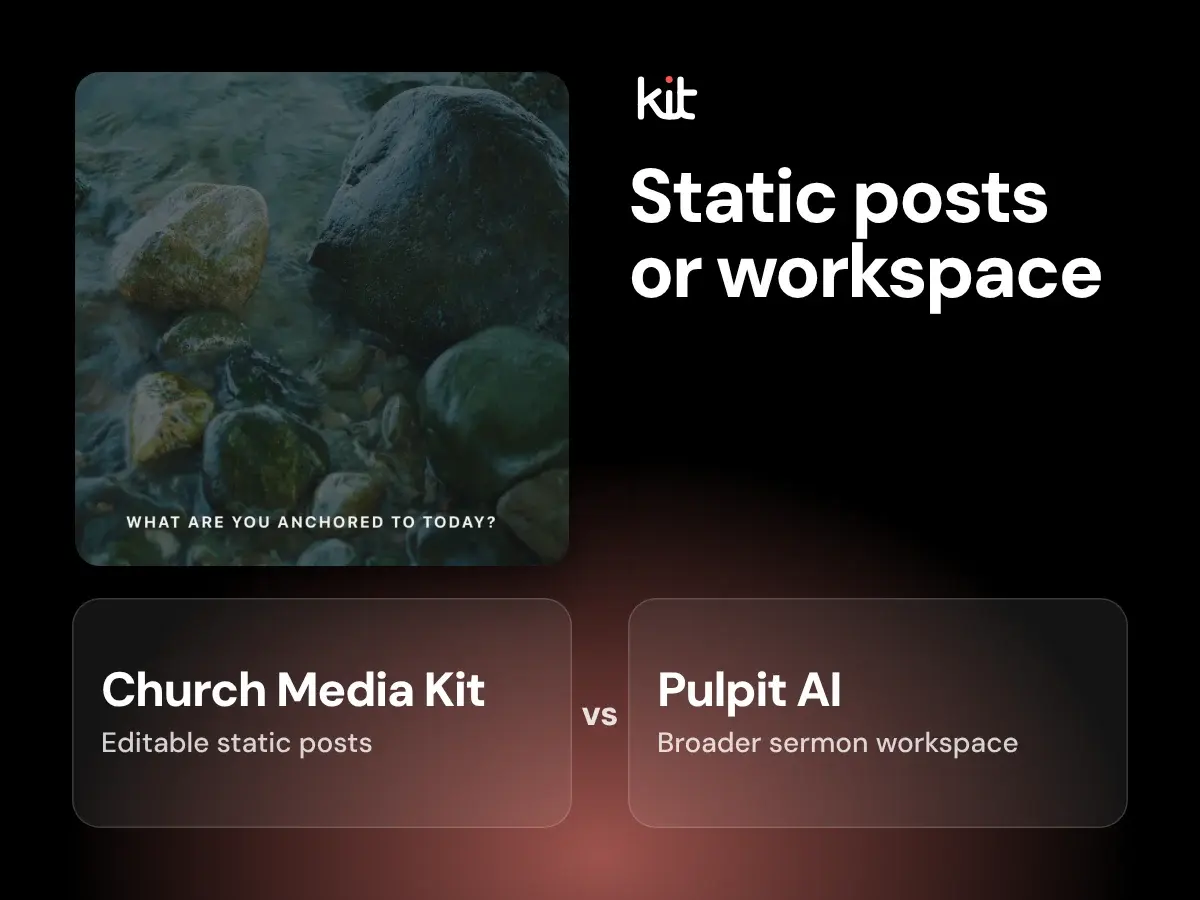
Compare Pulpit AI’s sermon workspace with Church Media Kit’s editable static sermon-to-social drafts, source requirements, and review workflow.
Product evaluation and buying decisions
Compare Sermon Shots sermon clips, quote images, and carousels with Church Media Kit’s editable static design workflow.
Planning and sustainable church communication
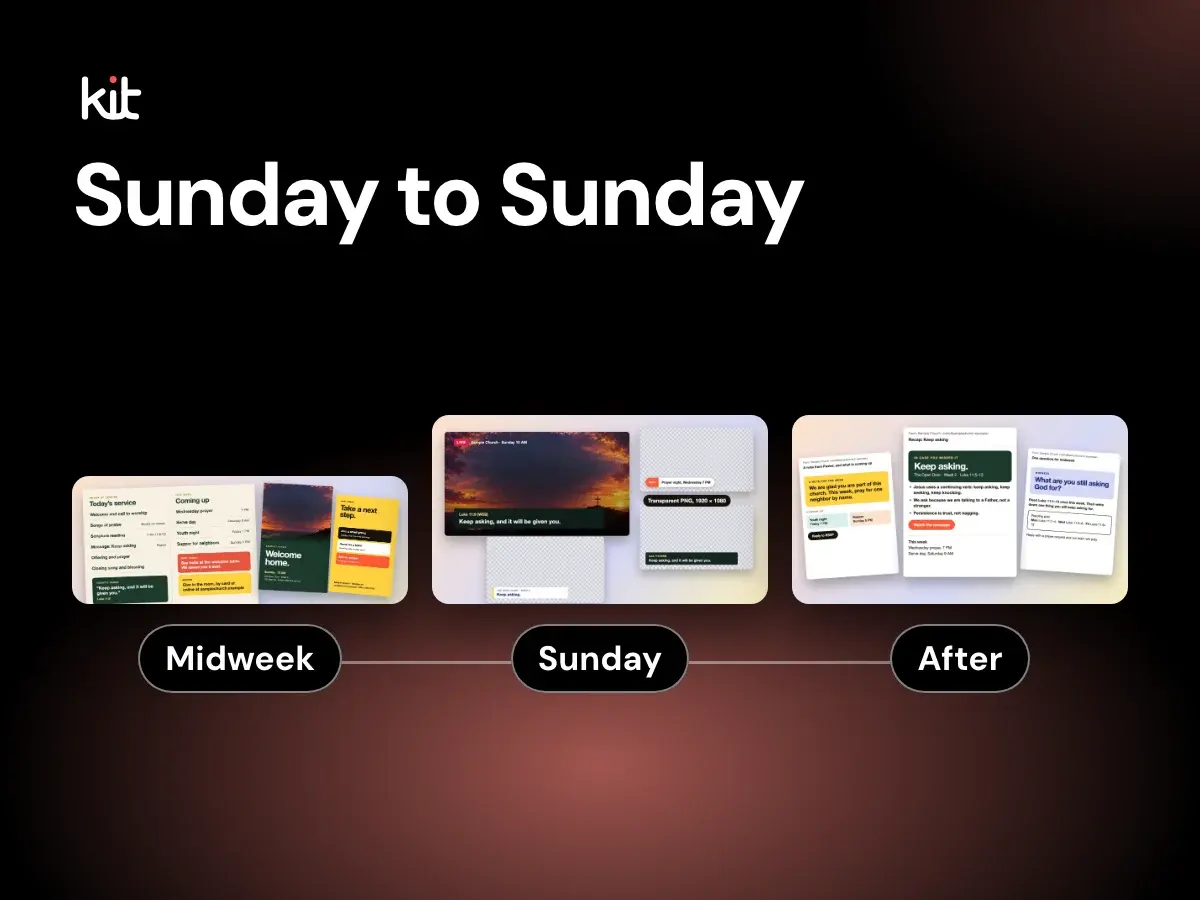
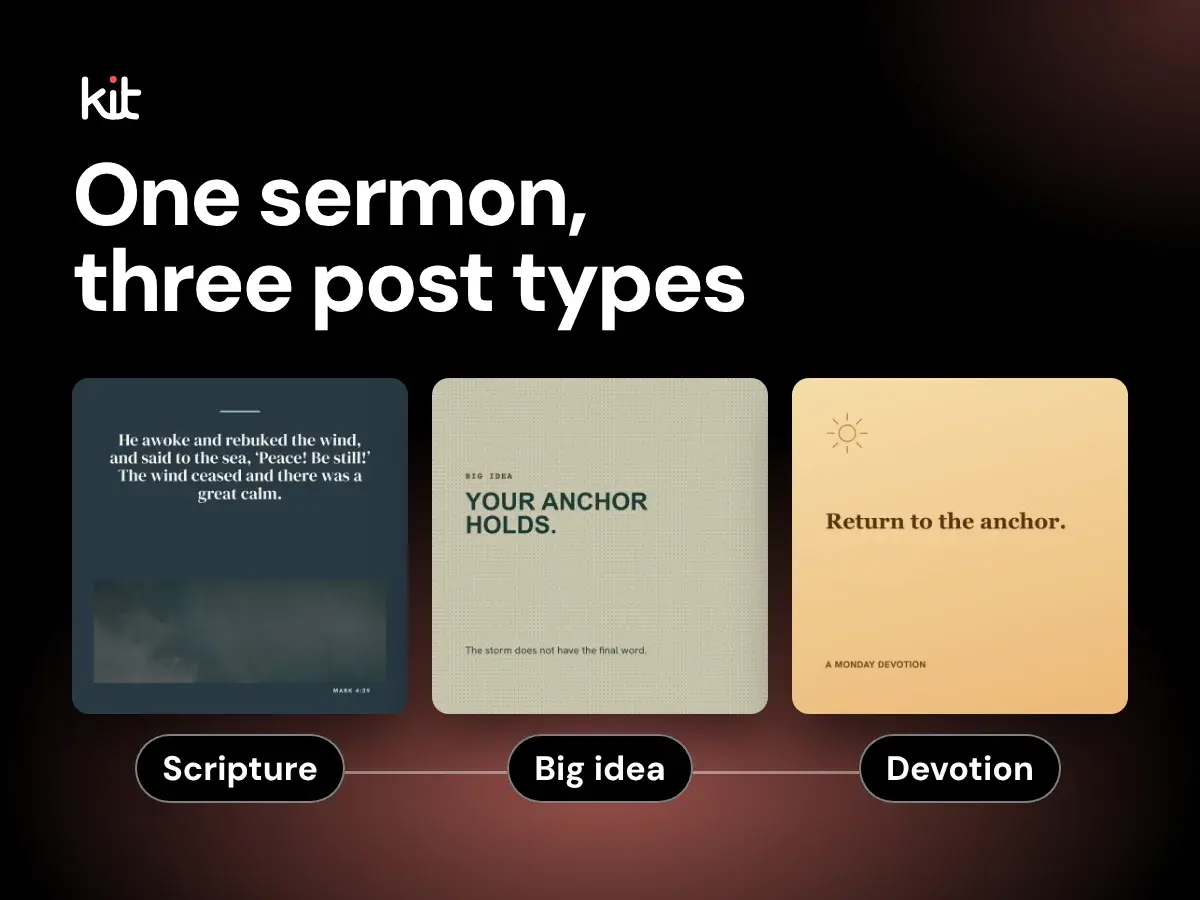
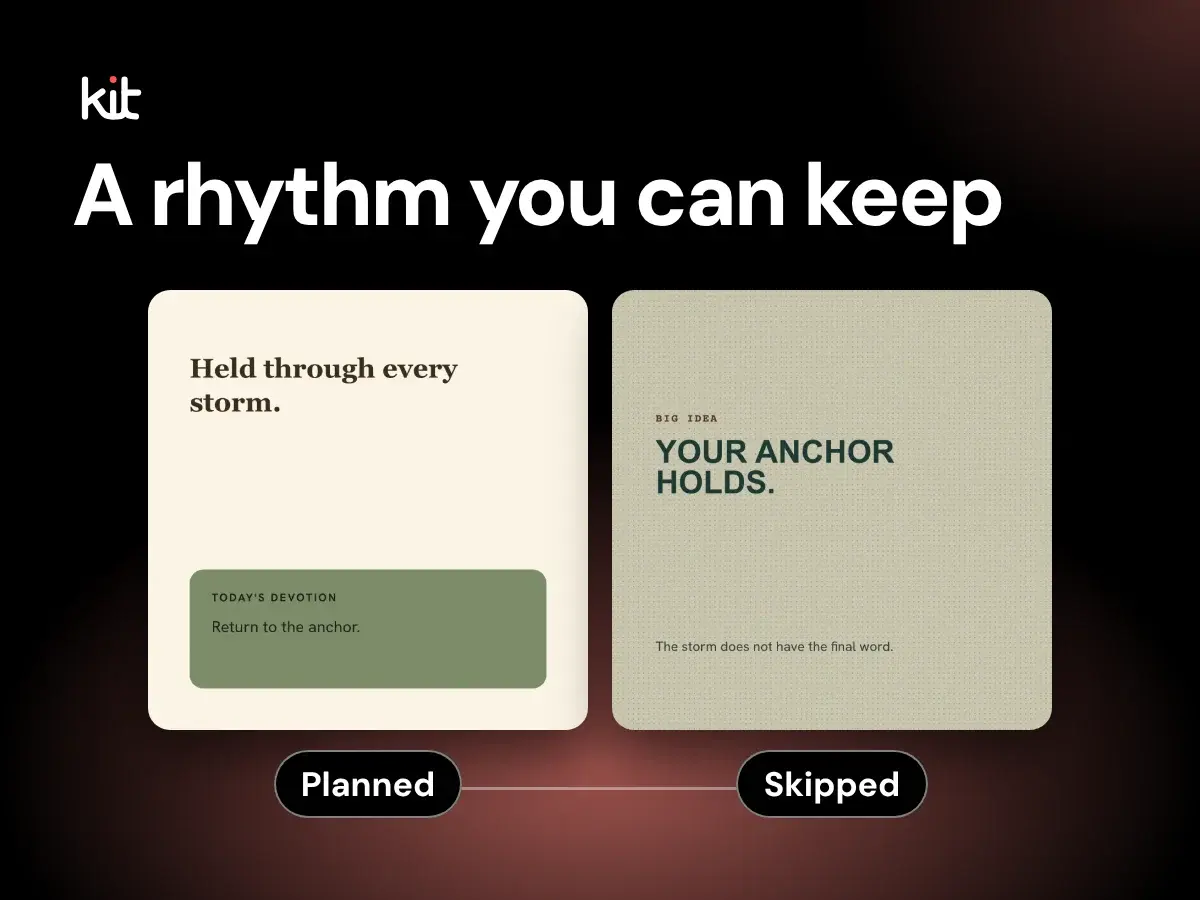
A low-volume Monday-to-Sunday routine for turning one sermon into useful church social posts, with source checks, review gates, and clear reasons to skip a post.
Sermon repurposing and source integrity
A context-first method for turning one sermon into useful social posts while keeping quotes, paraphrases, and applications faithful to the source.
Product evaluation and buying decisions
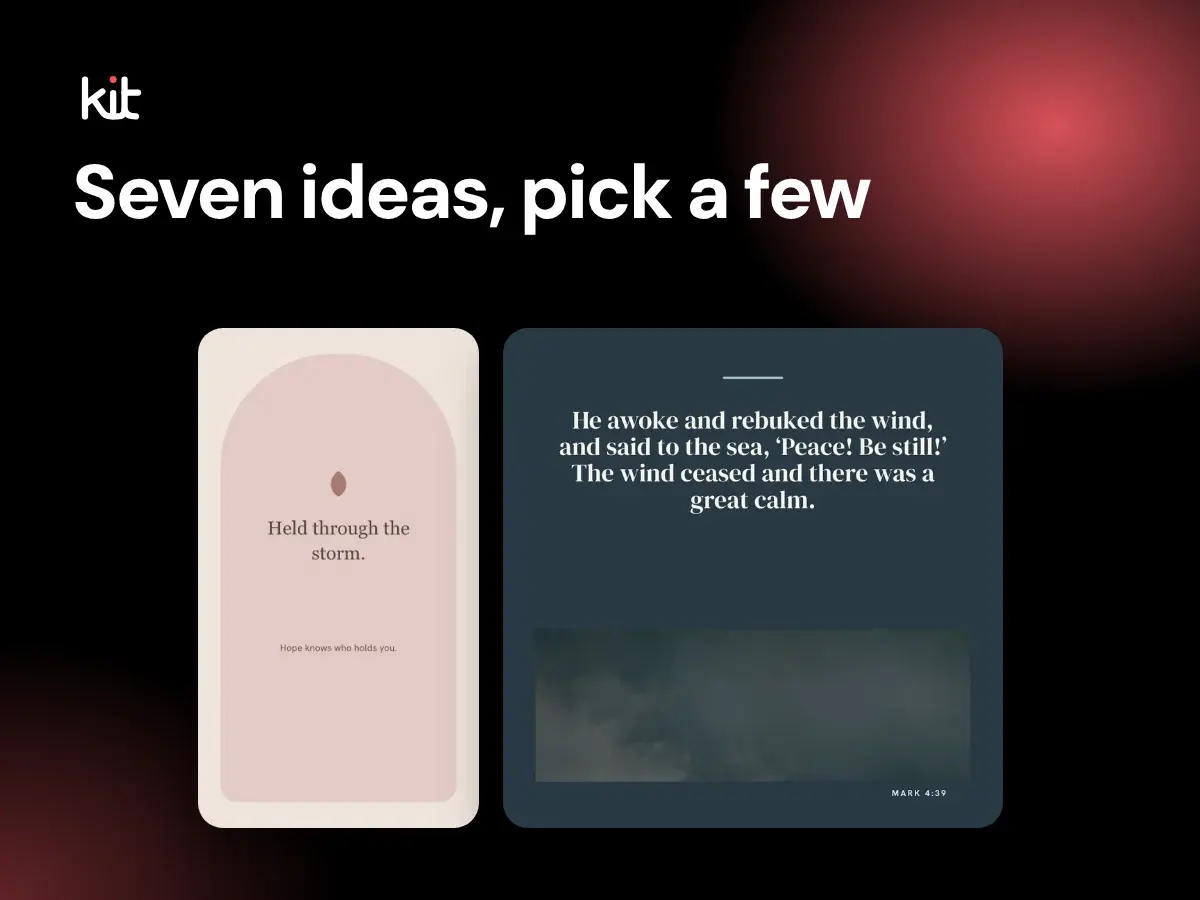
A plain product-fit guide to turning a YouTube sermon into editable social-post drafts, what it costs, the review work that stays with your church, and the jobs it does not do.
Planning and sustainable church communication
Seven follow-up post ideas for after Sunday, a worked catch-up example, and a clear check for when to skip each one, for churches with little staff.
Sermon repurposing and source integrity
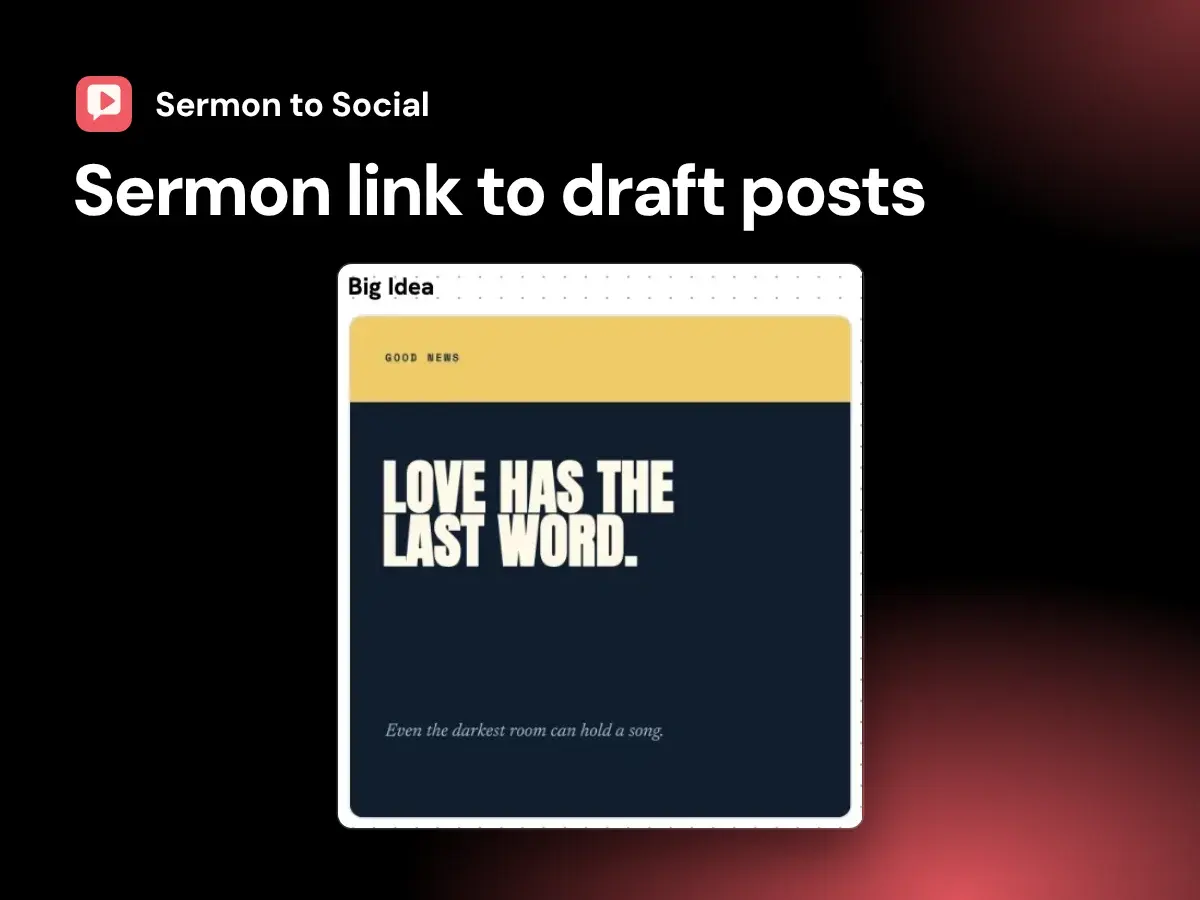
A source-first workflow for turning an authorized YouTube sermon into static social-post drafts that your church has checked and approved.
Product evaluation and buying decisions
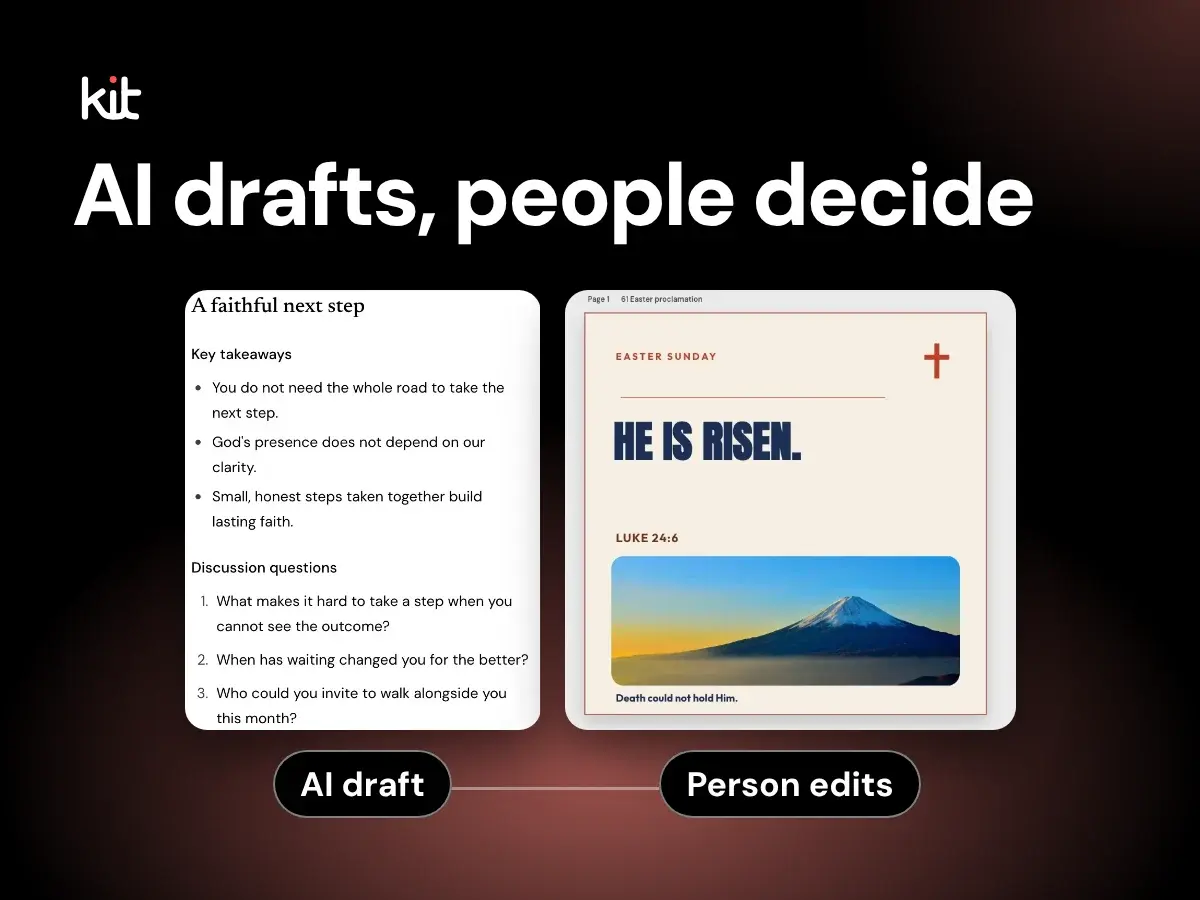
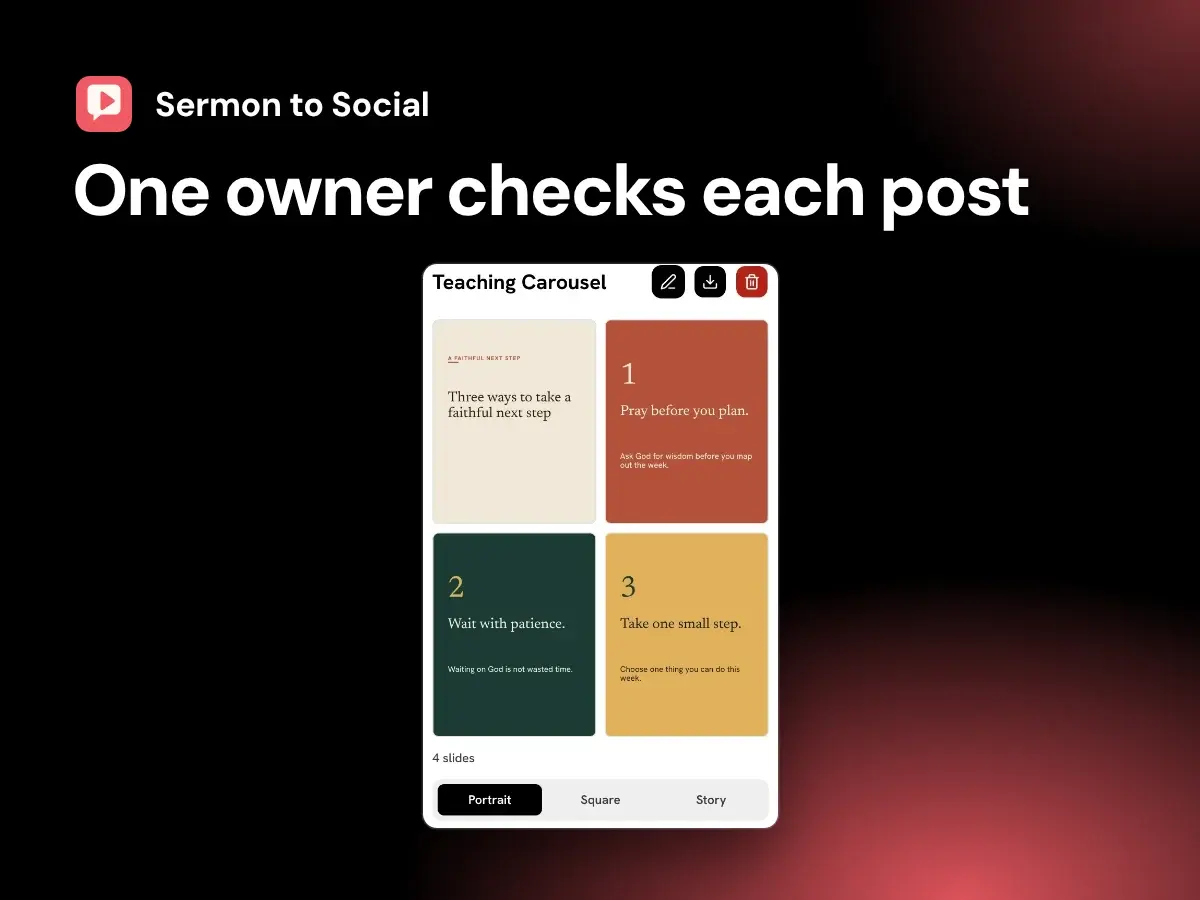
A factual tour of how Church Media Kit turns an authorized public YouTube sermon into static social drafts, with Studio edits, human review, and export, plus who it fits and what it costs.
Planning and sustainable church communication
Set a realistic church social media posting rhythm with a capacity calculation, a six-week test, and clear reasons to skip a post.
Sermon repurposing and source integrity
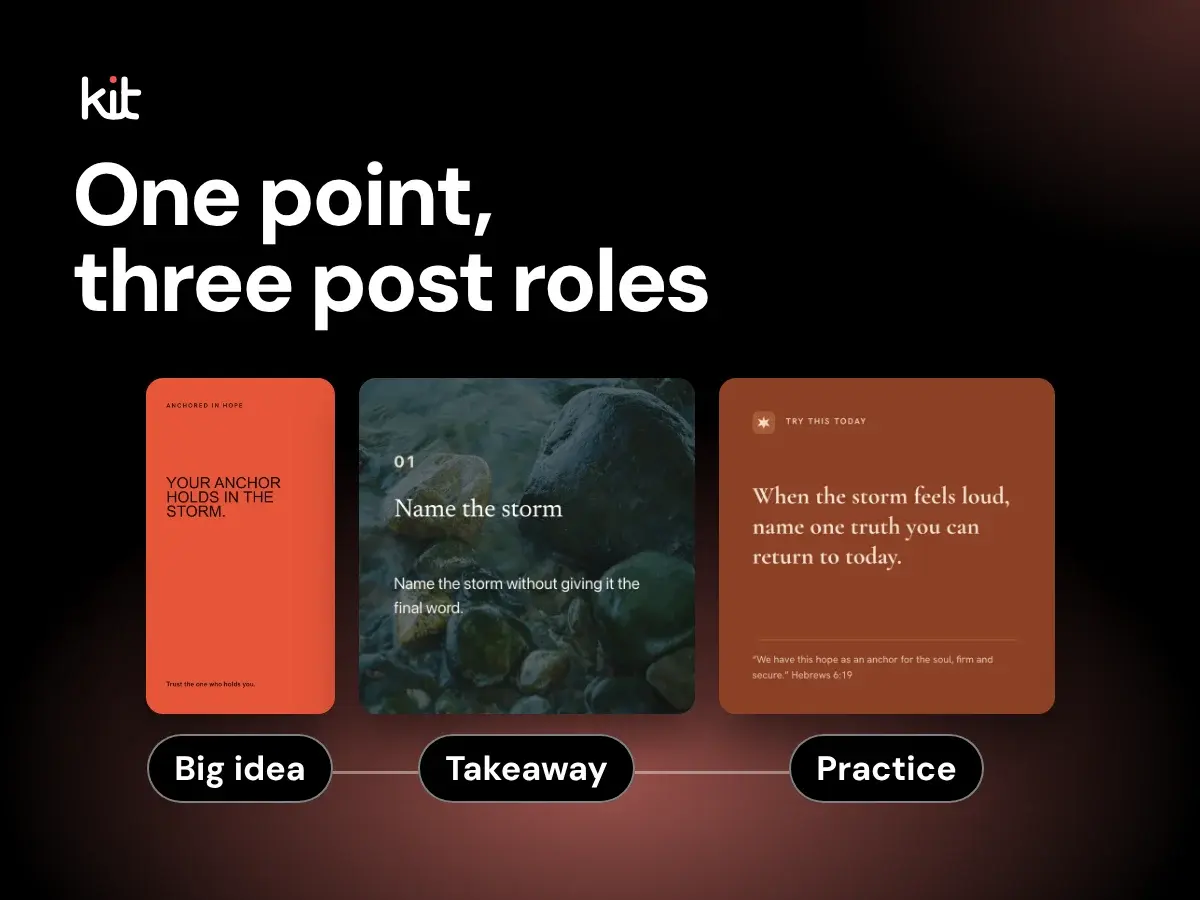
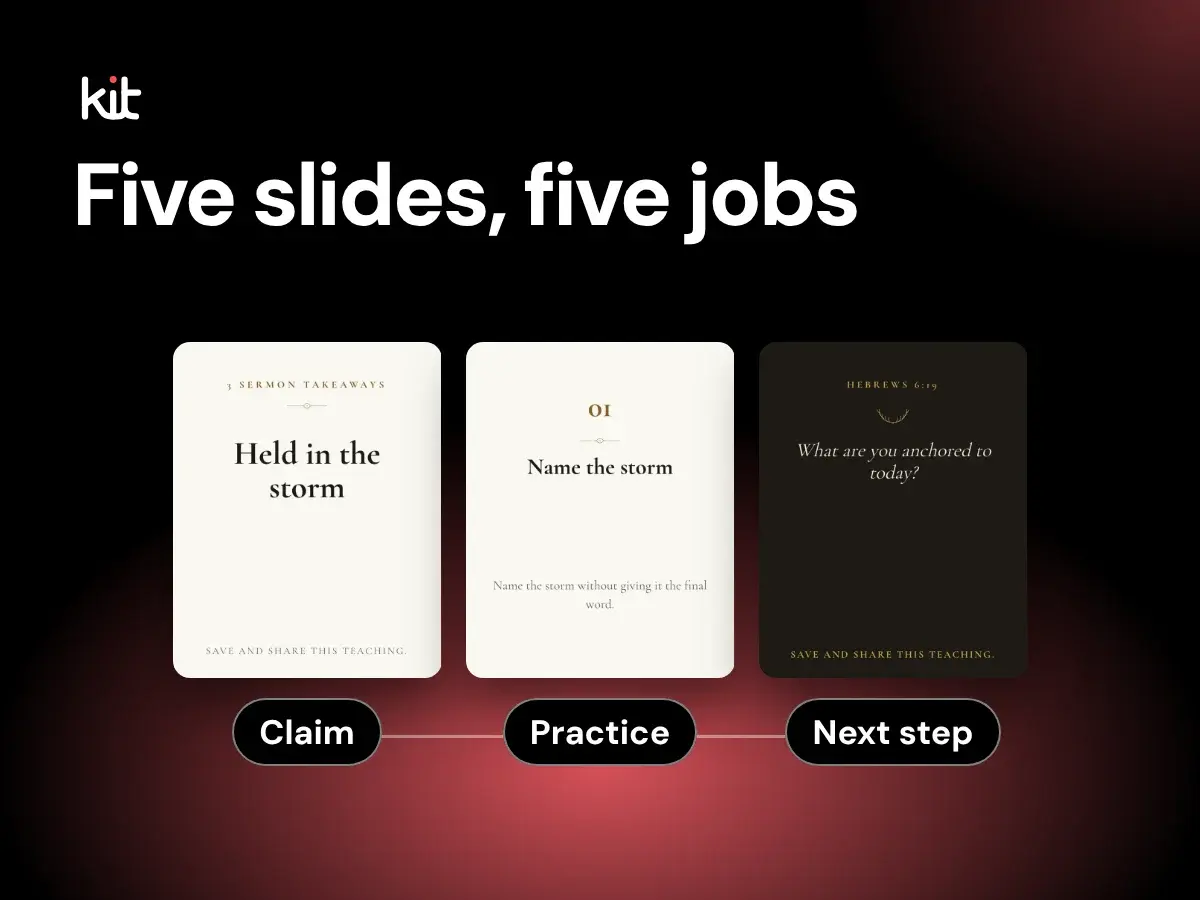
A source-faithful five-slide method for carrying one sermon claim through a question, biblical grounding, practice, and a clear next step.
Design, branding, and accessibility
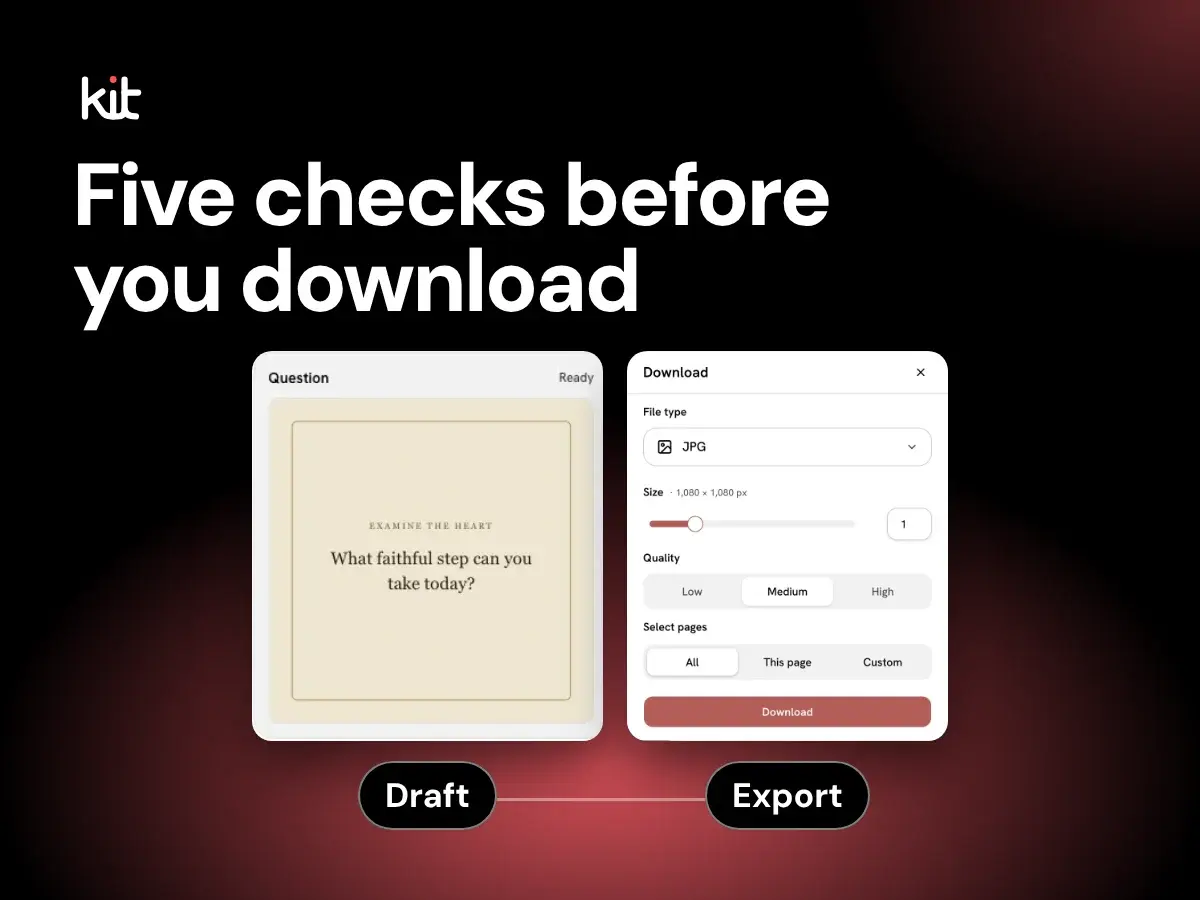
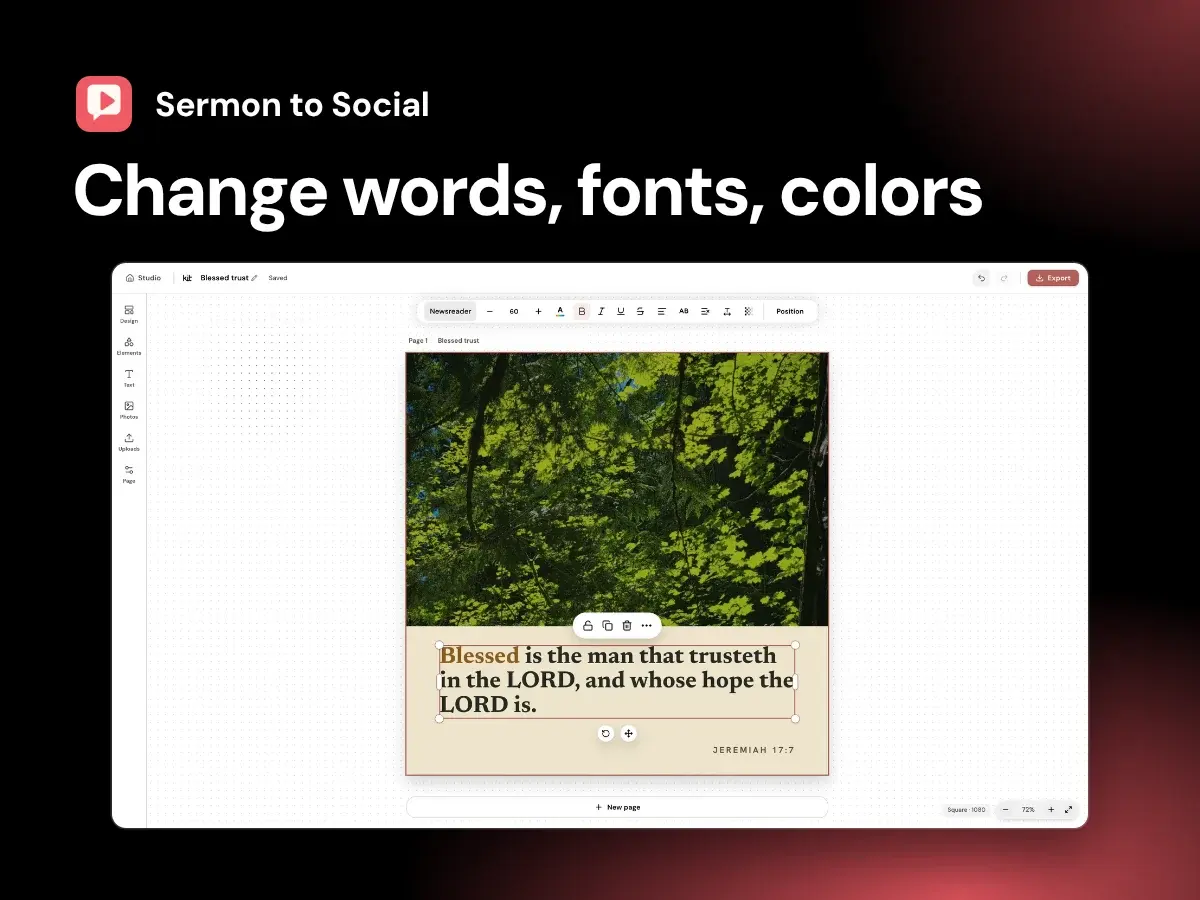
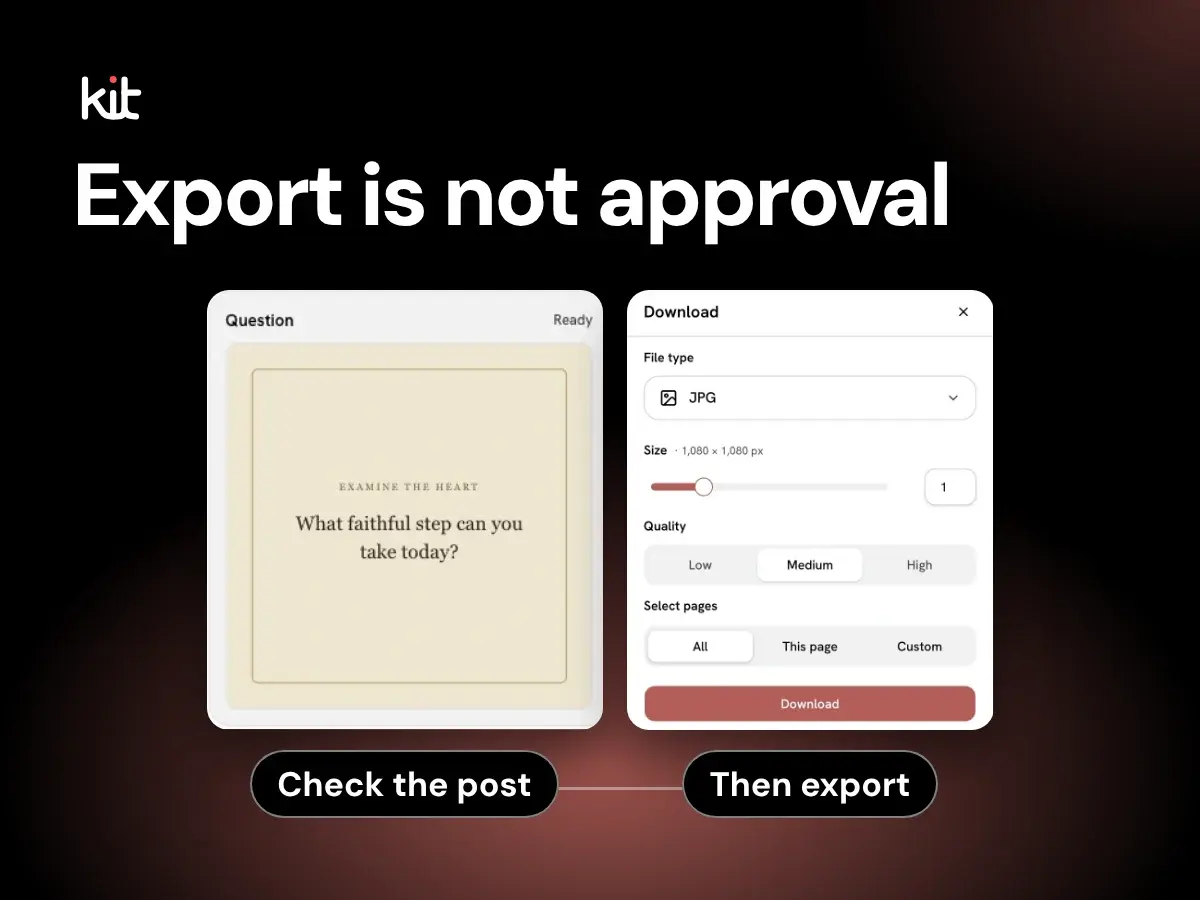
A precise guide to the Studio's reviewed static-design controls, export behavior, and the checks that still belong to your church.
Sermon repurposing and source integrity
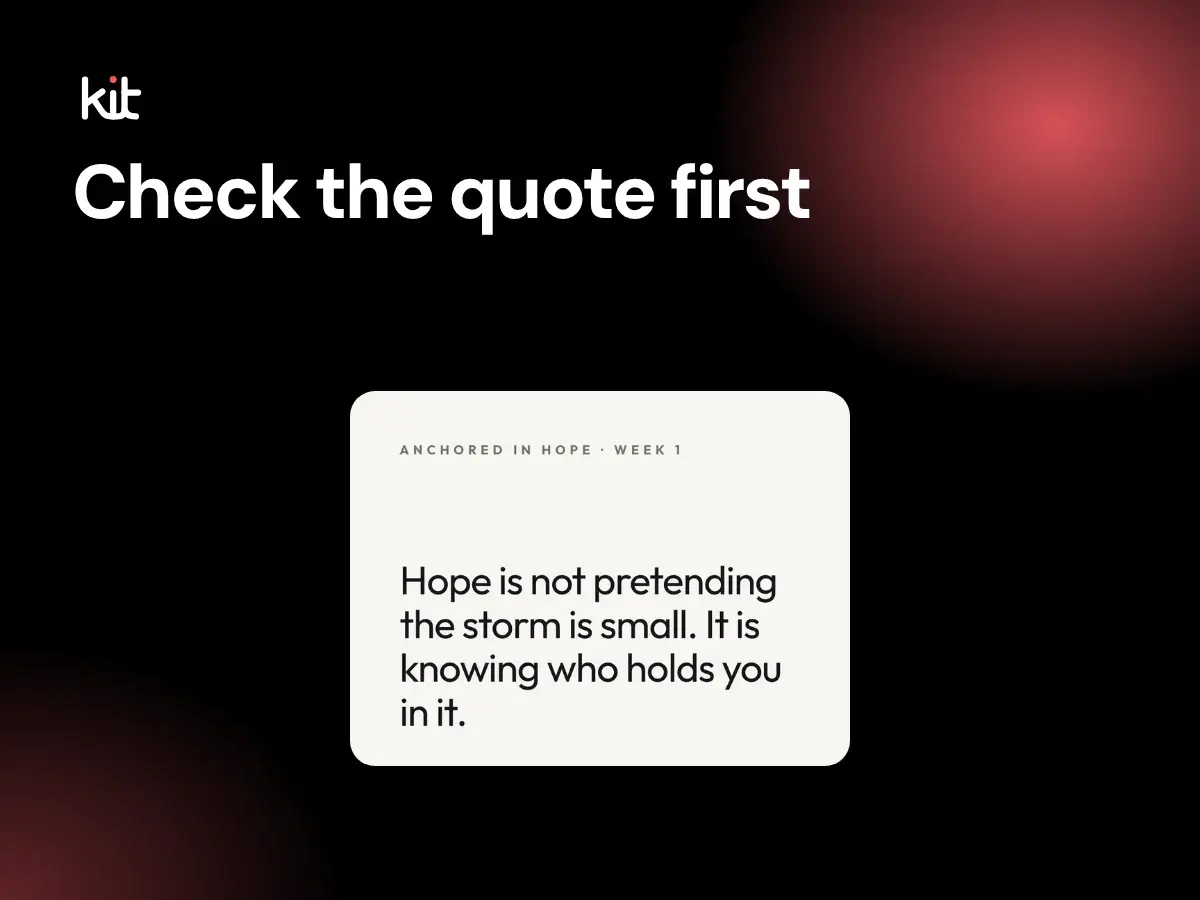
Test a sermon line for exact wording, intent, qualification, Scripture, permission, pastoral risk, and destination before turning it into a social post.
Sermon repurposing and source integrity
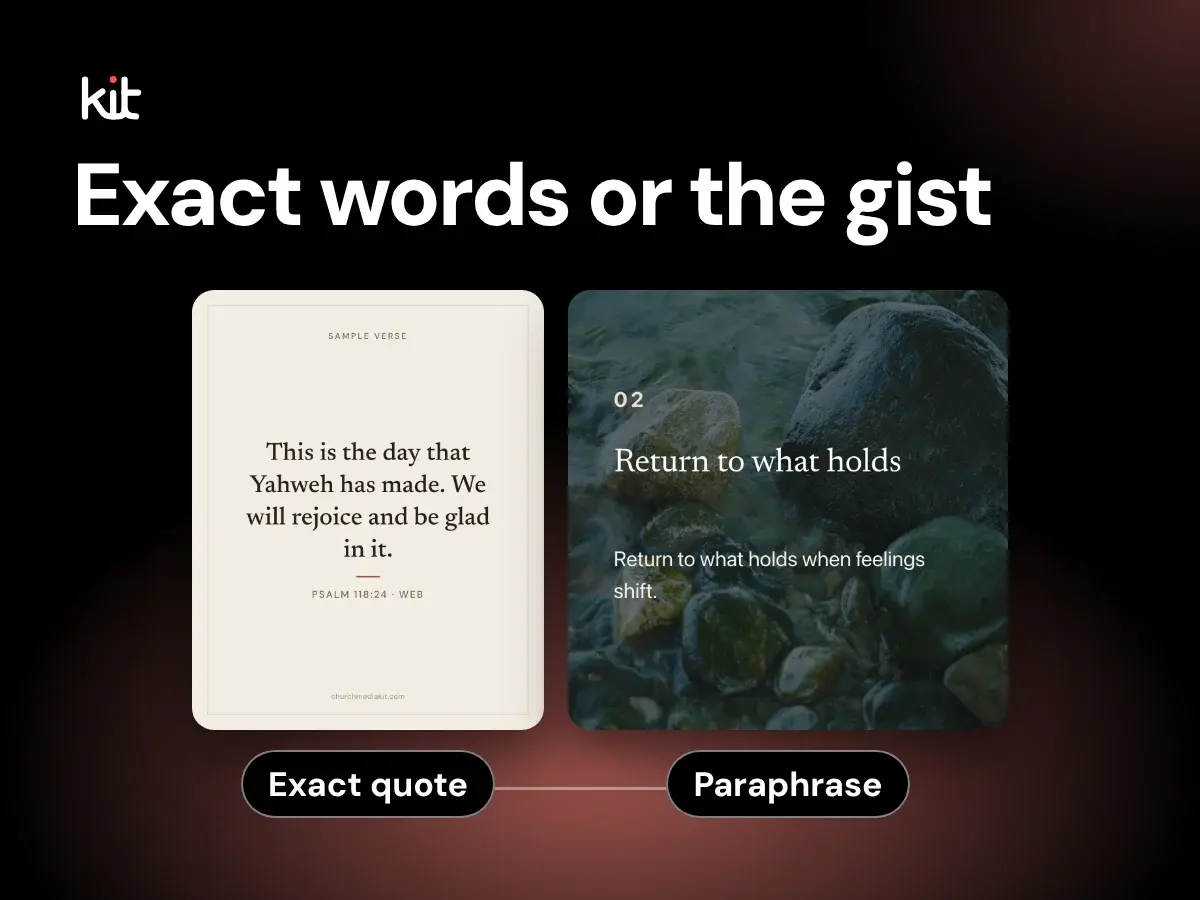
Classify sermon-derived wording as an exact quote, lightly edited transcript excerpt, composite, paraphrase, summary, or new church wording before it reaches a post.
Product evaluation and buying decisions
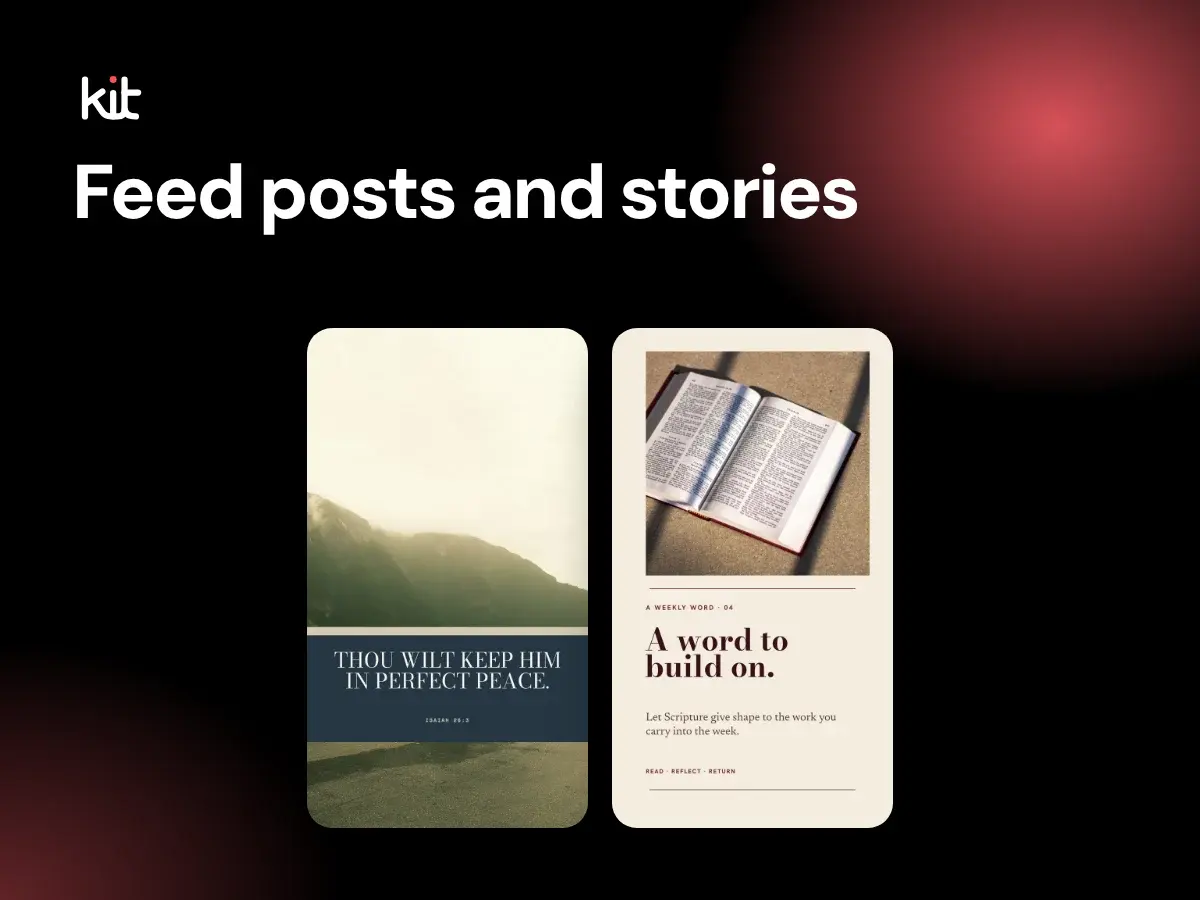
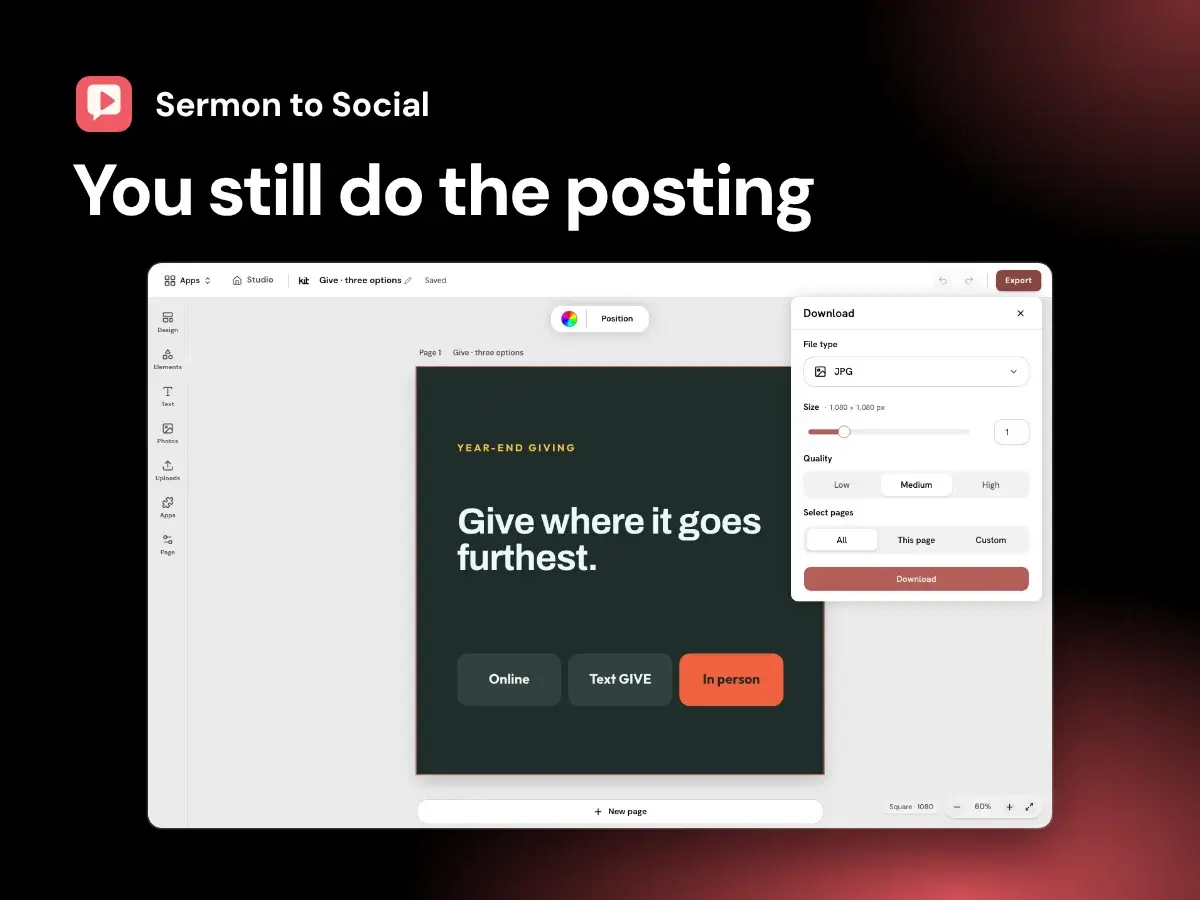
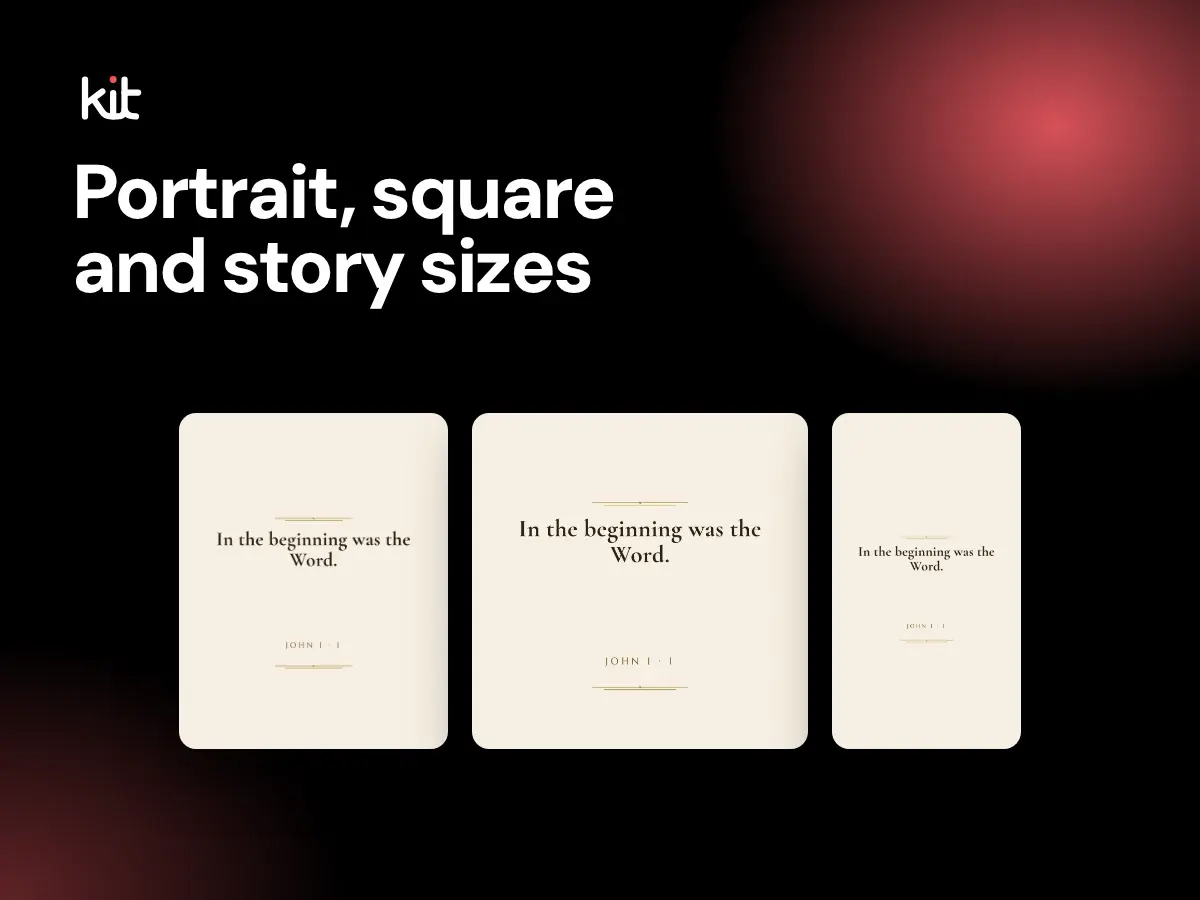
The three design sizes in Church Media Kit Studio (4:5, 1:1 and 9:16), what the Export dialog downloads, what it leaves out, and the checks a church still needs before posting.
AI governance for ministry content
A practical boundary for AI-assisted church drafts, with named human responsibility for teaching, care, privacy, rights, review, and publishing.
Planning and sustainable church communication
A flexible purpose-first method for choosing sermon posts, assigning review owners, and skipping anything the source or team cannot support.
Captions, stories, and calls to action
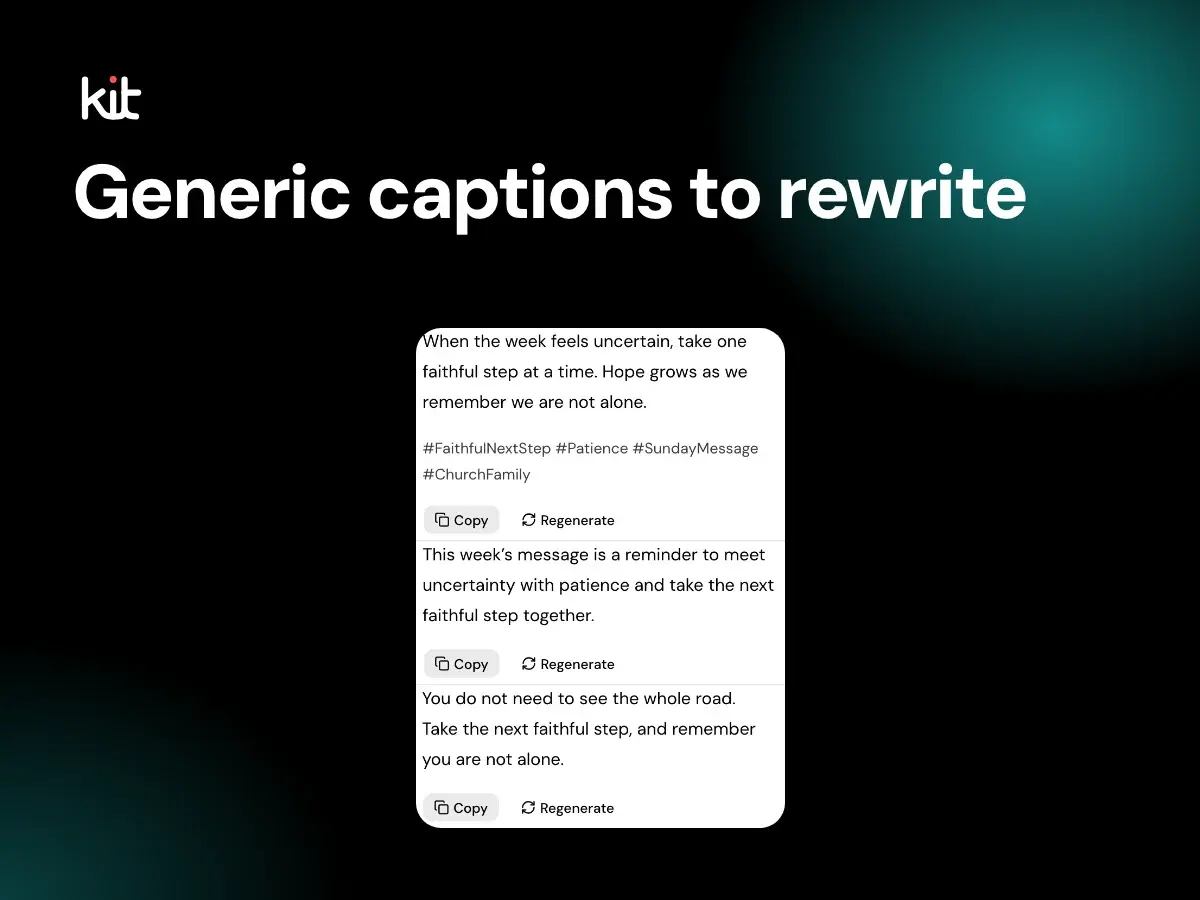
A plain guide to church social media captions that say something real, with a before-and-after example, a five-minute version for small teams, and a fuller brief for riskier posts.
Design, branding, and accessibility
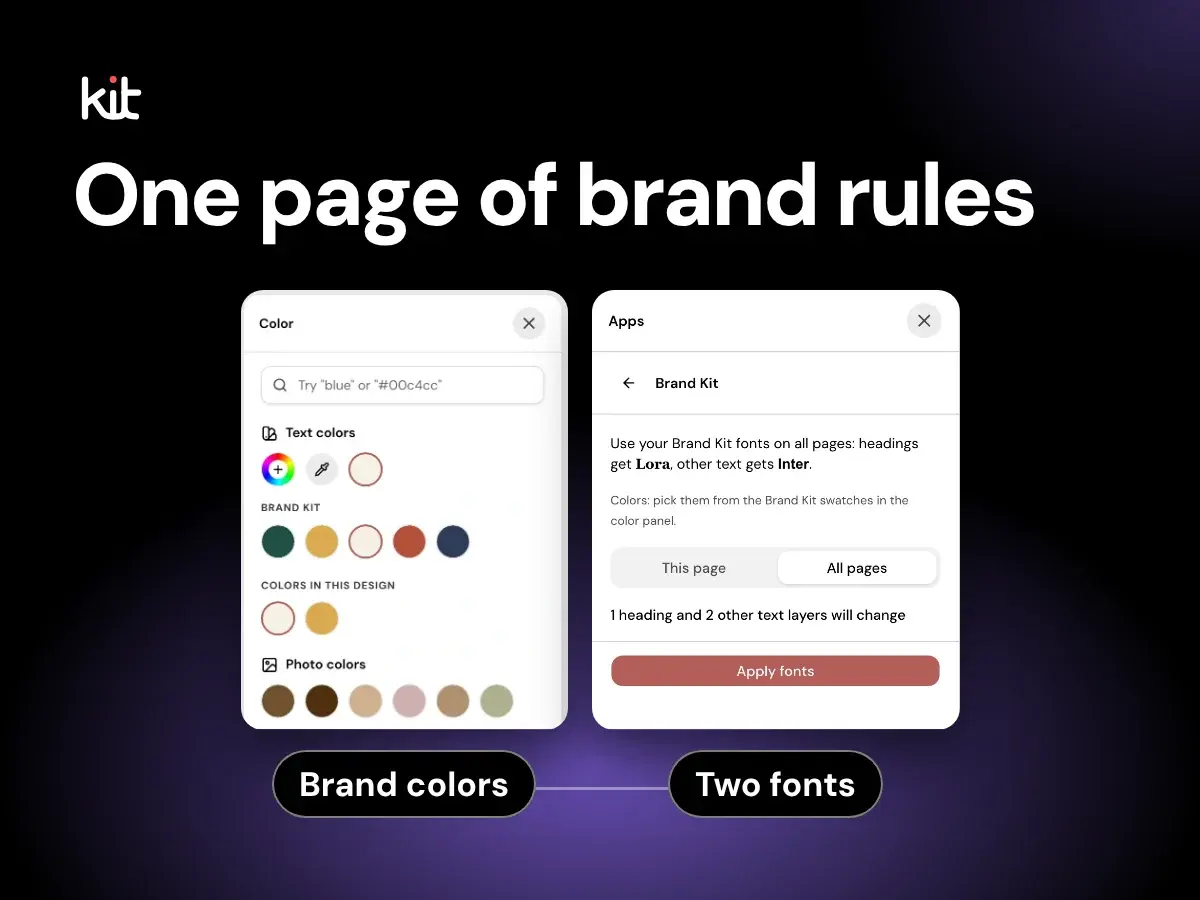
A one-page handoff for approved names, logo files, tested color pairs, type roles, image limits, ownership, and temporary exceptions.
Verse of the Day
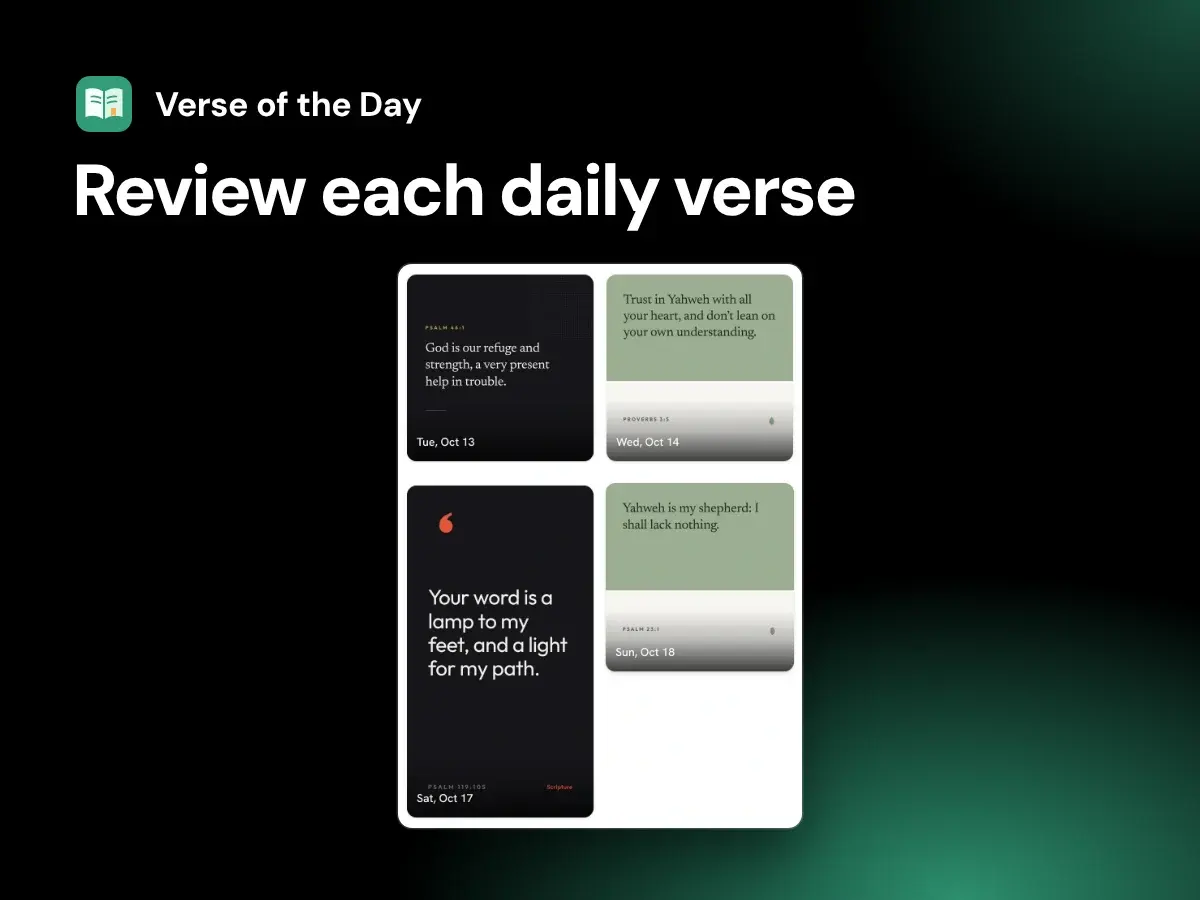
What Verse of the Day does in Studio, what it costs, which translation it uses, what it does not do, and how a church reviews each dated design before posting it.
Design, branding, and accessibility
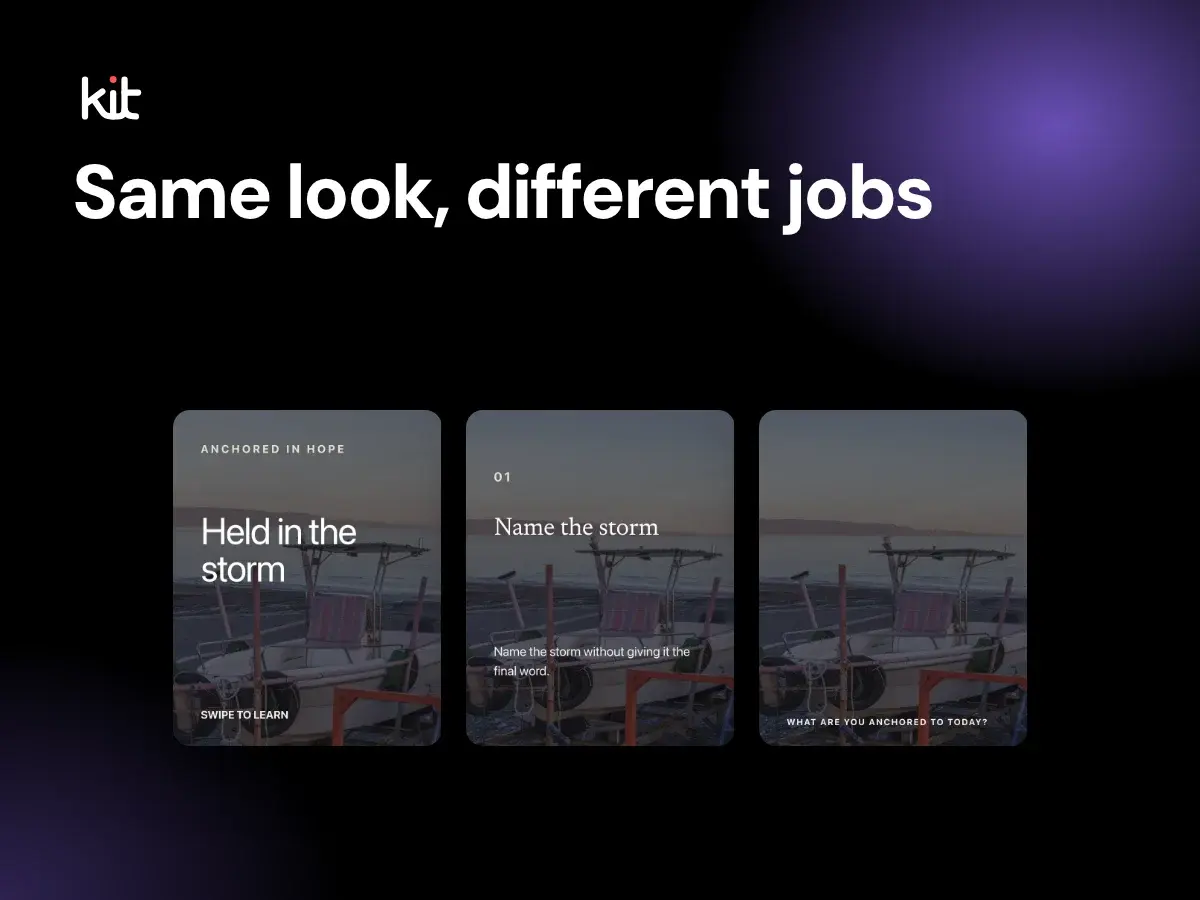
Keep approved identity, color, type, spacing, and asset decisions stable while varying each church graphic to suit its communication job.
Sermon repurposing and source integrity
Review sermon-based social posts with named owners, source evidence, stop conditions, and separate export, scheduling, and publishing decisions.
Product evaluation and buying decisions
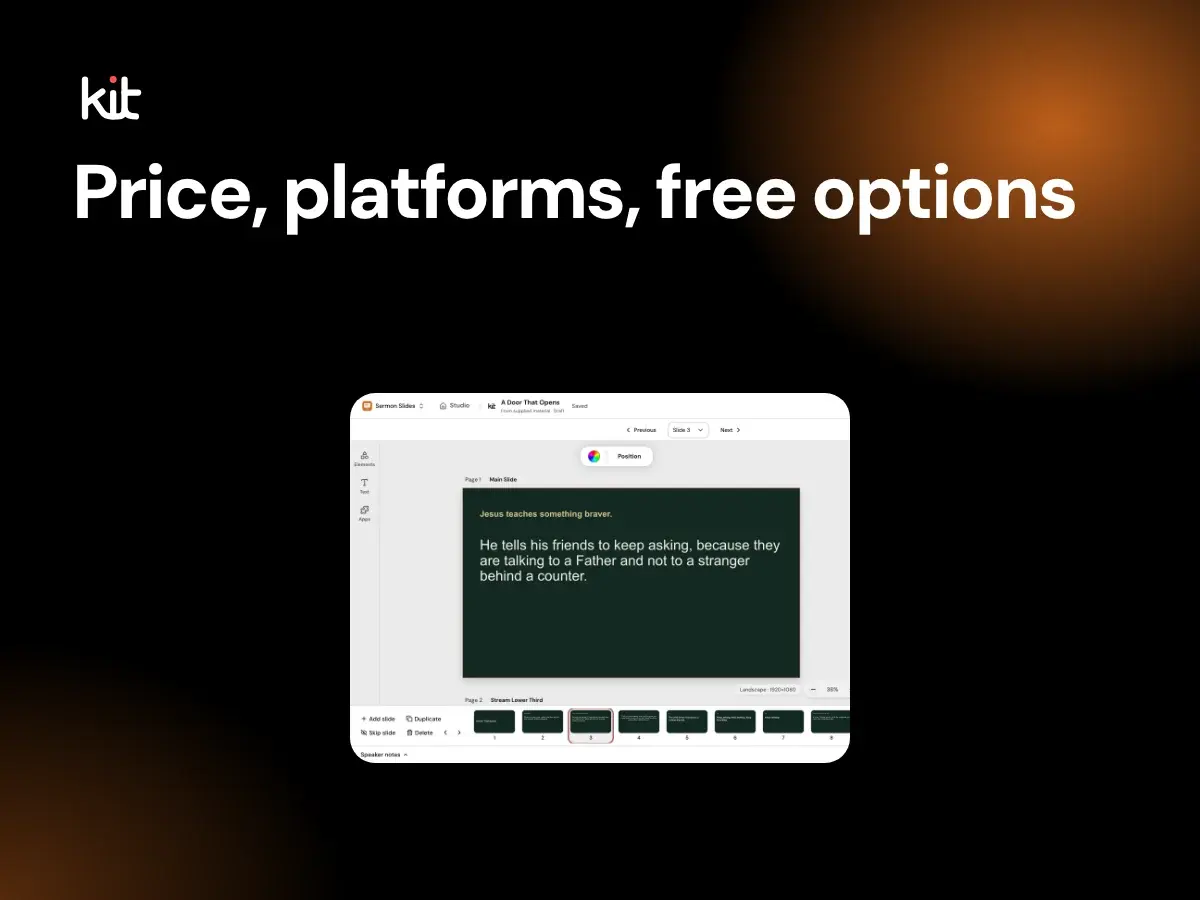
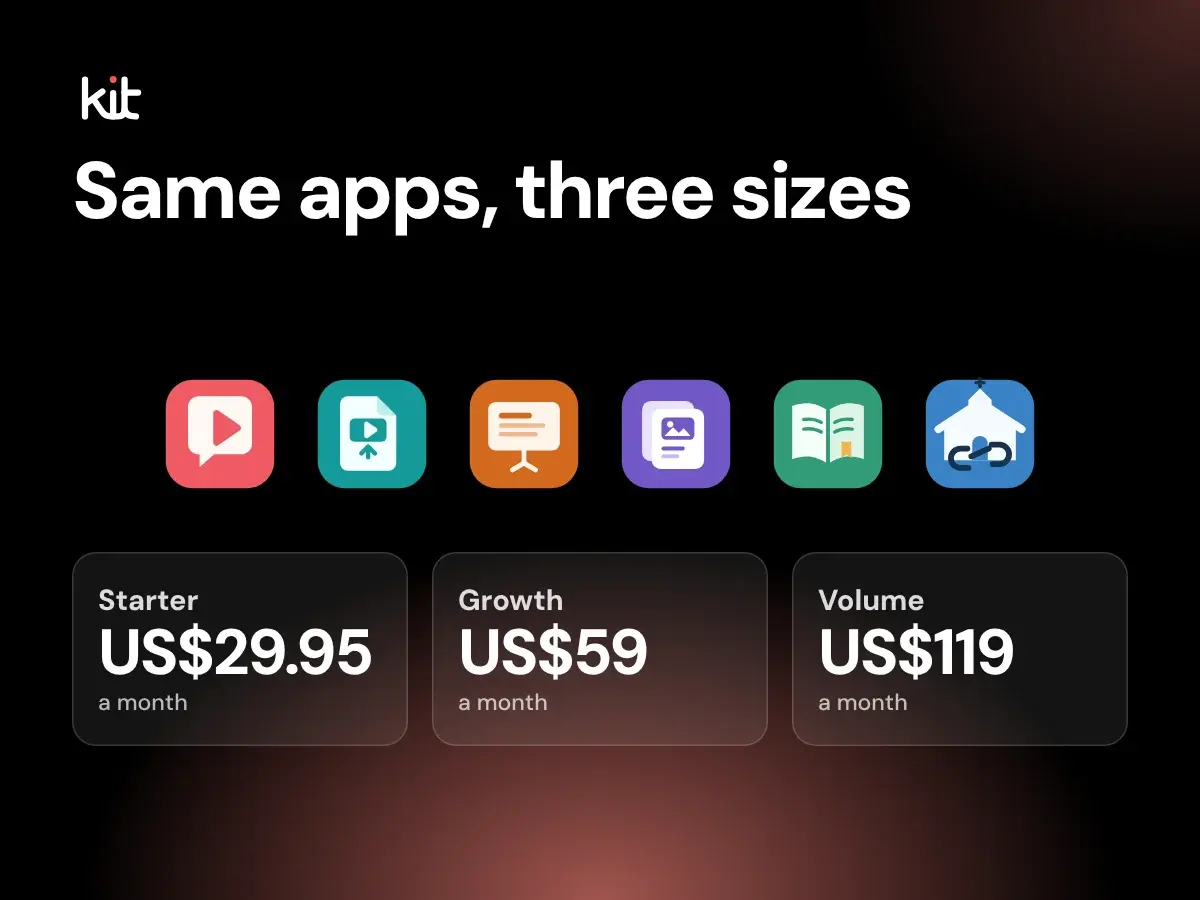
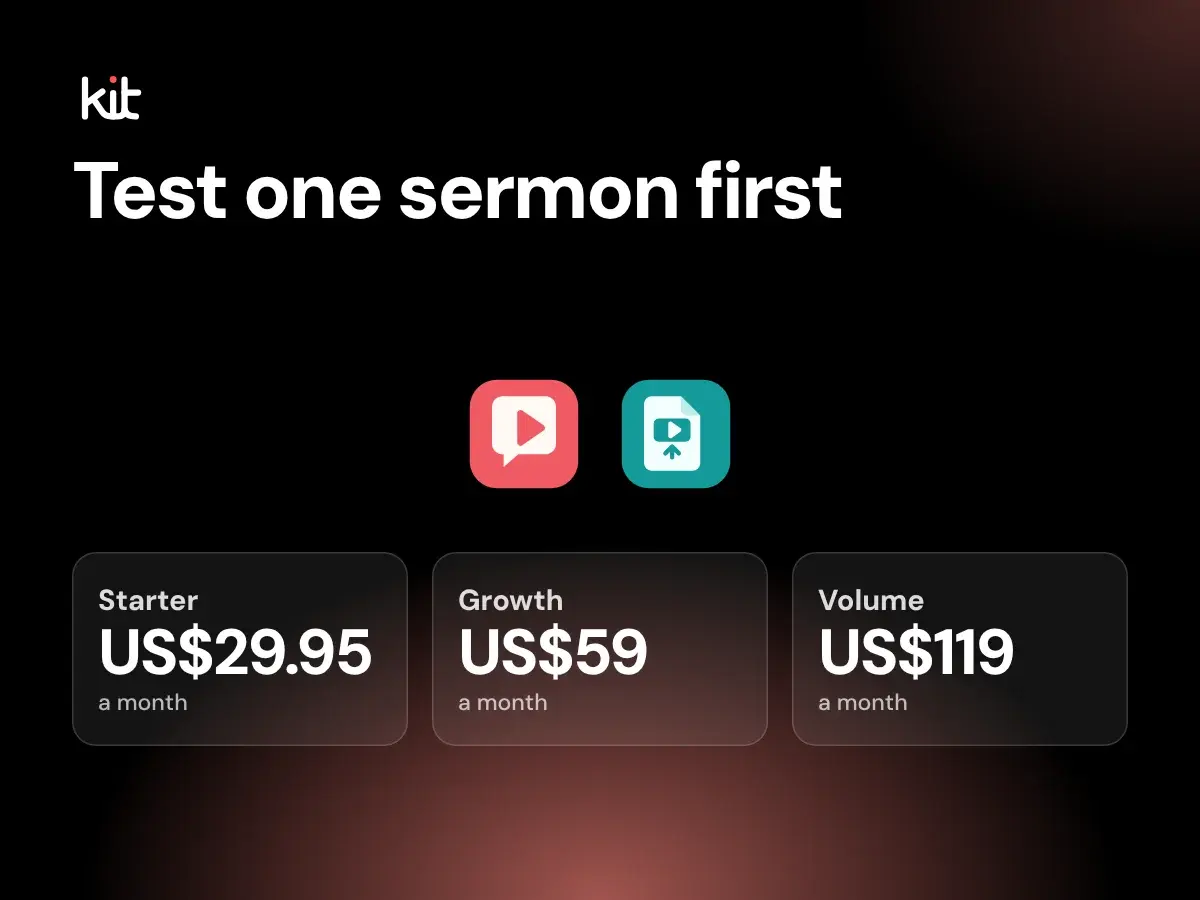
A current buyer guide to monthly plans, included Seats and generations, the free uses, video-upload allowances disclosed on the pricing page, and fit questions.
Design, branding, and accessibility
Review one static church social graphic for readable type, measured contrast, useful alternative text, safe destination crops, and responsible publishing.
Product evaluation and buying decisions
Compare four overlapping church content workflows by the bottleneck they remove, the work they leave behind, and a fair same-sermon test.
Product evaluation and buying decisions
A plain fit test for one owner who wants editable draft posts from each sermon, with the price, what the product does not do, and a one-sermon trial.
Volunteers, pastors, and operational handoffs
A role-based, one-page record for moving one church social post through source checks, revision, approval, publishing, response, and correction.
Product evaluation and buying decisions
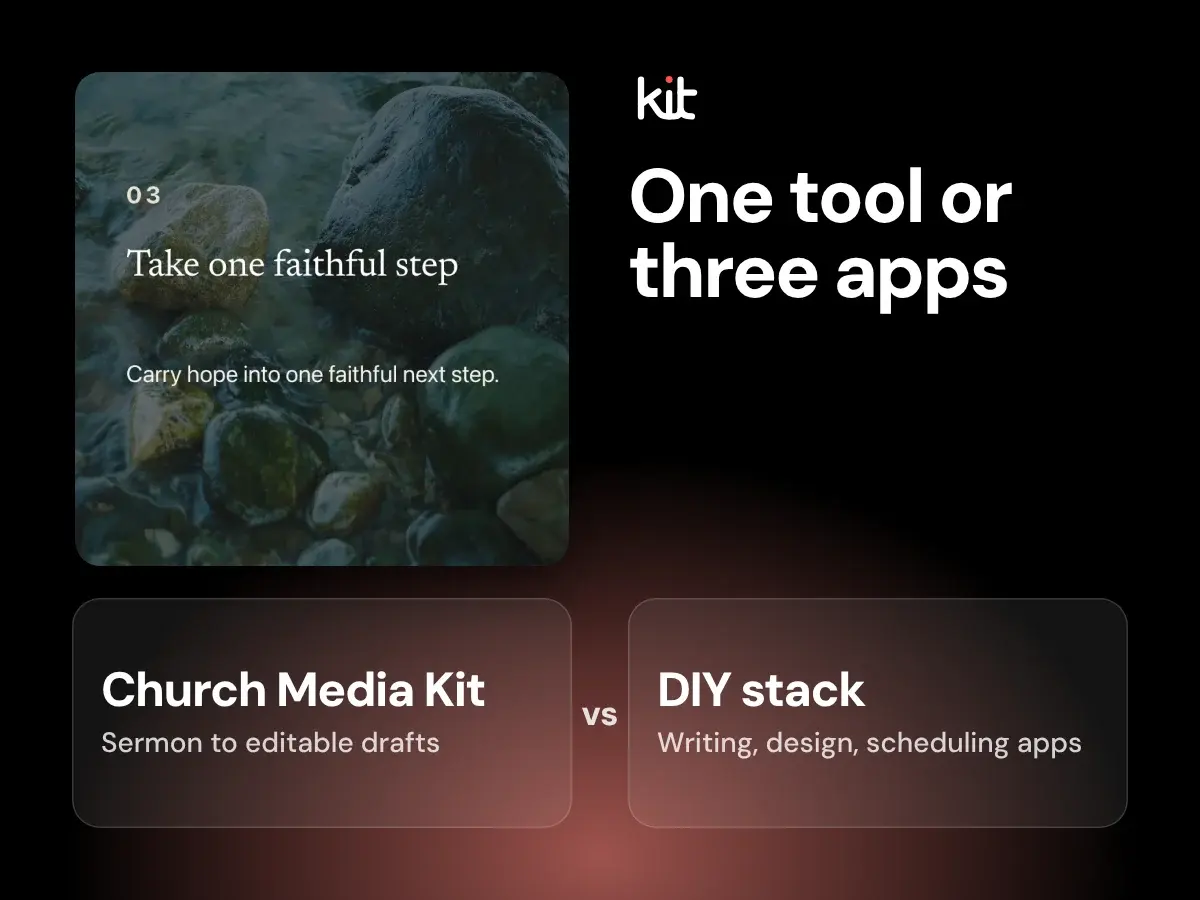
Compare Church Media Kit with a separate writing, design, and scheduling stack by the work each route prepares, transfers, and leaves with the church.
Verse of the Day
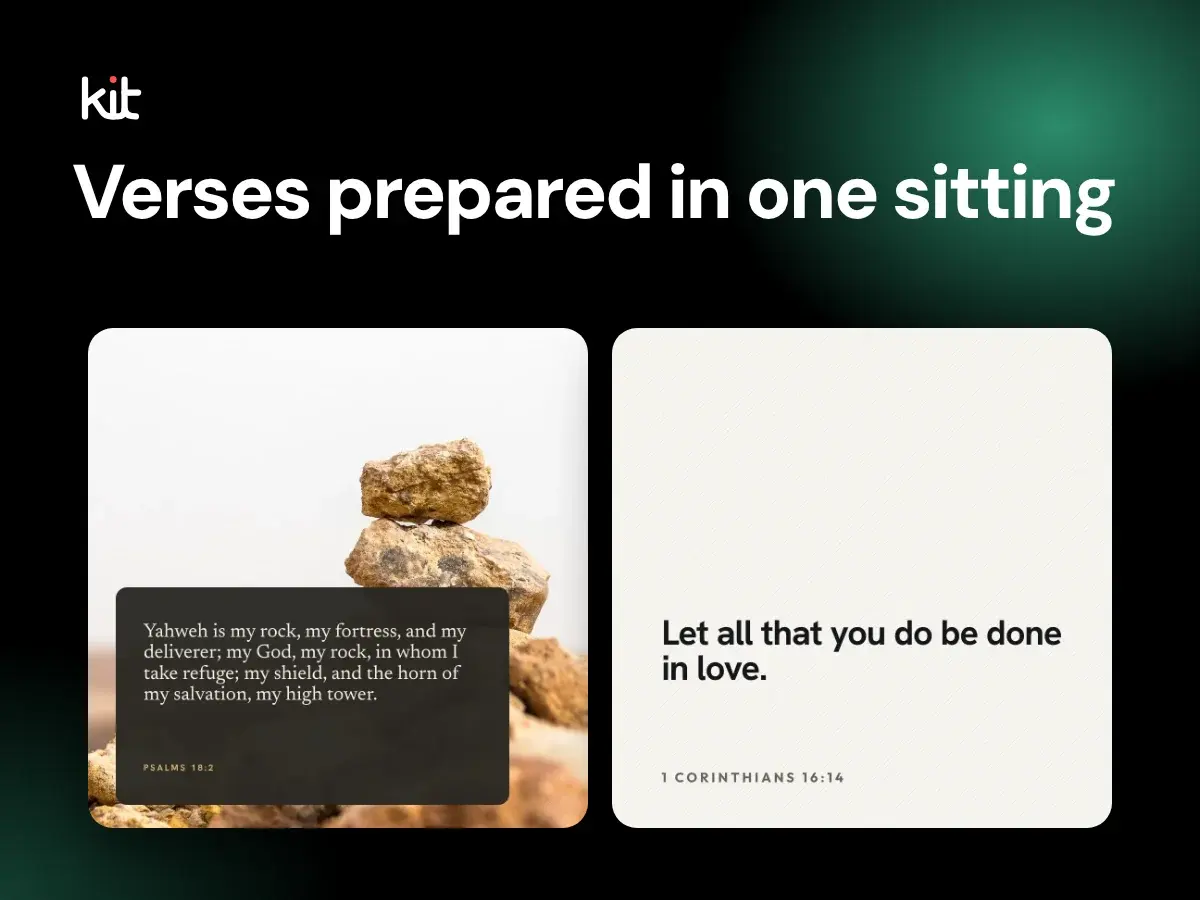
How to prepare a month of dated Verse of the Day graphics in one sitting without posting a wrong verse, a missing credit, or an unreadable image. A short version for one person, plus a fuller team method.
Verse of the Day
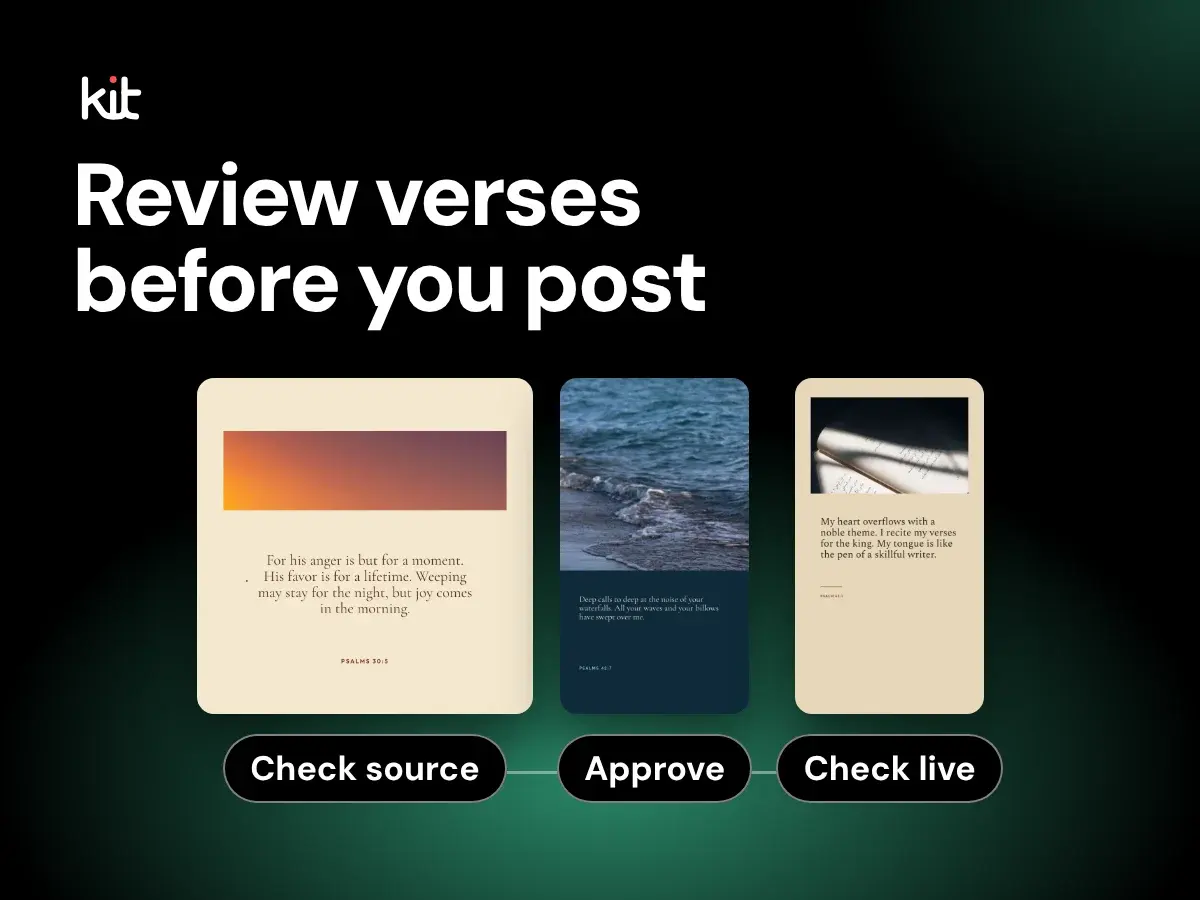
How to choose a Verse of the Day approach, check each verse's translation and permission, review the artwork and words, get one named approval, post through your own process, and check the live result.
Product evaluation and buying decisions
A buyer checklist for sermon-repurposing software, with one trial sermon, plain plan facts for Church Media Kit, and what it does not do.