One sermon. A week of content.using AI.
WHAT YOU GET
One sermon. Seven posts for the week ahead.
Every kit follows the same weekly rhythm most churches already post in. Keep the mix or adjust it before you generate.

Quote graphic
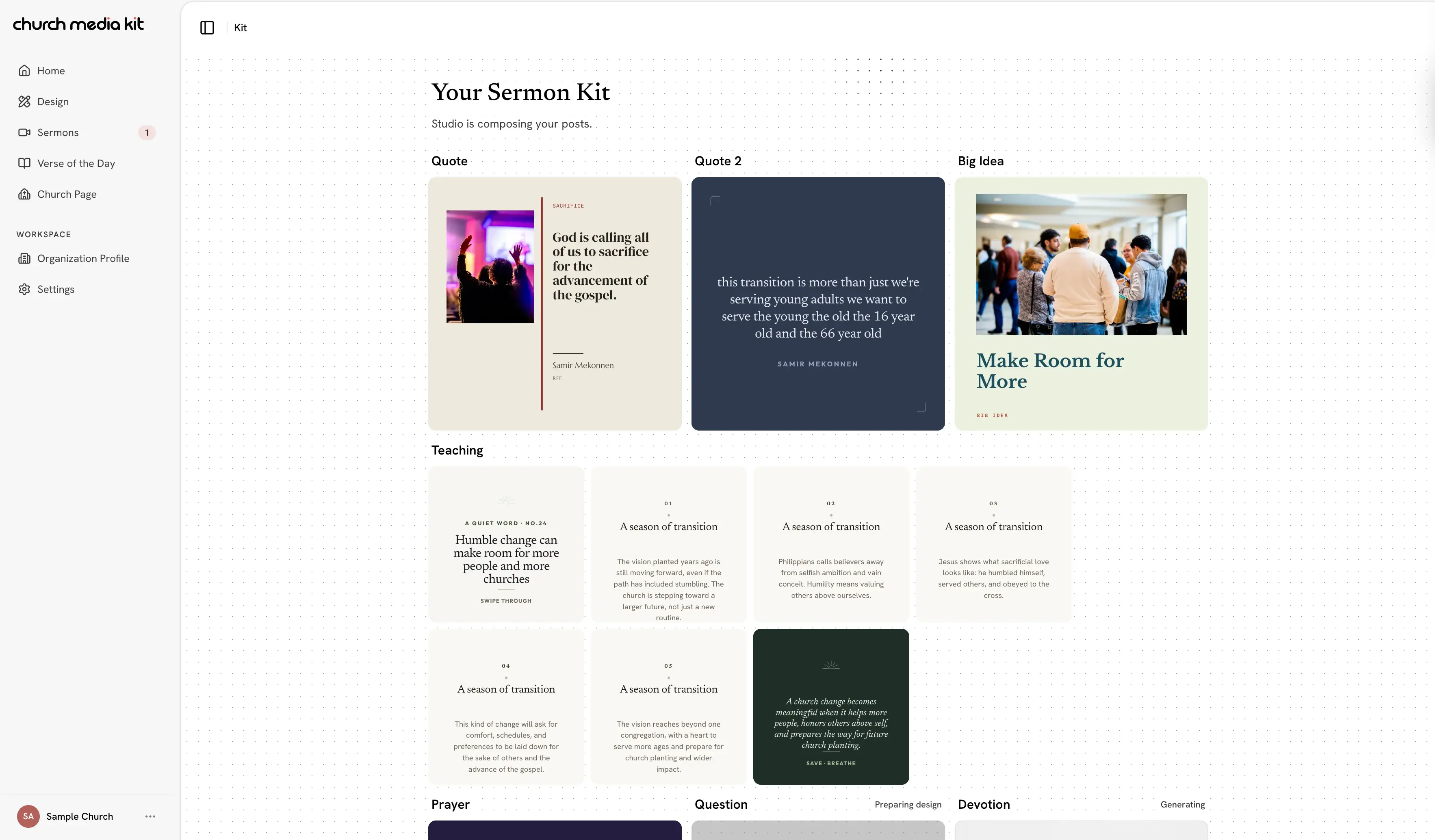
A shareable square card built from an exact line out of the sermon transcript.

Teaching carousel
A short teaching carousel that walks through the message point by point.

Key takeaway
One striking post that captures the sermon's core idea in a single image.

Reflection question
A post built to invite comments and conversation from your congregation.

Prayer & application
A practical next step or prayer drawn from the sermon's application.

Scripture tie-in
A verse graphic that grounds the message in its scriptural source.

Sunday invite
An invitation post pointing people back to the full sermon or next week's service.
HOW IT WORKS
A clear path from the sermon to the week ahead.
No blank page to start from. Church Media Kit creates a first pass; your team decides what is accurate, useful, and ready to share.
- 1
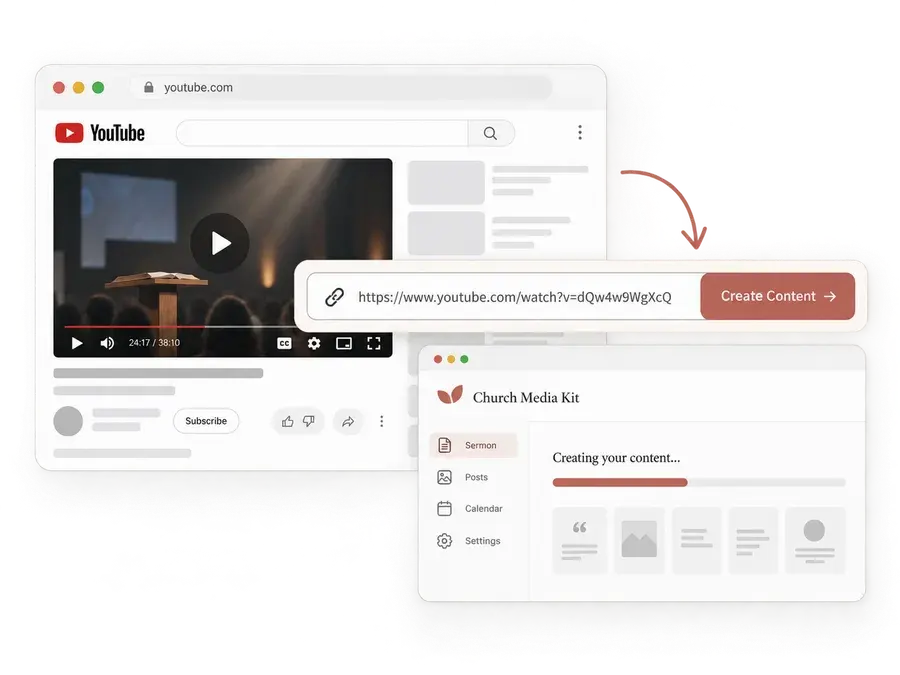
Find the sermon on your channel.
Find your church's YouTube channel, then choose one of its recent sermon videos to get started.
- 2
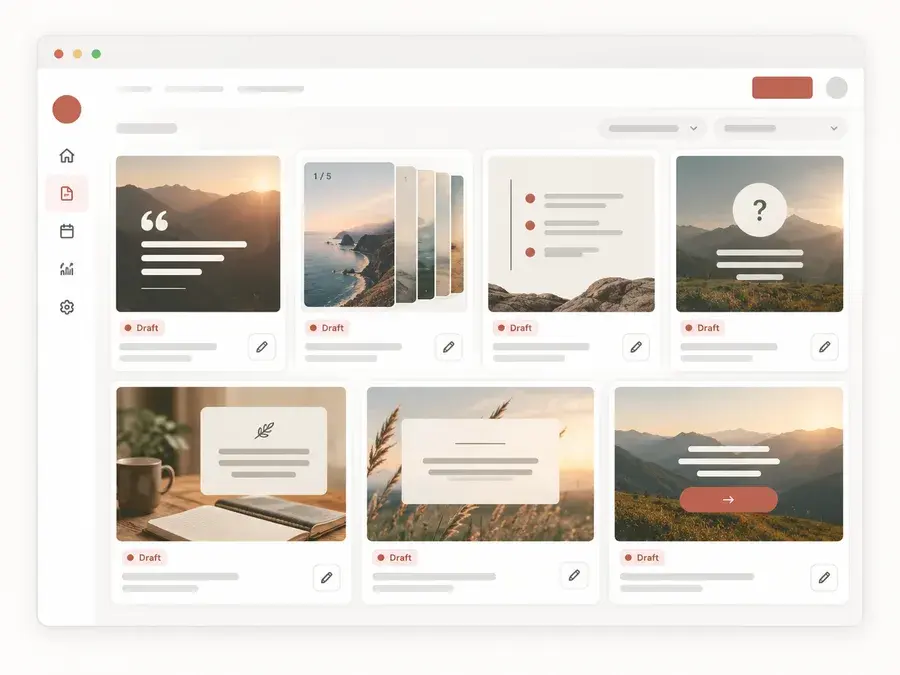
Open drafts, not a blank canvas.
A full set of posts comes back already written and designed. Your team edits and refines instead of starting from nothing.
- 3
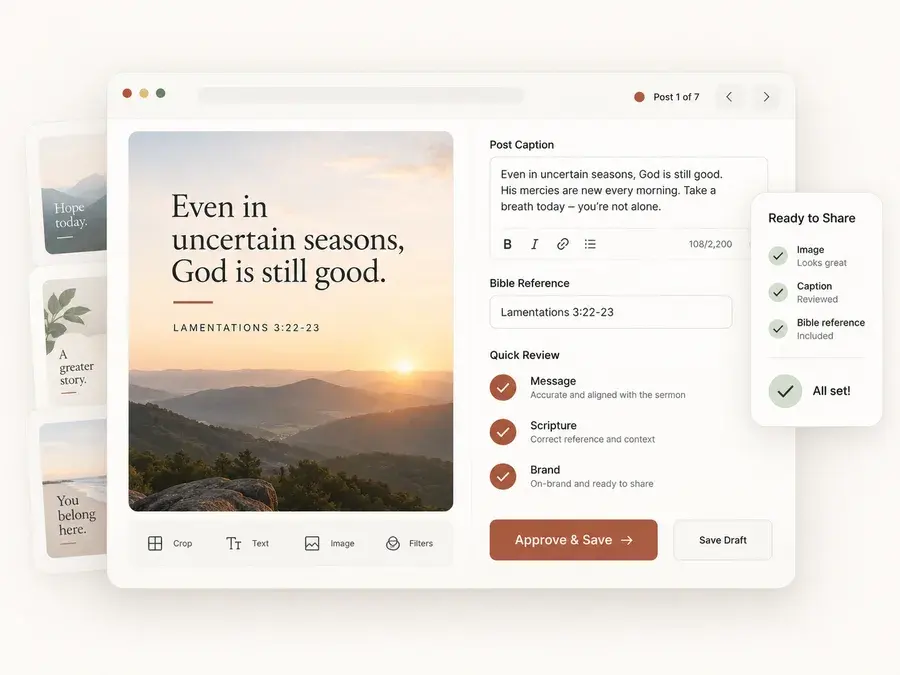
Review before you share.
Check the message, Scripture references, and fit for your church before choosing what goes out.
Questions about turning sermons into social posts.
- How do I turn a sermon into social media posts?
- Start with a public YouTube sermon link. Church Media Kit prepares editable draft posts from the sermon so your team can review and refine them before sharing.
- What church social media posts can come from one sermon?
- A weekly set can include a quote graphic, teaching carousel, key takeaway, reflection question, prayer and application, Scripture tie-in, and Sunday invite.
- Do we need to post every day?
- No. Choose the posts that fit the message and the rhythm your church can sustain. A useful weekly content plan does not require filling every day.
- Can we review the content before it is shared?
- Yes. Review the wording, Scripture references, and design, then decide which posts are ready to export for your church's social channels.
SEE IT FOR YOURSELF
Keep the source and the draft in view.
Weekly Content brings generated draft formats together in one workspace. The sample below shows fictional content that your team can read, refine, and keep in context.
STARTING FROM SCRATCH VS. CHURCH MEDIA KIT
Stop building every church post from scratch.
Church Media Kit gives your team a prepared first draft from the sermon. You review the message, make it yours, and decide what gets shared.
Starting manually
More time spent finding, writing, and organizing.
Rewatch the sermon
to find usable moments
Write every caption
from a blank page
Design every post
from a blank canvas
Track quotes, verses, and drafts
organized yourself
With Church Media Kit
A prepared weekly draft, ready for your team's review.
Start with the sermon transcript
already pulled into the workflow
Edit prepared copy
instead of writing it from nothing
Start with a designed draft
you can customize before sharing
Review the whole week together
in one workspace
You still control the message.
Review the wording, Scripture references, design, and final post before anything is shared.
THE CHURCH MEDIA KIT PLAN
Month to month, with a card-required 3-day trial and no annual plan. Cancel anytime.
- Seven successful full weekly-content generations per paid billing period
- YouTube sermon link in, editable weekly content out
- Review every post before you export
Card required for the 3-day trial: one full weekly-content generation and one Church in bio. Unless you cancel, the US$29.95/month subscription automatically starts after the trial. Each paid billing period includes seven successful full weekly-content generations; known failures and retries do not consume a generation.
Start with the sermon you are ready to review.
Bring the message into a weekly content workflow, then keep the final editorial decision with your team.