

Everything you can do in Design
Design is a full browser editor with church templates, a Brand Kit, three sizes and QR codes. It is part of Church Media Kit and included in every plan.
From US$29.95/month · 7-day trial for eligible new owners (card required)
Brand Kit fonts in one step
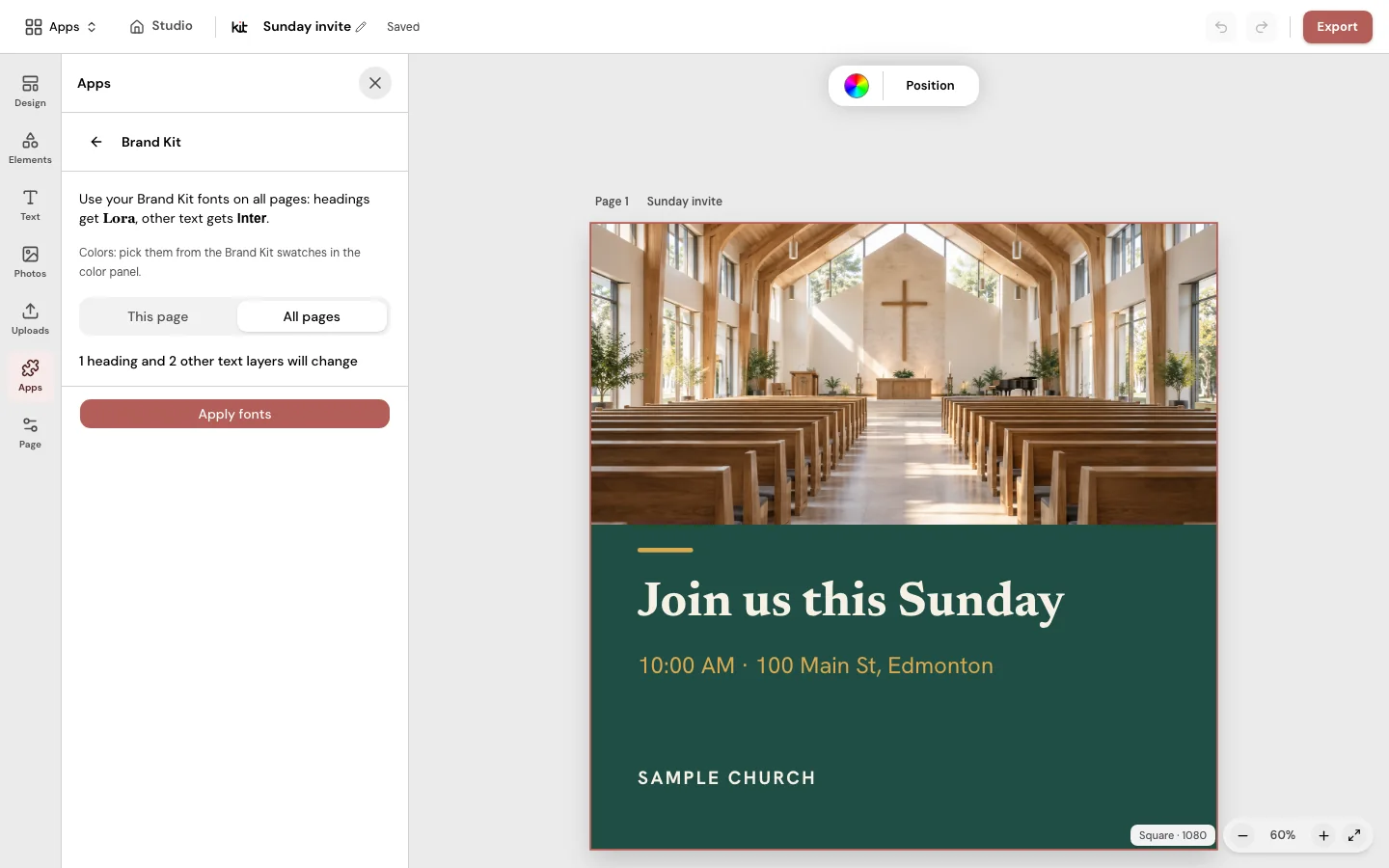
Apply your Brand Kit heading and body fonts to this page or to all pages.
Every part is editable
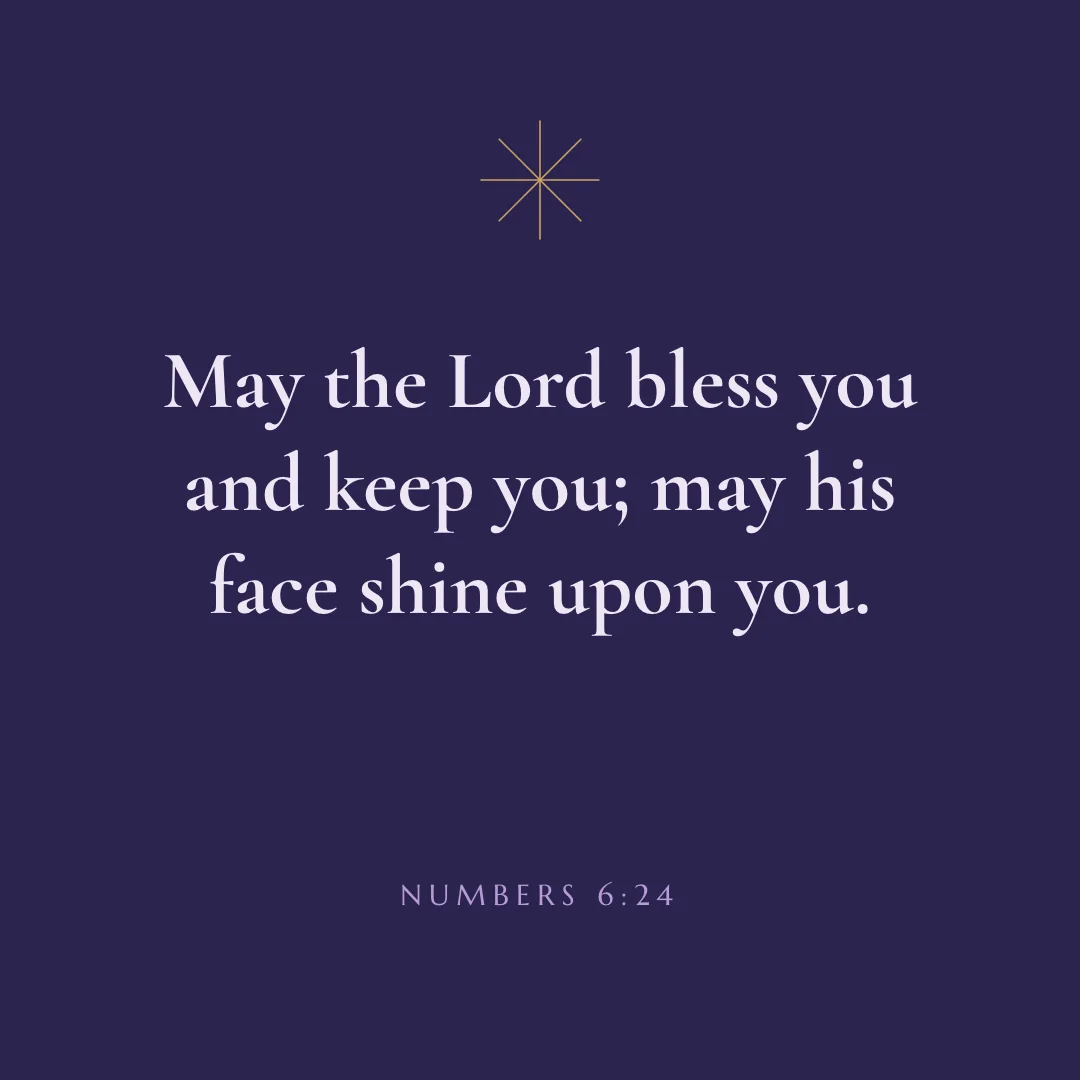
Edit text, shapes, icons, frames and photos on a page, and add more pages to one design.
Templates
Church graphic templates you can edit
Start from church templates for verses, quotes, announcements, invites and more, then change them in your browser.
Learn more about templates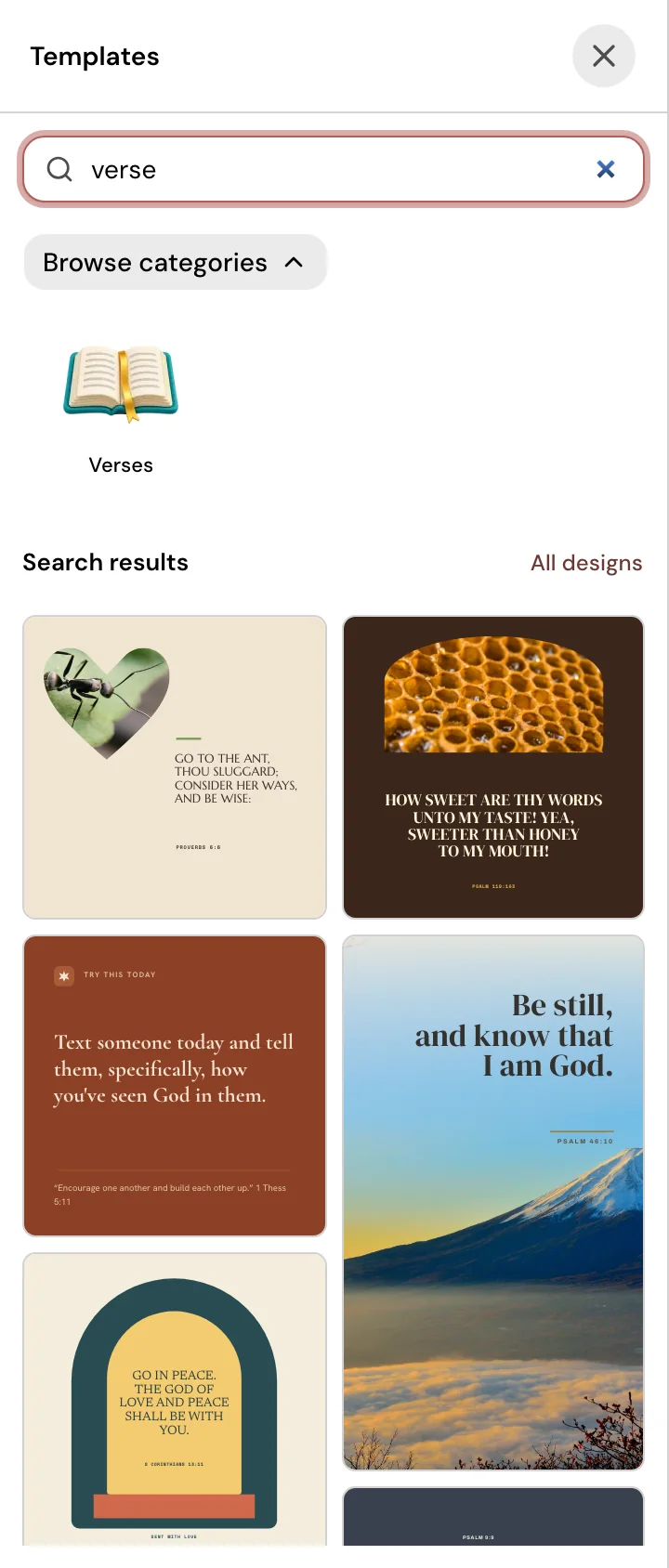
Church categories
Browse by purpose, such as verses, quotes, announcements, invites, prayer, welcome and church screens, or search by word.
Every part is editable
Change the text, swap the photo, move things around and pick new colors and fonts.
Your photos or a search
Search photos in the editor, or upload your own images.
Brand Kit
Your church’s logo, colors and fonts, ready in every design
Set your logo, up to six colors and two fonts once, and use them in every design.
Learn more about Brand Kit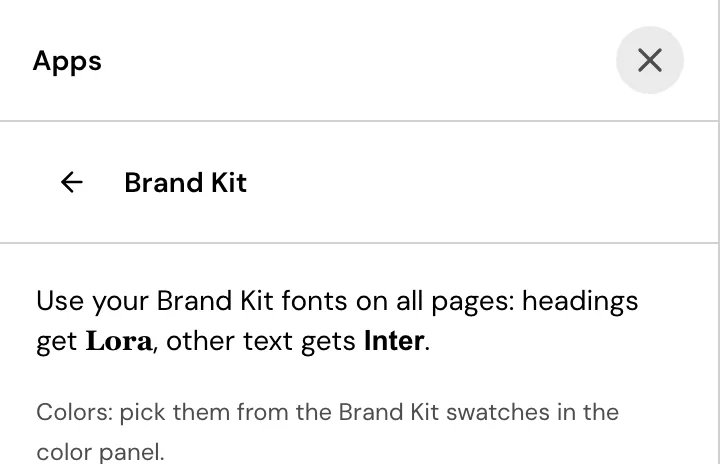
One page to set it up
Add your church’s logo, up to six colors and a heading and body font on the Brand Kit page.
Your colors, one click away
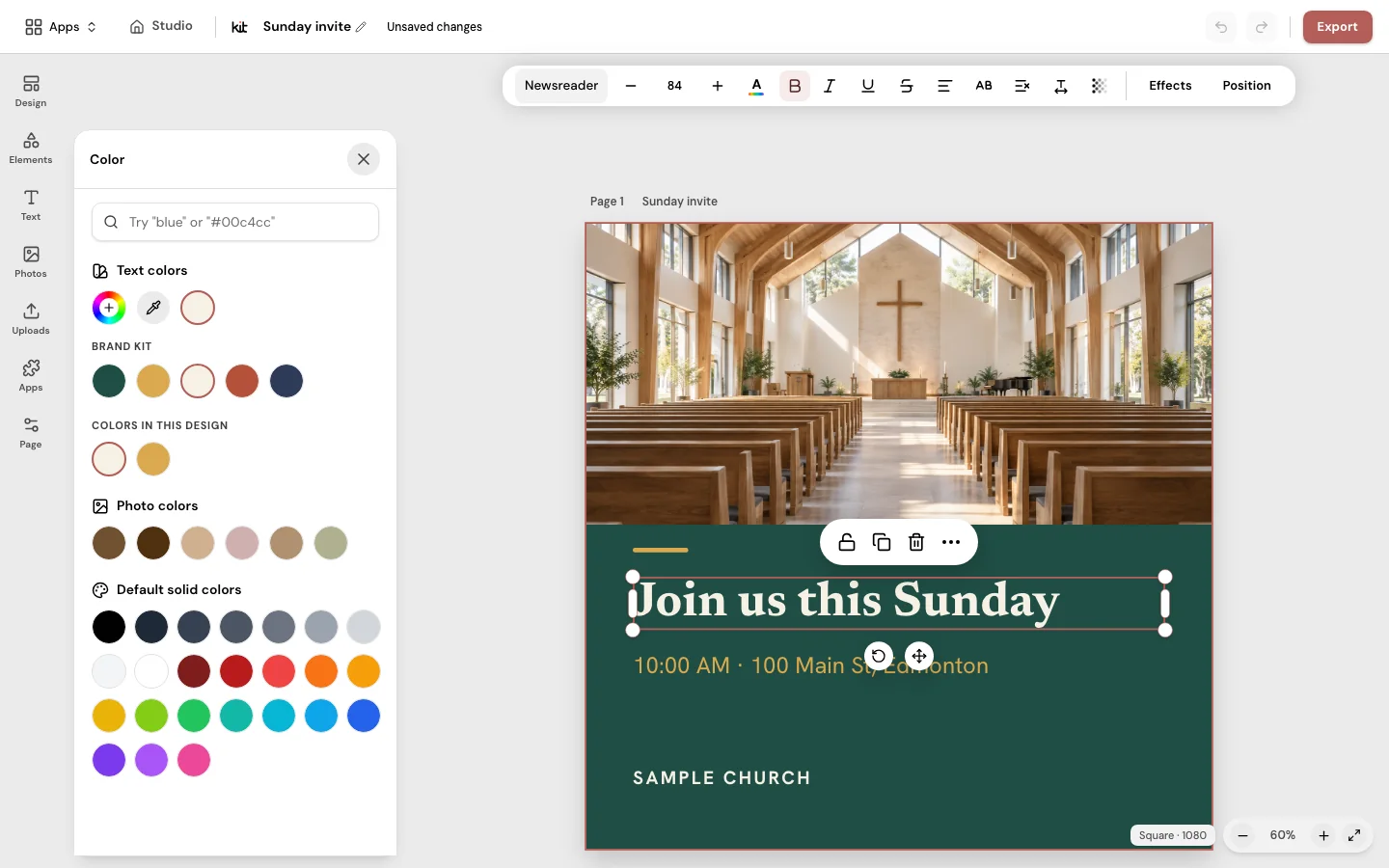
In the editor, the color panel leads with your Brand Kit swatches, and the Uploads panel offers your church logo.
Fonts in one step
Apply Brand Kit sets your heading and body fonts on this page or on all pages, and you can undo it.
Resize
Resize a church graphic to Square, Portrait or Story
Copy a design into Square, Portrait or Story size as an editable page.
Learn more about resize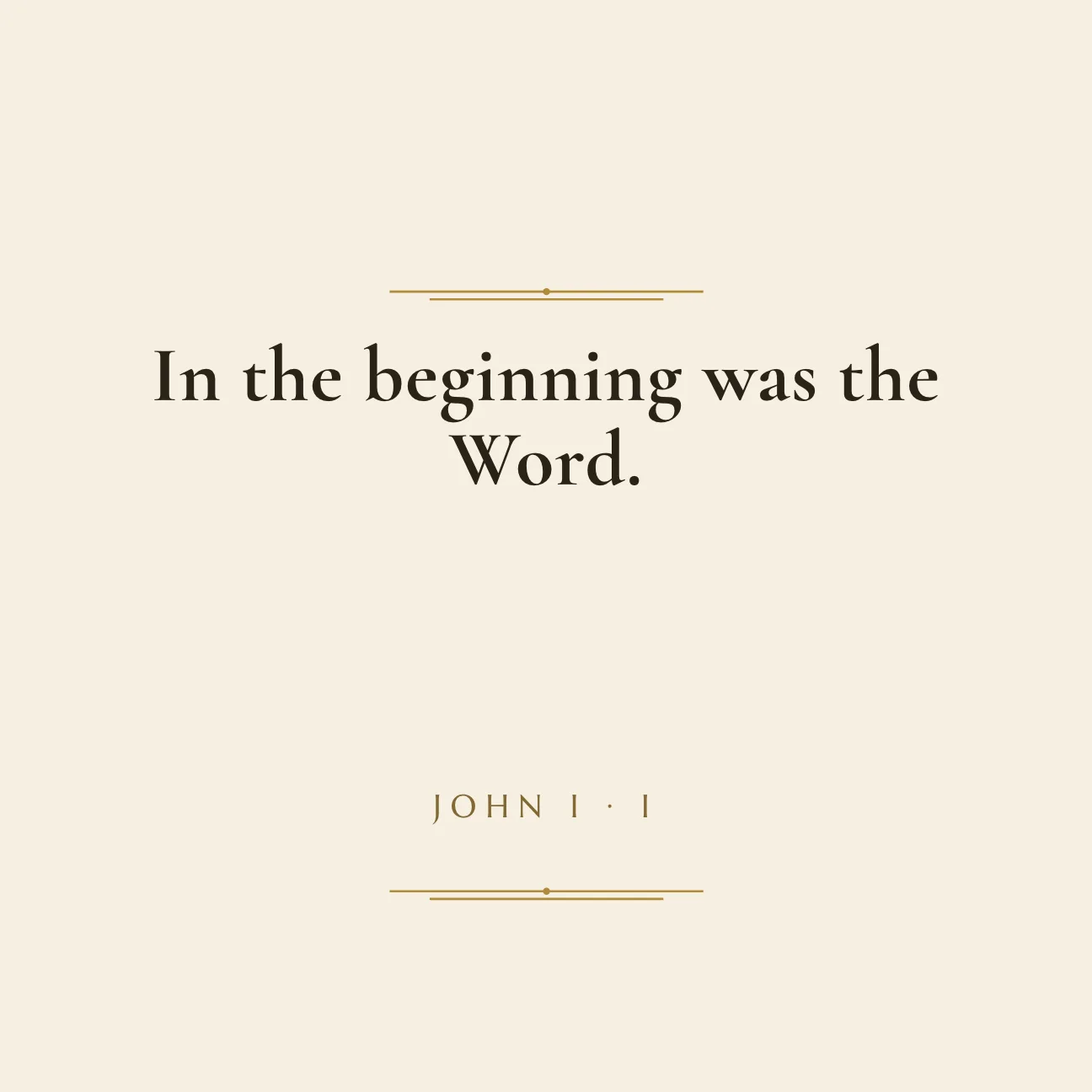
Square
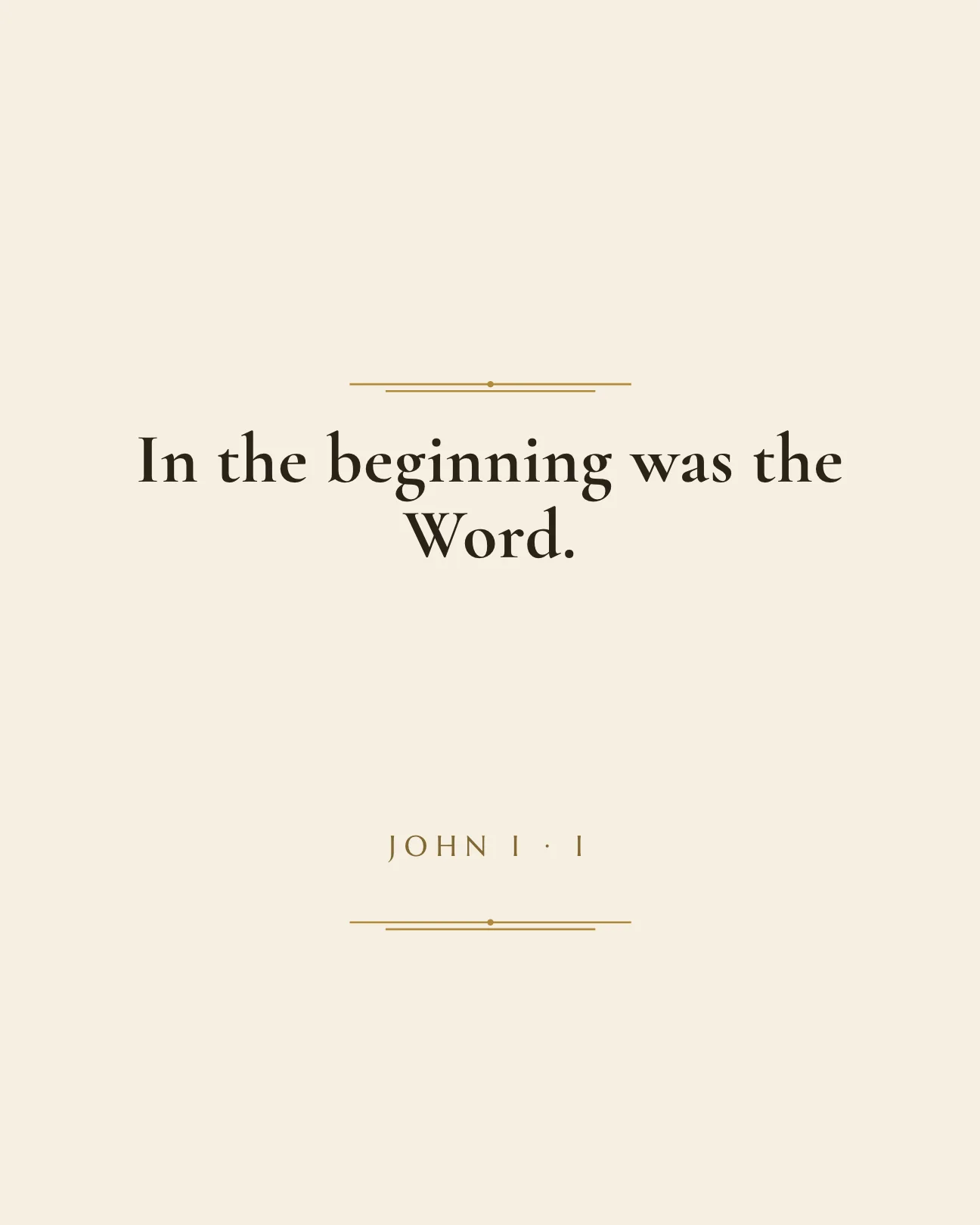
Portrait
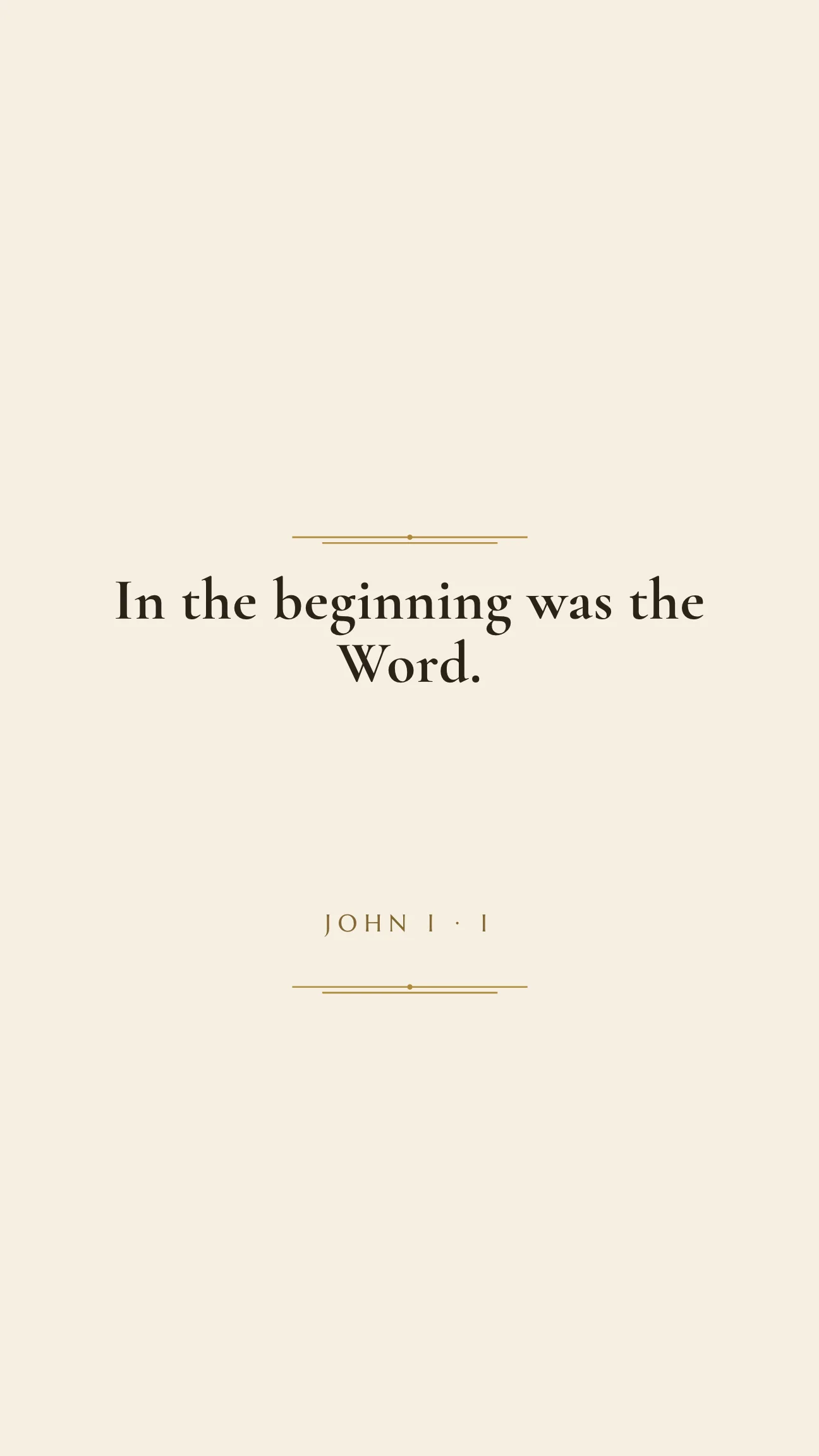
Story
Three sizes
Square 1080 by 1080, Portrait 1080 by 1350 and Story 1080 by 1920, chosen from one list with a live preview.
An editable copy
Resize adds a new page to the same design, so your original stays exactly as it was.
You check the layout
Text placement and image crops can shift with a new shape, so Design asks you to review the copy before you use it.
QR code
Add a QR code to a church flyer or slide
Add a scannable code for any web address, in the pattern and colors you choose.
Learn more about QR code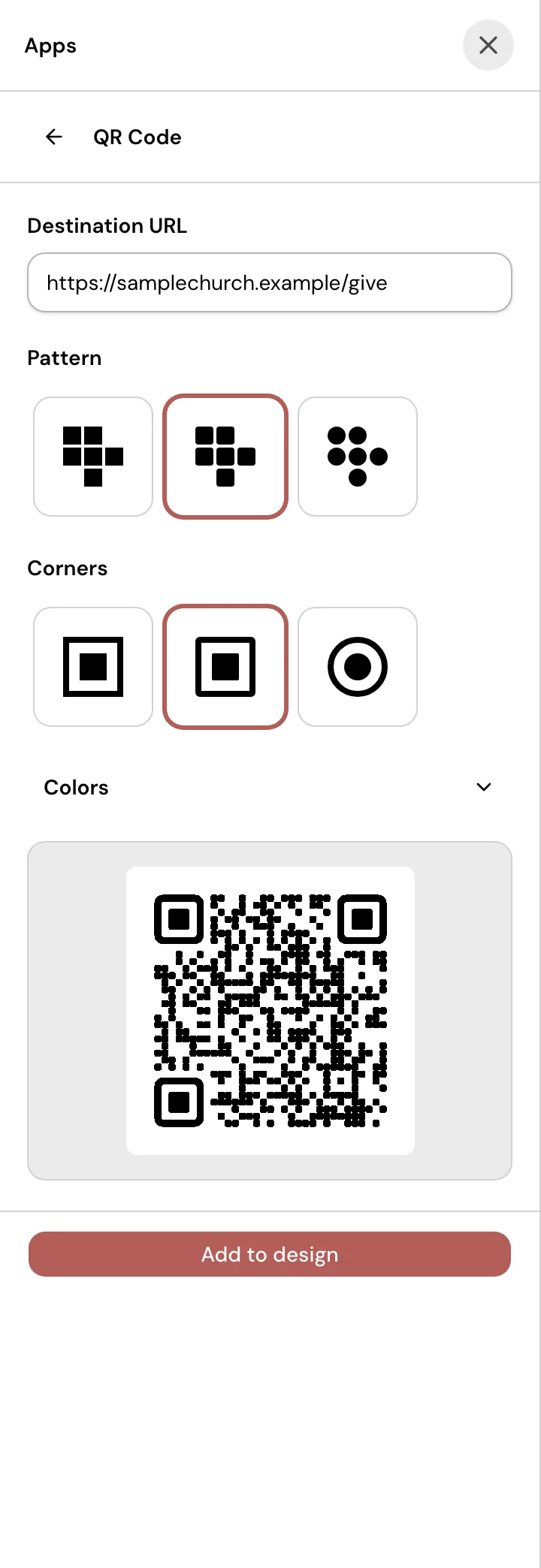
Any web address
Type or paste an http or https address, and the code updates as you type.
Your style
Choose one of three patterns and three corner styles, then set the colors. Design keeps the code dark on a light background with a clear margin.
Preview, then add
A live preview shows the code before you add it to the design, and then you can move and resize it like any other element.
The full editor underneath
Everything above sits on a regular browser editor, so you can change anything on the page.
- Edit text, shapes, icons, frames and photos on a page, and add more pages to one design.
- Search photos in the editor, or upload your own images.
- Pick from a library of fonts, and give text a shadow or an outline.
- Keep every design in one library with search and categories.
- Download a PNG or JPG of one page, or a ZIP of several pages.
- Share the same designs with your team, with Seats set by your plan.
Your church’s look, ready on Sunday.
Choose a plan, open Design, and start from a church template.
From US$29.95/month · 7-day trial for eligible new owners (card required)