
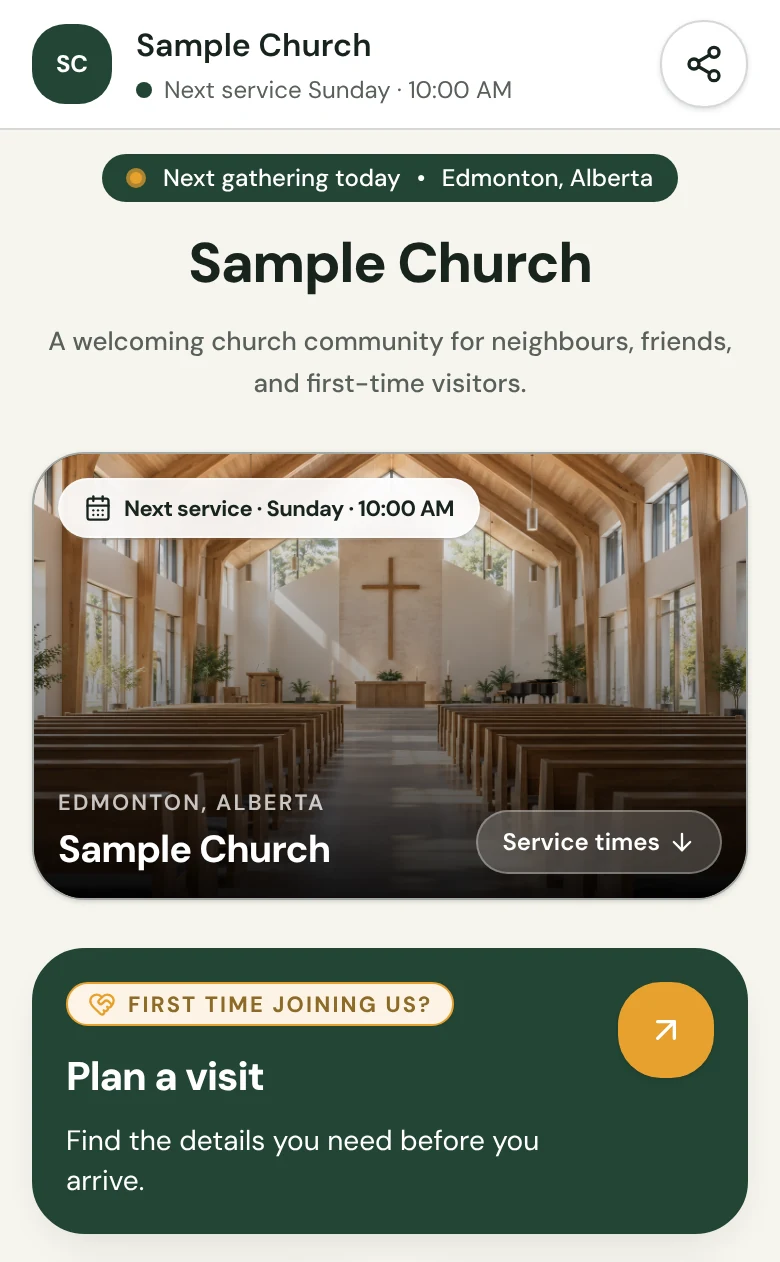
A silent, 28-second walkthrough with a sample church: fill in a private draft, see everything a visitor needs on a phone, publish, choose the page address, paste the link into Instagram, Facebook and Google Maps, and welcome a first-time guest.
In this 28-second silent video
- 0:00Turn your church into one link
- 0:03Services, directions and events
- 0:05Fill in a private draft
- 0:10Everything a visitor needs
- 0:13Publish
- 0:16Your page address
- 0:19Paste the link into Instagram, Facebook and Google Maps
- 0:25Welcome first-time guests
A first visit shouldn’t start with a search.
Someone taps your profile link and wants three answers. Church in bio puts them on one page.
When do you meet?
Service times, grouped by location.
Where exactly is it?
Directions in Google Maps and Apple Maps.
What should I expect?
Visitor information, written for a first visit.
Without one clear link, a first visit is guesswork: the wrong time, the wrong door, or no visit at all.
Everything a first visit needs
Six things, always in the same order, so a visitor never has to hunt.
Services and times
Keep regular gatherings and their locations clear for the person planning a visit.
Learn about services and times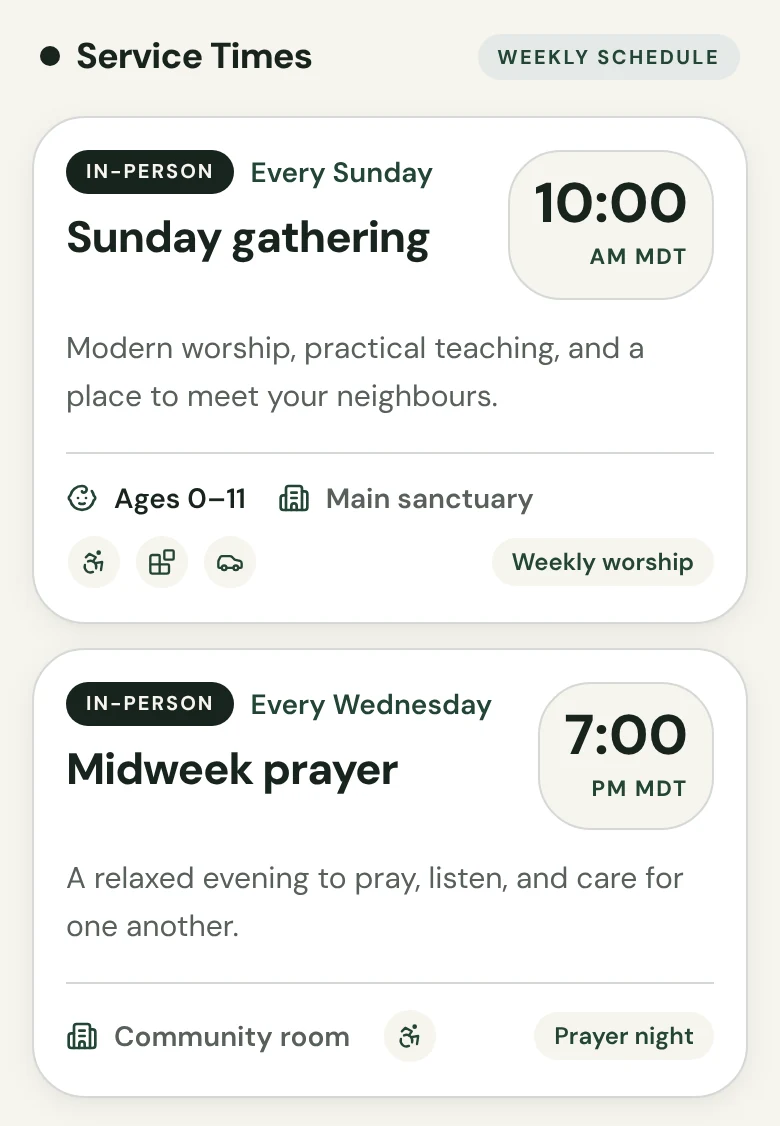
Directions
Help visitors open the right route to the church location they are attending.
Learn about directions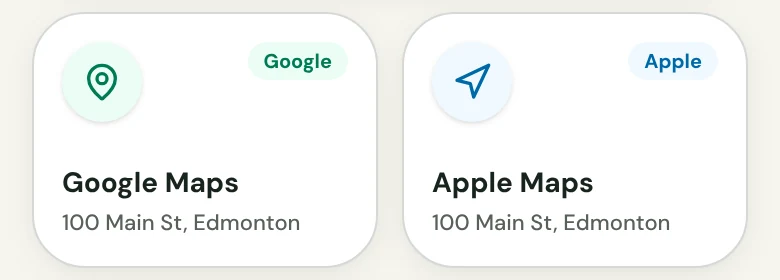
Visitor information
Put the practical details for a first visit in the same place as the schedule.
Learn about visitor information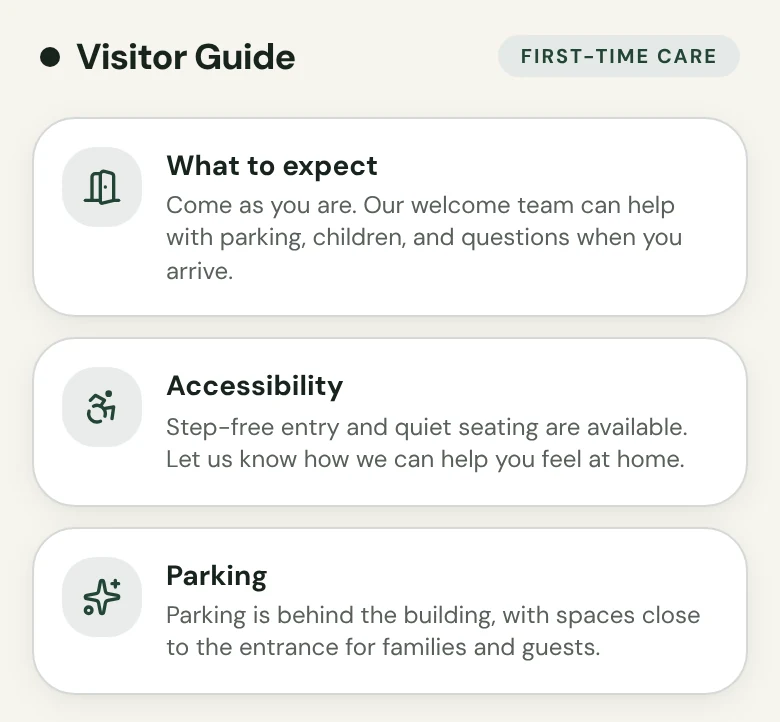
Featured Events
Give dated gatherings their own clear place without changing the weekly schedule.
Learn about featured events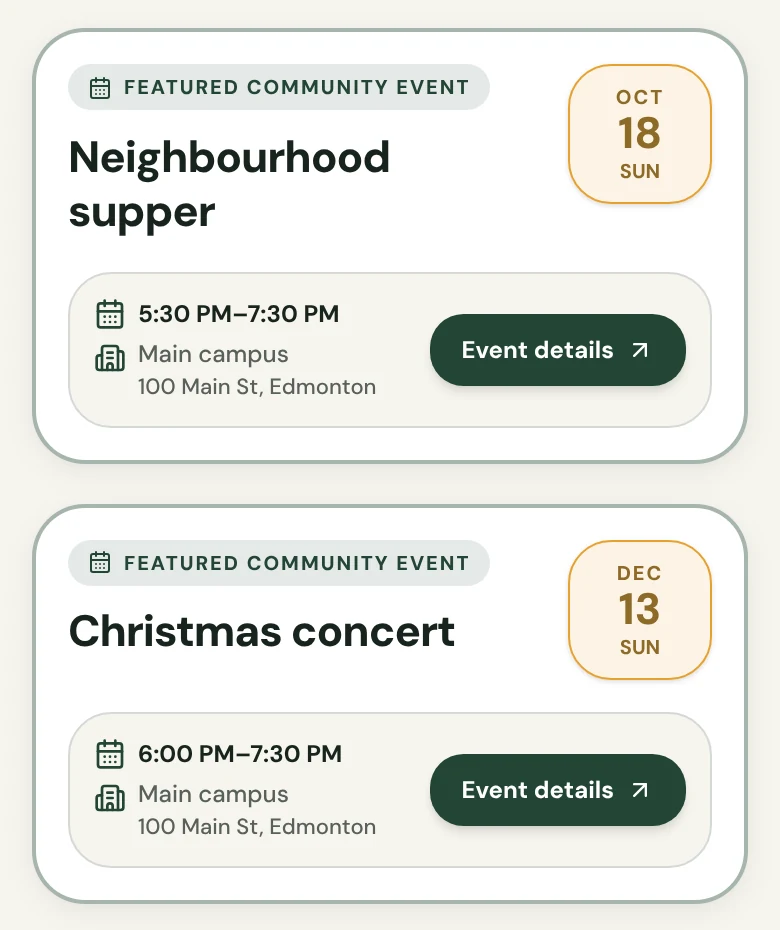
Next-step links
Connect visitors to the places they need to go after they find your Church in bio.
Learn about next-step links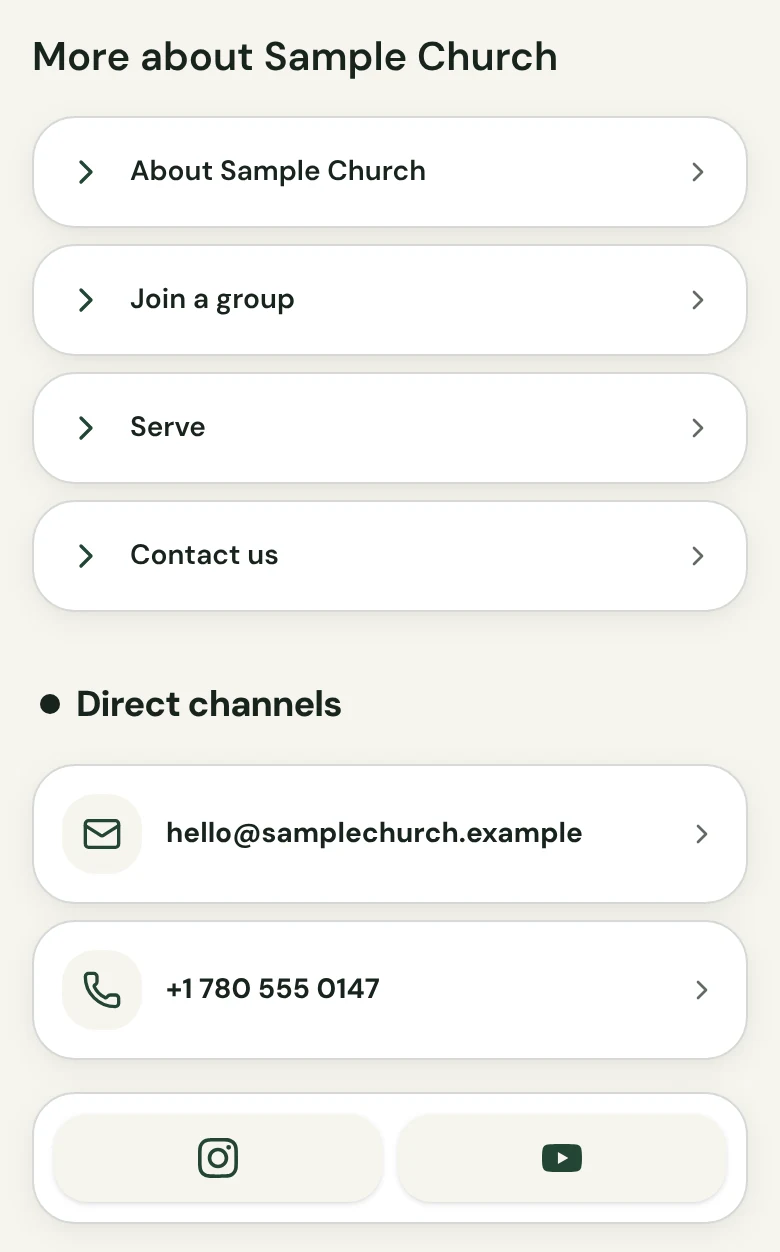
How it works
1. Add your details
Enter your services, location, visitor information and links in a private draft.
2. Preview
Check the page exactly as a visitor will see it before anyone else can.
3. Publish and share
Publish, then copy your page link and paste it into your profiles.
Included in every plan
Church in bio comes with every Church Media Kit plan. Pick the plan that fits the rest of your team.
| Plan | Price | Included Seats | Church in bio | Choose |
|---|---|---|---|---|
| Starter | US$29.95 / month | 2 | Included | Choose Starter |
| Growth | US$59 / month | 5 | Included | Choose Growth |
| Volume | US$119 / month | 8 | Included | Choose Volume |
Eligible new owners get a 7-day trial (card required). Editing, publishing and visits never use up a plan’s generation or upload limits.
What it does not do
We would rather you know before you choose a plan.
- One fixed layout in your colors. No custom fonts, code or extra sections.
- No custom domain. Your page lives at a Church Media Kit address you choose.
- Gifts aren’t processed on it. Giving and sign-up buttons open the pages you already use.
- No sermons or videos on the page today.
- It doesn’t update itself. Your team edits a private draft, then publishes.
- It doesn’t write your content for you, and it doesn’t promise more visitors.
- One Church in bio per church, with up to ten services and two Featured Events.
- You need a plan or an eligible trial to publish.
Frequently asked questions
One link, ready for Sunday.
Choose a plan to start your Church in bio.
From US$29.95/month · 7-day trial for eligible new owners (card required)