Sermon Slides features
An editor, careful Scripture, matching livestream lower thirds, PowerPoint and PDF downloads, and a presenter view.
Free account, no card needed. Your first deck is free; plans from US$29.95/mo.
The editor
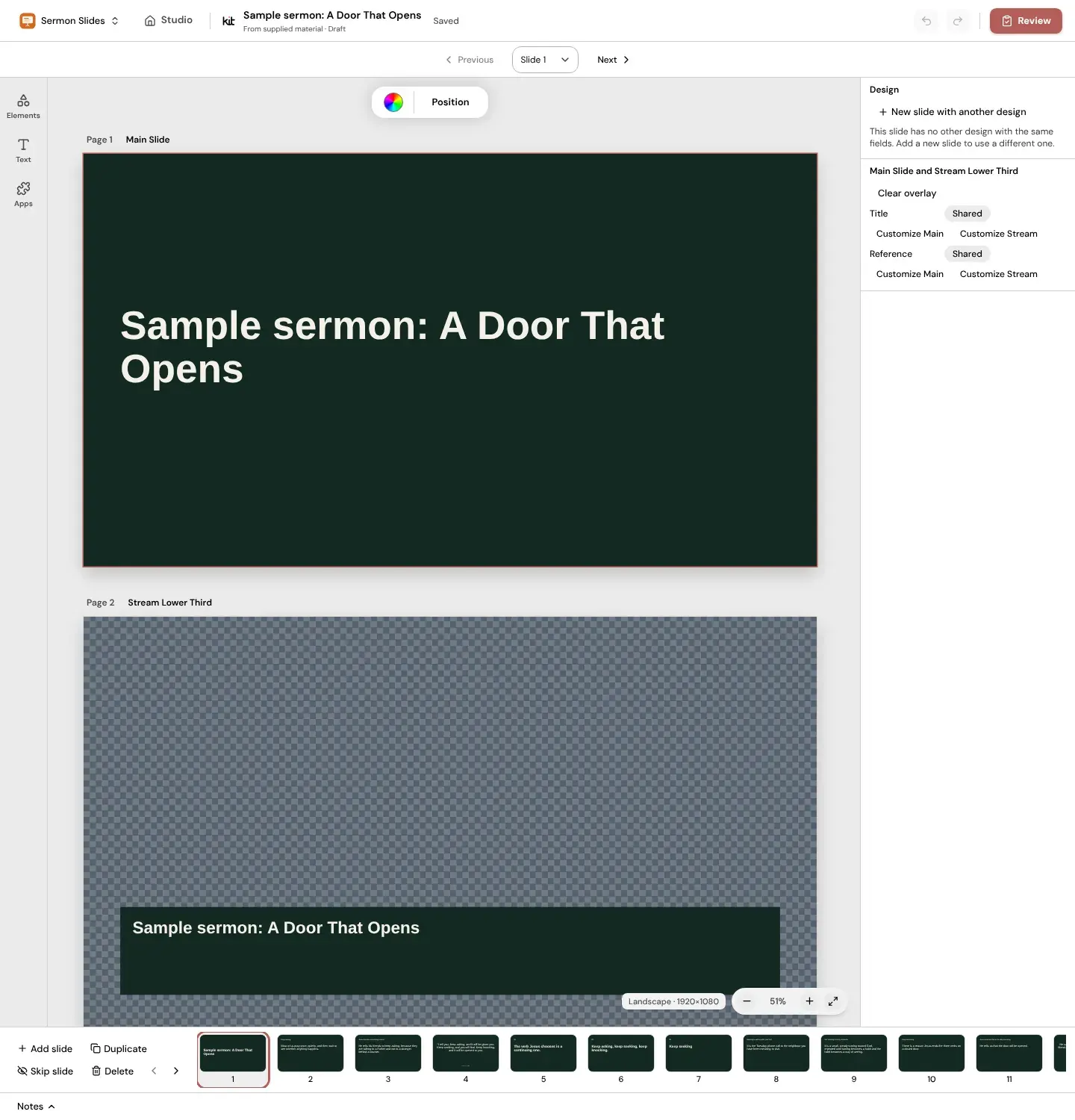
Edit every slide in Studio, the same editor you use for your church graphics.
- Edit any line of text on any slide.
- Add your own photos, or pick one from Photos on image slides.
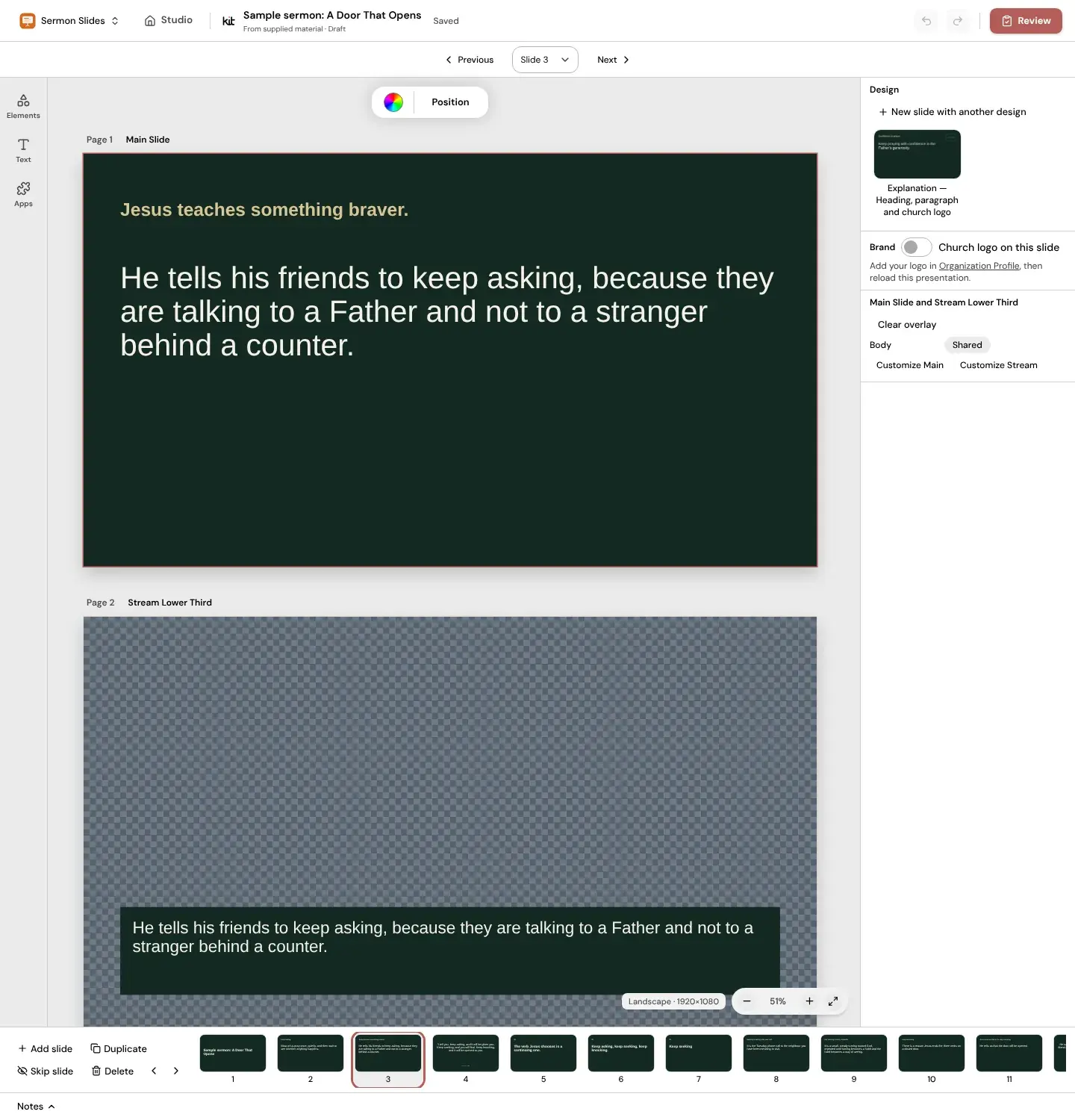
- Apply your Brand Kit to the whole deck at once, or put your church logo on a slide.
- Add, duplicate, skip or delete slides.
Scripture handling
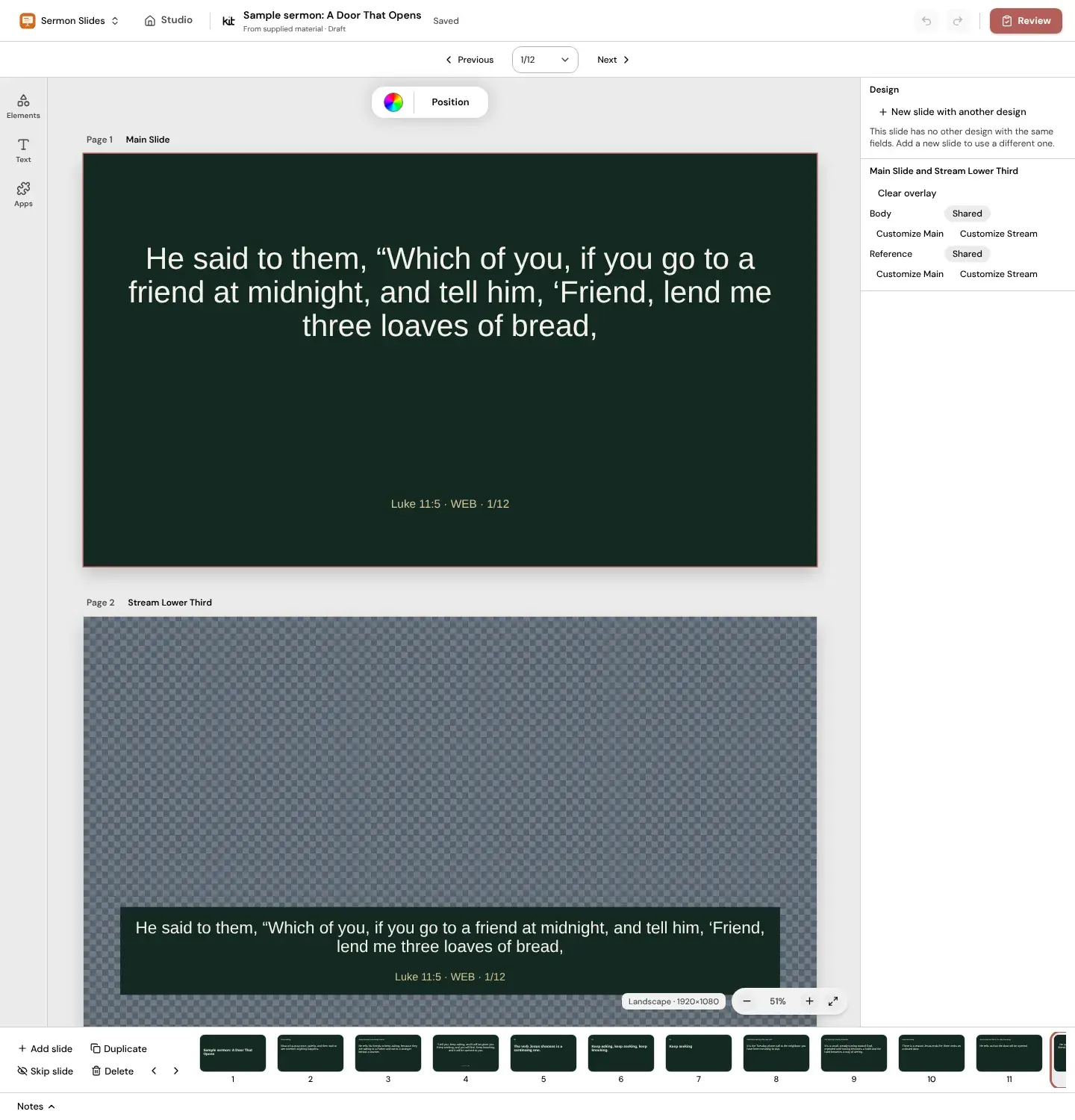
Your pasted Scripture comes first. Give only a reference and Sermon Slides fills in the text, and it never writes verse text itself.
- World English Bible by default, or the King James Version. The KJV is public domain except in the United Kingdom, where Crown rights apply.
- Paste any other translation yourself and it keeps the translation name you give it.
- Every slide carries its reference.
- Long passages continue over several slides and are never shrunk.
- A reference that cannot be found shows an error instead of guessed text.
Livestream lower thirds
Each slide has a matching Stream Lower Third that changes with it, so the screen in the room and the livestream stay in step.
Exports
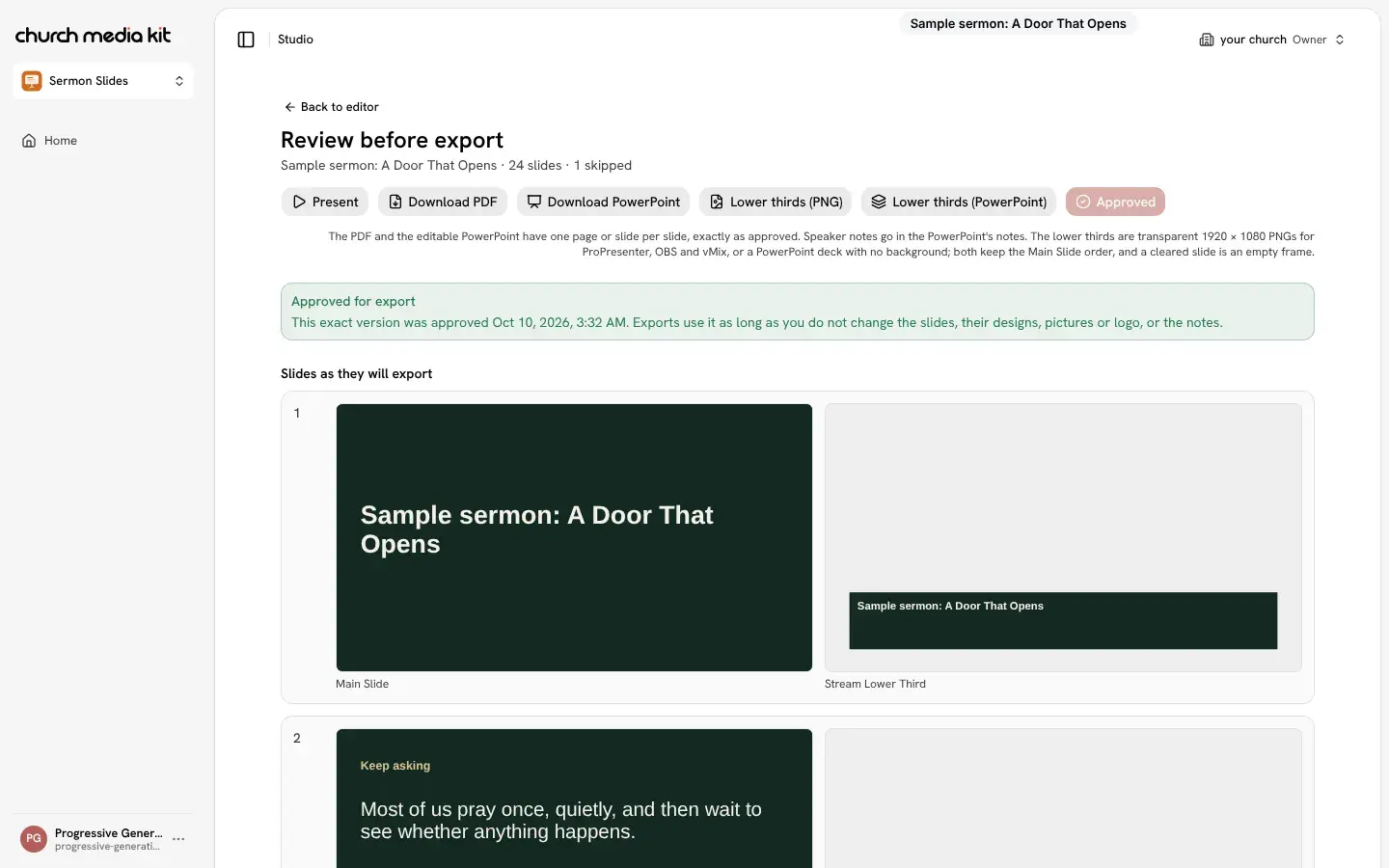
Approve your slides in the Review step first; downloads use the approved version.
- PDF, one page per slide.
- PowerPoint, with speaker notes.
- Lower thirds as transparent PNG images (1920 x 1080).
- Lower thirds as a PowerPoint deck.
Presenting
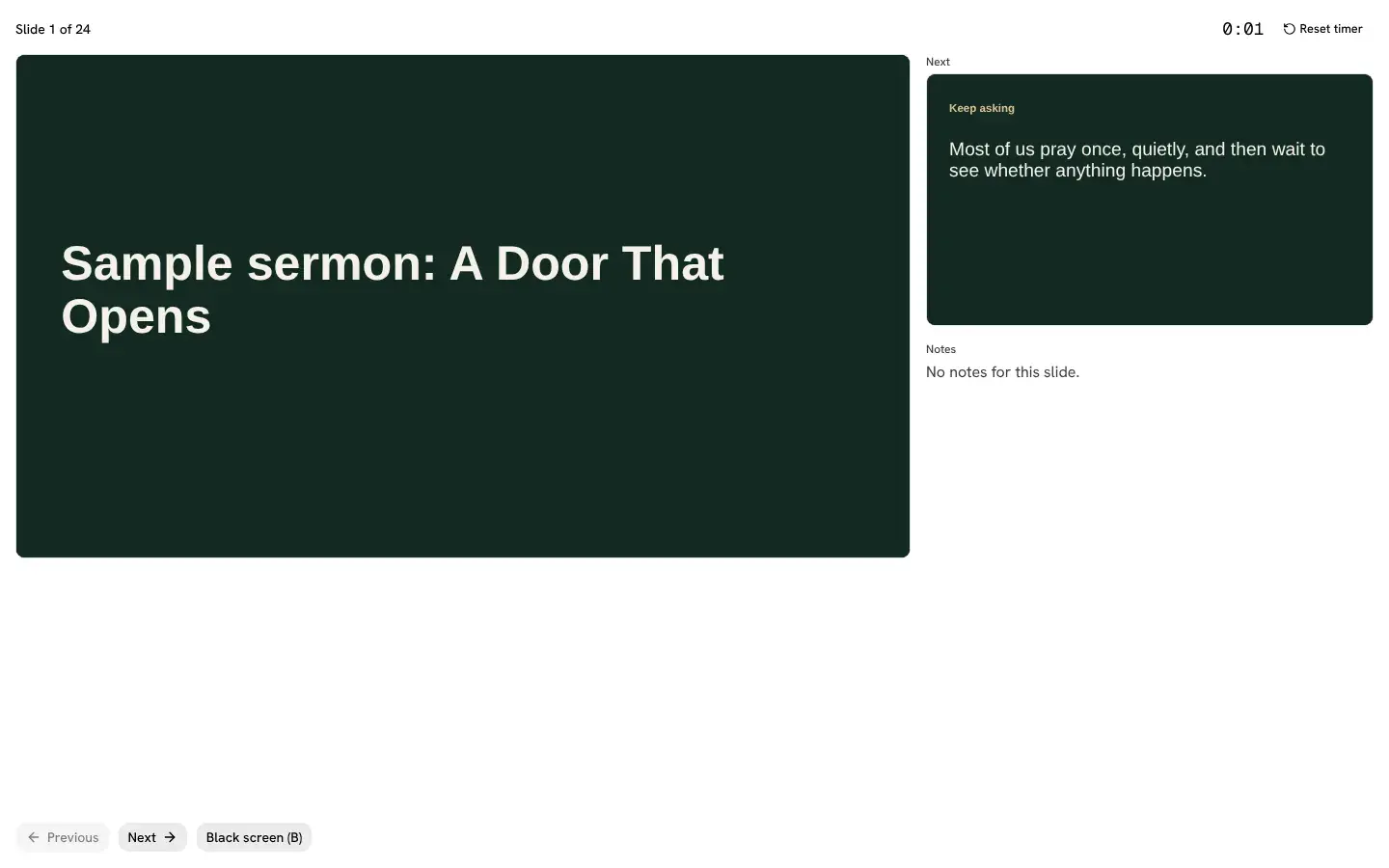
Present straight from Studio. The presenter view shows the current slide, the next slide, your notes and a timer.
Make slides from your sermon
Free account, no card needed. Your first deck is free; plans from US$29.95/mo.
Also in Church Media Kit
Included in your subscription.
 Sermon to SocialTurn a sermon into a week of editable social posts you review before sharing.
 Sermon UploadsUpload a sermon and get vertical clips for Instagram Reels, TikToks and YouTube Shorts, plus notes and posts.
 DesignEdit every design in a full browser editor with your church's look.
 Verse of the DayA new verse design to share, every day.
 Church in bioOne simple church page to link from your Instagram and Facebook bio.