How Sermon Slides works
Four steps from a written sermon to slides you can edit, download or present. Your words stay as you wrote them.
Free account, no card needed. Your first deck is free; plans from US$29.95/mo.
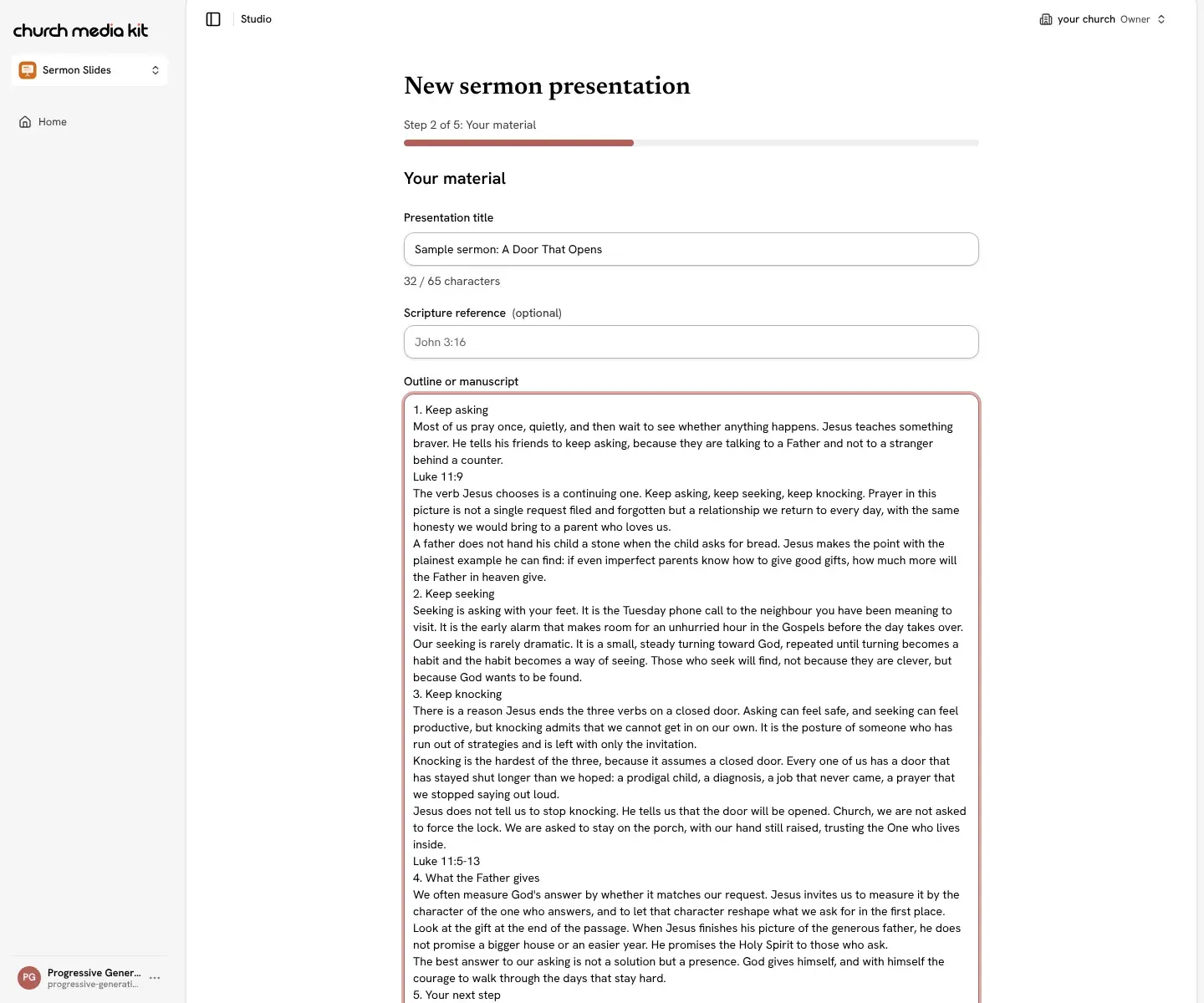
Paste your sermon
Paste an outline, a manuscript, notes or research into the Your material step. You can also start from a saved Sermon that has a transcript, or from a blank slide.
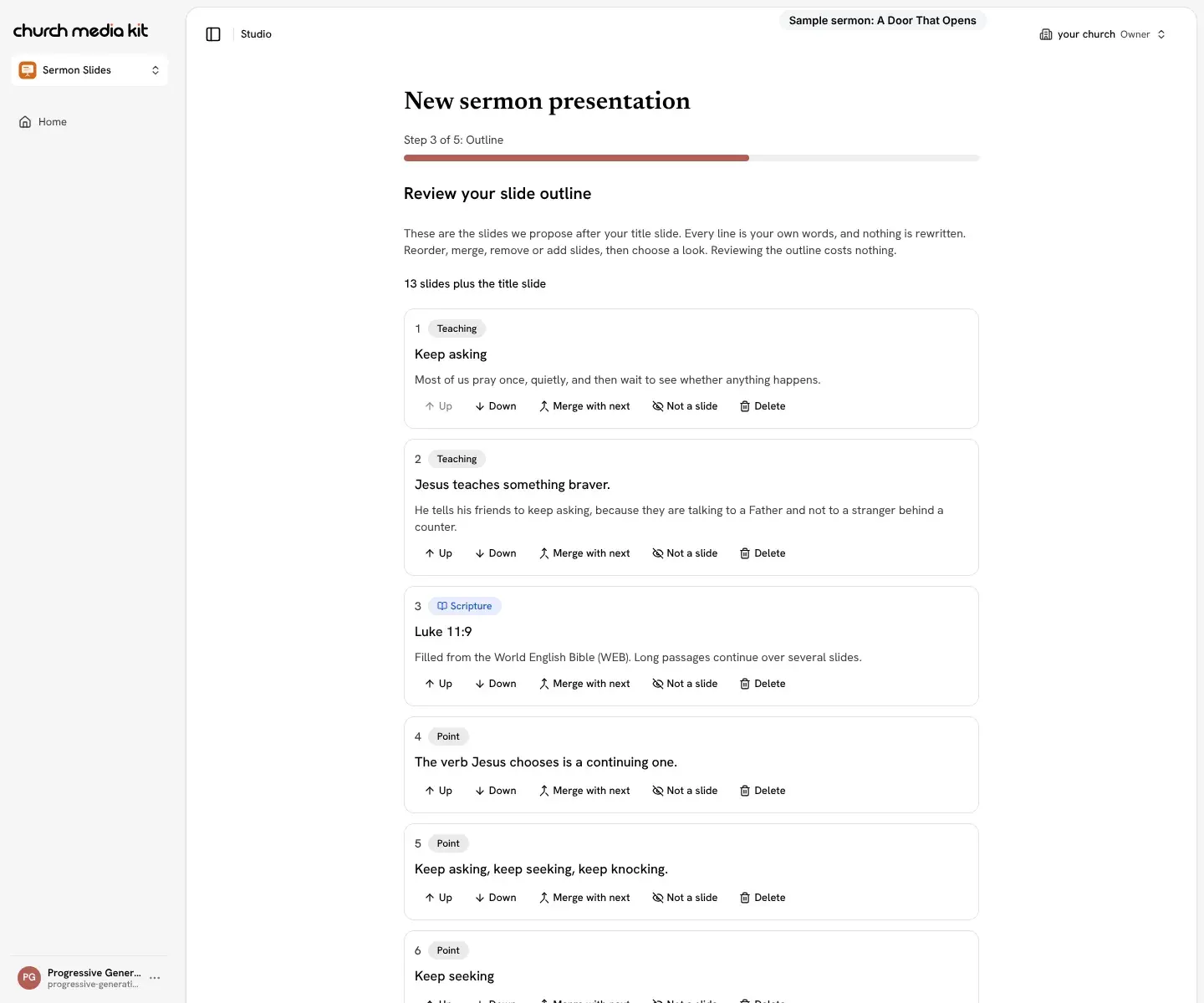
Review the outline
Sermon Slides proposes how your own lines are grouped into slides. Keep my words is the default, so nothing is rewritten. Reorder, merge or remove slides, and approve the outline before anything is designed. Reviewing it costs nothing.
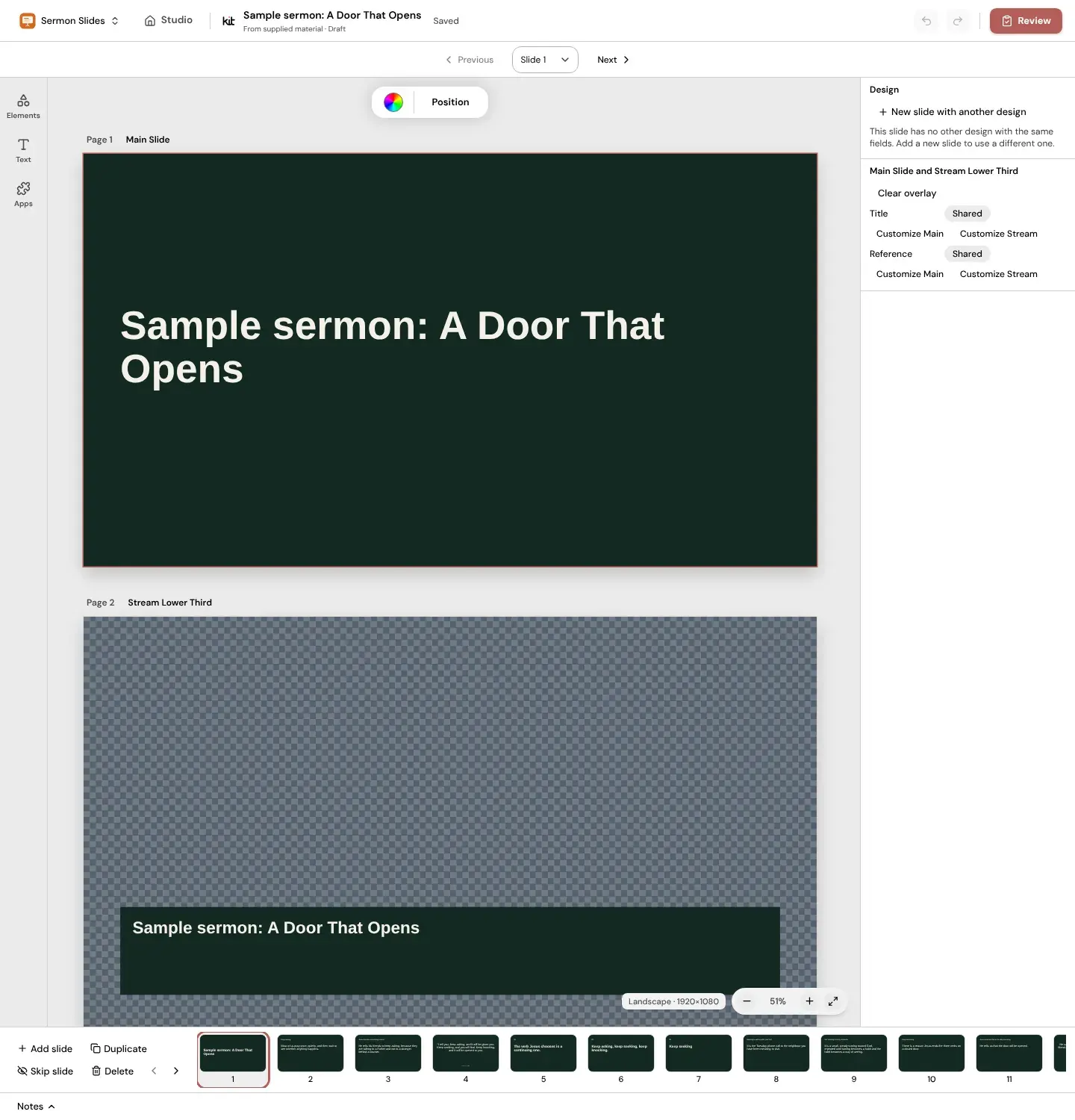
Edit in Studio
Every slide opens in the Studio editor with its matching Stream Lower Third. Change any line, add your photos, apply your Brand Kit, and add, duplicate, skip or delete slides.
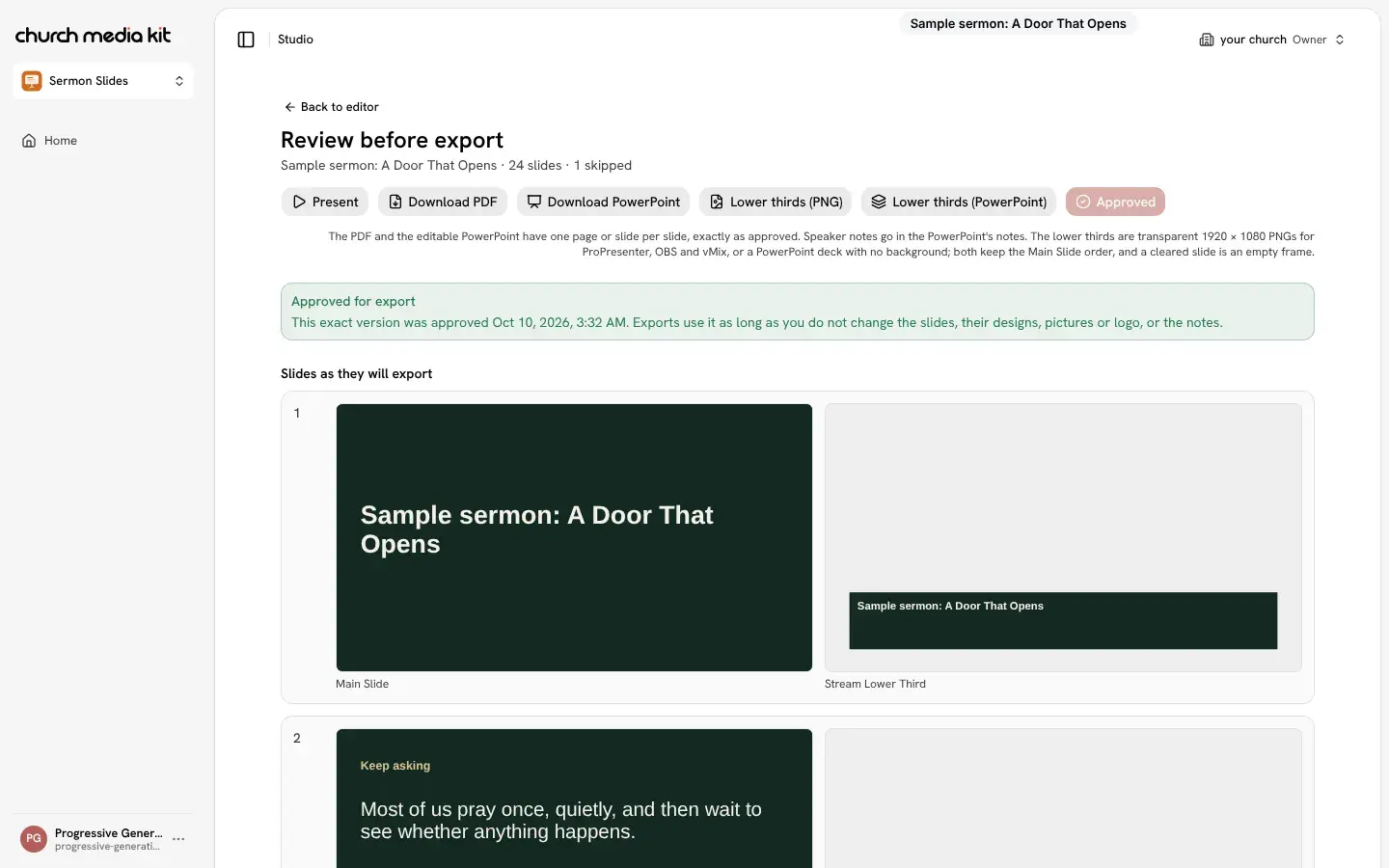
Download or present
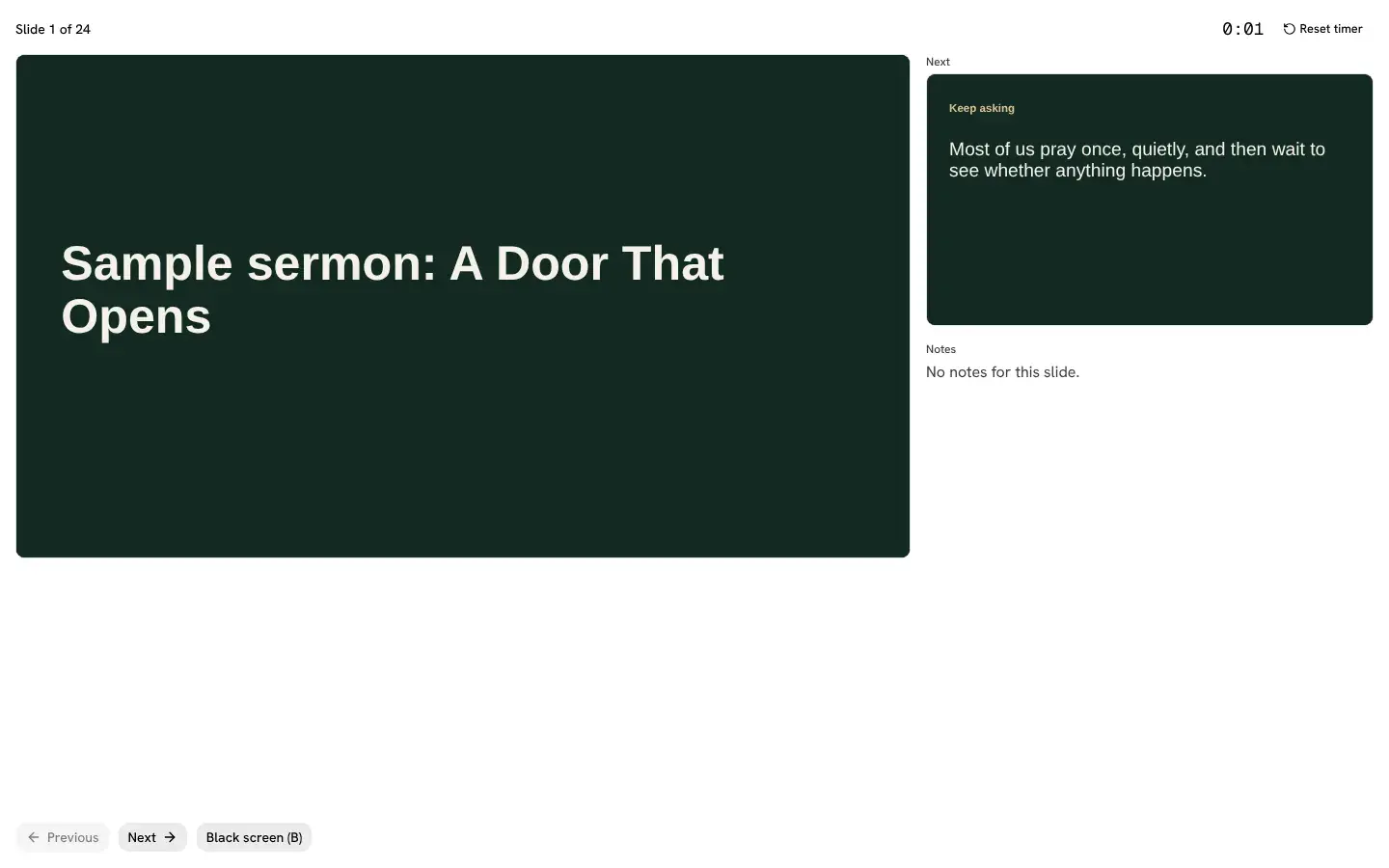
Approve the deck in the Review step, then download it or present straight from Studio. Editing, presenting and downloading are never charged.
Make slides from your sermon
Free account, no card needed. Your first deck is free; plans from US$29.95/mo.
Also in Church Media Kit
Included in your subscription.
 Sermon to SocialTurn a sermon into a week of editable social posts you review before sharing.
 Sermon UploadsUpload a sermon and get vertical clips for Instagram Reels, TikToks and YouTube Shorts, plus notes and posts.
 DesignEdit every design in a full browser editor with your church's look.
 Verse of the DayA new verse design to share, every day.
 Church in bioOne simple church page to link from your Instagram and Facebook bio.