
Show the next step
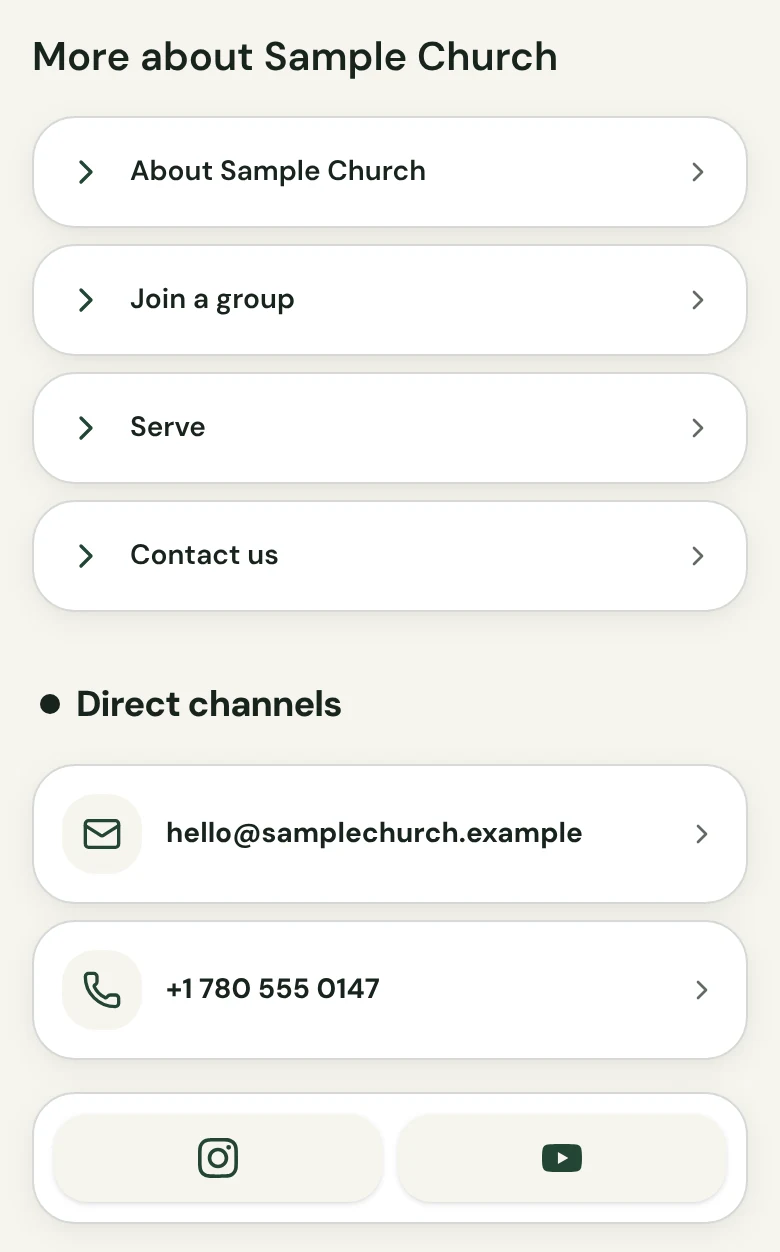
Church in bio lets you add buttons that open your church’s own pages, such as groups, serving or contact, so a visitor knows what to do next.
From US$29.95/month · 7-day trial for eligible new owners (card required)
“What can I do next?”
A visitor has seen your times and found the door. Now they want to take one more step: meet a group, offer to serve, or ask a question. You are the guide for that step, and Church in bio keeps the links in one place on your page.
- Your pages, your words. Add a button with your own label and the link you choose, such as a groups page or a contact page.
- Few and clear. Lead with the one or two steps you most want a newcomer to take; the rest can sit below.
- Always your destination. Each button opens a page your church already runs, so whatever a visitor does next happens there.
What to know. Buttons only open your own pages. Nothing is submitted through a next-step button.
Questions about next-step links
What can a next-step link open?
Any page your church chooses, such as a groups page, a serving page or a contact page.
Where does a visitor sign up for a group?
On your own page. The button opens it, and nothing is submitted through the button.
How many links should I add?
As few as you can. One or two clear steps are easier for a newcomer to follow than a long list.
Can I change the links later?
Yes. Edit the private draft, preview it, and publish again.
Can I choose the button labels?
Yes. Each button has your own label and your own link.
Should I add giving as a next-step link?
No. Giving has its own Give online button, so your next-step links can point to groups, serving or contact pages.
More on a Church in bio
One link, ready for Sunday.
Choose a plan, fill in a private draft, preview it, and publish when it is ready.
From US$29.95/month · 7-day trial for eligible new owners (card required)