

Transcribe your sermon video into searchable text
Upload your church's sermon video (MP4 or MOV) and get a searchable transcript with timestamps, typically in about 15 minutes. It comes with a summary, small group questions, social posts, a recap email and video clips from the same upload.
From US$29.95/month · 7-day trial (card required)
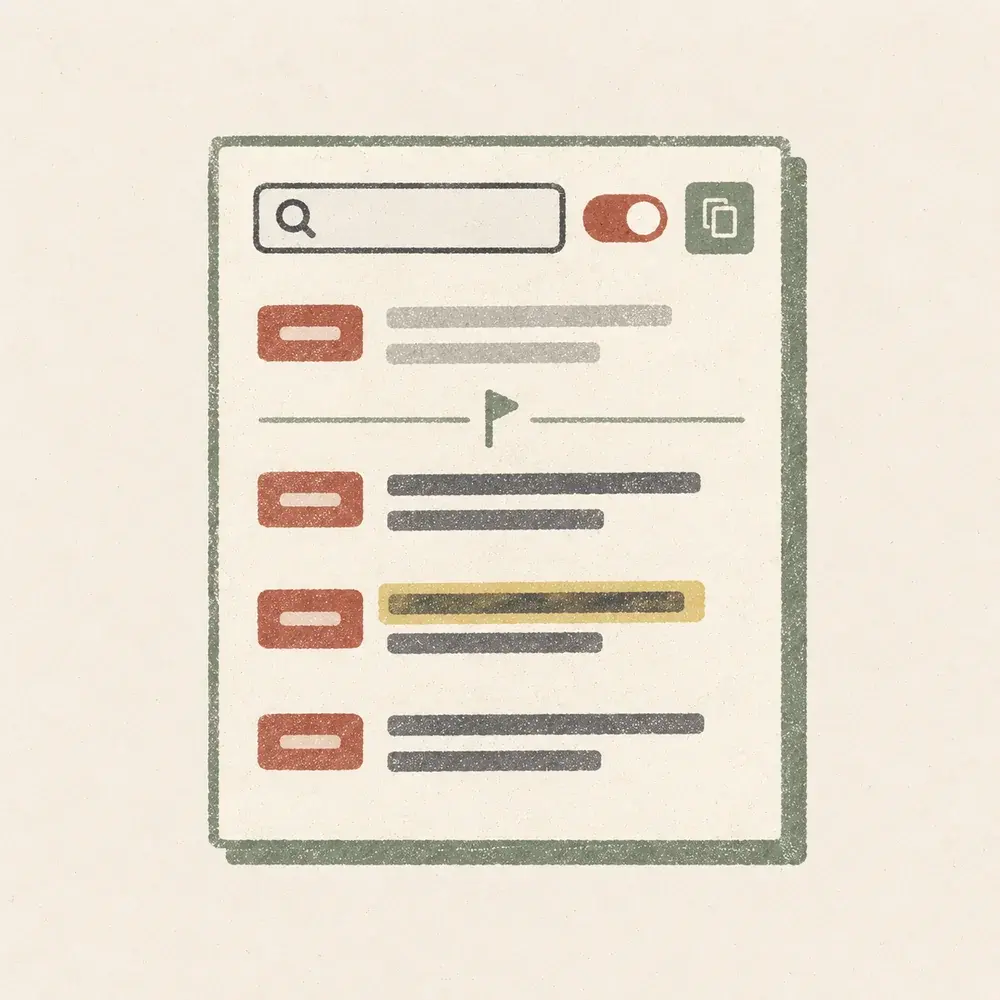
What you get and how you use it
Search for any word or phrase
Type a name, a verse reference or a phrase. Only the lines with those words stay on screen, highlighted.
See the timestamp beside every line
Select a timestamp to play the recording from that moment.
See where the sermon starts and ends
You mark the start and end before you upload. The transcript shows both and dims everything before and after.
Copy it with or without timestamps
Copy the whole transcript, or just the lines your search found. Paste it into your email, notes or bulletin.
Read it before the clips are ready
The transcript opens as soon as it is done, while the video clips are still being made.
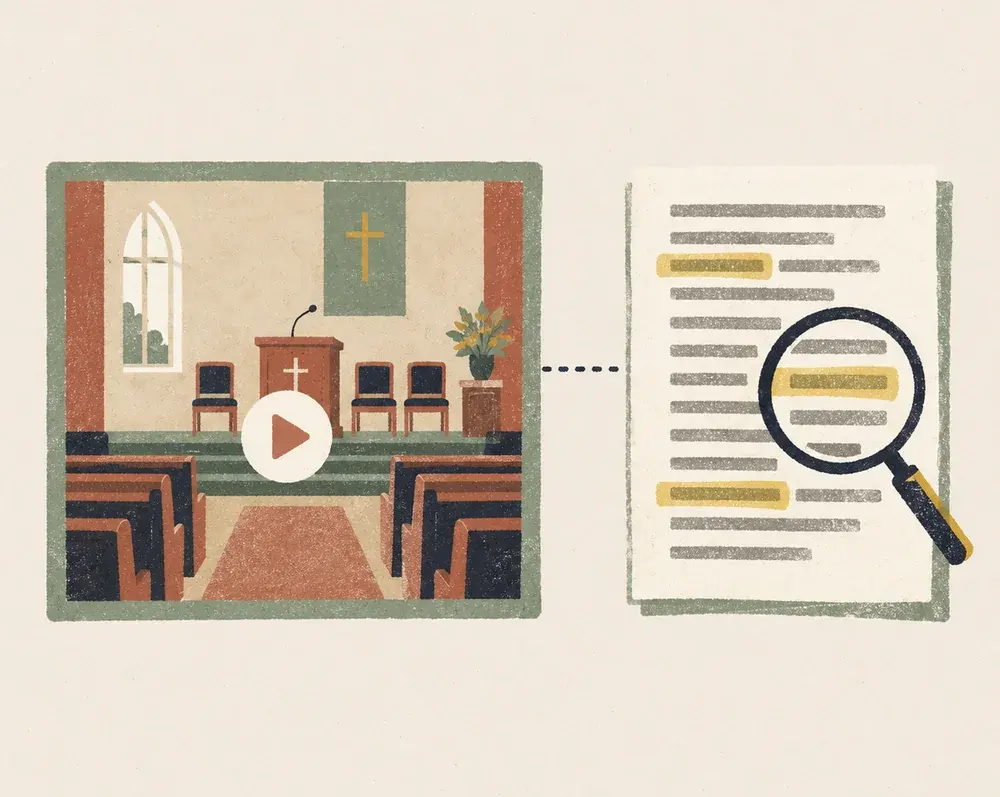
From video to transcript in about 15 minutes
Upload the video and mark where the sermon starts and ends. Wait, typically about 15 minutes, and your uploads list shows its status. Then open the transcript, search it and copy what you need.
Questions about sermon transcripts
How do I get a transcript of my pastor's sermon?
Upload a video file of the sermon (MP4 or MOV, up to 10 GB). Typically about 15 minutes later, the transcript is ready to read, search and copy.
How accurate is the sermon transcript?
It is made by speech recognition, so names, places and some Bible references can come out wrong. Search for the names you expect and read it through before you share it.
Can I download the transcript as a Word or caption file?
Not as a file. Copy the transcript, with or without timestamps, and paste it into Word, Google Docs or your email. The transcript itself is read-only, so edit the copy there.
How long can the sermon be, and what does a transcript cost?
Each transcript uses one sermon from your plan: 4 a month on Starter (US$29.95), 8 on Growth (US$59) and 20 on Volume (US$119). The longest sermon is 2, 3 or 4 hours depending on the plan.
Can I leave out the worship and announcements?
Mark where the sermon starts and ends before you upload. The transcript marks both points and dims the lines outside them. After the upload, the start and end cannot be changed.
Does it show who is speaking?
No. The transcript is plain lines with a timestamp each, with no speaker names.
Can I transcribe an audio file or a link?
Not at the moment. Upload a video file (MP4 or MOV).
What else do I get from the same upload?
A summary and key points, small group questions and a guide, Instagram, Facebook and X captions, a recap email and video clips. Nothing is posted for you.
Also from the same upload
Upload your first sermon
Choose a plan, upload the video, and read your transcript.
From US$29.95/month · 7-day trial (card required)