Church bulletin templates that fold, print and read well.
Church bulletin templates for a folded or tri-fold bulletin: the sizes, what goes in each panel, an order of service and a kids insert to start from.
Free account, no card needed. Plans from US$29.95/month
What size is a church bulletin, and what goes in it?
The common church bulletin is one letter sheet folded to 5.5 × 8.5 inches, which gives four panels. Put the order of service first, then this week, then a next step for visitors on the back.
- A Folded bulletin in Design is a letter sheet folded to 5.5 × 8.5 in with four panels: Cover, Inside left, Inside right and Back.
- A Folded legal bulletin folds to 7 × 8.5 in with the same four panels, and a Tri-fold is a letter sheet with three panels on each side.
- Design makes a Copier PDF for an office copier: each folded bulletin prints on one letter sheet, front and back, ready to fold.
- Design is free with any account, with no card needed.
Planning the print run?
Pick Half-letter bulletin to see the trim, the bleed, the safe area and the pixels to export.
Flyer print size calculator
Pick a paper size to see its bleed, safe area and the pixels to export for print.
Trim size
8.5 × 11 in
Size with bleed
8.75 × 11.25 in
Pixels to export at 300 DPI (with bleed)
2625 × 3375 px
Safe-area inset
0.25 in
Aspect ratio
1 : 1.29
Trim in millimetres: 215.9 × 279.4 mm. Without bleed: 2550 × 3300 px. With bleed: 2625 × 3375 px.
In Design, export the PNG at the default Maximum quality preset (2x), or export a JPG and set its scale to 2x. Design stores print pages at 150 units per inch, so 2x is 300 DPI.
Worship
under the
stars
Live music, free food and a night to meet your neighbours.
Your address
Sample flyer for a fictional church
- Bleed: art runs out here, then gets cut off
- Trim line: where it is cut
- Safe area: keep text inside, 0.25 in from trim
A guide, not a printer spec. Bleed of 0.125 in and a 0.25 in safe area are the values Design uses. Printers such as 4over4 ask for text at least 0.125 in inside the trim, and some ask for 3 mm of bleed. Check your printer's own template before you order. Pixels are size in inches times DPI, rounded.
The bulletin sizes churches print.
Choose a size to see a sample bulletin at that shape, drawn to scale. Design stores print pages at 150 units per inch, so the 2x export is 300 DPI.
Weekly bulletin: Folded bulletin
5.5 × 8.5 in
One letter sheet folded in half. Each panel is 5.5 × 8.5 in, or 1650 × 2550 px at 300 DPI, and the four panels are Cover, Inside left, Inside right and Back.
More room inside: Folded legal bulletin
7 × 8.5 in
One legal sheet folded in half gives panels 7 × 8.5 in, or 2100 × 2550 px at 300 DPI. It is wider than the half-letter, so check that your copier takes legal paper.

Visitor guide or event: Tri-fold
3.67 × 8.5 in per panel
A letter sheet folded in three, with three panels on each side. Each panel is 3.67 × 8.5 in. Design creates six panels in order: Cover, Inside flap, Back, then Inside left, Inside middle and Inside right.
Single sheet: Letter
8.5 × 11 in
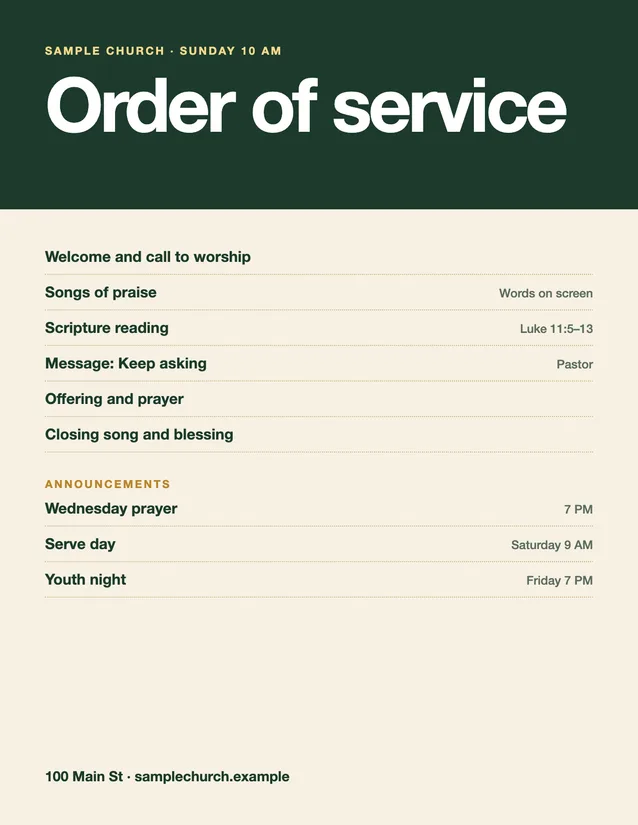
A one-page order of service, or an insert slipped into the bulletin. At 300 DPI it is 2550 × 3300 px, and Design keeps 0.125 in bleed and a 0.25 in safe area on print pages.
Four bulletin sizes drawn to scale: a folded half-letter bulletin, a folded legal bulletin, a tri-fold panel and a letter sheet.
A folded bulletin, panel by panel.
Panel order for the Folded bulletin in Design. Think of the page as a small booklet that you read left to right.
Cover
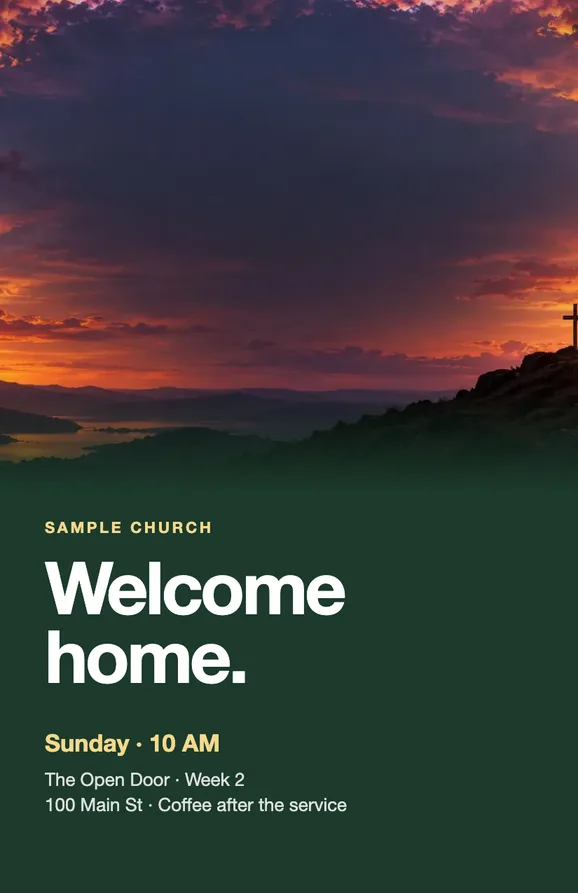
The church name, the service time and one welcoming line. Put the series or the season here, not the announcements.
Inside left
The order of service. A visitor should be able to follow along: the major parts of the service, the Scripture reading and the sermon title.
Inside right
This week. Events with the day, the time and the place, one signup link and a short note on giving.
Back
A next step for visitors, the address and a way to reach the office. Keep prayer cards and the connect card in the pew rack.
Bulletin pages you can start from.
Sample designs for a fictional church, drawn for this page with Design-style layouts. Change the words, colors and photo to your own.
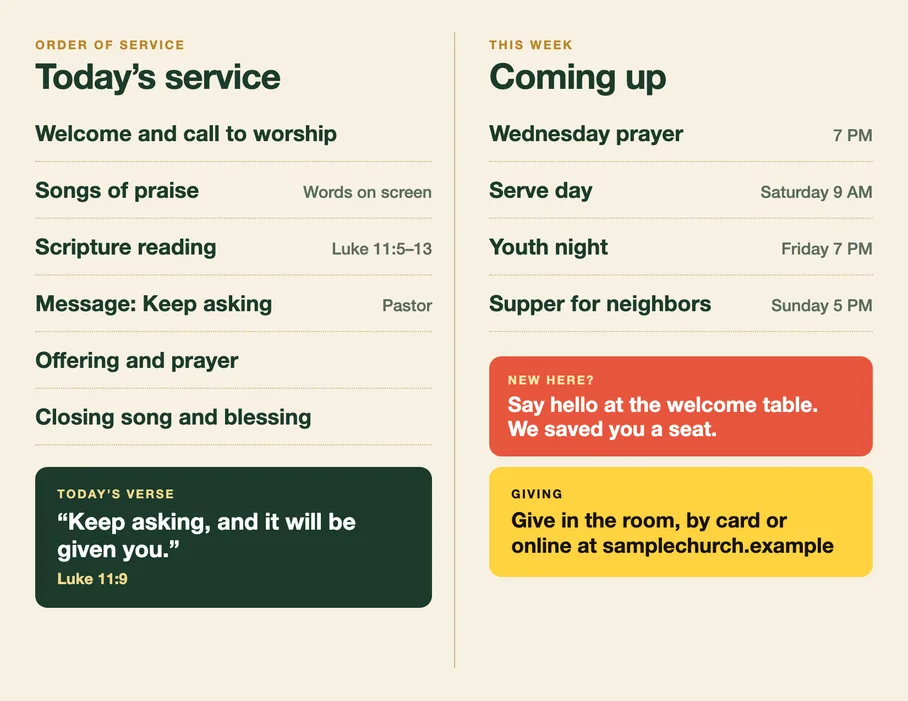
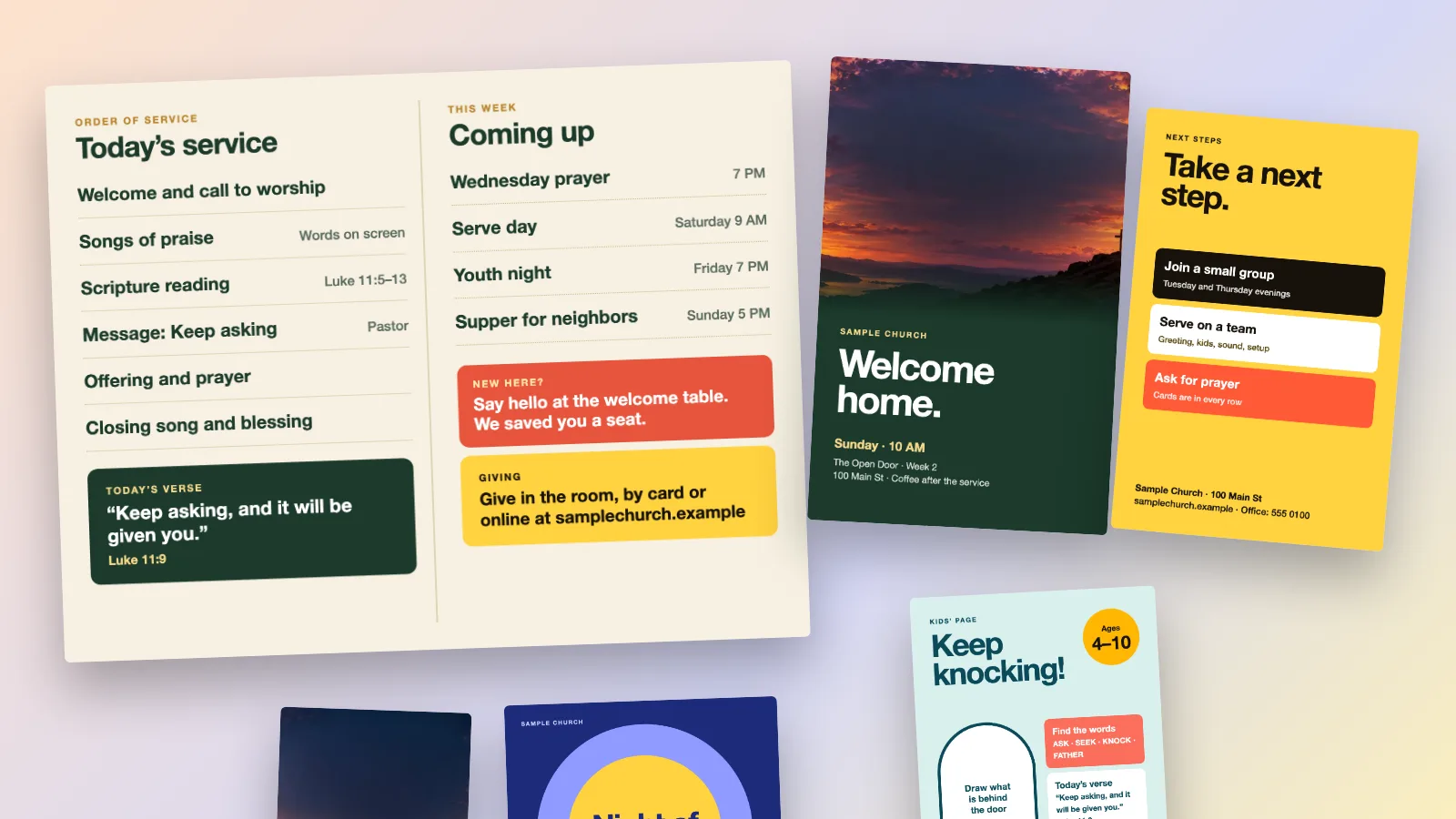
Inside spread: order of service and this week
Cover
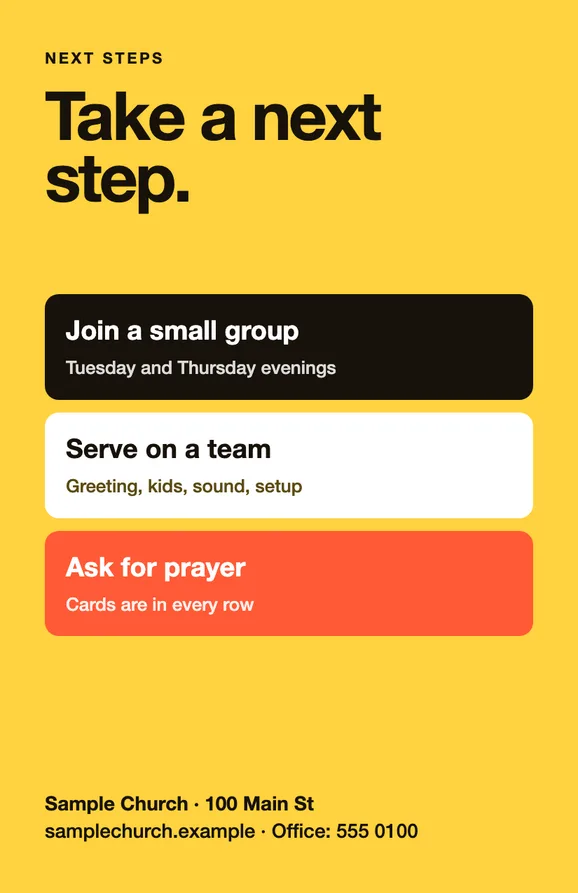
Back panel: a next step
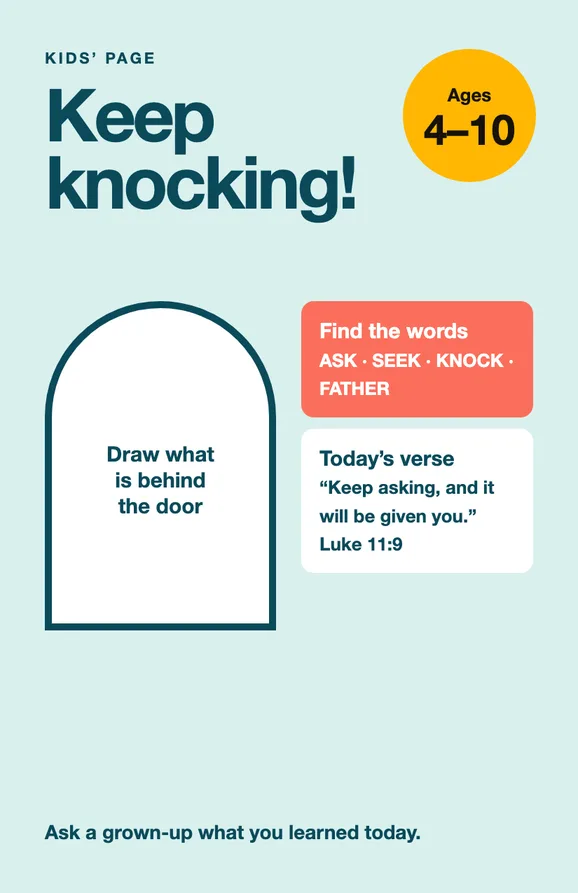
Kids insert
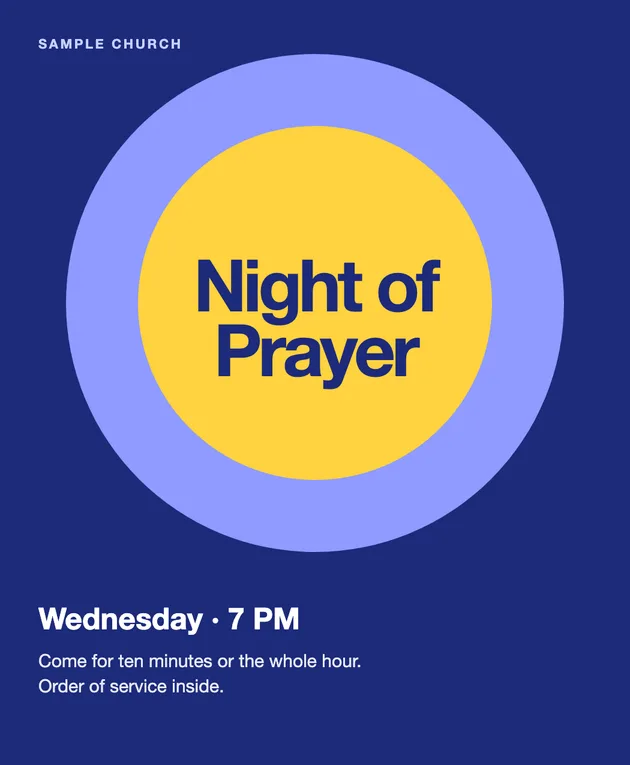
Tri-fold cover
One-page order of service
What goes in a church bulletin.
Six things most bulletins carry, each with the question to ask before you print. Practices vary by tradition, so keep what your people use.
The order of service
Could a first-time visitor follow the service from this list?
Name the major parts, the Scripture reading and the sermon. Print the words of any prayer or song people are expected to say or sing, unless they are on the screen.
This week
Does every event have a day, a time and a place?
A line without a time sends people to the office. Keep it to what happens in the next two weeks and link the rest.
A next step for visitors
What is the one thing a new family can do this week?
One clear step, such as a welcome table, a small group or a visitor card, beats a list of ten ministries.
Giving and contact
Can someone find how to give and who to call?
Put the web address, the office phone and the email on the back panel, where they are easy to find.
A kids insert
Does the page work without a grown-up reading it aloud?
A door to draw, a few words to find and the memory verse keep younger children busy and connected to the message.
Readable type and contrast
Can you read a copier printout at arm's length?
Use dark text on a light panel for the inside pages, and print one test page on your own copier before the full run.
Make this week's bulletin in Design.
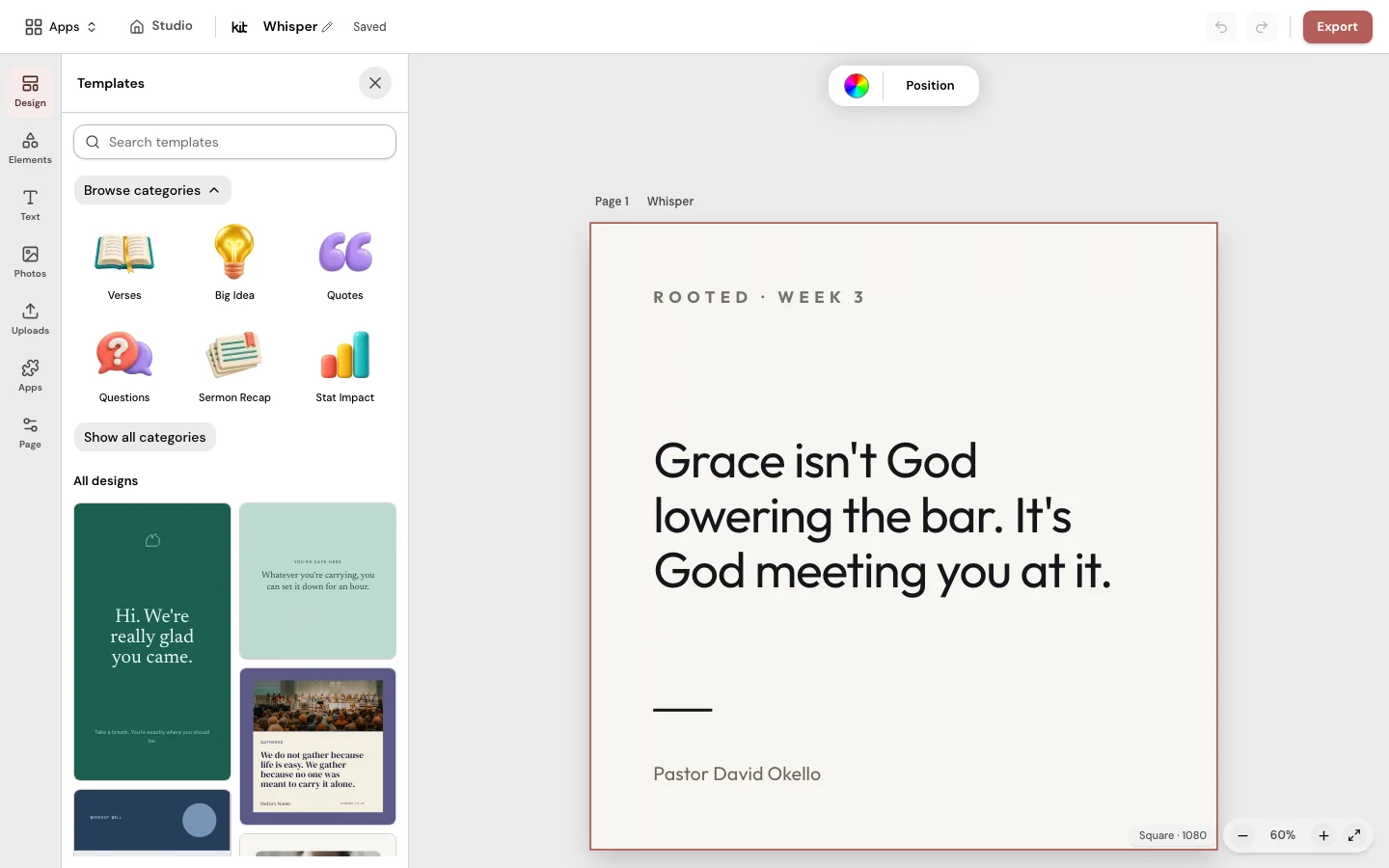
Open Design with a free account, start a Folded bulletin or a Tri-fold and fill each panel. Download a print PDF, or a Copier PDF for your office copier. After the service, Sermon Uploads drafts a recap email and small group questions from your sermon video for you to review.
Frequently asked questions
A bulletin ready by Thursday.
Start a folded bulletin, fill the four panels and print it on the office copier.
Free account, no card needed. Plans from US$29.95/month
Also in Church Media Kit
Included in your subscription.
 Sermon to SocialTurn a public YouTube sermon into editable Facebook and Instagram posts you review and share yourself.
 Sermon UploadsUpload a sermon and get vertical clips, plus a transcript and social posts.
 Sermon SlidesSlides and livestream lower thirds, made from the sermon you paste.
 DesignEdit any design in your browser, with your church's look.
 Verse of the DayA new verse design to share, every day.
 Church in bioOne church page to link from your Instagram and Facebook bio.