Church slides that people can read.
Church slides templates that read from the back row: the five slides a sermon deck needs, plus size, font size and slide count, with tools to check yours.
Free account, no card needed. Your first deck is free. Plans from US$29.95/month.
What makes good church slides?
Good church slides are 16:9, carry one idea each, put light text on a calm dark background and are big enough for the back row. Most of the numbers below are rules of thumb, and each says where it comes from.
- Size: 16:9, which is 1920 × 1080 pixels, with important text inside a margin of about 5% on every edge.
- Words: about 20 or fewer per slide, one idea at a time. One published guide keeps slide text to 140 characters.
- Type: at least 48 px for body text on a 1920 × 1080 slide. That is our own rule of thumb, worked out from viewing-distance rules.
- Count: about 6 to 10 slides for a 30-minute sermon, a worship-media vendor’s rule of thumb, not a study.
- Sermon Slides makes 16:9 decks you can edit. The first deck is free, and downloads are PowerPoint, PDF and transparent lower thirds.
What a good sermon deck looks like.
Five slide types from a fictional sermon, drawn for this guide on worship background stills. Each carries one idea in large, light type.

A Door That Opens
Luke 11:5–13
Title slideThe sermon title and the passage, nothing else. It tells the room where you are going. 
I tell you, keep asking, and it will be given you. Keep seeking, and you will find. Keep knocking, and it will be opened to you.
Luke 11:9 (WEB)
Scripture slideThe verse and its reference on one slide. A long passage continues on the next slide instead of shrinking the type. 
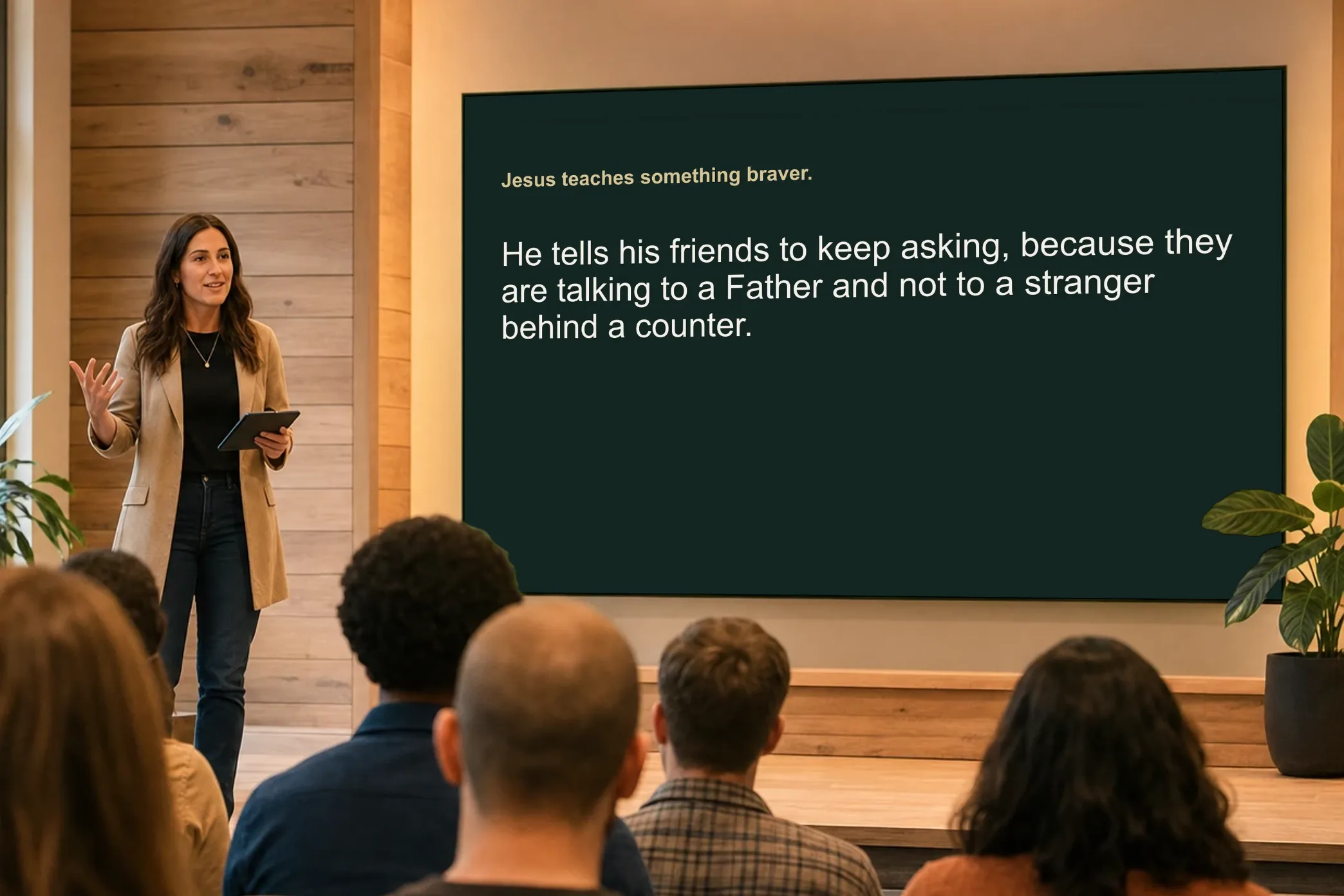
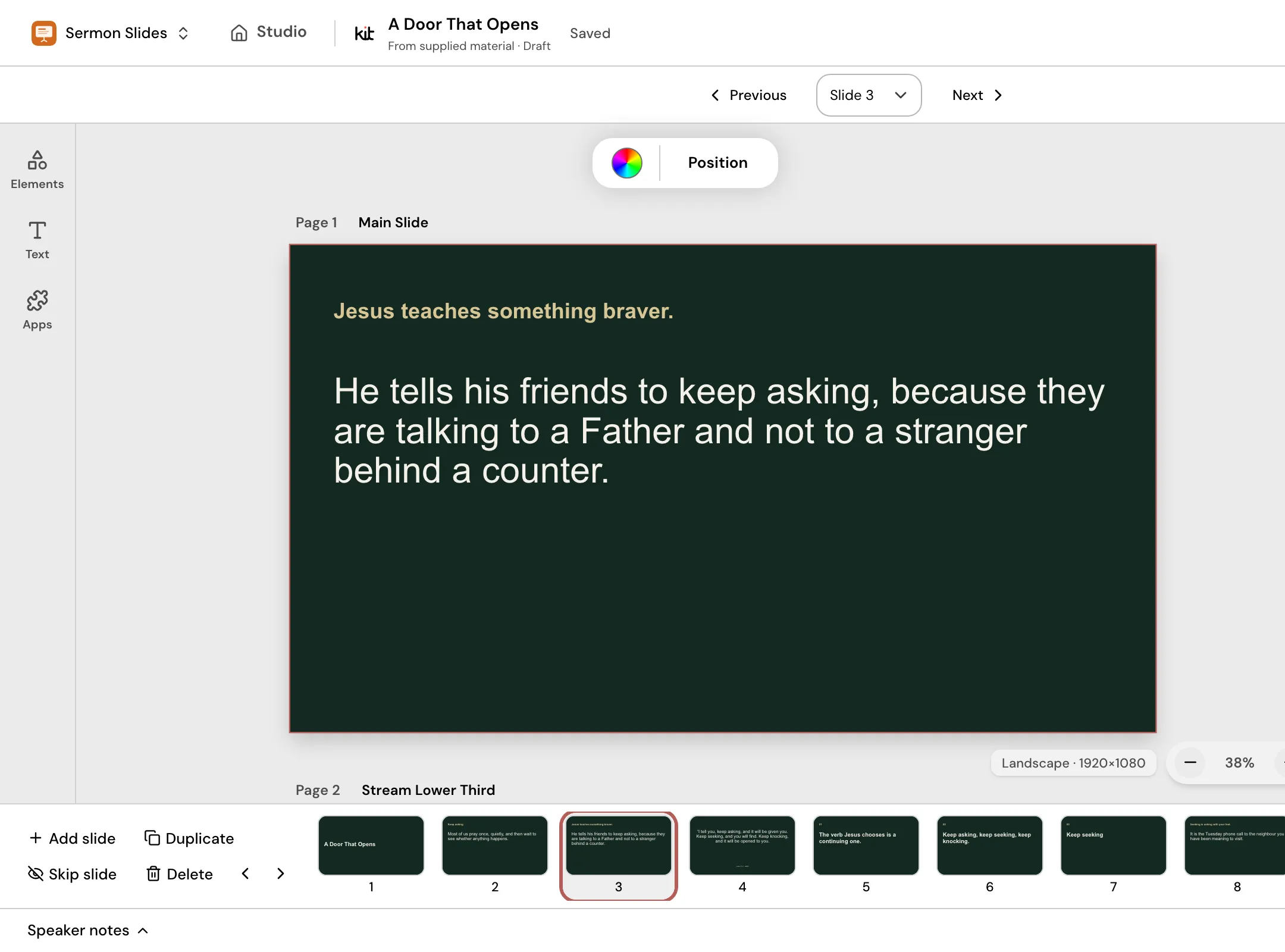
Jesus teaches something braver.
Keep asking, because you are talking to a Father.
Point slideOne idea in a sentence people can read in a few seconds, about 20 words or fewer. 
The verb Jesus chooses is a continuing one.
Quote slideA short line worth remembering, set large with space around it. 
Luke 11:9 (WEB)
Keep asking, and it will be given you.
Livestream lower thirdA strip near the bottom left of the stream, inside the safe margin, so the picture still shows.
Check your own slides.
Two quick checks using the rules of thumb on this page. Change the numbers to match your room and your sermon.
Projection font size calculator
Enter your room depth and screen height to see the smallest text the back row can read.
Minimum text height
60 mm
Minimum font size
48 px
Calculated 46 px on a 1920 x 1080 slide, rounded up to 48 px. The 4 mm per metre rule asks for at least 48 mm.

God asks for trust before he gives a map. Abram left home without knowing where he was going.
Genesis 12:1
God asks for trust before he gives a map. Abram left home without knowing where he was going.
Genesis 12:1
A rule of thumb, not a standard. It assumes letters of 1/200 of the viewing distance and capital letters about 70% of the font size. Mock slides show text at your computed size, scaled to fit.
Sermon slide count estimator
Slide the sermon length to see how many slides a typical deck needs.
Suggested slides
6 to 10 slides
- 1

Today’s message
- 2
Scripture
- 3
Point 1
- 4
Point 2
- 5
Point 3
- 6
Point 4
- 7 (optional)
Point 5
- 8 (optional)
Point 6
- 9 (optional)
Point 7
- 10 (optional)
Next steps
A published church-media rule of thumb, not a study. Faded slides are the optional upper end of the range. A long Scripture reading can need more slides without being cluttered.
The slide sizes church screens use.
Choose a slide to see its size, drawn to scale over a worship background still.
Room screen: Main slide
1920 × 1080
Church slides are 16:9. A Sermon Slides deck is 1920 × 1080 and downloads as PowerPoint or PDF. In PowerPoint, widescreen 16:9 is 13.333 × 7.5 in.
Livestream: Lower third
1920 × 1080, transparent
A lower third is the strip of text over the stream video. Sermon Slides downloads each one as a transparent PNG on a 1920 × 1080 frame so it lines up with your video. Keep it inside the same 5% margin.
Older projector: 4:3 slide
1024 × 768
Some older projectors are 4:3. If yours is, set the slide size to 4:3 in your presentation app. Sermon Slides makes 16:9 decks only.
Three church slide sizes drawn to scale: a 16:9 main slide, a 16:9 transparent lower third and a 4:3 slide for older projectors.
How to make church slides that read well.
Give each slide one idea
Aim for about 20 words or fewer. If you need “and also”, start a new slide, and keep the long version for a handout.
Pick one calm background
Use one background for the whole sermon, with light text on a dark, plain area. Put a darker overlay or a solid panel behind words on a busy photo.
Set the type size once, then check the back row
Use the same sizes on every slide, at least 48 px for body text on a 1920 × 1080 slide. Then look at the deck from the farthest seat.
Turn your sermon into a deck.
Paste your sermon outline, manuscript or notes into Sermon Slides, review the outline and edit each slide. Download PowerPoint or PDF, plus transparent lower thirds. Your first deck is free.
Four ways to make church slides.
Each works for some churches. Check current prices and license terms on each option’s own site.
| A presentation app you already have | A church slide template pack | Worship presentation software | Sermon Slides | |
|---|---|---|---|---|
| Starts from | A blank deck or the app’s own templates | Ready-made slides to download and edit | Songs, lyrics and announcements run live | Your pasted sermon outline, manuscript or notes |
| Who does the work | You | You, or a volunteer who edits the pack | The person running the screen | You review the outline and edit the slides |
| Your church’s look | You set fonts and colors on each deck | Varies by pack and file type | Set in the software’s own templates | Your Brand Kit applies to the whole deck |
| Best when | Someone on your team already builds decks you like | You want a ready look and will fill in the words | You run lyrics and slides live in the room | You want sermon slides and lower thirds without retyping |
Sermon Slides makes the sermon deck. Present it from Studio, or download PowerPoint or PDF to use in the software your church already runs.
Frequently asked questions
Slides ready before Sunday.
Paste your sermon, check the outline and edit the slides. Download PowerPoint or PDF, and the lower thirds for your stream.
Free account, no card needed. Your first deck is free. Plans from US$29.95/month.
Also in Church Media Kit
Included in your subscription.
 Sermon to SocialTurn a public YouTube sermon into editable Facebook and Instagram posts you review and share yourself.
 Sermon UploadsUpload a sermon and get vertical clips, plus a transcript and social posts.
 Sermon SlidesSlides and livestream lower thirds, made from the sermon you paste.
 DesignEdit any design in your browser, with your church's look.
 Verse of the DayA new verse design to share, every day.
 Church in bioOne church page to link from your Instagram and Facebook bio.