Youth group graphics that do not look like a kids' flyer.
Youth group graphics for your church: a youth night flyer, Instagram posts and Stories, and a fall kickoff plan, with a real template and sample designs.
Free account, no card needed. Plans from US$29.95/month
What makes a good youth group graphic?
A good youth graphic is bold and simple, says the day, the time and the grades in plain words, and asks a student to bring a friend. It should look made for teenagers, not for children.
- Put the night, the time, the place and the grades on every graphic, and mention food if there is any.
- Use big type, two or three strong colors and no clip art. Students share what looks good, so give them something worth sharing.
- Sizes in Design: Square 1080 × 1080, Portrait 1080 × 1350 and Story 1080 × 1920 for Instagram, and Letter 8.5 × 11 in for a flyer.
- Design is free with any account, with no card needed.
Printing a youth night flyer?
Pick a paper size to see the trim, the bleed, the safe area and the pixels to export for print.
Flyer print size calculator
Pick a paper size to see its bleed, safe area and the pixels to export for print.
Trim size
8.5 × 11 in
Size with bleed
8.75 × 11.25 in
Pixels to export at 300 DPI (with bleed)
2625 × 3375 px
Safe-area inset
0.25 in
Aspect ratio
1 : 1.29
Trim in millimetres: 215.9 × 279.4 mm. Without bleed: 2550 × 3300 px. With bleed: 2625 × 3375 px.
In Design, export the PNG at the default Maximum quality preset (2x), or export a JPG and set its scale to 2x. Design stores print pages at 150 units per inch, so 2x is 300 DPI.
Worship
under the
stars
Live music, free food and a night to meet your neighbours.
Your address
Sample flyer for a fictional church
- Bleed: art runs out here, then gets cut off
- Trim line: where it is cut
- Safe area: keep text inside, 0.25 in from trim
A guide, not a printer spec. Bleed of 0.125 in and a 0.25 in safe area are the values Design uses. Printers such as 4over4 ask for text at least 0.125 in inside the trim, and some ask for 3 mm of bleed. Check your printer's own template before you order. Pixels are size in inches times DPI, rounded.
The sizes youth ministry uses.
Choose a size to see a youth design at that shape, drawn to scale.
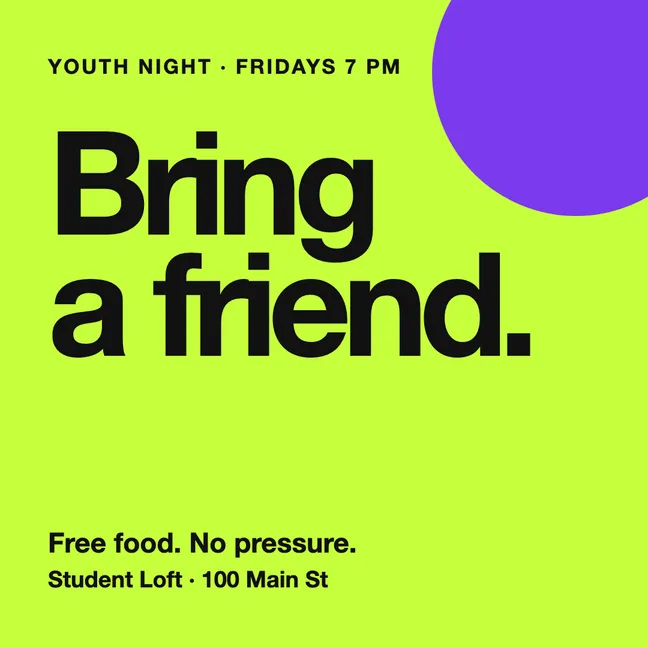
Feed post: Square
1080 × 1080
The size for Bring a friend and series posts. Square works in any feed, and Design can copy a finished post into Portrait or Story.
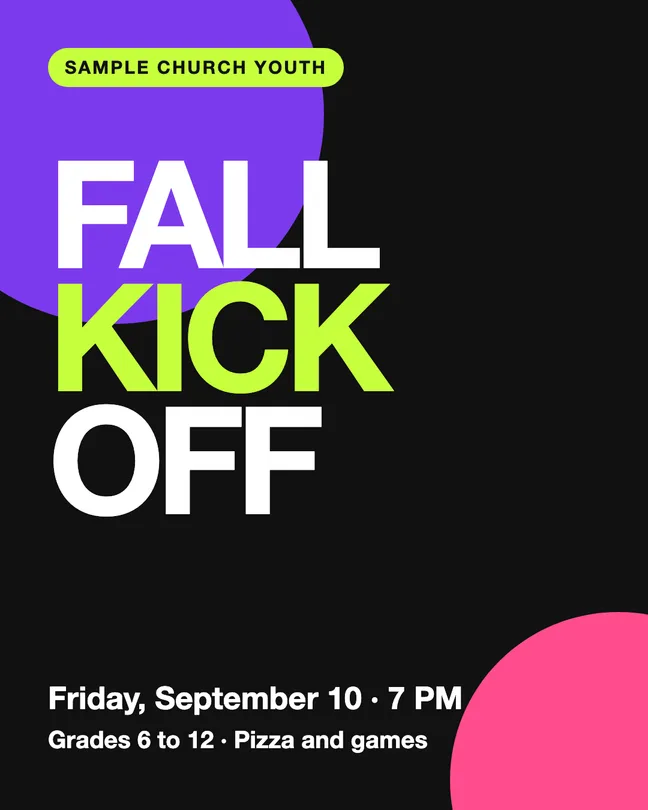
Taller feed post: Portrait
1080 × 1350
Taller than Square, so it takes more of the screen in a feed. Good for a kickoff poster with a lot of type.
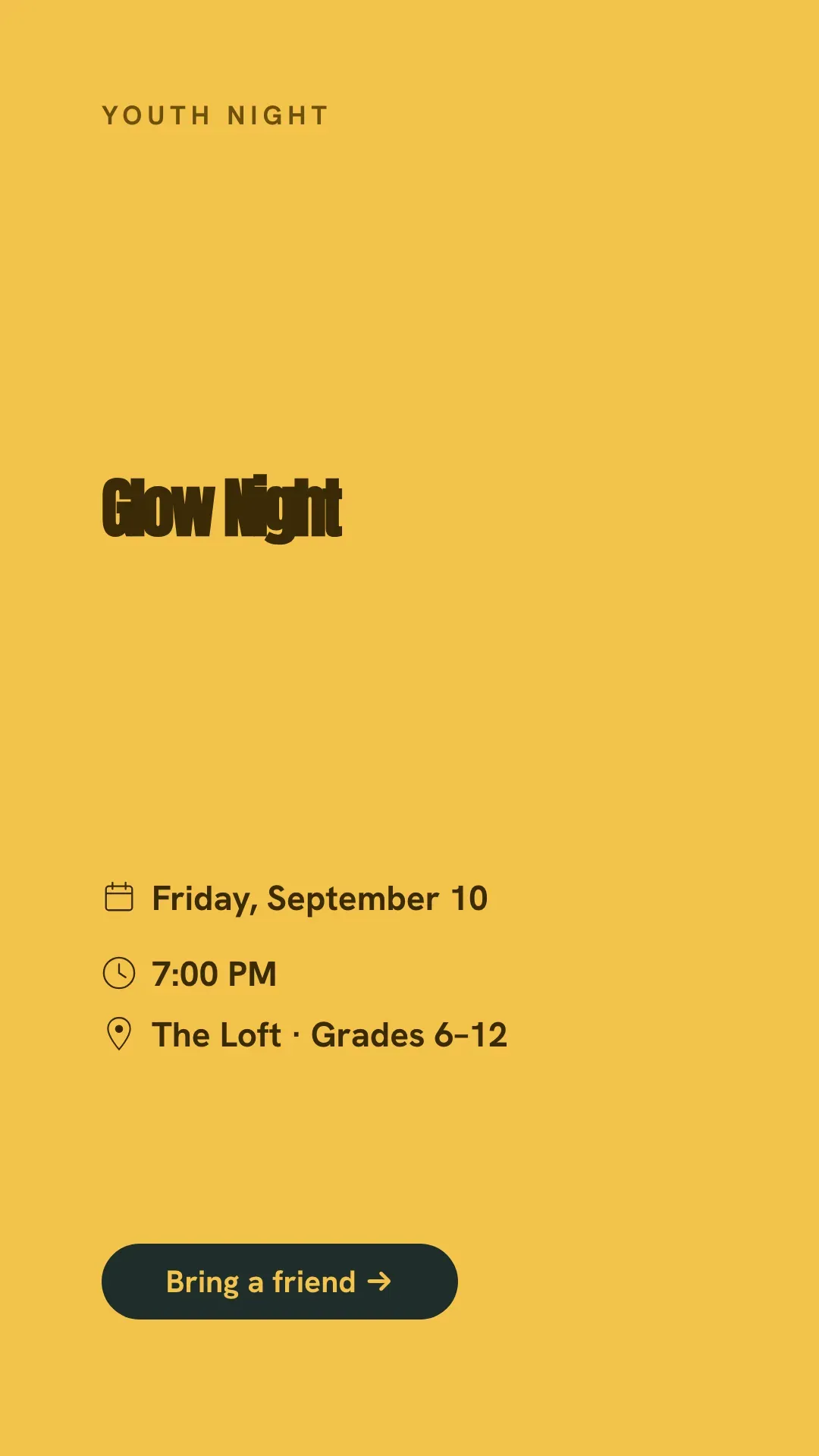
Story
1080 × 1920
The size for the countdown and This Friday posts. Keep the words away from the top and bottom, where the app puts its own buttons.
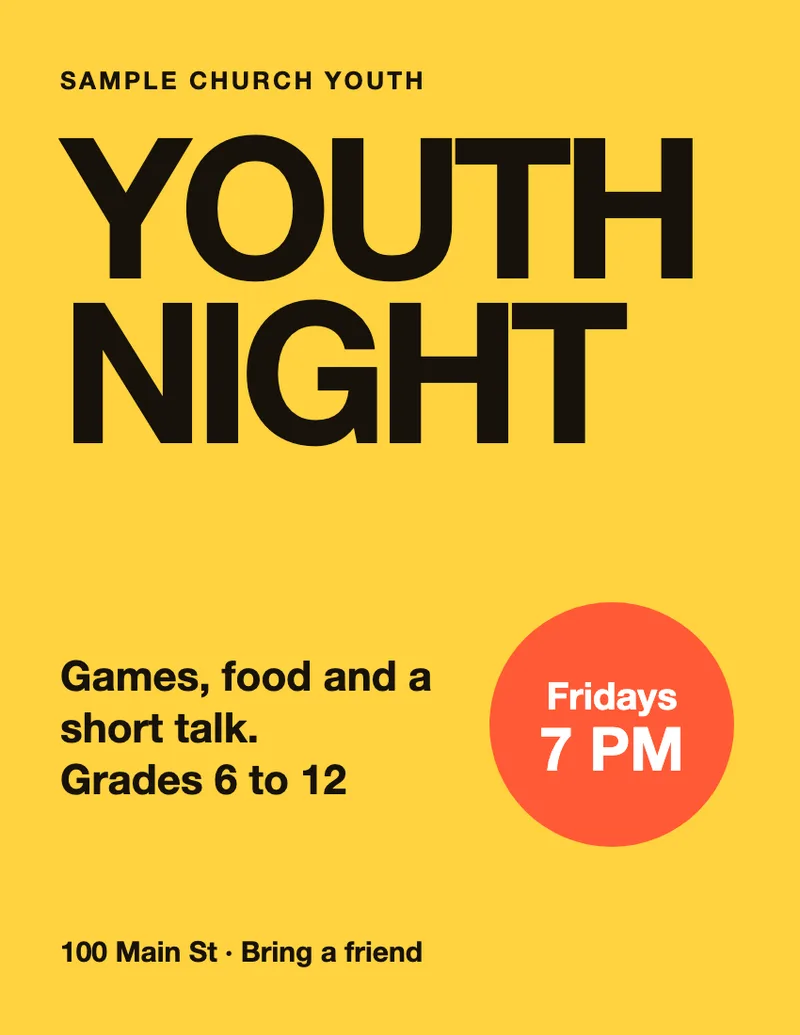
Flyer: Letter
8.5 × 11 in
The flyer for the school hallway and the church lobby. 2550 × 3300 px at 300 DPI, with text 0.25 in inside the trim.
Four youth sizes drawn to scale: a Square post, a Portrait post, a Story and a Letter flyer.
A fall kickoff plan for youth ministry.
Five posts to make and post yourself, counted back from an example kickoff on Friday 10 September 2027. Swap in your own date.
Friday 30 July
Save the date
Six weeks out, one bold post with the date, the grades and the place. Parents plan the fall early, so tell them too.
Friday 20 August
The invite students share
A Bring a friend post and a Story students can reshare. Ask a few students to post it from their own accounts.
Monday 6 September
The countdown
A Story with the day and time and one line about what happens: food, games and a short talk. Add the parent details and permission slip link.
Friday 10 September
Kickoff night
A This Friday post in the morning. During the night, post a group shot only of students whose parents agreed.
Saturday 11 September
What is next
Thank students and leaders, then announce the new series and the next Friday. Visitors return when they know what is next.
Youth designs you can start from.
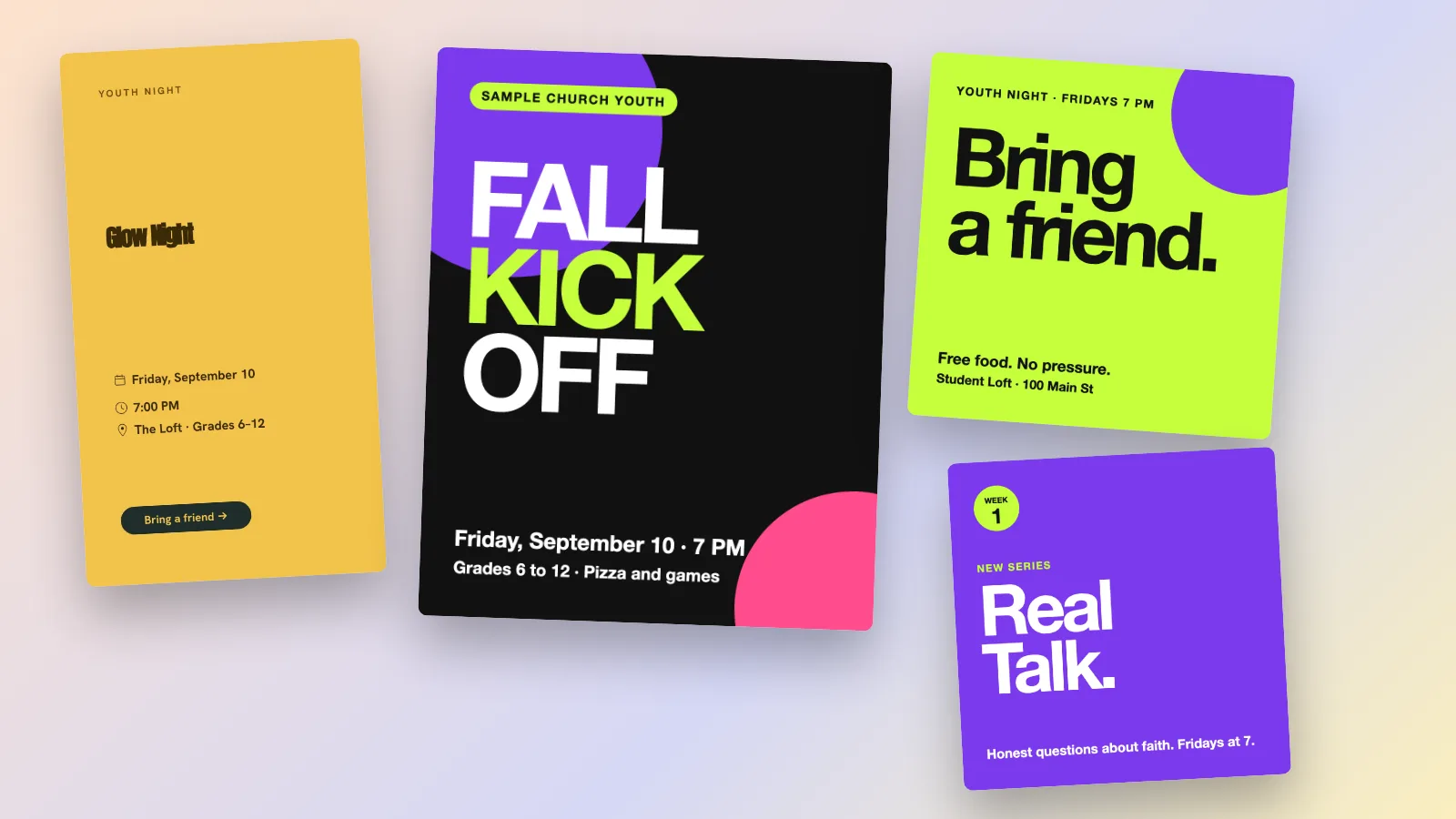
Sample designs for a fictional church. The first is a real template from the Design catalog with its sample date changed to September 2027, and the others are drawn for this page. Change the words and colors to your own.
Design template: Glow Night Story
Sample: fall kickoff
Sample: bring a friend
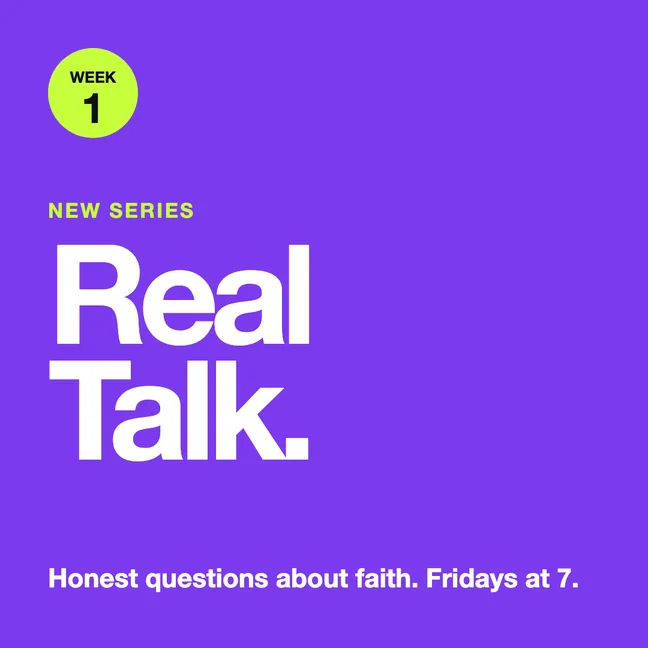
Sample: series launch
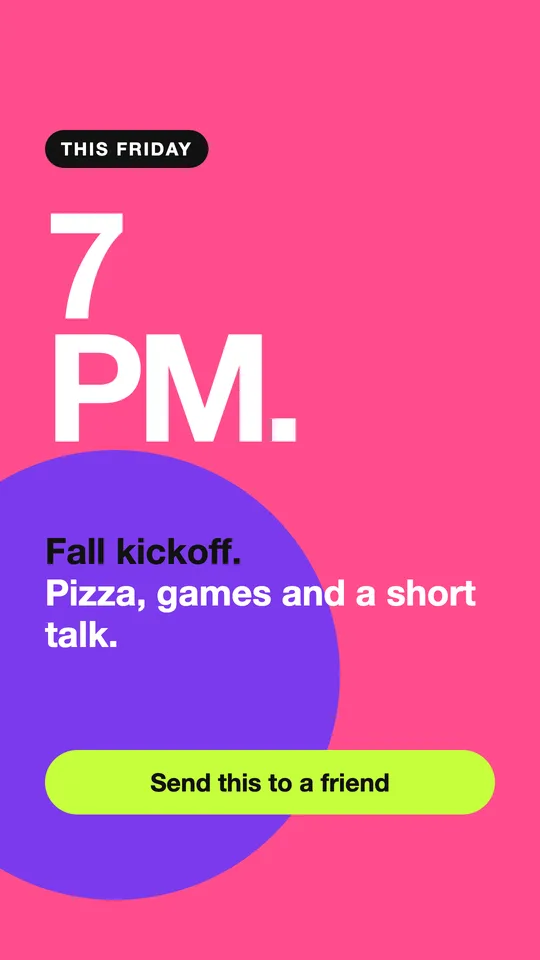
Sample: This Friday Story
Make it feel made for teenagers.
Six checks before a youth graphic goes out, each with the question to ask.
Bold and simple
Can you read it from across a hallway?
One big word, two or three colors and plenty of space. Skip cartoon clip art, which reads as a children's event.
The real details
Does it say the night, time, place and grades?
Students and parents both look for these first. A flyer without a time sends them to ask.
A reason to come
Does it mention food, games or a friend?
Free food and a friend are the reasons teenagers say yes. Say it in plain words.
Students' own voice
Would a student say it like this?
Ask two or three students to read the words, and let them reshare the invite from their own accounts.
Photos of minors
Do we have a parent's permission?
Post identifiable students only with a parent's or guardian's permission. Group shots and photos from behind are safer than close-ups, and a name needs no photo.
One next step
What should a visitor do after seeing this?
A date to come, a link or a friend to tag. One step is easier to follow than three.
Make the youth set in Design.
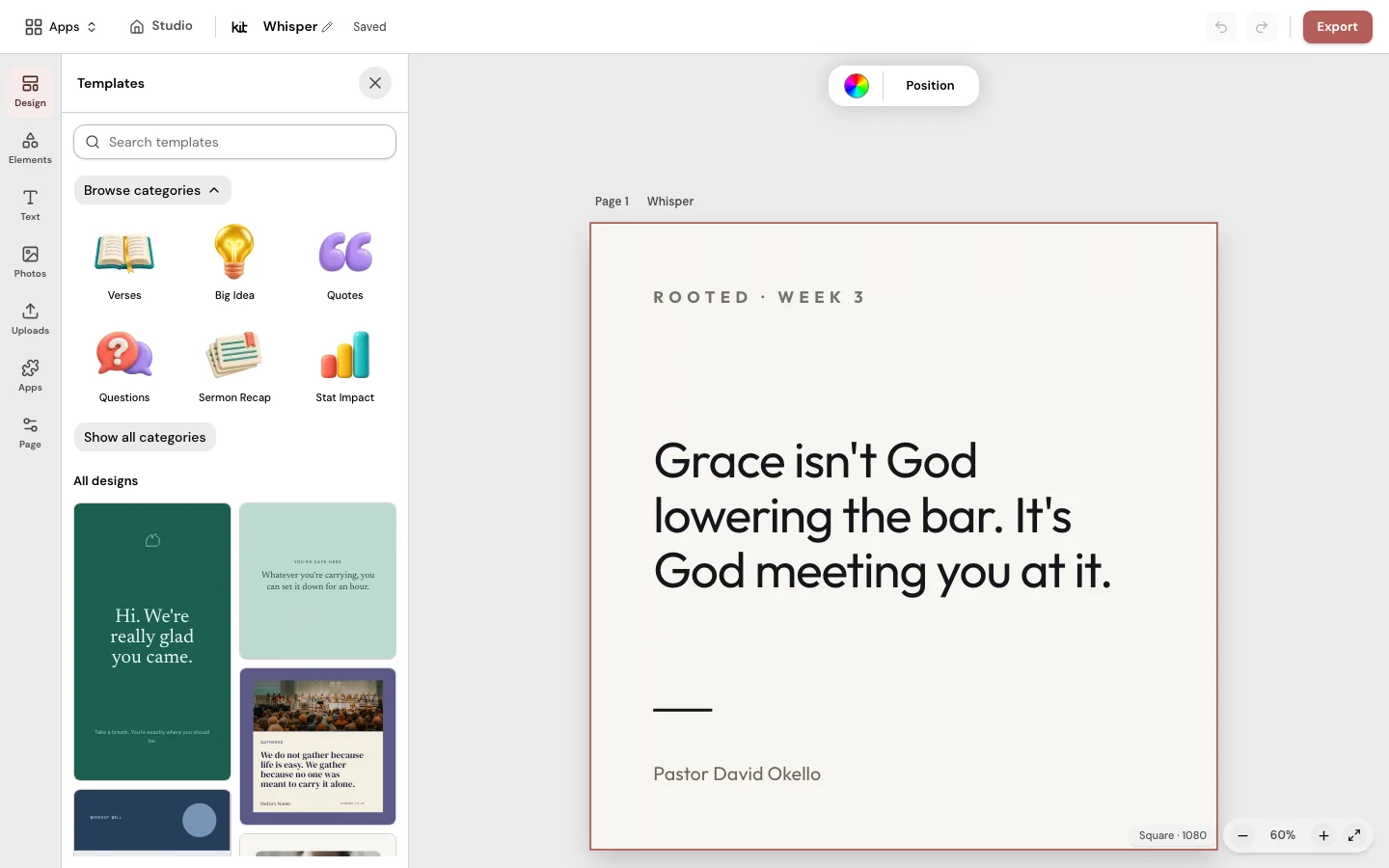
Open Design with a free account, pick a youth night template, change the words, date and colors and download it. Set your youth ministry colors in your Brand Kit so every post matches.
Frequently asked questions
Ready for Friday.
Pick a template, set your date and download it for your own posting.
Free account, no card needed. Plans from US$29.95/month
Also in Church Media Kit
Included in your subscription.
 Sermon to SocialTurn a public YouTube sermon into editable Facebook and Instagram posts you review and share yourself.
 Sermon UploadsUpload a sermon and get vertical clips, plus a transcript and social posts.
 Sermon SlidesSlides and livestream lower thirds, made from the sermon you paste.
 DesignEdit any design in your browser, with your church's look.
 Verse of the DayA new verse design to share, every day.
 Church in bioOne church page to link from your Instagram and Facebook bio.