VBS graphics, from save the date to the last day.
VBS graphics for your church: a flyer, a sign-up post, a Story and a summer posting timeline for Vacation Bible School 2027, with real templates.
Free account, no card needed. Plans from US$29.95/month
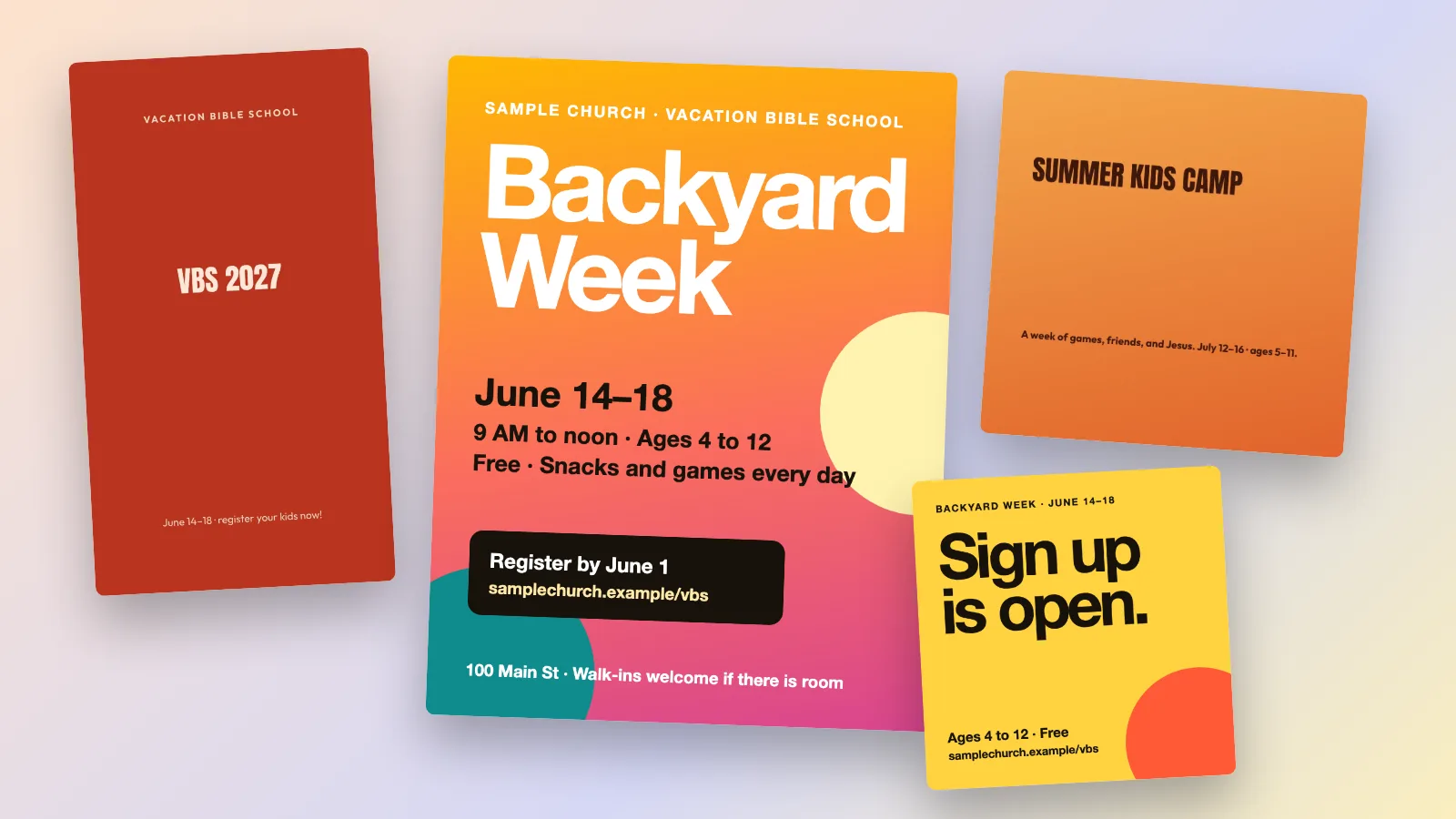
What graphics does a VBS need?
Four cover most of it: a save the date, a registration flyer, a sign-up post and a thank-you. Start about ten weeks before the first day, and put the dates, ages, cost and sign-up link on every one.
- The timeline below counts back from an example week, Monday 14 to Friday 18 June 2027. Swap in your own dates.
- Sizes in Design: Square 1080 × 1080, Story 1080 × 1920, Letter 8.5 × 11 in for a flyer and a 4 × 6 in card for a postcard.
- Use your own theme name. Curriculum publishers' names, logos and art are usually licensed, so read your license before you reuse them.
- Design is free with any account, with no card needed.
Printing a VBS flyer?
Pick a paper size to see the trim, the bleed, the safe area and the pixels to export for print.
Flyer print size calculator
Pick a paper size to see its bleed, safe area and the pixels to export for print.
Trim size
8.5 × 11 in
Size with bleed
8.75 × 11.25 in
Pixels to export at 300 DPI (with bleed)
2625 × 3375 px
Safe-area inset
0.25 in
Aspect ratio
1 : 1.29
Trim in millimetres: 215.9 × 279.4 mm. Without bleed: 2550 × 3300 px. With bleed: 2625 × 3375 px.
In Design, export the PNG at the default Maximum quality preset (2x), or export a JPG and set its scale to 2x. Design stores print pages at 150 units per inch, so 2x is 300 DPI.
Worship
under the
stars
Live music, free food and a night to meet your neighbours.
Your address
Sample flyer for a fictional church
- Bleed: art runs out here, then gets cut off
- Trim line: where it is cut
- Safe area: keep text inside, 0.25 in from trim
A guide, not a printer spec. Bleed of 0.125 in and a 0.25 in safe area are the values Design uses. Printers such as 4over4 ask for text at least 0.125 in inside the trim, and some ask for 3 mm of bleed. Check your printer's own template before you order. Pixels are size in inches times DPI, rounded.
The sizes a VBS plan needs.
Choose a size to see a VBS design at that shape, drawn to scale.
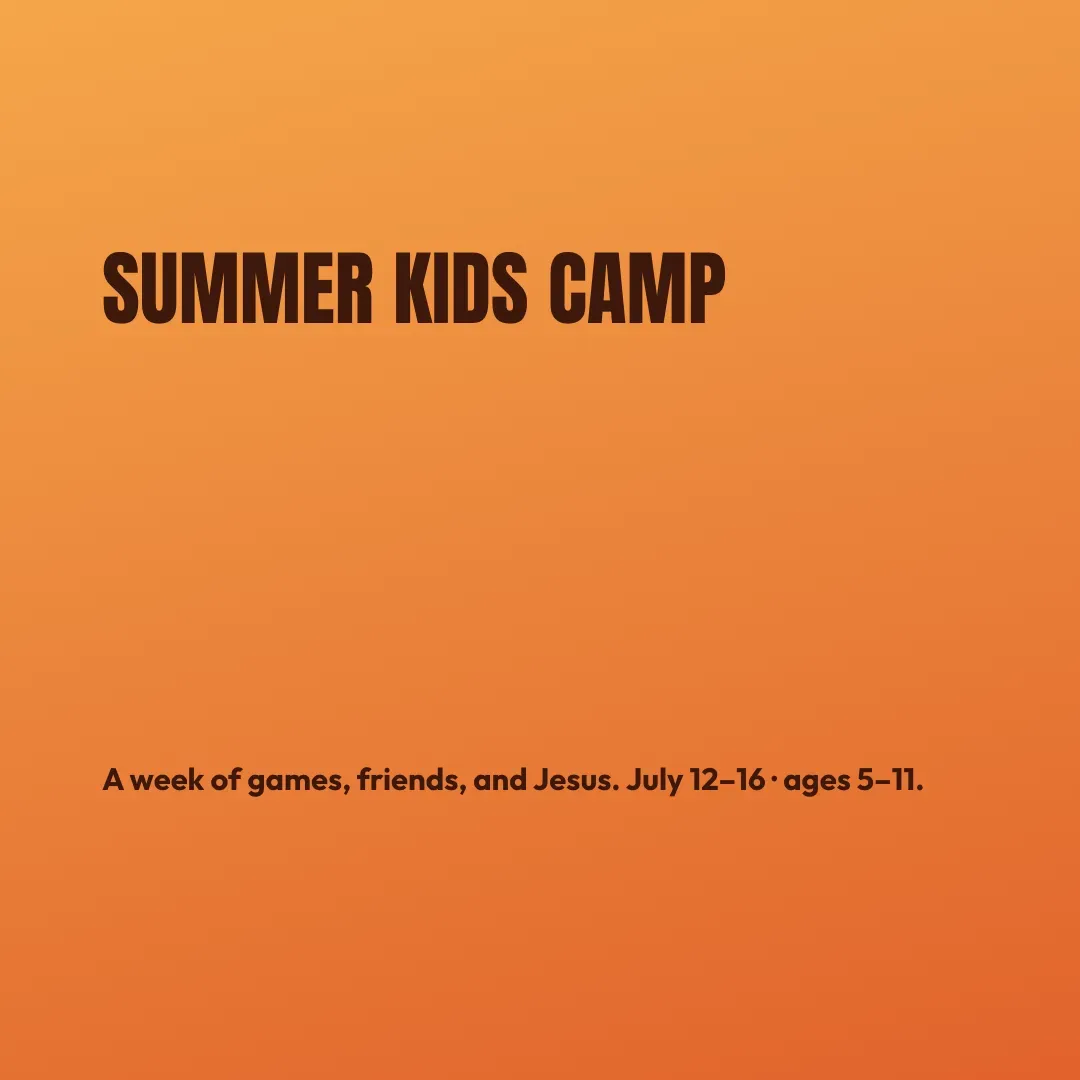
Feed post: Square
1080 × 1080
The size for the save the date and the sign-up post. Square works in any feed, and Design can copy a finished post into Portrait or Story.
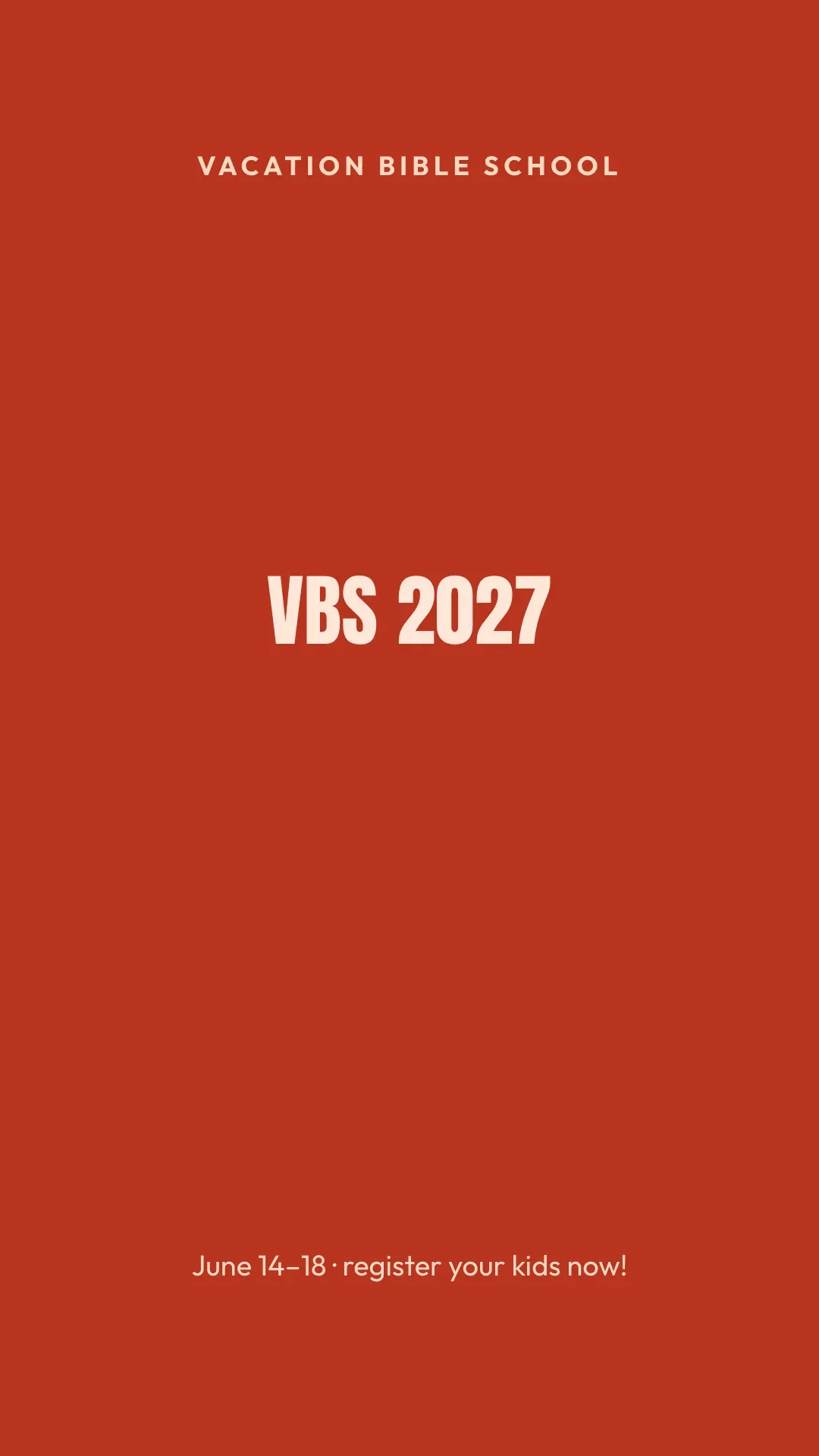
Story
1080 × 1920
The size for the countdown and the reminder. Keep the words away from the top and bottom, where the app puts its own buttons.
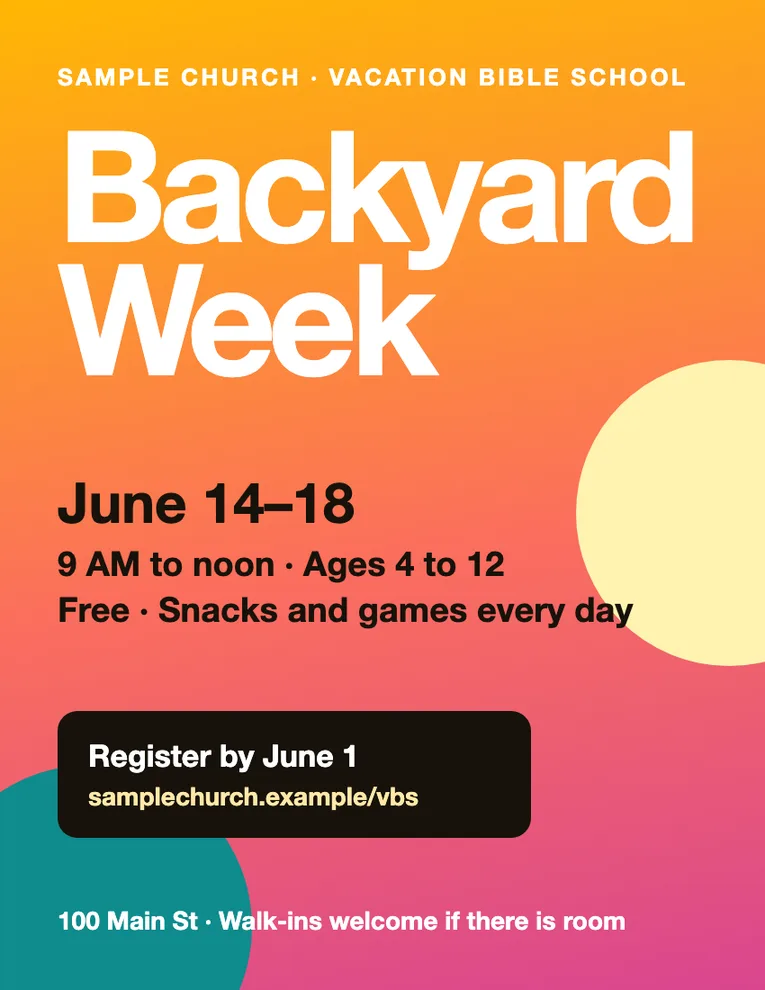
Flyer: Letter
8.5 × 11 in
The standard flyer in the US, or 2550 × 3300 px at 300 DPI. Keep text 0.25 in inside the trim, and put the deadline and the link where the eye lands.
Postcard or hand-out: 4 × 6 card
4 × 6 in
A small card to slip into a bag or a bulletin, 1200 × 1800 px at 300 DPI. One date, one age range and one link.
Four VBS sizes drawn to scale: a Square post, a Story, a Letter flyer and a 4 × 6 in card.
A summer posting timeline for VBS.
Six posts to make and post yourself, counted back from an example week starting Monday 14 June 2027.
From Monday 5 April
Save the date
Ten weeks out, one simple post with the dates and ages, before families fill the summer. Add a flyer to hand out at church.
Monday 3 May
Registration opens
The sign-up post and the flyer, with one link to a registration page that works on a phone.
Monday 24 May
Helpers needed
Three weeks out, ask teens and adults to sign up to help with games, snacks, crafts and check-in.
Tuesday 1 June
Last call
A reminder on the day registration closes, with the link again. Say whether walk-ins are welcome.
Friday 11 June
See you Monday
What to bring, where to park and when check-in opens. Post it where parents already look.
Friday 18 June
Thank you
Thank the helpers and families. Share photos only of children whose parents agreed in writing.
VBS designs you can start from.
Sample designs for a fictional church. The first two are real templates from the Design catalog with the sample dates changed to 2027, and the others are drawn for this page. Change the words, colors and photo to your own.
Design template: VBS Story
Design template: kids camp post
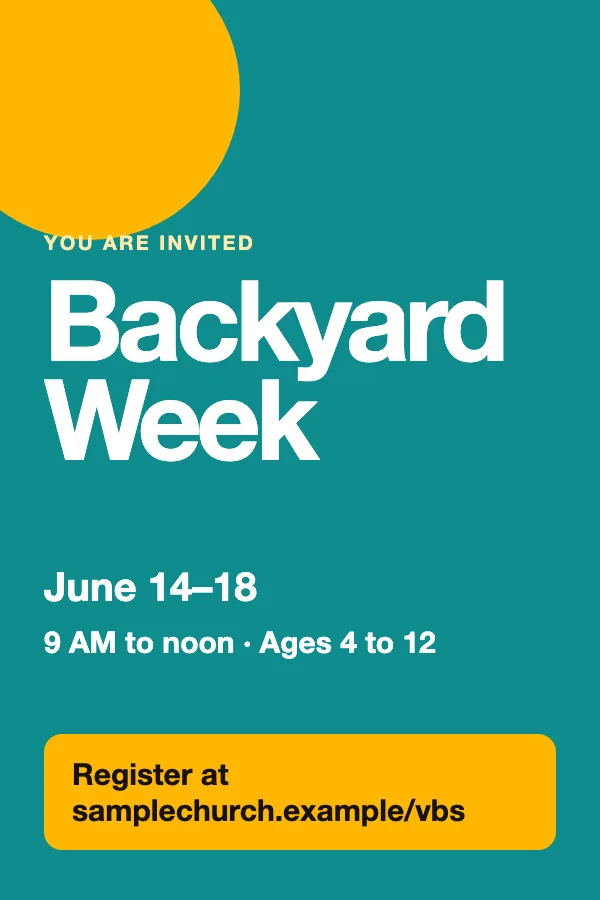
Sample: registration flyer
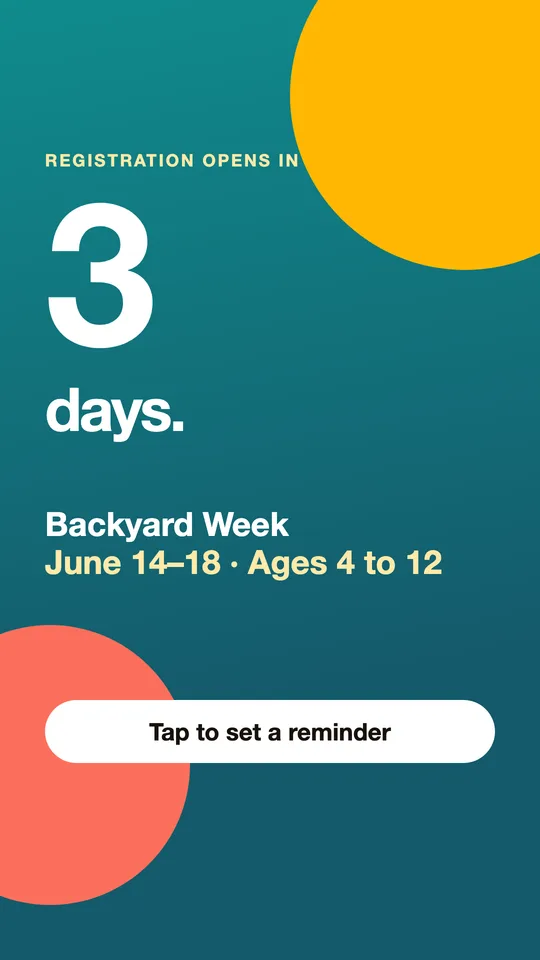
Sample: countdown Story
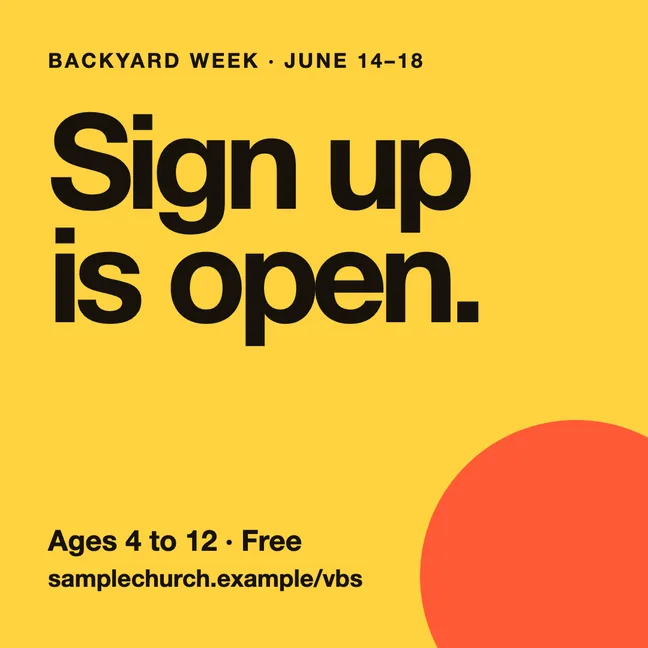
Sample: sign-up post
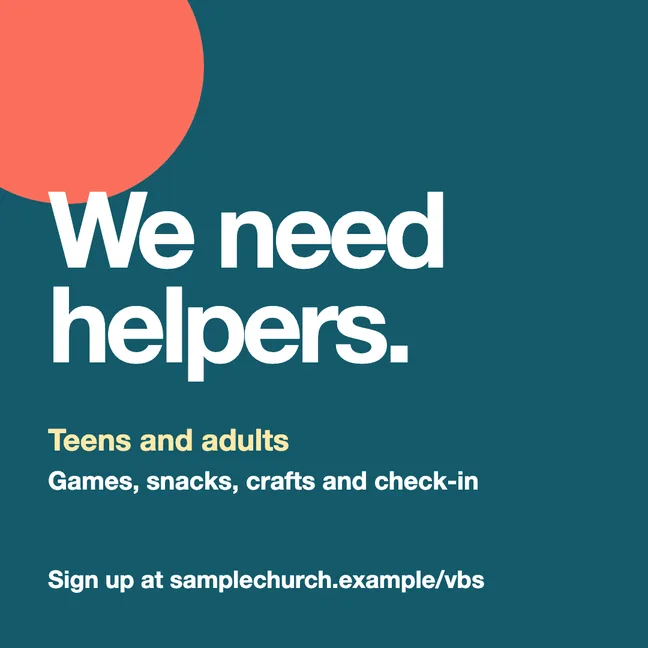
Sample: helpers needed
What a VBS flyer needs.
Six things to check before a VBS flyer or post goes out, each with the question to ask.
Dates and hours
Does it say the days and the start and end time?
Parents plan around the morning. Write 9 AM to noon, not just the week.
Ages or grades
Is it clear who can come?
Say the ages or the grades, and whether helpers or younger siblings can join.
Cost and deadline
Is it free, or how much, and when does sign-up close?
A date to act by gets more sign-ups than an open invitation. Say whether walk-ins are welcome.
One sign-up link
Does the link work on a phone?
Most parents will open it on a phone. A short address or a QR code beats a long form address.
Privacy and safety
Is anything private on the flyer?
Collect medical details and a photo release on the registration form, never on the flyer. Do not post identifiable children without a parent's permission.
Your own theme name
Are the name and art ours to use?
Curriculum publishers license their theme names, logos and art. Read your license, or make your own theme name and look.
Make the VBS set in Design.
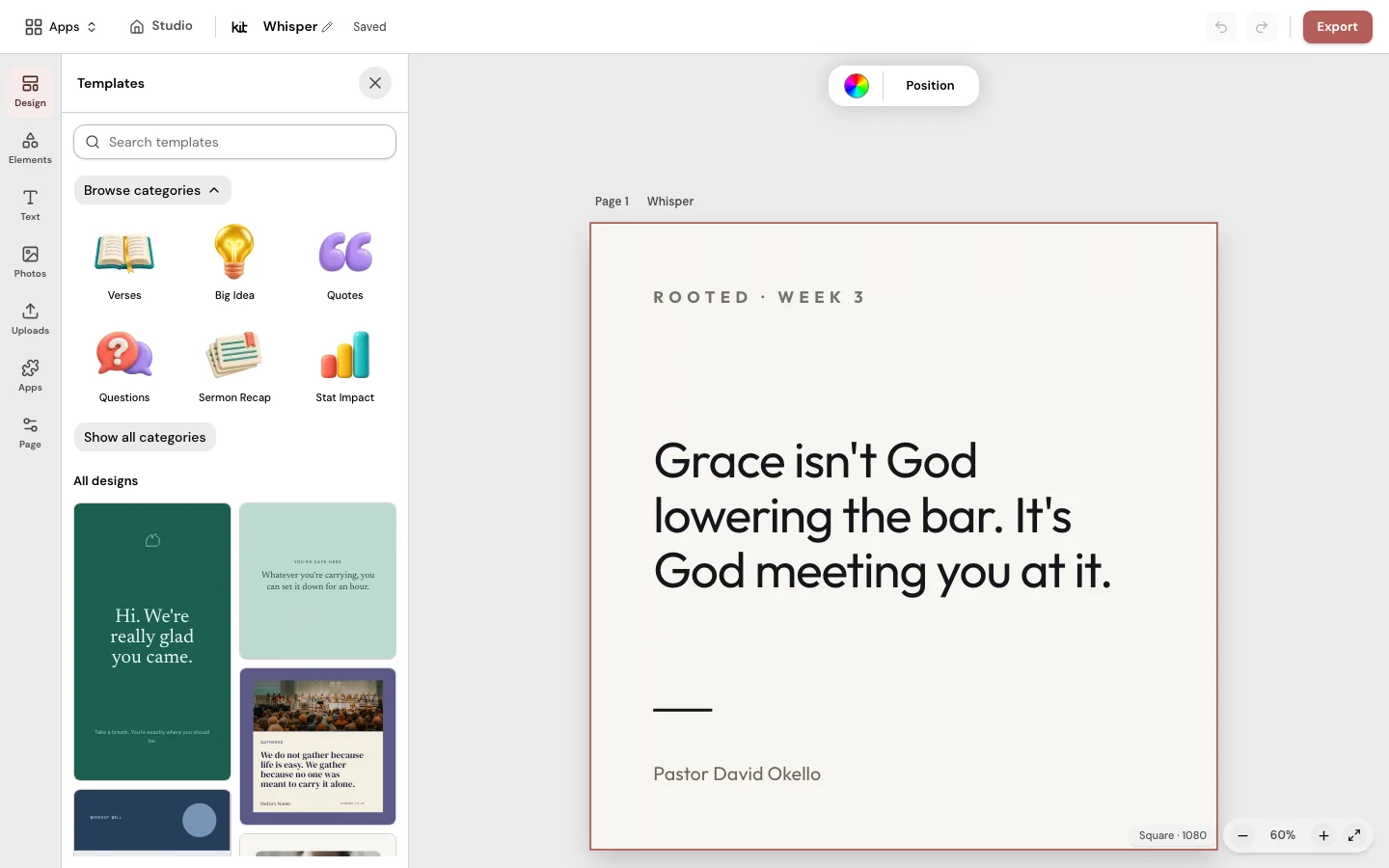
Open Design with a free account, pick a VBS or kids camp template, change the words, dates and photo and download it. Set your church colors once in your Brand Kit so every post matches.
Frequently asked questions
Ready for VBS.
Pick a template, set your dates and download it for your own posting.
Free account, no card needed. Plans from US$29.95/month
Also in Church Media Kit
Included in your subscription.
 Sermon to SocialTurn a public YouTube sermon into editable Facebook and Instagram posts you review and share yourself.
 Sermon UploadsUpload a sermon and get vertical clips, plus a transcript and social posts.
 Sermon SlidesSlides and livestream lower thirds, made from the sermon you paste.
 DesignEdit any design in your browser, with your church's look.
 Verse of the DayA new verse design to share, every day.
 Church in bioOne church page to link from your Instagram and Facebook bio.