

Sermon Instagram posts for churches
Turn a public YouTube sermon into editable Instagram image post drafts that your church reviews before sharing.
Sermon to Social creates image posts, not video clips or Reels. For a slide-by-slide teaching, use a teaching carousel.
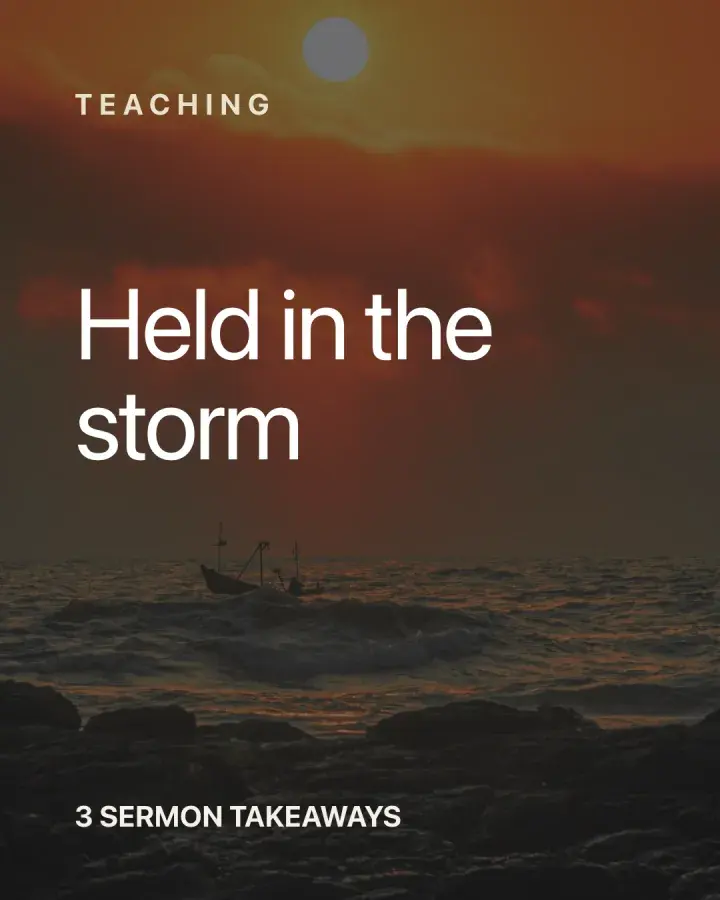
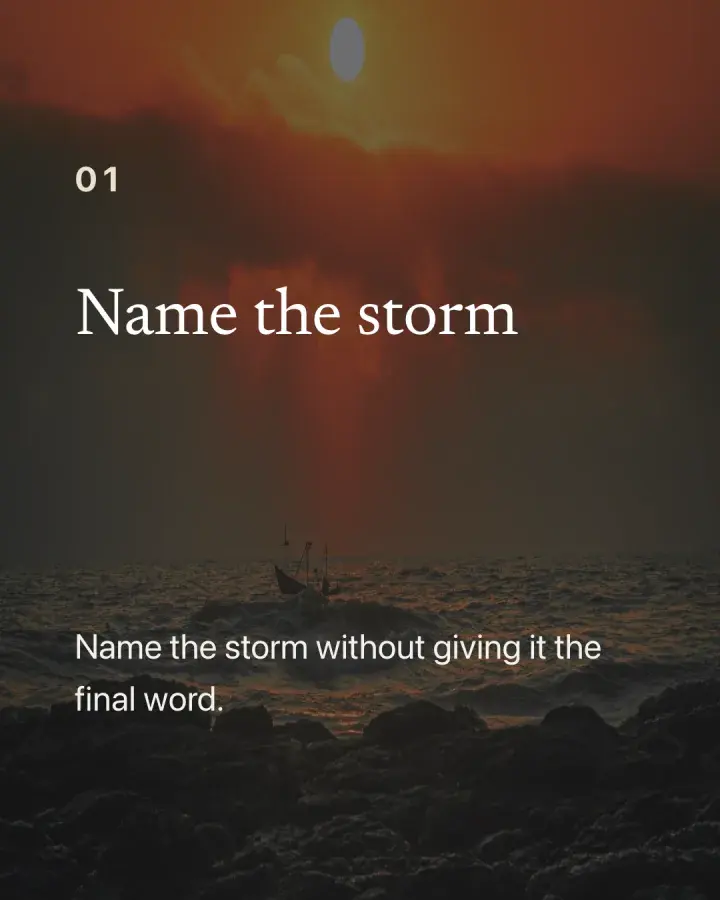
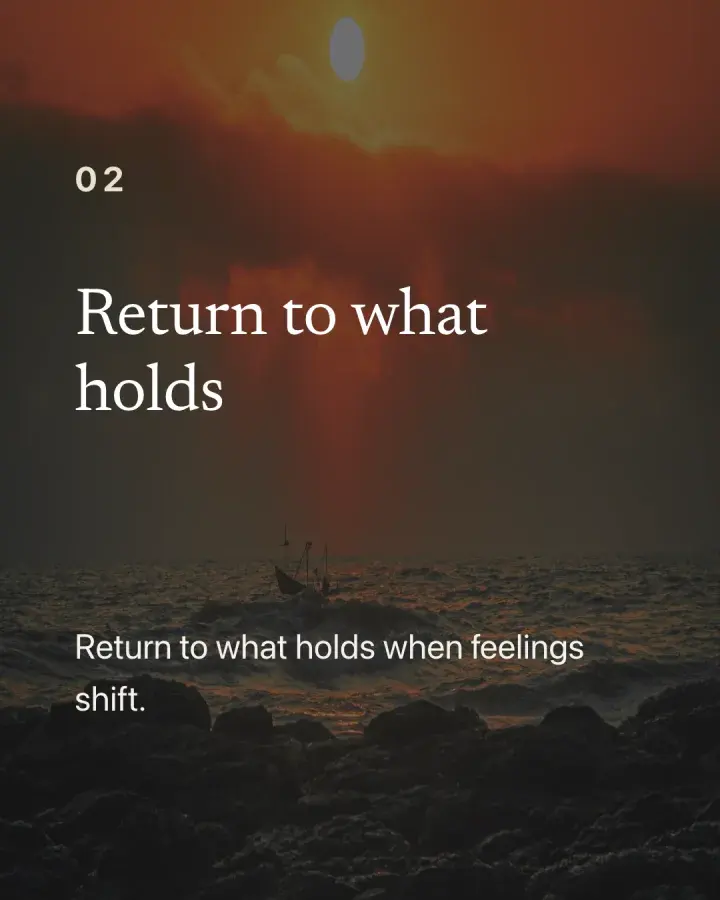
Image posts for the feed
- Quote and takeaway posts drafted from the sermon.
- A single idea per post, drafted from the sermon's own words.
- Editable designs, so each post can match your church.
- Review every draft before it goes anywhere.
From sermon to Instagram in three steps
1. Choose a sermon
Pick a public YouTube sermon.
2. Create drafts
Get post drafts in a few minutes.
3. Review and share
Edit, check each quote and reference, then share.
Check it before it is shared
Read each post and caption with the sermon open. Your church decides what is ready.