

Sermon carousel maker for churches
Turn one idea from your sermon into an editable teaching carousel for Instagram and Facebook, one slide at a time.
Start with a draft sequence. Review each slide and the story they tell together before sharing.
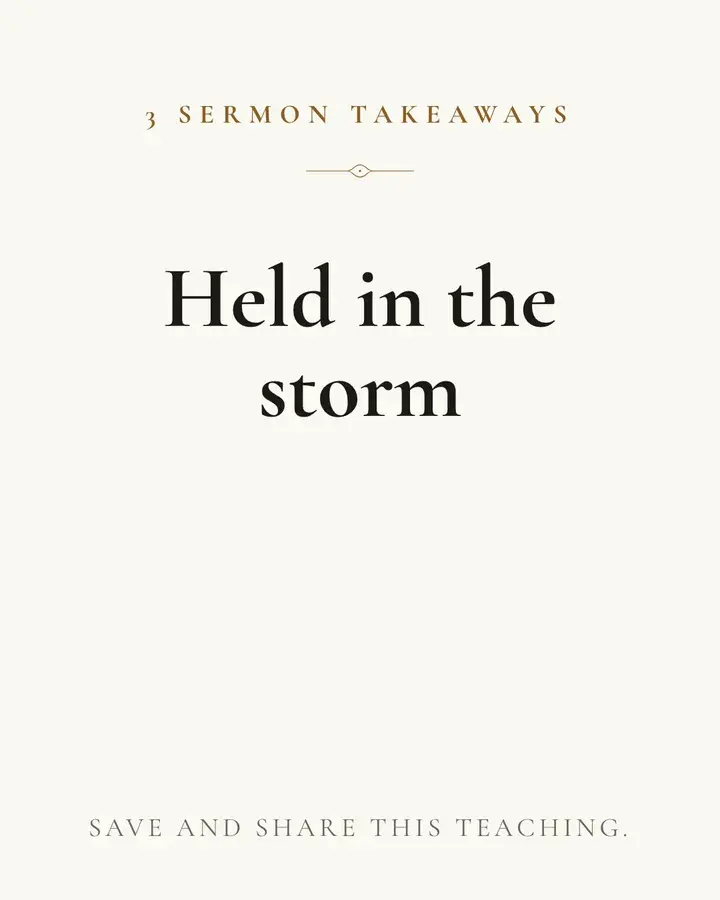
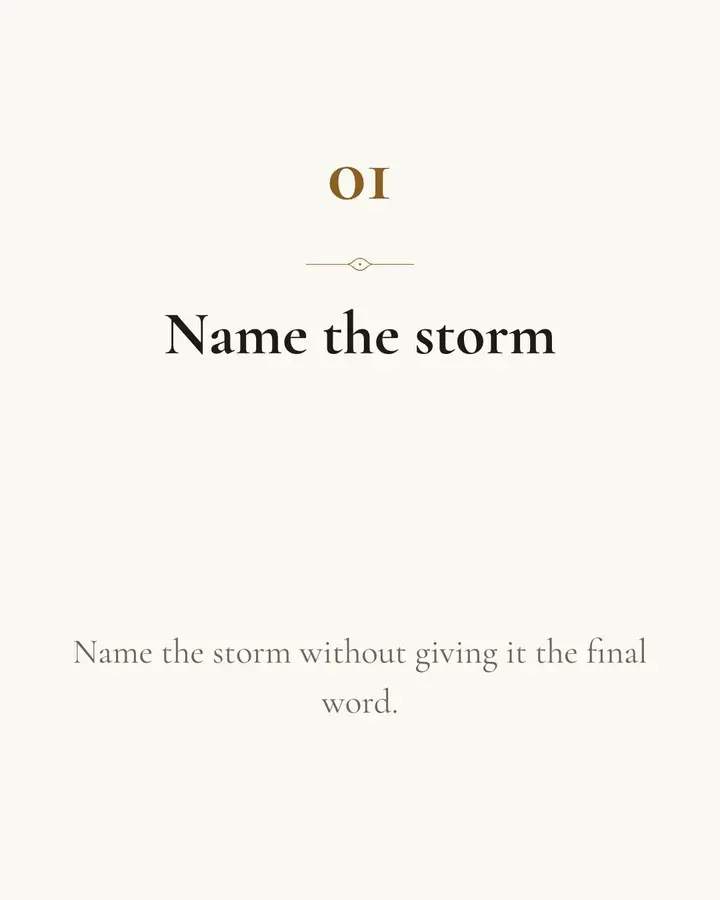
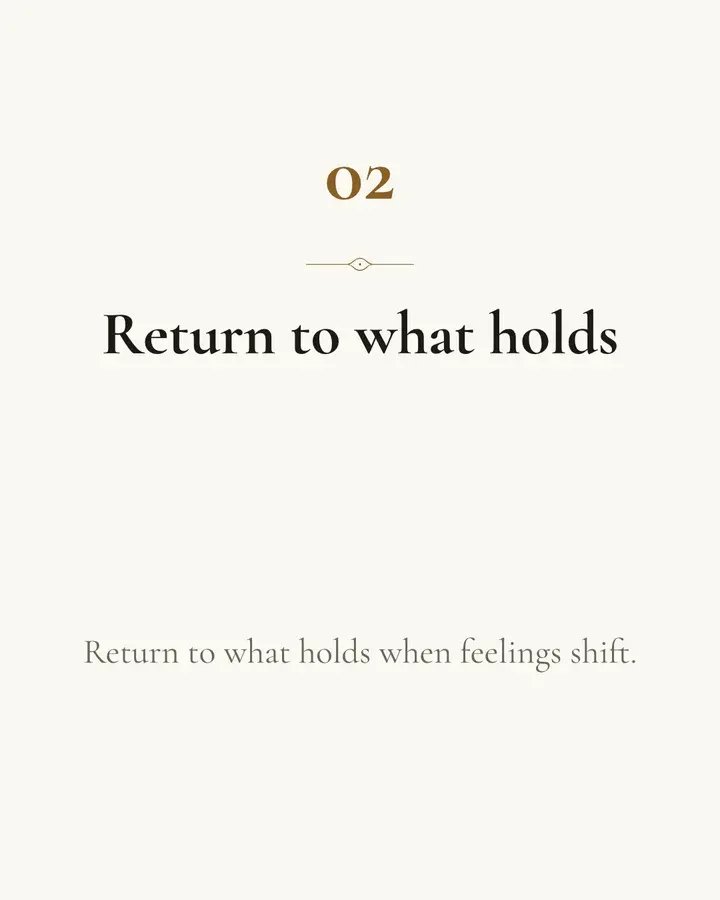
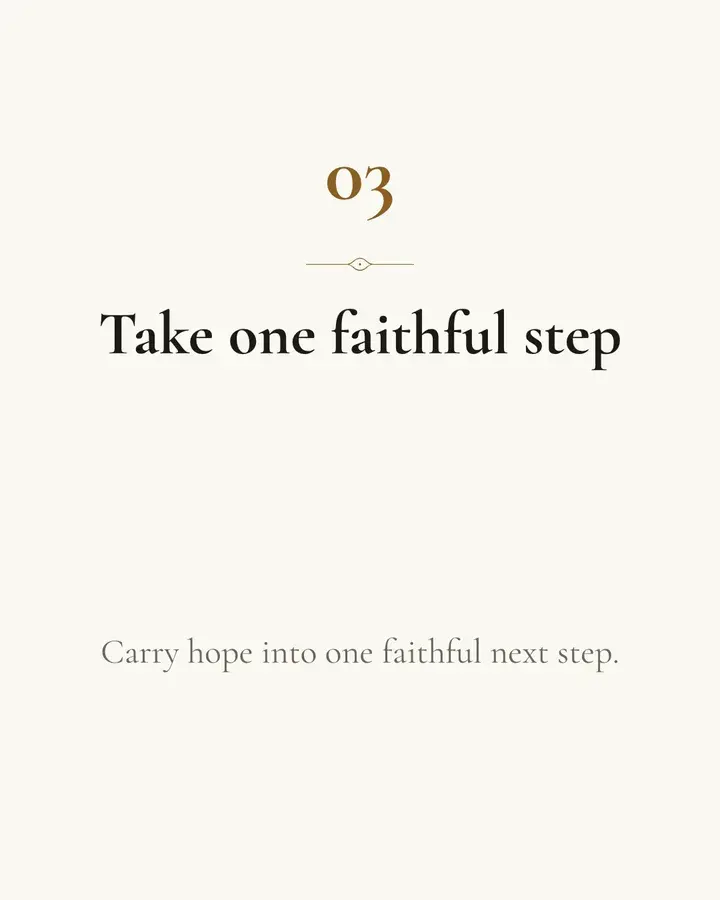
A teaching people can follow
A single post can spotlight a thought. A carousel gives the teaching a sequence, one slide at a time.
1. Start with the central idea
Choose a sermon and use its teaching as the starting point for your drafts.
2. Read the sequence
Check how each slide leads into the next. Keep the meaning and context clear.
3. Make it your own
Edit the wording and design before deciding what your church will share.
Check the teaching from start to finish
Review the whole carousel with the sermon open. Your church chooses which drafts to keep, what to change, and when the message is ready to share.
Related reading: how to turn a sermon into an Instagram teaching carousel.