
Step 1
Choose a sermon
Start with a public YouTube sermon your church wants to share.
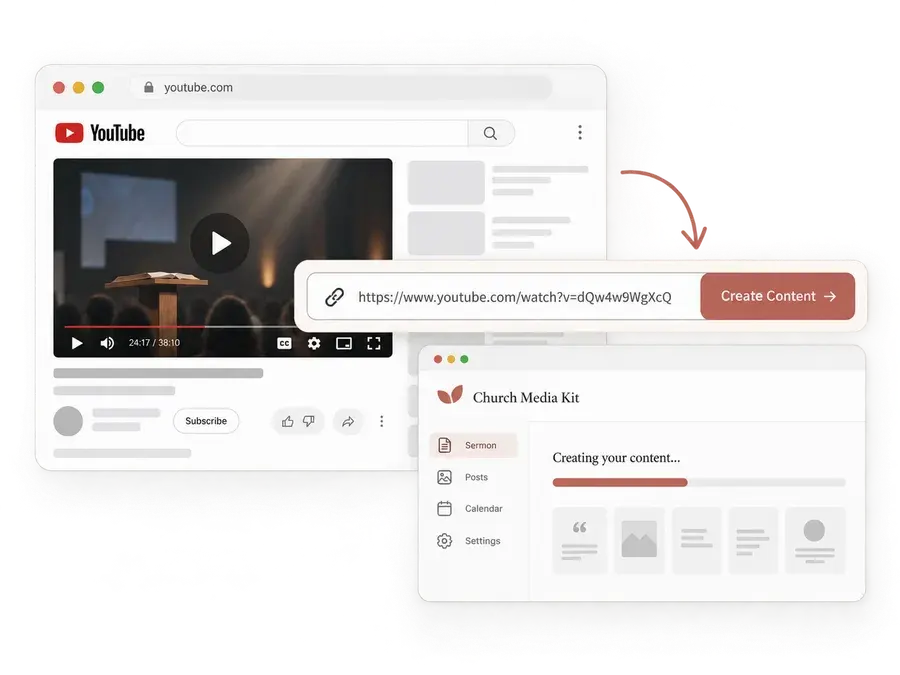

Here is how to turn a sermon into social media posts. Three steps take you from a public YouTube sermon to editable Facebook and Instagram drafts that your church reviews before sharing.
Creating a draft takes a few minutes. Reviewing and editing take as long as your team needs.
Step 1
Start with a public YouTube sermon your church wants to share.
Step 2
Sermon to Social turns its message into editable post and teaching-carousel drafts.
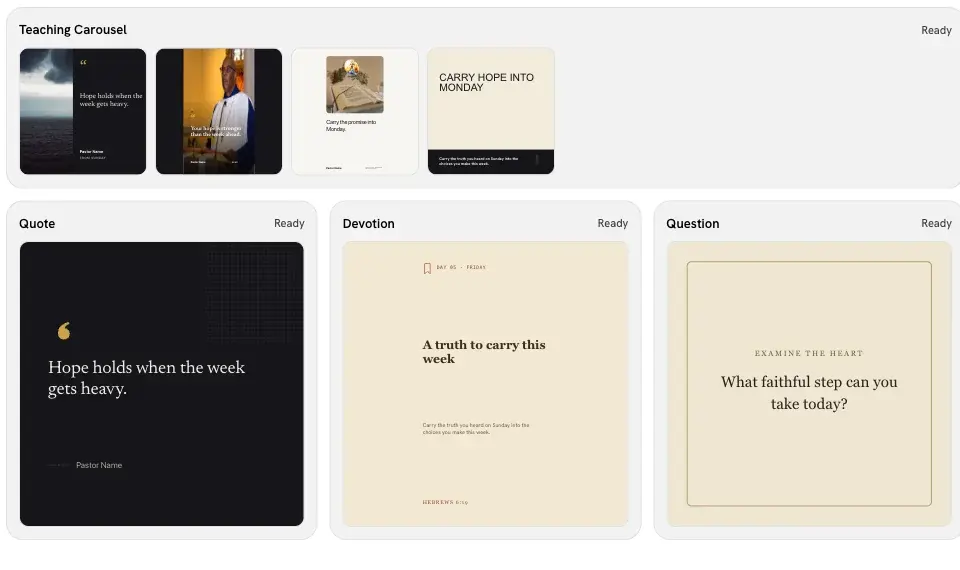
Step 3
Your church reviews and edits each draft in the Studio editor before sharing it.
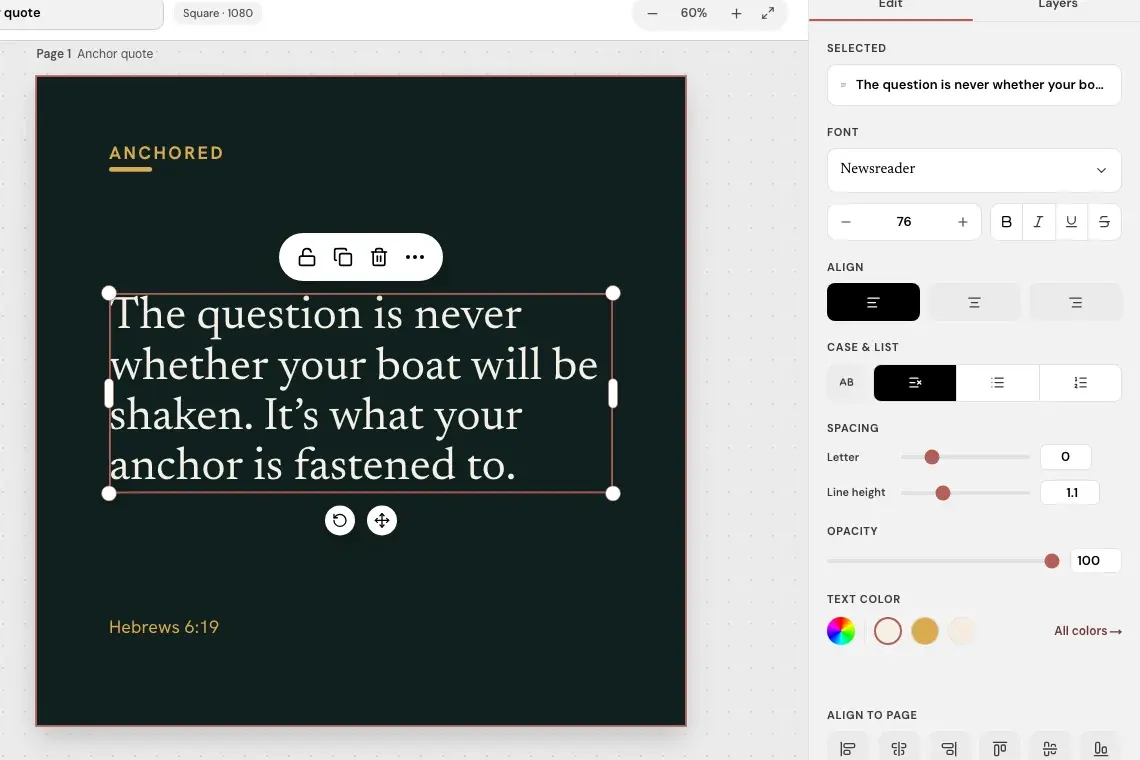
Sermon to Social does not post for you. Your church decides what is ready and shares it.