
Shape the words
Read the draft in the context of the sermon. Adjust its wording so the message is clear and the voice feels familiar.

An editable draft gives you a starting point, with room to shape the words and design before sharing.
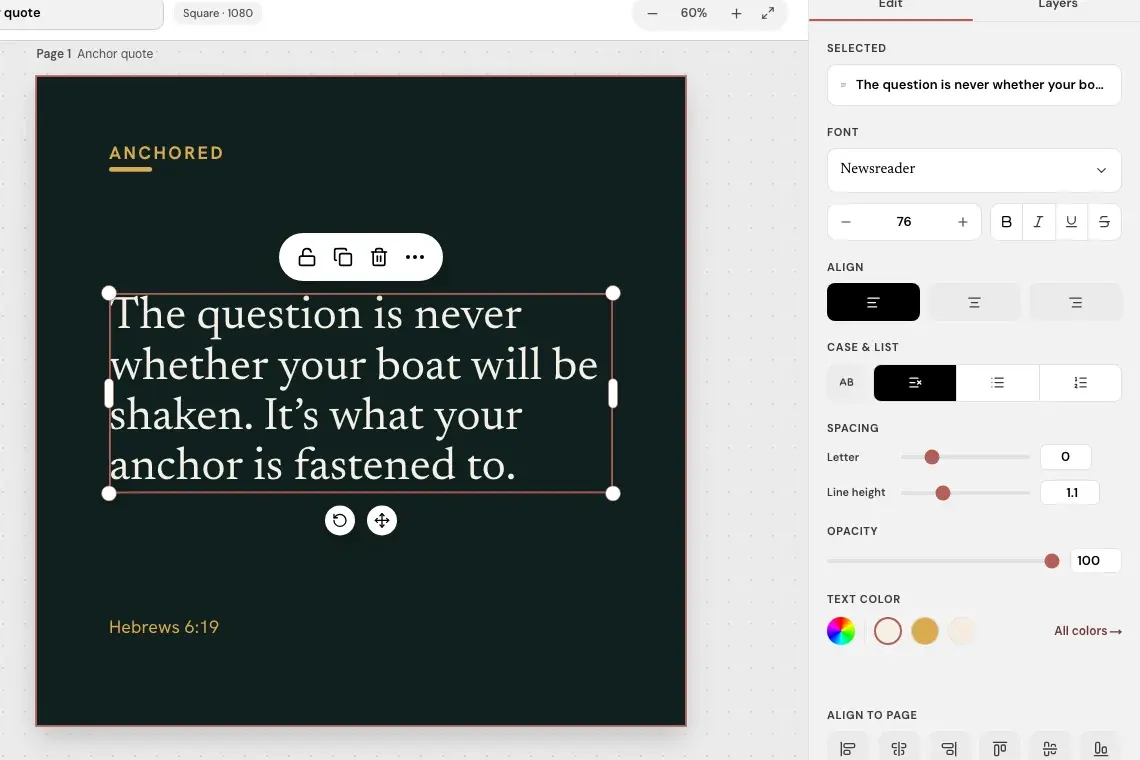
Read the draft in the context of the sermon. Adjust its wording so the message is clear and the voice feels familiar.
Make visual changes in the editor rather than treating a generated draft as a finished image.
Check the message and design before deciding which drafts your church will share.
Sermon to Social helps create the draft. Your church stays responsible for checking its accuracy, adapting its presentation, and choosing what to share.
Related reading: what you can edit in the Studio before publishing and keeping church graphics consistent without making every post look the same.