A church email newsletter people actually read.
A church email newsletter people read: what to put in a weekly sermon recap, newsletter ideas, a simple weekly rhythm and sample emails to start from.
Free account, no card needed. Your first Sermon Uploads video is free.
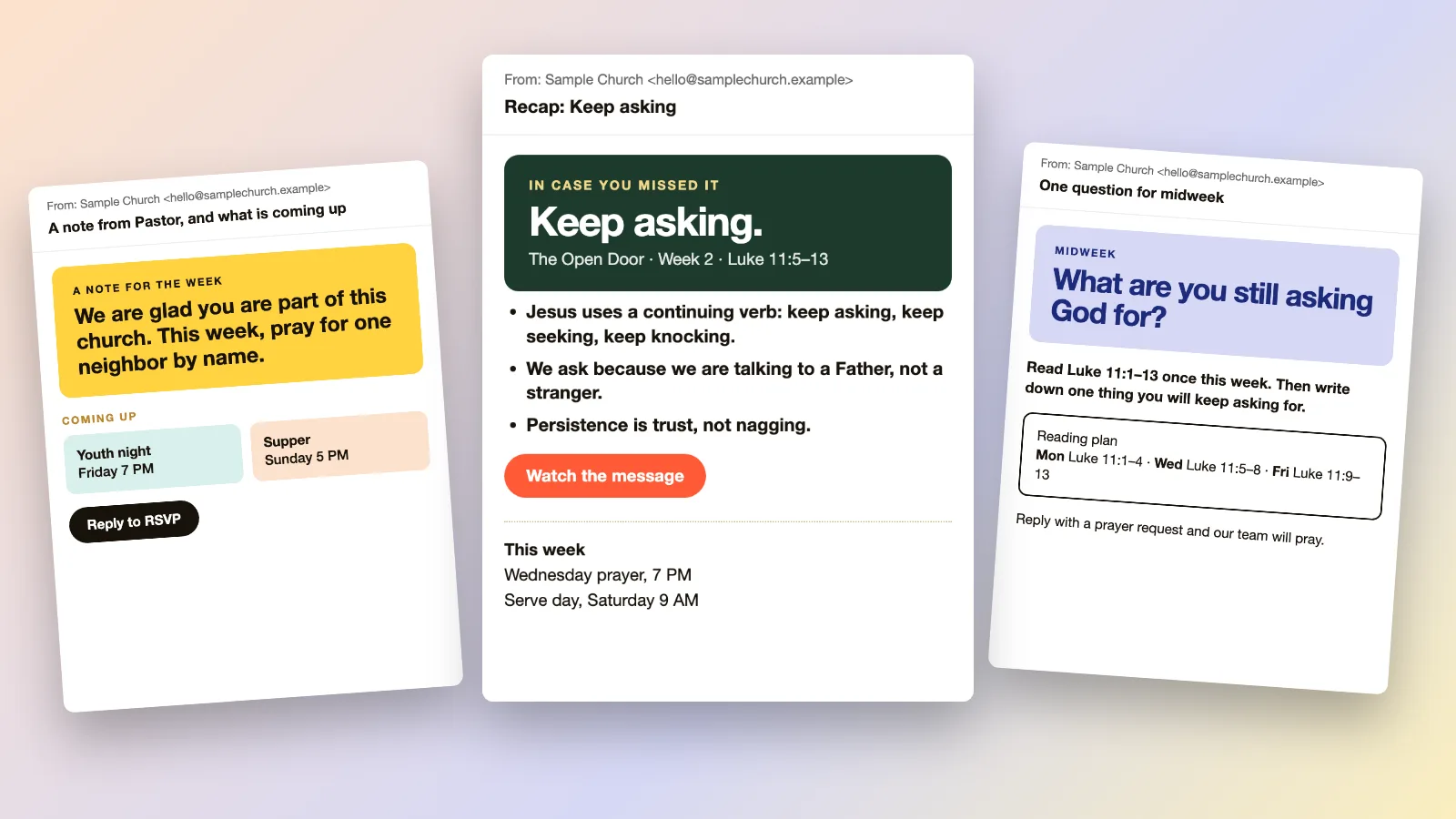
What goes in a church email newsletter?
One short email a week works for most churches: a recap of Sunday's sermon, a note from the pastor, the next two weeks of events and one next step. Keep each part short enough to skim on a phone.
- A sermon recap is the one part worth sending every week: three or four points, the Scripture reference and a link to the recording.
- Give each email one call to action, such as a link to RSVP, a reading plan or a prayer request form.
- Sermon Uploads drafts a recap email, with a subject line and a short message, from your sermon video, typically in about 15 minutes.
- You review it and send it from your own email tool. Church Media Kit does not send email.
A weekly email rhythm for a small team.
Three short emails, or just the first one. Pick the ones your volunteers can keep up all year.
Sunday afternoon
The recap
In case you missed it: the main points, the Scripture and a link to the message. Send it while the sermon is fresh.
Wednesday
The midweek question
One reflection question and a short reading from the passage. People reply with a prayer request.
Friday
This weekend
Service times, the address, what kids' check-in looks like and one event to invite a friend to.
Once a month
The roundup
A few lines on what God did this month, the next month's dates and one way to serve.
Church emails you can start from.
Sample emails for a fictional church, drawn for this page. Change the words and colors to your own and paste them into the email tool you use.
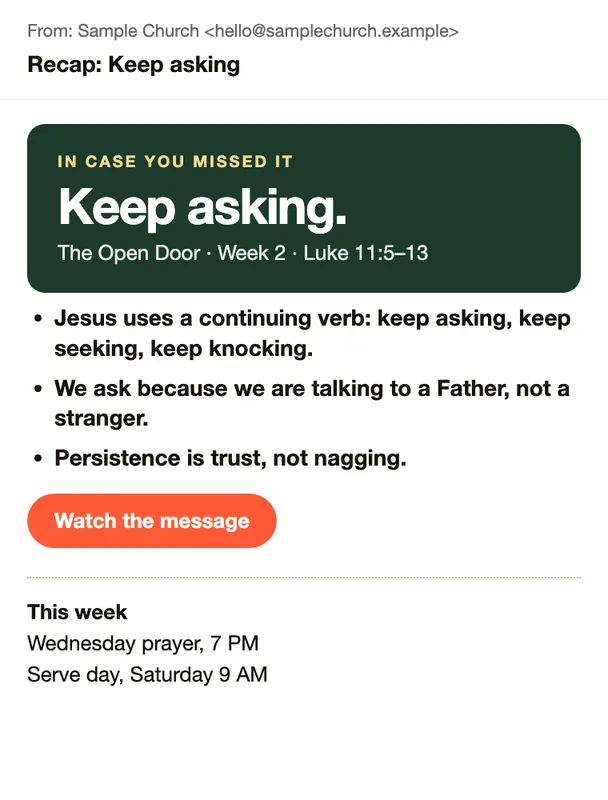
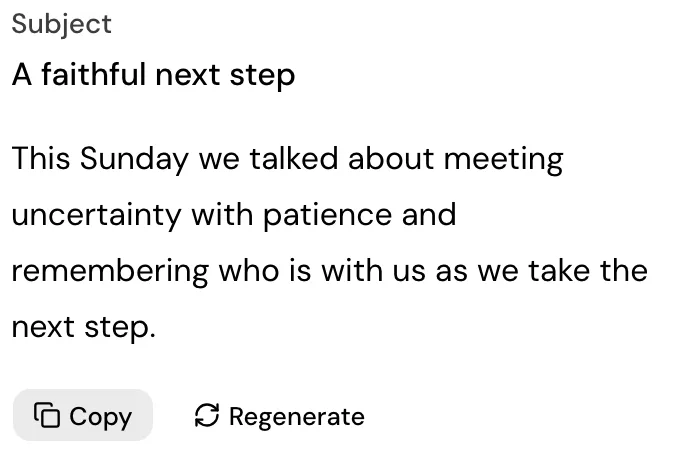
Sunday recap
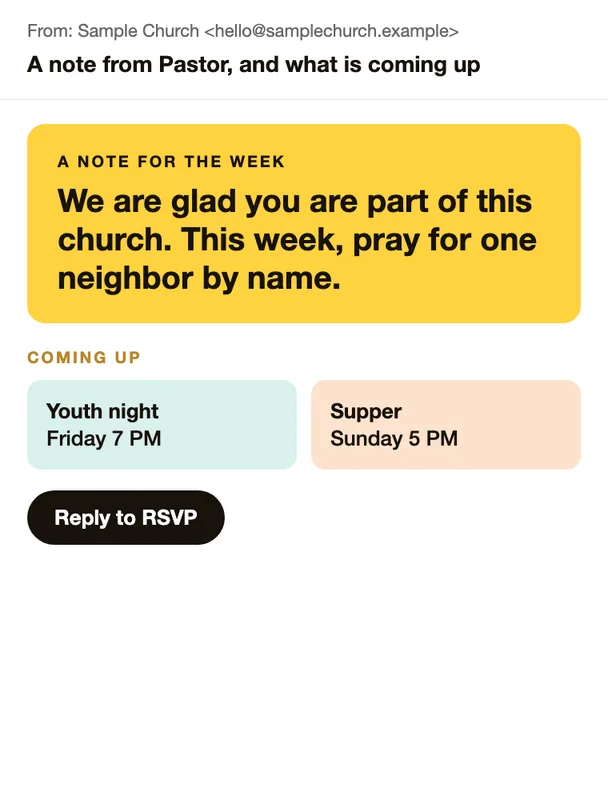
Pastor's note and events
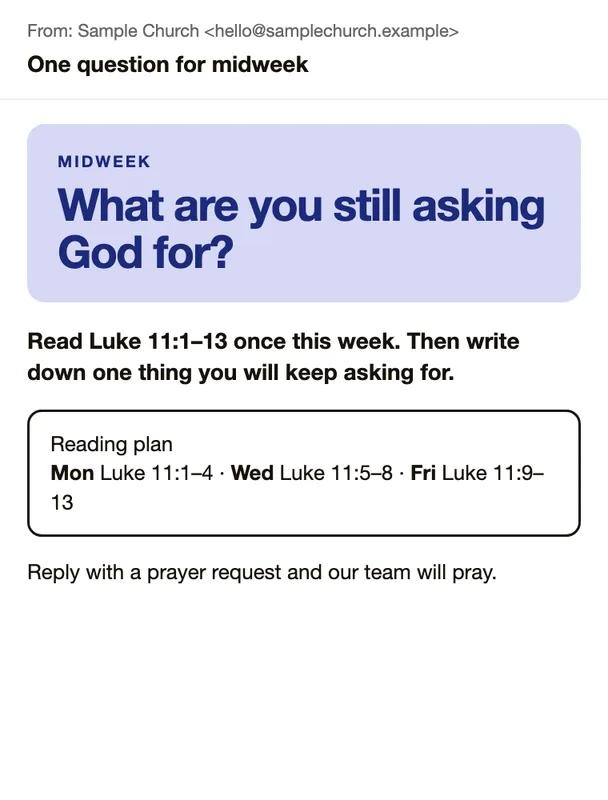
Midweek question
What to put in a church newsletter.
Six things most church emails carry, each with the question to ask before you send it.
A sermon recap
Can someone who missed Sunday catch up in a minute?
Three or four points, the Scripture reference and a link to the recording. Do not paste the transcript into the email.
A note from the pastor
Does it sound like one person talking to one person?
A few sentences of encouragement build trust. Skip announcements in this part.
Dates with one link
Does each event have a day, a time, a place and one way to sign up?
A date with no link sends people to the office. List the next two weeks and point to your website for the rest.
A midweek next step
What can a person do on Wednesday because of Sunday?
A reading plan, a reflection question or a small challenge keeps the sermon alive after the weekend.
Prayer and praise
Is there a simple way to reply?
Ask for needs and for good news. A reply address works as well as a form.
A subject line that says what is inside
Would you open it from the subject alone?
A plain subject such as Recap: Keep asking beats a clever one. Put the date or the series name where people look first.
Get the recap drafted from your sermon.
Upload Sunday's video to Sermon Uploads and get a recap email draft, a subject line and a short message about the sermon, typically in about 15 minutes. Review it, copy it and send it from your own email tool. Your first upload is free.
Four ways to write the sermon recap.
Each works for some churches. The recap is the part that changes every week, so it is where the time goes.
| Write it by hand | A newsletter template | A general writing assistant | Sermon Uploads | |
|---|---|---|---|---|
| Starts from | Your sermon notes or the recording | A ready layout in your email tool | A transcript you paste in | The sermon video you upload |
| Who does the work | A staff member or volunteer | You fill in the sections each week | You prompt it and check every line | You review the draft and send it |
| Your church’s look | Your own words and layout | Set once in the template | Varies with each prompt | Plain text you paste into your email tool |
| Best when | One person knows the sermon well and has the time | You want the same look every week | You are comfortable checking the output against the sermon | You want a draft that follows what was preached |
Sermon Uploads writes the recap text only, from your sermon video. It does not make a newsletter layout or send email.
Frequently asked questions
Sunday's recap, ready to send.
Upload the sermon, review the draft and send it from your own email tool.
Free account, no card needed. Your first Sermon Uploads video is free.
Also in Church Media Kit
Included in your subscription.
 Sermon to SocialTurn a public YouTube sermon into editable Facebook and Instagram posts you review and share yourself.
 Sermon UploadsUpload a sermon and get vertical clips, plus a transcript and social posts.
 Sermon SlidesSlides and livestream lower thirds, made from the sermon you paste.
 DesignEdit any design in your browser, with your church's look.
 Verse of the DayA new verse design to share, every day.
 Church in bioOne church page to link from your Instagram and Facebook bio.