Church lower thirds for your livestream.
Church lower thirds for your livestream: what to put in one, the safe margin and sizes, and transparent lower-third PNGs from Sermon Slides.
Free account, no card needed. Your first deck is free. Plans from US$29.95/month.
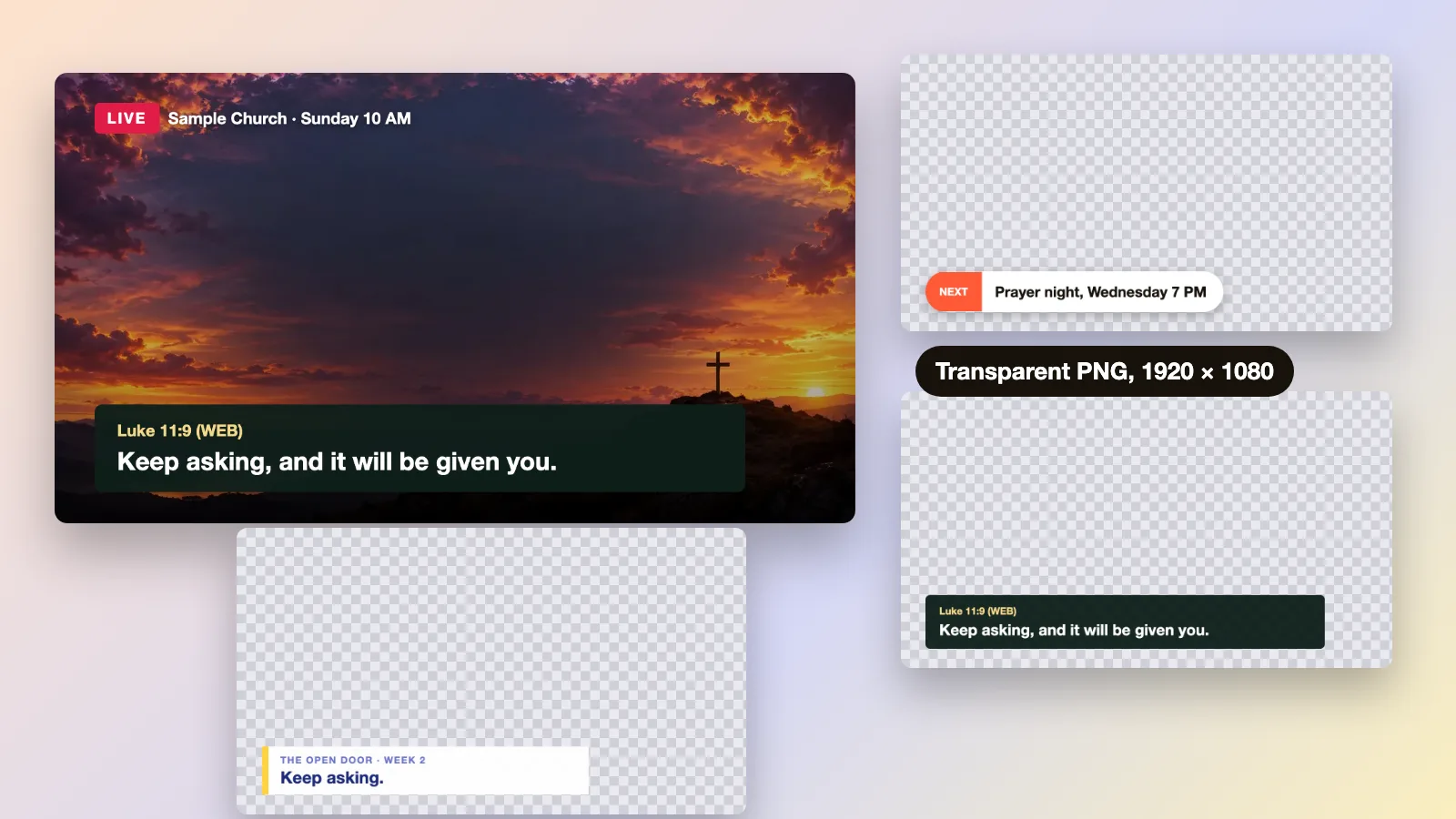
What is a church lower third?
A lower third is the strip of text near the bottom of the livestream picture. Churches use it for a speaker's name, a Scripture reference, a sermon point, an announcement or a giving link.
- Put the strip in the lower third of the frame, inside a margin of about 5% on every edge, so it stays clear of the picture's face and edges.
- Keep it short, one idea on one or two lines, because viewers also watch the person speaking.
- A lower third for your stream is a transparent PNG that sits over the camera picture, the same 16:9 shape as the stream.
- Sermon Slides downloads a transparent lower-third PNG for each slide (1920 × 1080). The first deck is free.
Five lower thirds a church livestream uses.
Five lower thirds from a fictional sermon, drawn for this page over worship background stills. Each sits in the bottom left and carries one idea.
Speaker
Name, role
Speaker nameName and role on one line, shown when someone starts to speak. Short enough to read in one glance. 
Luke 11:9 (WEB)
Keep asking, and it will be given you.
Scripture referenceThe reference in a smaller gold line and the verse below it. A long passage continues in a second strip. 
Point 1
Keep asking, because you are talking to a Father.
Sermon pointOne sentence people can take home. It repeats what the slide shows in the room. 
Next
Prayer night, Wednesday 7 PM
AnnouncementThe event, the day and the time. Online viewers cannot see the room's bulletin, so say it on the picture. 
Give or connect
samplechurch.example/give
Giving and connectOne web address that fits on one line. Show it near the offering, and again at the end of the stream.
The sizes for lower thirds.
Choose a stream size to see where a lower third sits on the frame, drawn to scale.
Sermon Slides download: Lower third PNG
1920 × 1080, transparent
Sermon Slides downloads each lower third as a transparent PNG on a 1920 × 1080 frame, so the strip sits in the same place as it does in the editor. Keep text inside a margin of about 5%.
720p stream: 720p frame
1280 × 720
A 1920 × 1080 PNG is the same 16:9 shape as a 1280 × 720 stream, so your streaming software can scale it down by one third. Check small text on a phone.
4K stream: 4K frame
3840 × 2160
The same 16:9 shape again, at twice the size. A 1920 × 1080 PNG can be scaled up by two, and its edges may look softer than the video, so check it at your output size.
Three stream sizes drawn to scale: the 1920 × 1080 lower third PNG, a 720p frame and a 4K frame, all 16:9.
How to make lower thirds for a church livestream.
Four steps from the words to the picture.
Write the line
A name, a reference or one sentence. If it takes more than two lines, split it into a second strip.
Style it once
Pick one font, one strip shape and one color from your Brand Kit, and use them for every lower third so the stream looks like one church.
Export a transparent PNG
A transparent background lets the camera picture show around the strip. Sermon Slides downloads one for each slide.
Layer it and test
Many streaming apps can show a PNG as an image layer above the camera. Check yours, and look at the stream on a phone before Sunday.
Lower third styles to start from.
Sample lower thirds for a fictional church, drawn for this page. The checkerboard shows the transparent background, so the strip is the only thing that covers the camera picture.
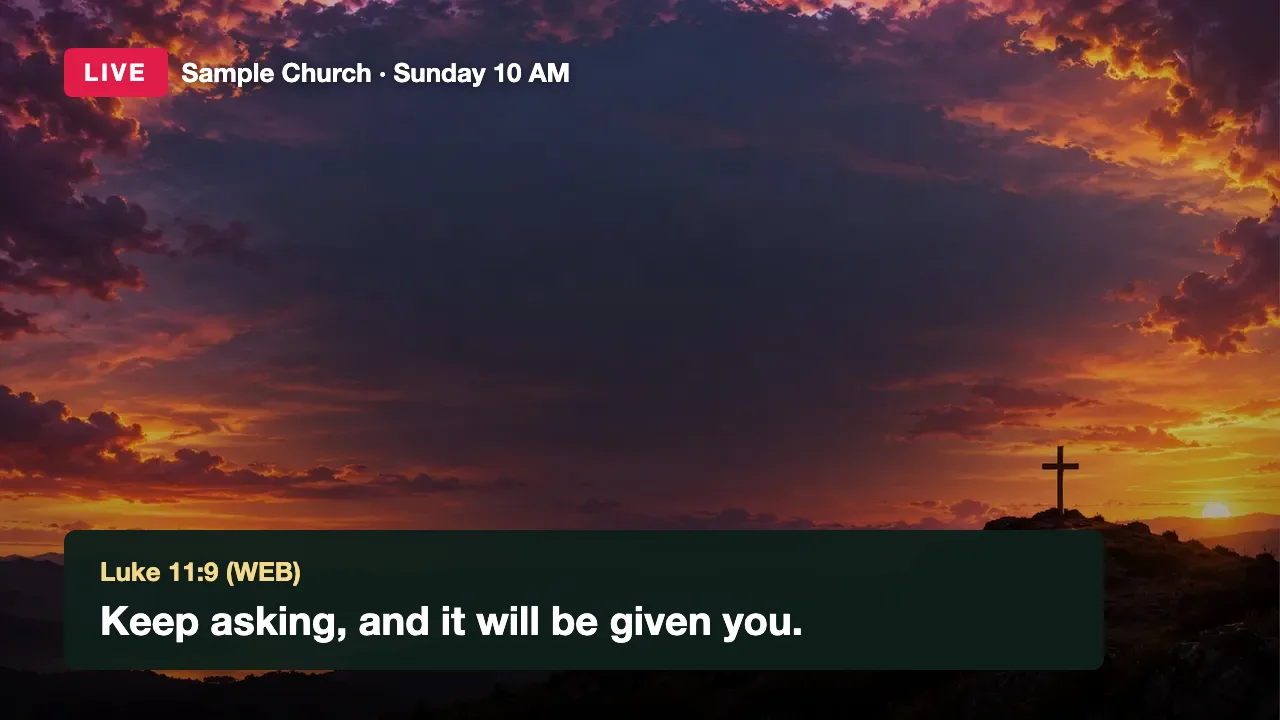
On the stream
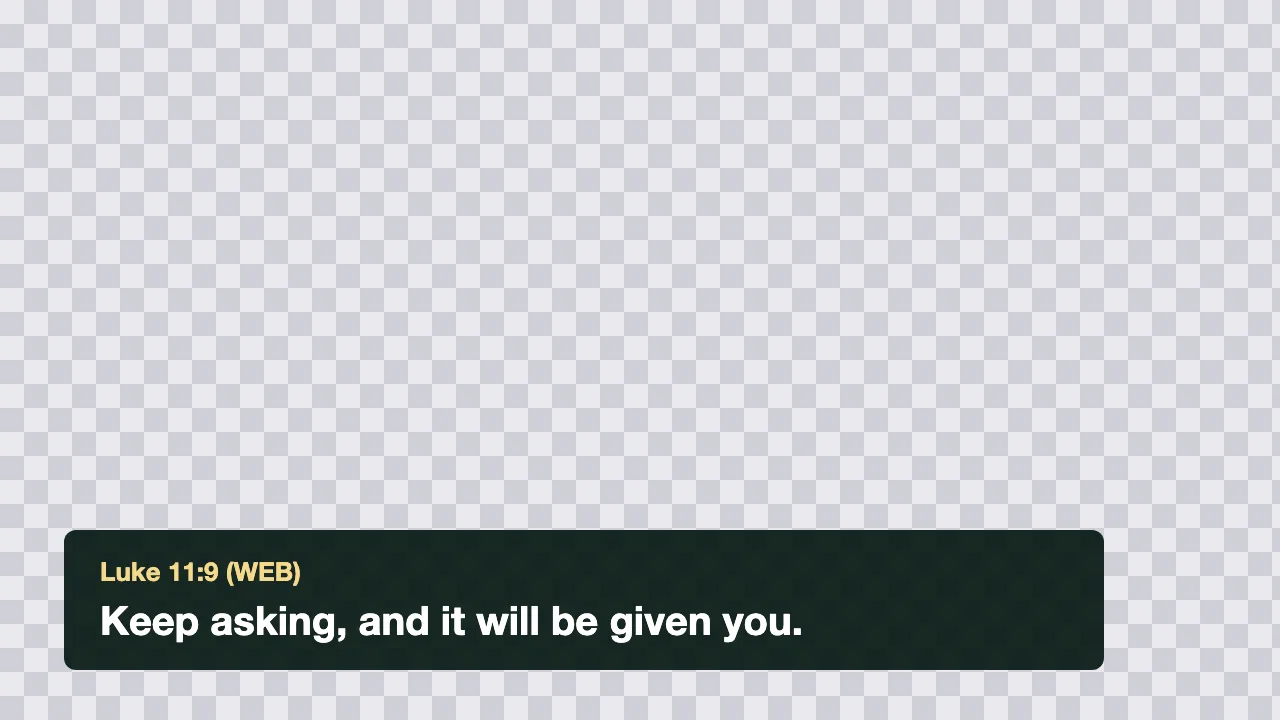
The transparent PNG
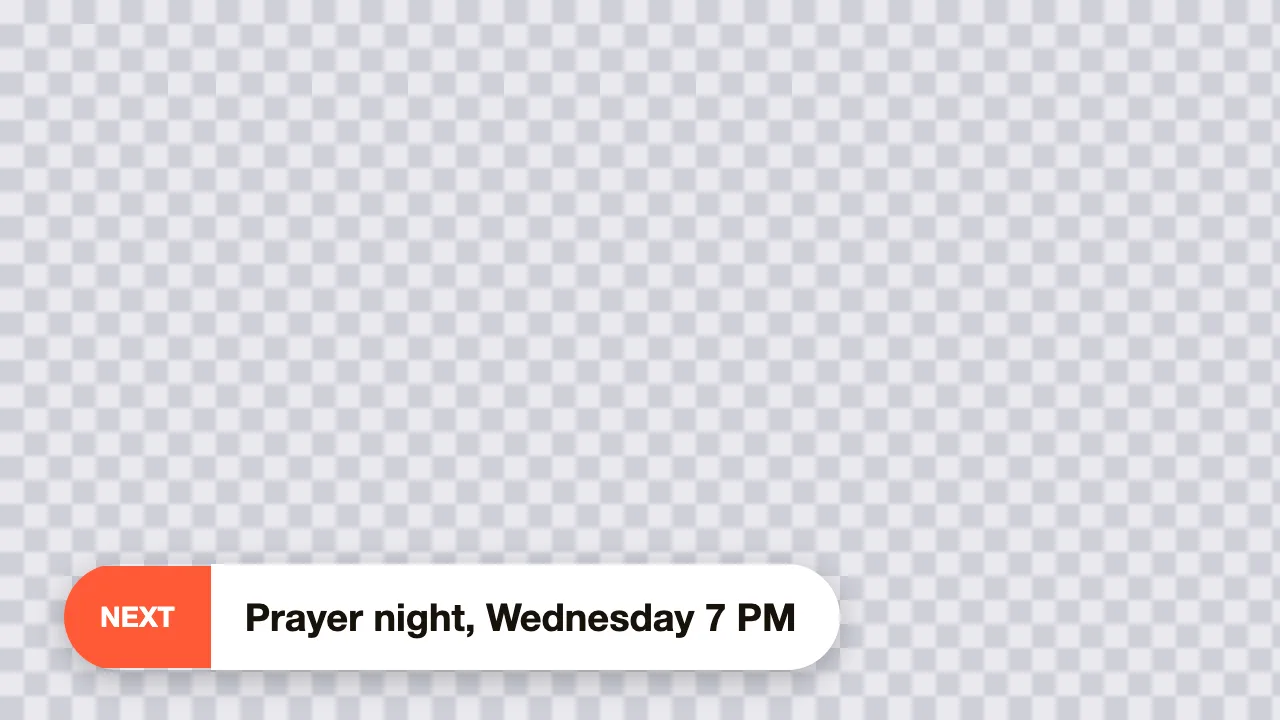
A pill for announcements
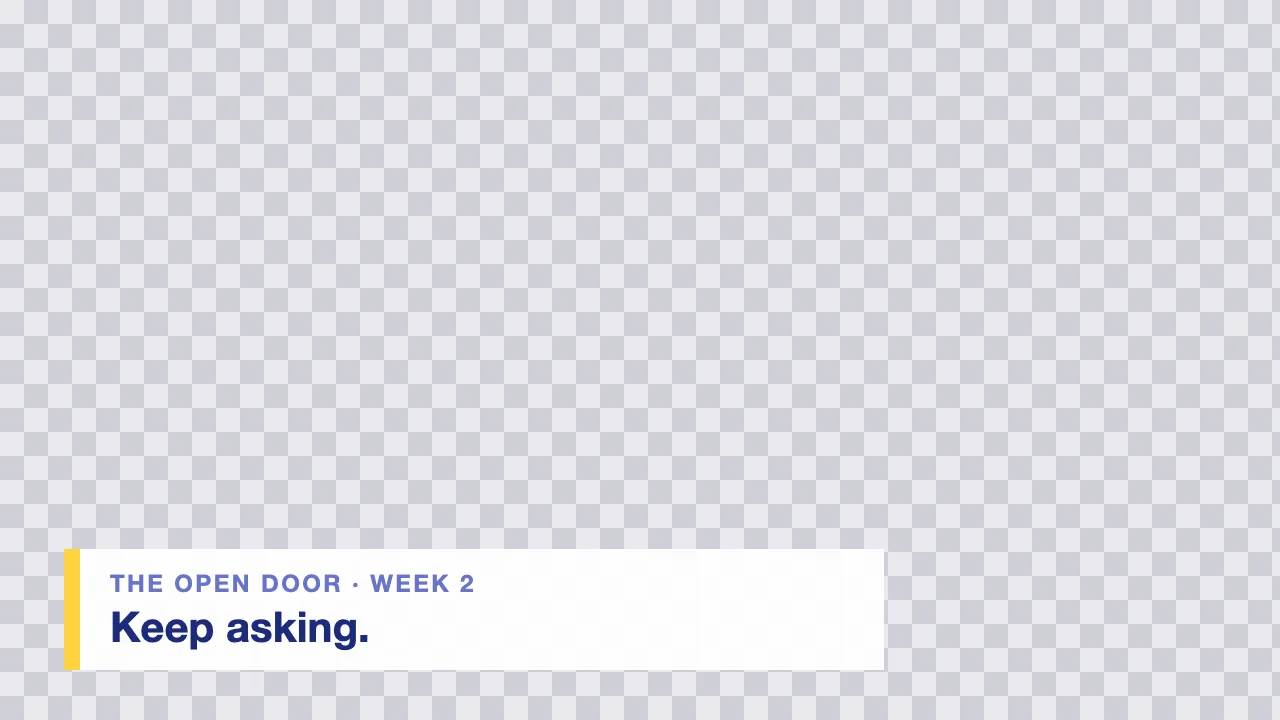
A slim strip for a series
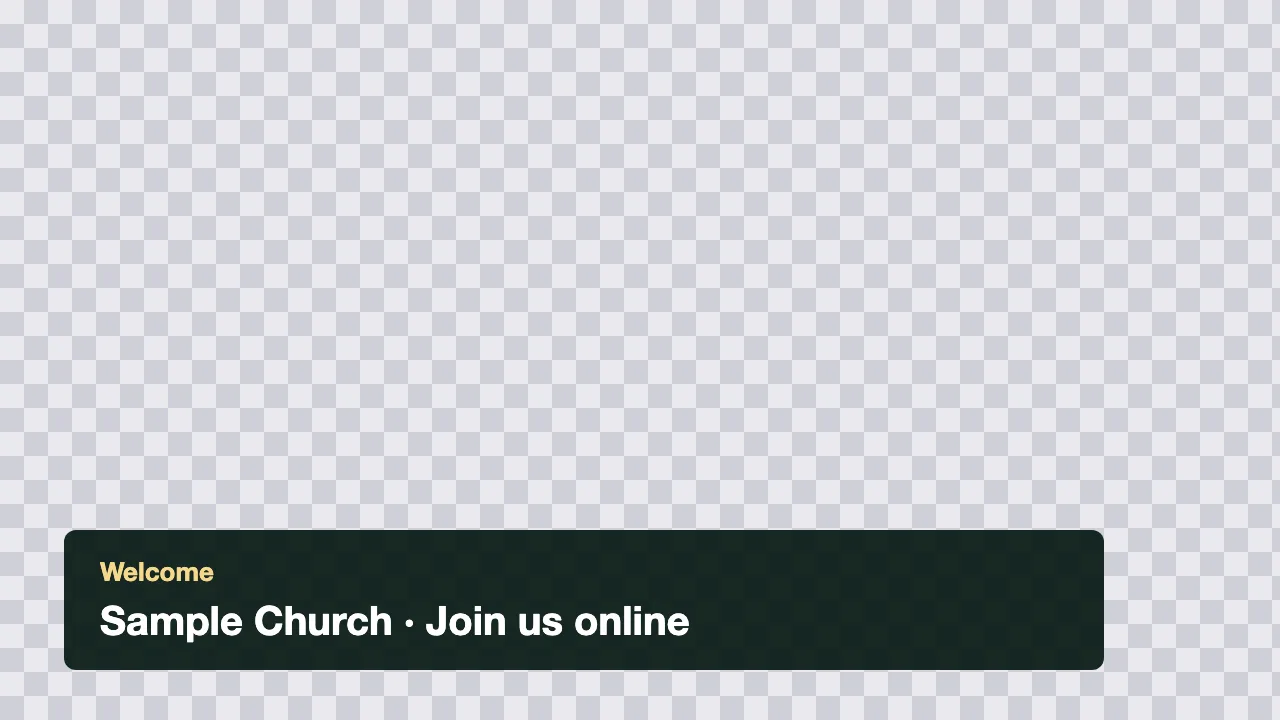
A welcome bar
A lower third checklist.
Six checks before a strip goes live, each with the question to ask.
Contrast over video
Can you read it over the brightest shot of the service?
Light text on a dark strip holds up over a changing picture. Text with no strip behind it can vanish on a bright stage.
Inside the margin
Is every word inside about 5% of the edge?
Players and phones crop the picture a little. A margin keeps the words clear of the edge and the stream's own controls.
One idea
Can someone read it in one glance?
Viewers are also watching the speaker. A name, a verse or one point is enough.
The right words
Is the name spelled right and the reference correct?
A wrong name or verse on screen is the mistake people remember. Check each strip against your notes.
The same look
Does it use the same font and color as your slides?
A matching look makes the room screen and the stream feel like one service.
A phone check
Is it readable on a small screen?
Many people watch on a phone. If the text is hard to read there, make the strip taller and the words fewer.
Get lower thirds from your sermon.
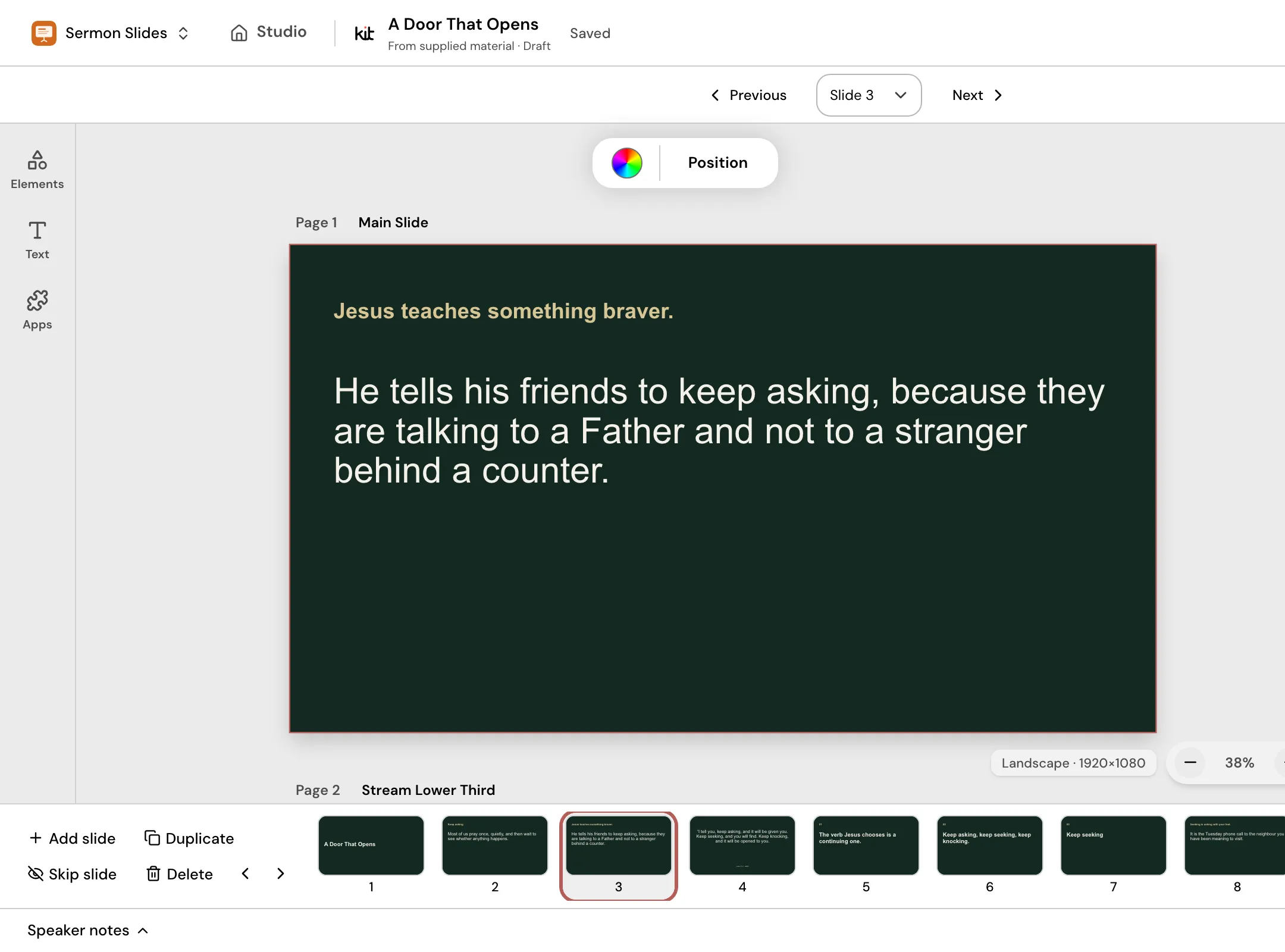
Paste your sermon notes or manuscript into Sermon Slides, review the outline and edit each slide with its matching Stream Lower Third. Download transparent lower-third PNGs, plus PowerPoint or PDF. ProPresenter, Keynote and Google Slides: coming soon.
Frequently asked questions
Lower thirds ready before Sunday.
Paste your sermon, check the outline and download a lower third for each slide.
Free account, no card needed. Your first deck is free. Plans from US$29.95/month.
Also in Church Media Kit
Included in your subscription.
 Sermon to SocialTurn a public YouTube sermon into editable Facebook and Instagram posts you review and share yourself.
 Sermon UploadsUpload a sermon and get vertical clips, plus a transcript and social posts.
 Sermon SlidesSlides and livestream lower thirds, made from the sermon you paste.
 DesignEdit any design in your browser, with your church's look.
 Verse of the DayA new verse design to share, every day.
 Church in bioOne church page to link from your Instagram and Facebook bio.