Church media: what it is and how a small team runs it.
Church media is the audio, video, slides, graphics and online content a church makes each week. See the jobs, roles, software and free tools.
Free account. No card needed. Plans start at US$29.95 a month.
What is church media?
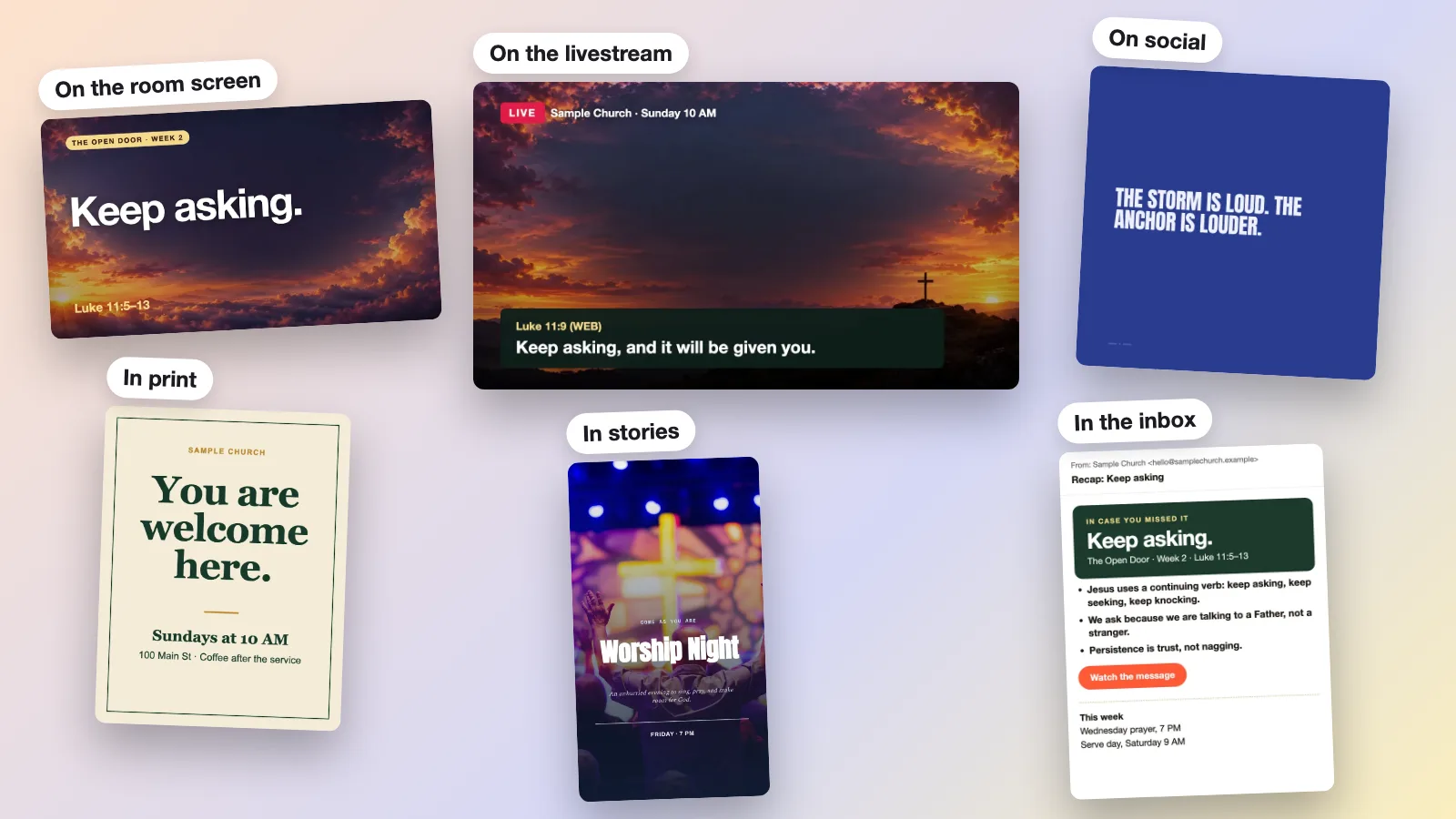
Church media is everything a church uses to show and share its message: worship lyrics and slides on screen, sound, cameras and livestream, graphics and social posts, and the website. A church media team, often volunteers, runs these jobs each week so the service works in the room and reaches people online.
- Slides and lyrics: the words on the screen in the room, run by one person.
- Audio: the mix for the room and for the stream.
- Video and livestream: cameras, the stream, and clips and photos afterward.
- Graphics and social: sermon graphics, announcements and posts for each platform.
- Website and communications: service times, the weekly email and the link in your bio.
What a church media team does in a week.
The exact timings differ by church. This is a sample rhythm, so ask your team lead what yours looks like.
Before the service
Get the screen ready
Load the lyrics, Scripture and announcements. Check sound, cameras and the stream title, and run through the slides once.
During the service
Run the service
One person runs the screen, one the sound, one the camera or stream. Everyone follows the plan for the order of service.
After the service
Share the sermon
Post the recording, then turn the sermon into graphics, clips and a recap. A person reviews each one before it goes out.
Midweek
Plan the next week
Prepare next week’s slides and announcements, post two or three times and thank the volunteers who served.
Church media team roles.
Six jobs a media team covers. In a small church one person often holds three of them.
Slides and lyrics
Who runs the words on the screen?
This role follows the service live. It needs a rehearsal and a way to load new songs and sermon slides.
Sound
Who mixes the room and the stream?
Clear audio matters most to people at home. The room mix and the stream mix are often different.
Camera and video
Who films, and who edits afterward?
Filming is a Sunday job. Editing is the job that tires volunteers, so plan for it separately.
Livestream
Who starts, watches and ends the stream?
One person owns the stream title, the start time and the check that it is working.
Graphics and social
Who makes the posts, and who approves them?
A named approver keeps posts accurate. A simple handoff from the pastor helps the volunteer.
Media lead
Who keeps the team on one plan?
The lead sets the weekly rhythm, trains new people and decides what the team stops doing.
Start the week’s content from the sermon.
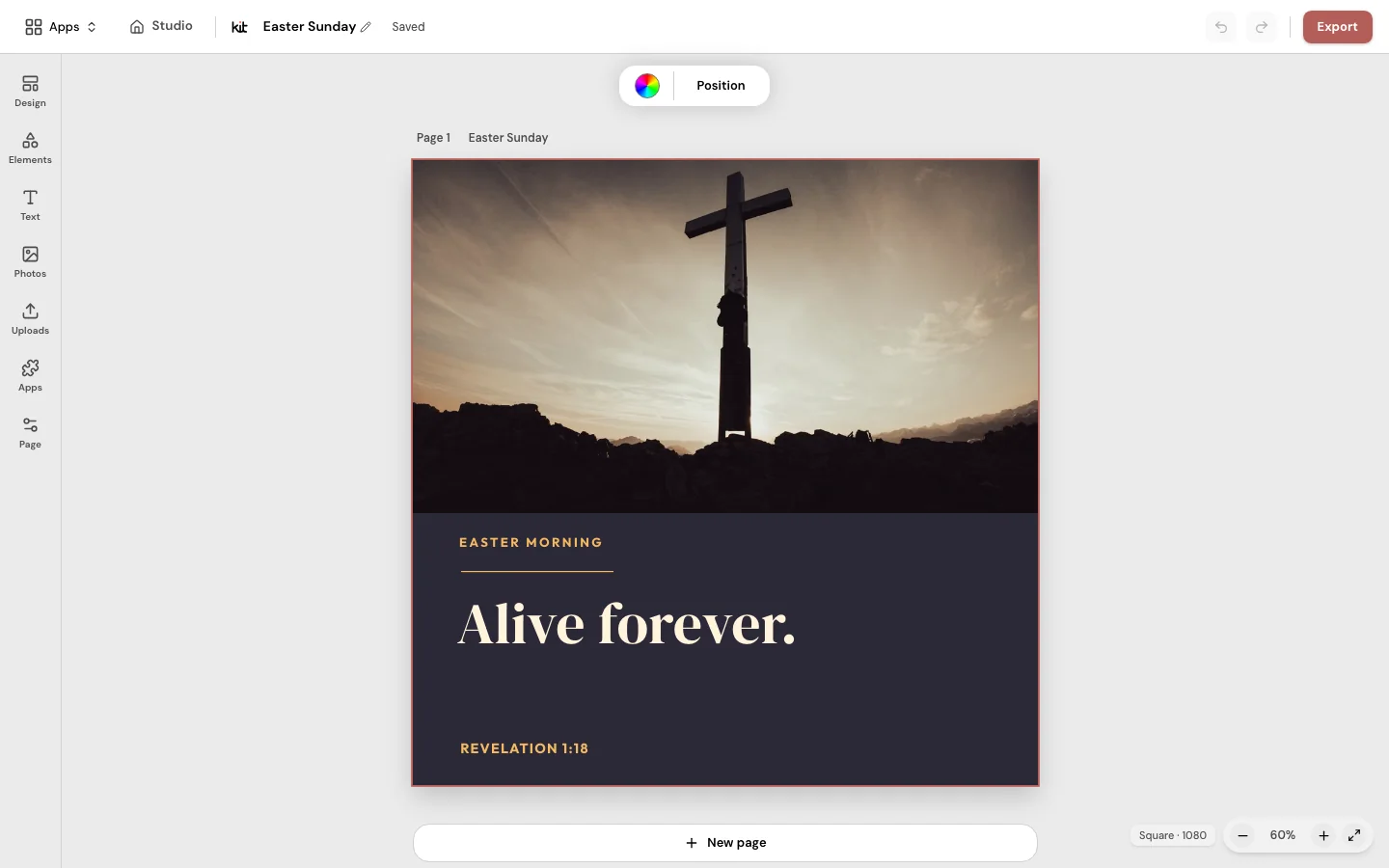
Church Media Kit turns one sermon into editable graphics, slides and clips for review. A person on your team checks each draft, then downloads it and shares it.
Four ways churches run their media.
Each works for some teams. Check current prices and terms on each option’s own site.
| All volunteers, by hand | A media library | Staff or an agency | Church Media Kit | |
|---|---|---|---|---|
| Starts from | A free tool and a plan | A catalog of graphics, backgrounds or videos | A role or a monthly contract | Your sermon, or a church template |
| Who does the work | Your volunteers, every week | You pick and edit what you need | A paid person or team | You review and edit drafts that are already made |
| Your church’s look | Set by whoever makes each piece | Varies by library and file type | Set by a brief and brand guide | Your Brand Kit logo, colors and fonts in every design |
| Best when | You have a few steady volunteers with design skills | You want finished assets to browse | You want someone else to own the media | A small team needs sermon content made each week |
Church Media Kit makes drafts of slides, graphics and clips. It does not run live slides, sound or a livestream. Your church posts the content itself and reviews every draft.
Church media software by job.
Churches pick one tool for each job instead of one tool for everything. The right choice depends on the job and the budget.
- Slides and lyrics: presentation software that shows songs, Scripture and announcements on the room screen.
- Livestream: streaming software and a platform such as YouTube or Facebook.
- Video: an editor for sermon highlights and clips.
- Graphics: a design tool with church templates, fonts and a saved logo.
- Planning: a tool that lists the service order and who is serving.
- Social: a place to plan posts and a clear approver.
Livestream, music rights and captions.
CCLI (Christian Copyright Licensing International) licenses churches to use worship songs. In the US, it says its Streaming License extends the Church Copyright License to online worship. It covers songs your musicians perform live, and a Streaming Plus license adds recorded tracks. Read CCLI’s own terms for your case, because licenses differ by country and church size. This is not legal advice.
Get permission before you show people on camera, and tell your congregation that services are recorded. Captions help viewers who are deaf or hard of hearing, and the W3C’s accessibility guidelines list captions for live audio at their AA level. YouTube’s automatic live captions are machine-made, so review them after the stream.
Free church media resources.
These pages are free to use, and each states its own terms. Read them before you use anything on a stream or in a printed piece.
How a small volunteer team gets it done.
Start with one output you can keep up, such as the sermon slides, and add a second one only when the first is steady. Write a one-page run sheet for each role, a short list of who does what and when. Train two people for each role so no one serves every week.
Hand the pastor’s content to the team the same way each week. A simple note with the sermon title, the passage and the announcements is enough.
Keeping a media team from burning out.
Church media training guides and trade writers describe the same causes: the same people serving every week, always working in the booth, and unclear expectations. Their fixes are simple too: rotate roles, limit how often anyone serves, write each role down and check in with each person.
These are practitioner advice, not study results. Take the one that fits your team and start there.
Where to start this week.
Pick one output to do well, such as the sermon slides, and name one person who owns it. This week, have them write its run sheet: who does what, and when.
Then run the Church Media Check to see which job is costing your team the most time.
Frequently asked questions
A media team that keeps up.
Start from your sermon, review each draft and download what your church needs.
Free account. No card needed. Plans start at US$29.95 a month.
More apps in Church Media Kit.
 Sermon to SocialPaste a YouTube sermon link. Get posts you can edit and share yourself.
 Sermon ClipsUpload a sermon video. Get short video clips with captions.
 Sermon SlidesTurn your sermon notes into a presentation and livestream text bars.
 DesignMake graphics for posts, flyers, bulletins and cards. Then download or print them.
 Verse of the DayA ready-made Bible verse image for every day.
 BackgroundsBackgrounds for the song words on your church screens.
 Church in bioOne link for your Instagram or Facebook page, with service times and directions.