Volunteers, pastors, and operational handoffs
Guest speaker media brief: a one-page form to send visiting speakers
What to ask a guest speaker or visiting group before Sunday: slide format, video files, microphone, recording and streaming consent, names on screen and timings, plus a one-page brief to send.


On this page
- Why does a guest speaker need a media brief?
- What should you ask about slides?
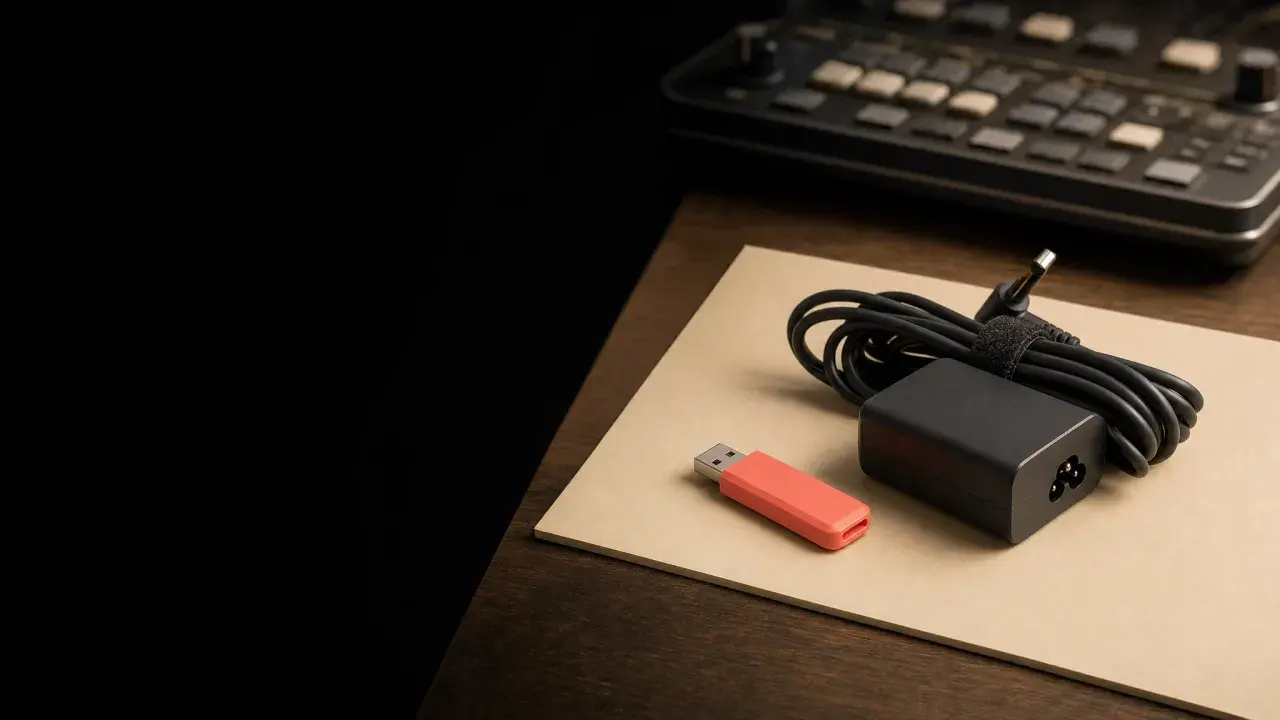
- What about the guest's own laptop or thumb drive?
- What should you ask about video?
- What should you ask about the microphone?
- What do you ask about recording and streaming?
- What names and details should the screen show?
- What timings do you need?
- What does the one-page brief look like?
- Where is another approach better?
- Frequently asked questions
- Sources
It is 9:40 on Sunday. The visiting preacher walks up to the media desk with a thumb drive, a Keynote file that wants a font you do not have, and a video he plans to play at minute twelve. He would also rather not wear a microphone, and nobody has asked whether the service is recorded. You can fix some of that in five minutes. Most of it you cannot.
The fix is a one-page brief, sent a week ahead, that asks six things and tells the guest what you will do with their answers. Ask for slides and video by a set day in a format your computer can play, agree a microphone, say plainly that the service is recorded or streamed and ask what they are happy with, confirm how their name is written, and agree the timings. The one-page brief below covers all six.
Ten-minute win: copy the brief below, fill in the first three blanks (the guest's name, the date of the service and the day you need a reply), and send it to the next guest the day you book them. That alone moves most surprises from Sunday morning to the week before.
This is practical advice, not research. We found no standard brief for guest speakers in churches, so the questions come from what a handful of church and event guides ask, plus our own suggestions. Sources are at the end, with the dates we checked them.
Why does a guest speaker need a media brief?
Because a guest has no idea how your room works, and you cannot see their slides until they hand them over. A guest does not know your screen shape, your software, your microphones or your recording habits. You do not know their file format, their video plans or their comfort with being filmed.
A brief turns those unknowns into answers you have before Sunday, and tells the guest what happens to their talk. If you run media alone, it also saves you from solving five problems in the last twenty minutes; the one-person Sunday plan shows where those minutes go.
Free printable PDF
Church photo and video release forms
What is inside
- An adult release with a separate tick box for social media, website, livestream and printed materials, and a clear way to say no
- A parent or guardian release for a child, with no names beside a child's image unless the parent agrees
- A one-page form to withdraw or change permission, and what happens next
- A service filming notice: bulletin, slide and spoken wording, an entrance sign to cut out and out-of-view seating
- A one-page media team checklist and a do-not-photograph list
Enter your email and confirm a code to download. We email you a copy the first time each day.
What should you ask about slides?
Ask whether they use slides, and in which file type. Then say which type you want, and when.
Churches ask for different things, and that is the point: say yours. A church media page for guest speakers, checked on 9 November 2026, asks for all media at least 24 hours in advance. It says that if you send a PowerPoint or Keynote presentation, the team will convert it to play within its presentation software, and that slides should be set to 16:9. A second church's speaker form, also checked on 9 November 2026, asks for a Word document or text file instead of PowerPoint or Keynote, because of the software it uses, and its communications team builds the slides. Its outline deadline is noon on the Wednesday before the weekend of the talk.
- Slide shape. If your screens are widescreen, ask for 16:9. A deck made at the older 4:3 shape will show black bars or stretch.
- File type. PowerPoint (.pptx) and PDF are the safest to accept. Keynote files from a Mac often need exporting first, so ask for an export.
- Fonts. If the guest uses an unusual font, ask them to export to PDF, or to send the font file. A missing font is the usual way a guest's slides change shape on your computer.
- Deadline. Pick a day, not "beforehand", and say what happens to late files.
What about the guest's own laptop or thumb drive?
Decide this before the guest asks, because the answer affects your cabling.
Paul J. Scharf, writing as a guest speaker for SharperIron on 8 September 2023 (checked 9 November 2026), prefers to run his own slides from his own laptop. He warns that loading a thumb drive onto a church computer "entails the added risk that fonts and graphics will become corrupted in translation." He adds that if he cannot control slides with his own remote, he usually skips them. That is one guest's view, not a rule. But it is the view your guest may hold.
A fair compromise is to take their files in advance, test them on your computer, and keep a spare path ready. For example, say: "We will run your slides from our computer from the files you send. If you would rather use your own laptop, tell us, and we will give you the right adapter."
What should you ask about video?
Ask whether they will play any video, and if so, where it comes from and how long it is.
Then check these before Sunday:
- A file, not a link. A video that streams from the internet can stall. Ask for the file, and play it from your computer.
- Length and start point. Ask for the start and end times, so you do not play an introduction you did not plan.
- Sound. Ask whether the video has sound, because it needs a line into your mixer and a check before the service.
- Rights. Ask whether they have permission to show it. It is their responsibility, in our view, and the brief below asks them to confirm it.
What should you ask about the microphone?
Ask what they prefer, and tell them what you have. We found no source we trust to give a rule here, so these are suggestions.
- Offer the option you have. A headset or a small clip-on microphone usually leaves a speaker's hands free. A handheld is the simplest to explain. Tell the guest which you offer.
- Ask about glasses, hair and jacket. A headset arm can clash with glasses, and a clip-on microphone needs a collar or a lapel to hold a pack.
- Do not demand. If a guest will not wear a microphone, tell them what that means for the recording and the stream, and leave the choice with the pastor.
What do you ask about recording and streaming?
Tell the guest first, then ask what they are comfortable with.
The Diocese of Oxford's page on filming in churches, checked on 9 November 2026 (no date shown), says people should be clearly informed when filming or livestreaming takes place. It adds that consent should be obtained where individuals are identifiable, and it names consent from choirs, musicians and readers for recorded performances. The page does not mention preachers or speakers. It says, in general, "It is for the incumbent and PCC to decide what is appropriate in their context." That page is about Church of England parishes, so your rules may differ.
For a guest, we suggest asking three plain questions:
- May we record your talk for our own records?
- May we stream it live?
- May we keep it online afterwards, and for how long?
Ask for the answers in writing, even if it is a reply to an email. A guest who says yes to a live stream may still say no to a clip on social media, so ask about clips as a separate question. Wording on consent, rights and copyright varies by place, so ask your denomination or an adviser for a form that fits where you are, rather than copying ours as legal text.
One related point: the guest's permission does not cover music or video made by other people. The Oxford page says parishes should hold the appropriate licences for livestreaming or recording worship songs, giving the example of a CCLI Streaming Licence "where applicable". If a visiting group is leading songs, check your licence covers them.
What names and details should the screen show?
Ask the guest to write them out, so you copy instead of guess.
- Their name as they want it shown, with any title.
- Their role or organisation, in a few words.
- The Bible passages they will use, with the translation.
- Any web address or contact they want shown, and where it should go.
Check a name on screen against what the guest wrote. A wrong name is the mistake people remember. The lower thirds guide covers where the name strip goes.
What timings do you need?
Ask for the length of the talk and any moments that need a cue.
- Talk length. Ask the guest, then agree it with your pastor, who decides.
- Cue points. Ask which slide or video needs a cue, and whether they will signal you.
- Handover. Ask who introduces them, and who closes.
A guest who gives you their notes with the slide moments marked makes your job easier. In a comment on Scharf's article dated 11 September 2023, Aaron Blumer says that after his remote failed, he had to cue the slide operator at every transition, and that in hindsight he would hand over a copy of his notes flagged where slides should advance. Ask for that copy.
What does the one-page brief look like?
Copy this, fill in the bracketed parts and send it as the body of an email. Questions marked "(optional)" can be skipped, so the guest does not feel interrogated.
Media brief for [guest name], [date of service]
Thank you for joining us. This page tells you what our media team will do, and asks a few questions so Sunday goes smoothly. Please reply by [day].
1. Slides
Please send slides by [day, time] to [name and email]. We show slides at 16:9 (widescreen). We can play PowerPoint (.pptx) or PDF. If you use Keynote, please export to one of these. If you use an unusual font, please export to PDF. Tell us if you would rather run your own laptop. Late slides: [what you will do].
2. Video
Will you play any video? [yes / no] If yes, please send the file (not a link) with its length and the start and end times. Does it have sound? [yes / no] Please confirm you have permission to show any video you send.
3. Microphone
We can offer [headset / clip-on / handheld]. Which would you prefer? Please arrive by [time] to test it. Tell us about glasses or anything else that affects a headset.
4. Recording and streaming
Our service is [recorded / streamed live / both] and posted [where, for how long]. Are you happy with: recording for our records [yes / no], live streaming [yes / no], keeping it online afterwards [yes / no], short clips [yes / no]? Anything that cannot be shown (optional): ______
5. Names and details
How should we write your name and title on screen? ______ Your role or organisation (a few words): ______ Bible passages and translation: ______ Anything else for the screen (optional): ______
6. Timings
How long will you speak? ______ Which slides or moments need a cue? (A copy of your notes with the cues marked is perfect.) Who introduces you? ______
Your contact on Sunday: [name, phone]. Thank you.
Where is another approach better?
If the guest is a regular, send a shorter version: the questions that changed since last time. If the visit is a one-off at a small service with no stream and no slides, the full brief may be too much, and a text message with a time to test the microphone is enough.
A church that wants guests to send an outline instead of finished slides can do what the second church above does: collect an outline by a set day and build the slides itself. That puts the work on your team, so only do it if someone owns it. For a visiting band or school choir, add a line about their sound check, their music and who brings which cables, and ask your sound lead to write that part.
Frequently asked questions
How far ahead should I send the brief?
When you book the guest, with the deadline a week before Sunday if you can. Church pages we read ask for media from 24 hours before to the Wednesday before, so choose the deadline your team can meet.
What if the guest ignores the brief?
Send one reminder two days before the deadline, with the three most important items: slides, microphone and recording. If nothing arrives, tell your pastor what will happen on Sunday, such as a plain title slide and a handheld microphone, so it is decided in advance.
Do we need a signed form for a guest speaker?
Practice varies between churches, countries and denominations. Written agreement by email is a sensible minimum, in our view. Ask your pastor, your denomination or a legal adviser whether you need a signed release.
Can a guest refuse to be recorded or streamed?
Yes, a guest can say no, and the pastor decides what the church does about that. If they say no, ask about audio only, or the room only, and tell the congregation.
Sources
- Church media page with a Speaker Presentation Form (springtownchurch.churchcenter.com), no date shown, checked 9 November 2026. Used for: media at least 24 hours in advance, PowerPoint or Keynote converted, 16:9. springtownchurch.churchcenter.com
- Guest speaker form (whchurch.org), no date shown, checked 9 November 2026. Used for: outline by Wednesday noon, Word or text instead of PowerPoint, communications team builds the slides. whchurch.org
- Paul J. Scharf, "The Joys and Challenges of Being a Guest Speaker (Part 3)", SharperIron, 8 September 2023, checked 9 November 2026, with a reader comment dated 11 September 2023. Used for: own laptop and remote, thumb-drive font risk, hand over flagged notes. sharperiron.org
- Diocese of Oxford, "Filming in churches", no date shown, checked 9 November 2026. Used for: informing people, consent where people are identifiable, performers, licences. oxford.anglican.org
- The microphone advice, the six-question order and the brief wording are our own suggestions, not research results.
Free printable PDF
Church photo and video release forms
Printable church photo and video release forms: an adult form with a separate tick box for social media, website, livestream and printed materials, a parent or guardian form for a child, a one-page way to withdraw, a service filming notice with sign wording and a media team checklist. Information, not legal advice.
Enter your email and confirm a code to download. We email you a copy the first time each day.
Try Church Media Kit
Review what’s included and try the tools that fit your church’s workflow.
A free account needs no card. Sermon to Social, Sermon Clips and Sermon Slides each give one free use. That is one sermon, one upload up to 2 hours, and one AI presentation. Church in bio is free for 14 days after you first publish it. Design and Verse of the Day are free with any account. Review the offer when choosing your plan.