Volunteers, pastors, and operational handoffs
How to record a sermon: sound, backup and file steps
To record a sermon, get the sound first: a mic on the preacher or a board feed, a headphone test, a backup recording, and the file saved twice.



On this page
To record a sermon, get the sound right first, then the picture. Put a mic on the preacher or take a feed from the sound board, test it on headphones, run a second recording as a backup, and save the file with a clear name in two places. A camera's built-in mic is rarely good enough, so it is better not to depend on it.
This guide follows that order, for anyone from one volunteer with a phone to a team with a board and cameras. Where a step comes from a published page, the text says so and links to it. The rest is plain practice, so change it to fit your room. We last checked the linked pages on 9 November 2026.
Start with the sound
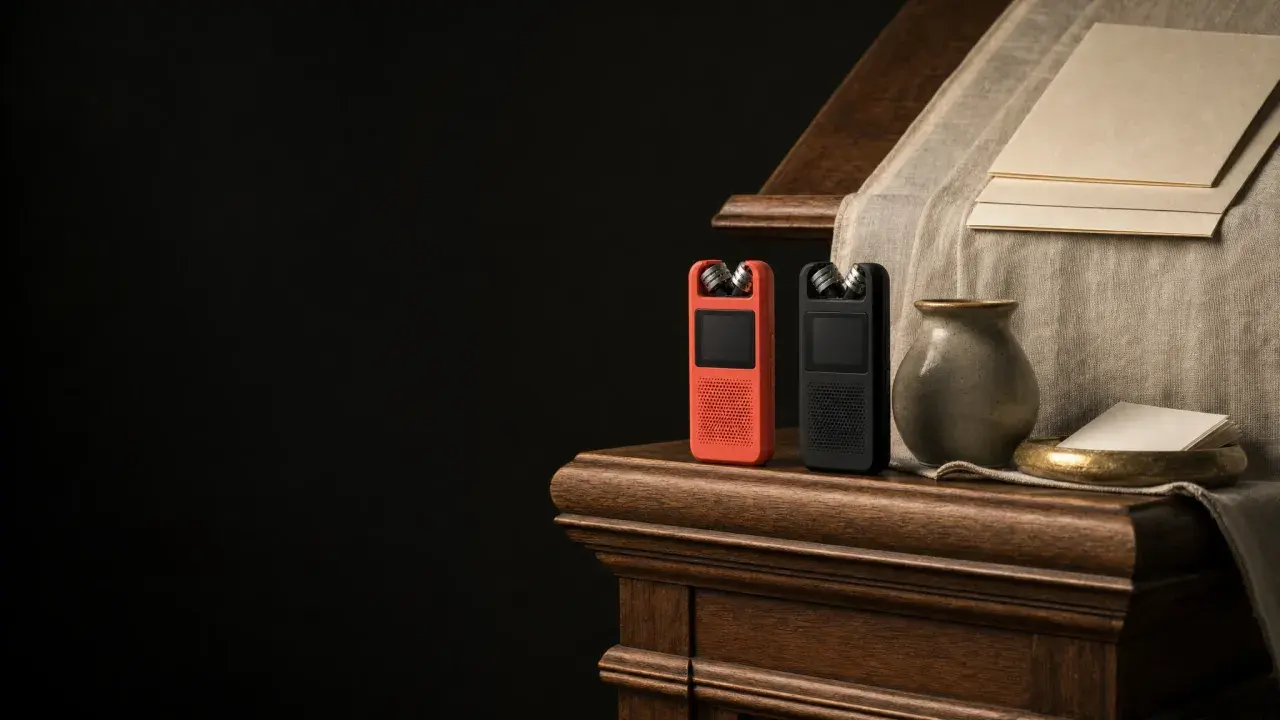
Rev, a transcription company, says that a camera's built-in microphone is not likely going to be good enough. Rev lists three ways to improve it: an external mic on the camera (such as a clip-on mic worn by the preacher), a signal from the mixing board, or a separate field recorder.
If your church has a sound board, ask the person who runs it what the board can send. HARMAN, a sound equipment maker, says that a straight stereo mix can work for an audio-only recording of the pastor's sermon, but that for a full service with music it tends to sound dry. It describes creating a separate, dedicated mix for recording, set while wearing headphones.
Free printable PDF
Sermon recording checklist
What is inside
- Choosing the sound source: the preacher's mic, the sound board or a separate recorder, with the source for each
- A mic, room and levels check, a test recording and a backup recording for one volunteer or a team
- File format, naming, a second copy and the hand-off to whoever posts, plus a notice for the congregation and guest speakers
- Variants for a phone, a board and cameras, a homily, an audio-only church and several campuses, plus a setup card and a weekly log
Enter your email and confirm a code to download. We email you a copy the first time each day.
Place the mic and check it
For a lapel mic, Resi, a church streaming provider, advises that you clip it on the speaker's clothing, ideally around 6-8 inches below the chin. The same page says to keep spare batteries on hand and to test your microphones before services.
A test that works is simple: ask the preacher to read a few lines of the sermon at the volume they will really use, then play the recording back on headphones. Listen for hum, for clipped loud moments and for noise from fans or doors. Fix what you hear now, because it is hard to remove afterwards.
Frame the preacher, or skip the picture
If you record video, a steady wide shot from the waist up is enough. Rev says a relatively current iPhone or Android phone can do the job of capturing a sermon, and advises a tripod or mount to keep the image stable. Beyond that, plain practice: record in landscape, turn on airplane mode, plug the phone in and free up storage first.
An audio-only recording is fine too. It suits a website or podcast page, and it is the right place to start if your church has no camera.
Run a backup
A second recording is the cheapest insurance you can buy. Start a phone, a handheld recorder or a laptop at the sound desk at the same time as the main recording. It only has to be good enough to rescue the sermon. If it is audio on a separate device, Rev notes that you will need to sync this audio to your video "during the editing process."
If you record with OBS, the OBS Project's recording guide says it can record at the same time as streaming, recommends MKV in case of unforeseen issues arising, and explains how to remux to MP4 afterwards (File, then Remux Recordings).
Choose a file you can use
MP4 and MOV open in most editing and upload tools. YouTube's upload settings page says content should be encoded and uploaded in the same frame rate it was recorded, so do not change it when you export. On an iPhone, Apple's support page says to tap Formats, then Most Compatible if the computer that edits cannot open the default file.
Name it, save it twice, hand it on
Name the file with the date and the sermon or homily title, for example 2026-11-15-the-good-shepherd. Keep the original untouched and edit a copy. Copy it to a second place the same day, then tell whoever posts where it is and by when. A file that only you can find is not a finished recording.
Tell people it is being recorded
Information, not legal advice: rules differ by country, state and denomination, and your denomination's or diocese's policy comes first. As one example, a US church insurer's published guidance (Brotherhood Mutual) says to advise the congregation at the beginning of the worship service. CCLI says to ask permission from any speakers or performers before you webcast their contributions, which includes a guest preacher.
What happens to the recording next
A saved recording can become much more than the file. An MP4 or MOV recording can go into Sermon Clips, which makes captioned clips, a transcript, a summary, small group questions, drafts for social posts and a recap email for your team to review. Sermon Clips takes video files (MP4 or MOV), so for an audio-only recording, add a simple video recording of the pulpit. If the sermon is also on your public YouTube channel, Sermon to Social can start from that link instead. To turn a recording into posts your team has checked, see from one YouTube sermon to reviewed social posts. To reuse the message on your website, see how to write a sermon summary for your church website.
Download the sermon recording checklist A printable version of these steps, with a setup card and a weekly log to fill in.
Frequently asked questions
What is the easiest way to record a sermon?
Use a phone on a tripod with a clip-on mic, record the whole sermon as one file, start a second device as a backup, and save the file twice with a clear name.
Can I record a sermon with just a phone?
Yes. Rev says a relatively current iPhone or Android phone can do the job. Put it on a mount, in landscape, with airplane mode on, and plug in a mic if the phone is far from the preacher.
What file format should a sermon recording be?
For video, MP4 or MOV works with most tools. If you use OBS, MKV is recommended while recording and you can remux it to MP4 afterwards.
How do I record a homily at Mass?
The sound steps are the same. Mark when the homily starts and ends so it can be cut from the whole service, and ask your pastor or diocese where cameras may stand and what may be shown.
Free printable PDF
Sermon recording checklist
A printable checklist for recording the sermon or homily every week, from one volunteer with a phone to a team with a sound board and cameras: choose the sound source, place the mic, set levels, frame the preacher, run a backup recording, name and save the file, tell people it is being recorded, and hand the file on, with a setup card and a weekly log.
Enter your email and confirm a code to download. We email you a copy the first time each day.
Try Church Media Kit
Review what’s included and try the tools that fit your church’s workflow.
A free account needs no card. Sermon to Social, Sermon Clips and Sermon Slides each give one free use. That is one sermon, one upload up to 2 hours, and one AI presentation. Church in bio is free for 14 days after you first publish it. Design and Verse of the Day are free with any account. Review the offer when choosing your plan.